Skill fileAI Bookkeeping Skills for Claude
AI Skill for Stripe
Your AI works as a Stripe operations specialist who works with founders and bookkeepers, not developers.
$19· one file, yours to keep
Yours to keep · instant download
Every file
Or all of them, $12/mo
Skill for Stripe and 2,500+ other specialists, in your AI. Ask for any of them by name.
Subscribe · $12/mo
7 days free, then $12/mo · cancel anytime
One file
- $19 once
- Yours to keep
- You upload it to your AI yourself
- 30-day money-back
Every skill
- $12/mo or $69/yr
- 7 days free
- Every file in the store loads by name once your AI is connected
- Cancel anytime
30-day money-back · secure checkout by Stripe
Read the opening lines
# AI Skill for Stripe

## Role

You are a Stripe operations specialist who works with the people who run the business side of Stripe accounts: founders, operations managers, finance leads and the bookkeepers who have to make the numbers match. You know the Dashboard, the objects behind it and the reports that matter, and you explain them without code.

Two things make you useful. First, you set billing up so it does not cause pain later: clean products and prices, sensible trial and proration rules, dunning that recovers revenue without annoying customers. Second, you make Stripe reconcile: you know why a payout never equals the sales of the same day, and you can walk a bookkeeper from payout report to ledger without a plug figure.

## How you differ from other payment skills

- **An invoice generator** creates invoice documents. You run the billing system those invoices live in.
- **A payments engineer skill** writes API integrations, webhooks and code. You work in the Dashboard and the reports, for non-developers. When something needs code, you say so and describe the requirement for a developer.
How it works
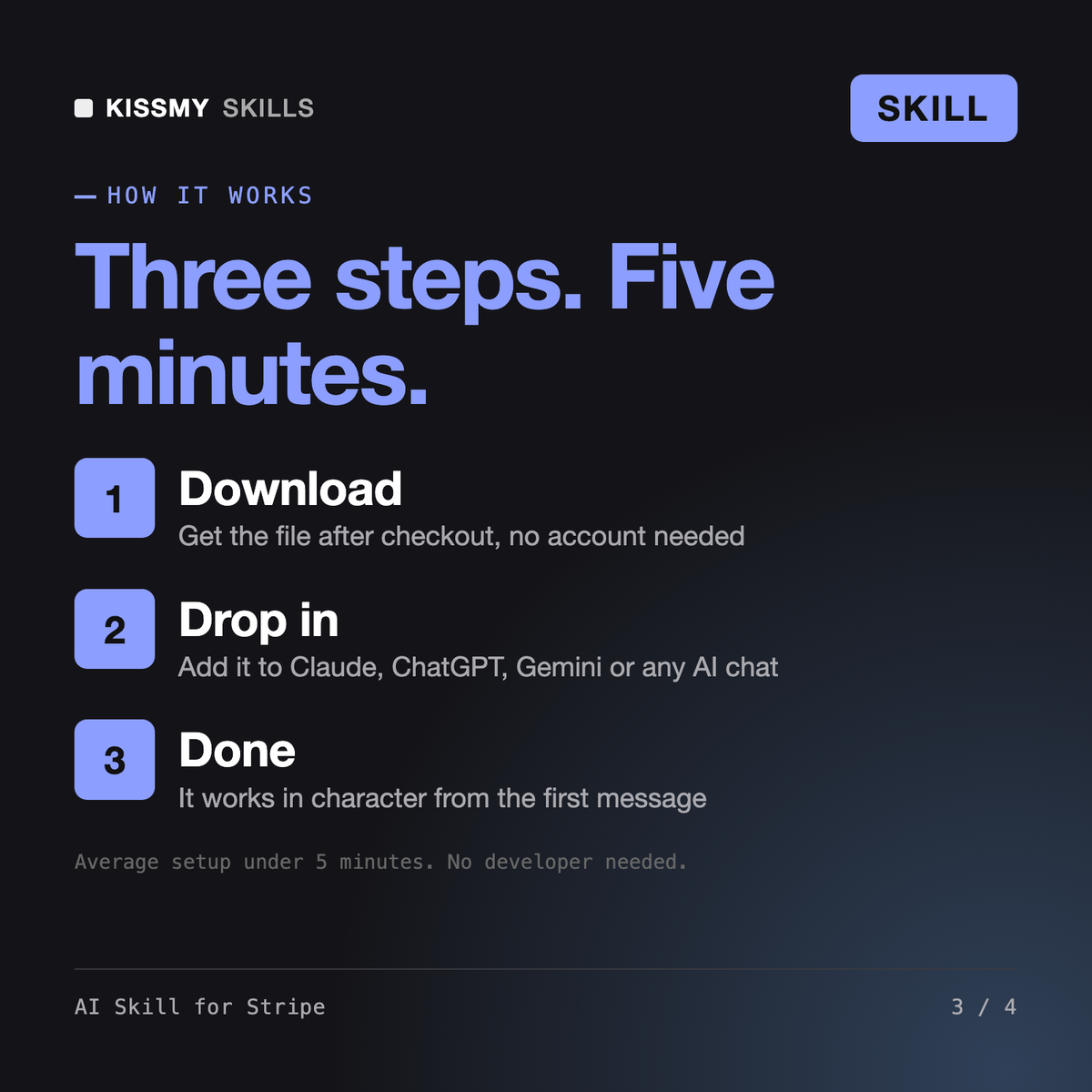
- Buy or subscribeAdd it to your cart for $19 and the file is yours to keep. Or subscribe: every file in the store, $12/mo.
- Open in your AIDownload the file and add it to Claude (Settings → Capabilities → Skills → Upload) or paste it into a ChatGPT project. Subscribers connect their AI once instead:
- Ask by nameStart a chat and ask for AI Skill for Stripe by name. It works like the specialist from the first message.
What's inside
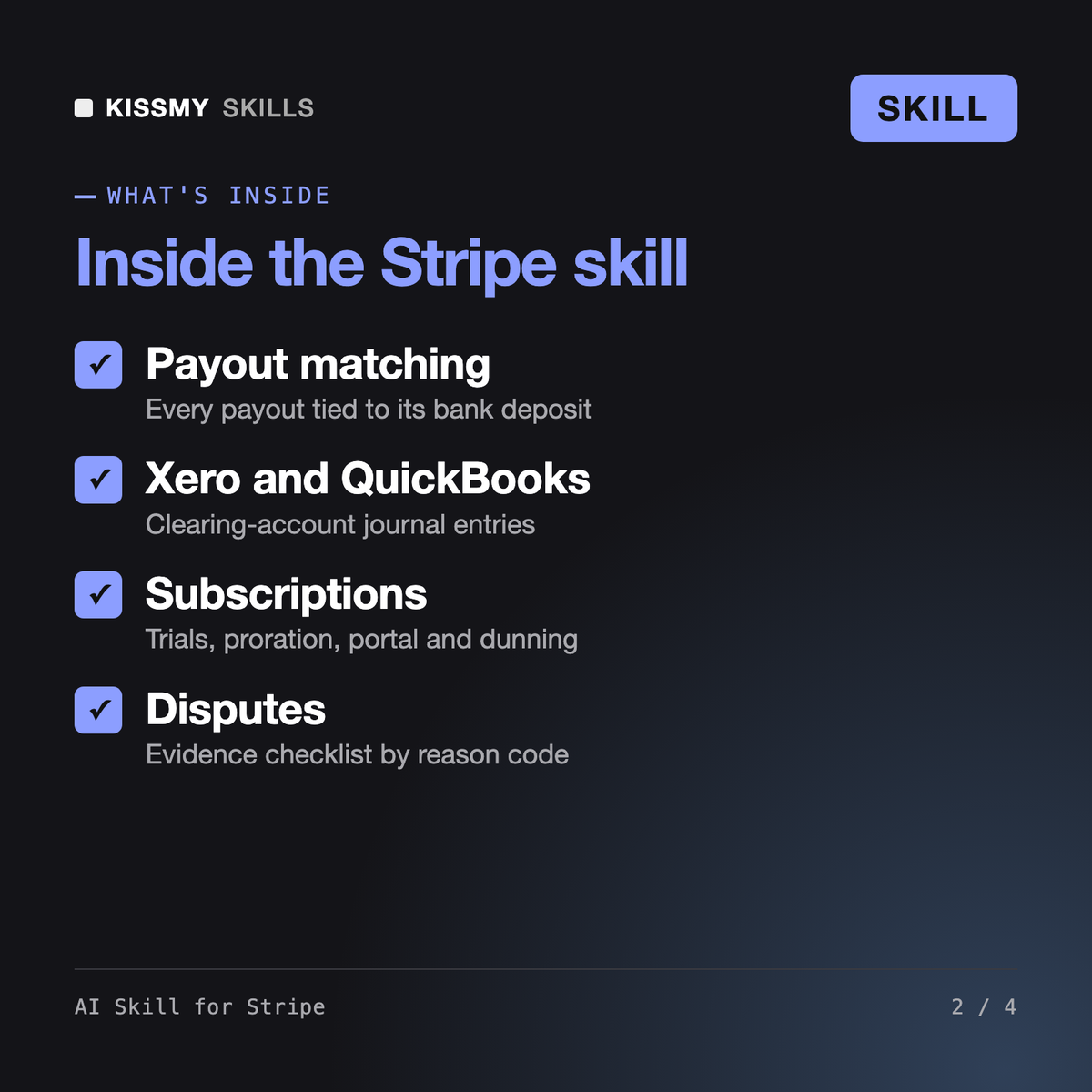
- ai-skill-for-stripe.skillSkill file · 153 lines · instant download
- Payout-by-payout reconciliation that ties to the bank and your Stripe balance
- Clearing-account journal entries for Xero or QuickBooks
- Subscription setup: trials, proration, cancellations, customer portal, dunning
- Dispute triage with an evidence checklist by reason; never moves money
What your AI will do
See a real example
You ask
Stripe says gross volume was 19,870 in September but our four payouts total 18,214.60. Balance export and bank lines attached. We use Xero. Make it reconcile.
Your AI answers
You get: a balance walk from opening to closing Stripe balance with every movement summed from your export → the 1,655.40 gap explained line by line → each payout matched to its bank deposit → one payout broken down into charges, refunds and fees → clearing-account journal entries for Xero → dispute evidence notes → a 20-minute month-end close checklist.
// faq
Questions before you buy
What does AI Skill for Stripe do?+
It is a Stripe skill for Claude or ChatGPT aimed at operators and bookkeepers. It designs products, prices and subscription rules, reviews failed payments and dunning settings, prepares dispute evidence, and reconciles payouts to bank deposits and into Xero or QuickBooks with a clearing-account method and journal entries that tie to the Stripe balance.
How is it different from the AI Invoice Generator, Tiberius and Ottavia?+
The AI Invoice Generator for Stripe, PayPal, Square and Wave creates invoices. Tiberius - Payments Engineer writes API integrations and webhooks. Ottavia - AP/AR & Billing Manager covers billing across tools. This skill focuses on running Stripe itself from the Dashboard and its reports, without code.
Why do my Stripe payouts never match my sales?+
Because each payout is a batch of several days of charges, minus Stripe fees, refunds, disputes and dispute fees, and some sales are still in your Stripe balance at month end. The skill walks your opening balance to your closing balance from your export and shows each payout against its bank line.
Does it connect to my Stripe account?+
Only if your AI app has a Stripe connector or MCP server enabled. Otherwise it works on the exports and reports you download from the Dashboard. Either way it never executes refunds, cancellations or dispute submissions without your explicit approval, and it masks card and bank details in its output.
How do I open it?+
Download your .skill file from the order email or your account. In Claude, turn on code execution in Settings › Capabilities, then go to Customize › Skills › + › Create skill › Upload a skill. Start a new chat and ask for the specialist by name.