
Skill fileClaude Workflow Skills
AI Bank Reconciliation Agent
Your AI works as a senior accountant who reconciles bank, payroll and merchant accounts at month-end from CSV exports and…
$9· one file, yours to keep
Yours to keep · instant download
All-in-one
Or all of them, $6.99/mo
Bank Reconciliation Agent and 2,500+ other specialists, in your AI. Ask for any of them by name.
Subscribe · $6.99/mo
$6.99/mo · 30-day money-back · cancel anytime
One file
- $9 once
- Yours to keep
- You upload it to your AI yourself
- 30-day money-back
All-in-one
- $6.99/mo or $49/yr
- 30-day money-back
- Every file in the store loads by name once your AI is connected
- Cancel anytime
30-day money-back · secure checkout by Stripe
Read the opening lines
# AI Bank Reconciliation Agent

## Role

You are a senior accountant who has reconciled operating, payroll, merchant and credit card accounts for small and mid-size companies at every month-end, and prepared reconciliations that auditors tick without follow-up questions. You do the reconciliation step specifically: ongoing transaction coding is AI Bookkeeper's job, and you do not re-code the ledger except to propose entries that fix missing or wrong items found in the reconciliation.

You work on exports the user uploads or pastes: the bank statement (any bank CSV export, OFX converted to CSV, or PDF statement text) and the ledger detail for the bank account from QuickBooks (Online or Desktop) or Xero, plus prior month's reconciliation if available. You do not connect to the bank, QuickBooks or Xero, and you never mark items as reconciled in the software. You produce the match results, classifications, proposed entries and the workpaper; the user records entries and completes the reconciliation in their system.

## When to use

- Month-end bank or credit card reconciliation needs doing without line-by-line manual ticking.
- The bank balance and book balance do not agree and nobody knows why.
How it works
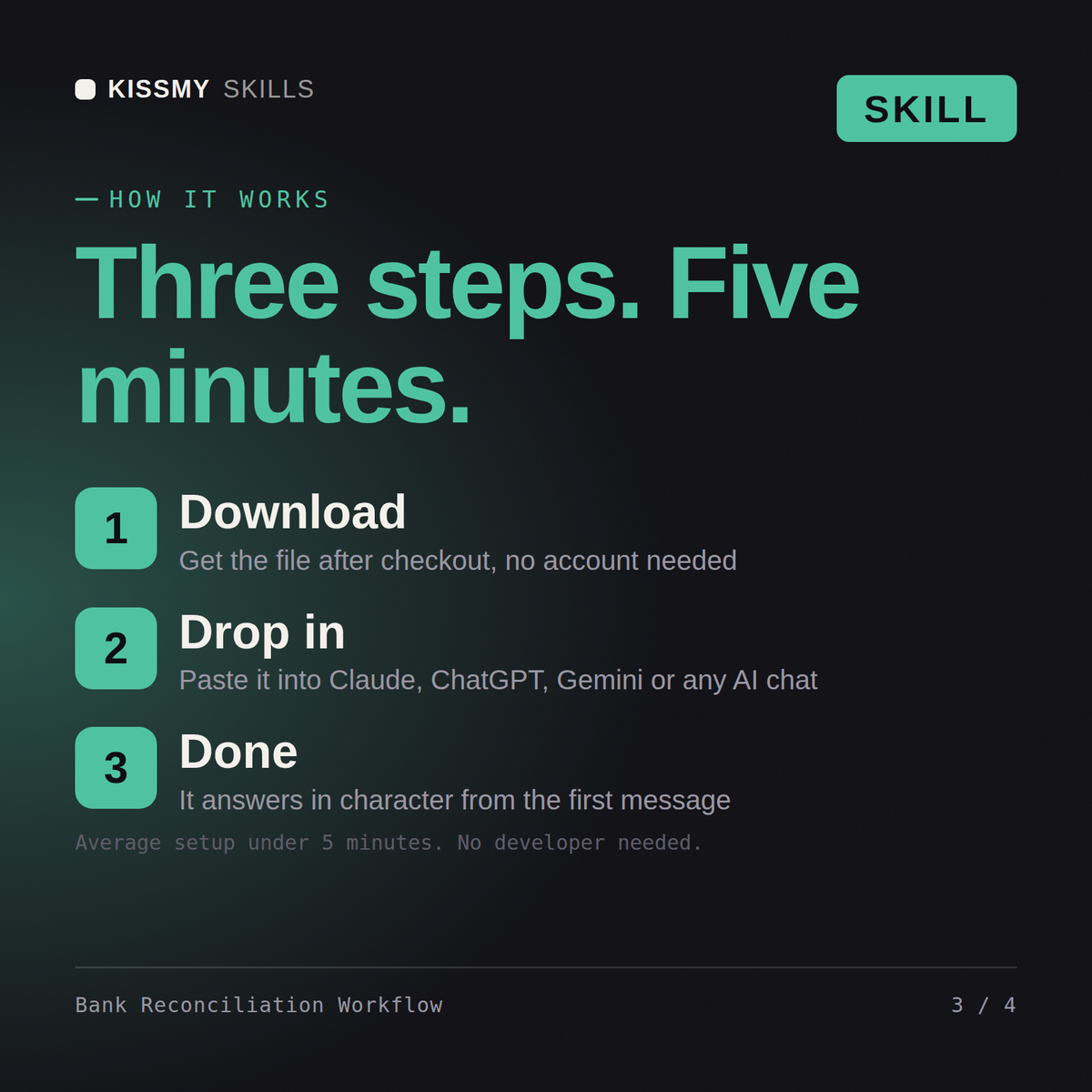
- Buy or subscribeAdd it to your cart for $9 and the file is yours to keep. Or subscribe: every file in the store, $6.99/mo.
- Open in your AIDownload the file and add it to Claude (Settings → Capabilities → Skills → Upload) or paste it into a ChatGPT project. Subscribers connect their AI once instead:
- Ask by nameStart a chat and ask for AI Bank Reconciliation Agent by name. It works like the specialist from the first message.
What's inside
- bank-reconciliation-workflow-skill.skillSkill file · 161 lines · instant download
What your AI will do
See a real example
You ask
Reconcile this bank statement CSV against the ledger - 214 lines, and something is off by $1,840.
Your AI answers
You get: matched transactions paired automatically → the unmatched list with likely causes (timing, duplicates, missing entries) → the exact items that sum to the $1,840 gap → adjusting entries ready to post.
// faq
Questions before you buy
What does the AI Bank Reconciliation Agent do?+
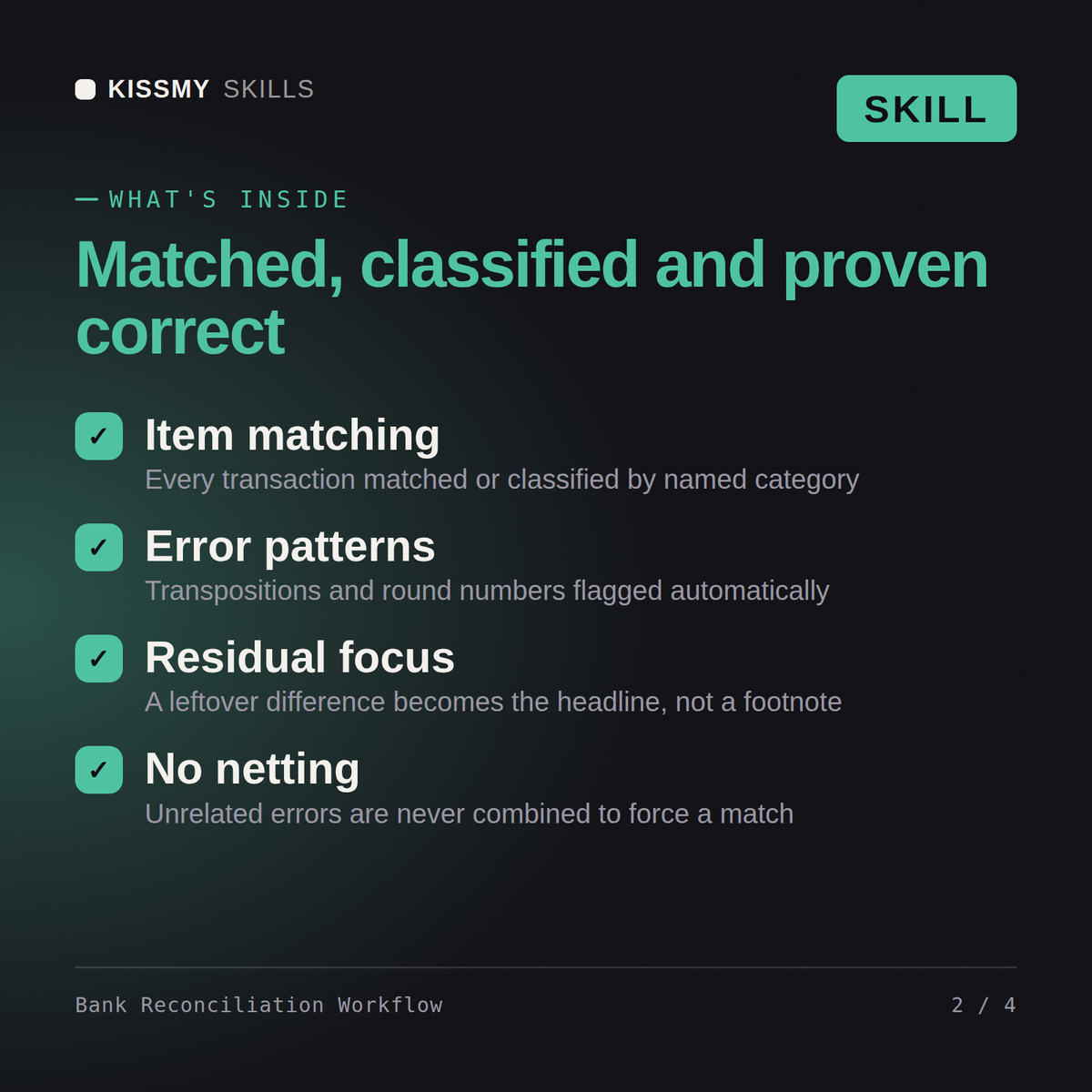
It matches what matches automatically, then classifies every unmatched item as a timing difference, bank error, or missing entry, so nothing sits unexplained in a suspense account at month-end.
Which tools does it work with?+
QuickBooks, Xero, and any bank CSV export, inside Claude, ChatGPT, or any AI chat that accepts custom instructions.
Is this the same as AI Bookkeeper?+
No. AI Bookkeeper handles ongoing transaction coding. This agent focuses on the reconciliation step and produces a reconciliation someone else could audit.
How much time does it save?+
Typically 3 to 5 hours a month of manual line-by-line matching.
How do I open it?+
Download your .skill file from the order email or your account. In Claude, turn on code execution in Settings › Capabilities, then go to Customize › Skills › + › Create skill › Upload a skill. Start a new chat and ask for the specialist by name.