

AI Pixel Art Prompt Pack (Midjourney, GPT Image, Nano Banana)
Indie game developers, game jam teams and hobby artists who want pixel art sprites, tiles and icons from AI image tools they already use.
Prompt setAI Image & Design Prompt Packs
Gets you a consistent sticker, emoji or GIF set from the image tool you already use.
$9· one file, yours to keep
Yours to keep · instant download
Or all of them, $6.99/mo
Sticker, Emoji & GIF Prompt Pack and 2,500+ other specialists, in your AI. Ask for any of them by name.
7 days free, then $6.99/mo · cancel anytime
One file
All-in-one
30-day money-back · secure checkout by Stripe
================================================================================
  KISSMYSKILLS.COM
  AI Sticker, Emoji & GIF Prompt Pack: sticker sheets, emoji sets, loops
  Prompt Pack - Instant Use
================================================================================


WHAT YOU JUST BOUGHT
--------------------------------------------------------------------------------
A copy-paste prompt pack for making stickers, custom emoji and short looping
GIFs with the AI image and video tools you already use: GPT Image in
ChatGPT, Nano Banana in Gemini, Midjourney, Ideogram, and image-to-video
Make 12 Slack emoji of our office cat Miso, orange with a white chest, plus a waving GIF. They must look like one set and read at chat size.
You get: a STYLE LOCK for Miso with outline color and thickness, palette hex codes and character constants → a reference sheet prompt to anchor every image → two 2 x 3 emoji sheets, face only and bold enough for 24 px → a flat green background and the steps to remove it cleanly → a waving loop prompt with the same start and end frame → an ffmpeg command for a looping GIF → and a 9-point QA check before upload.
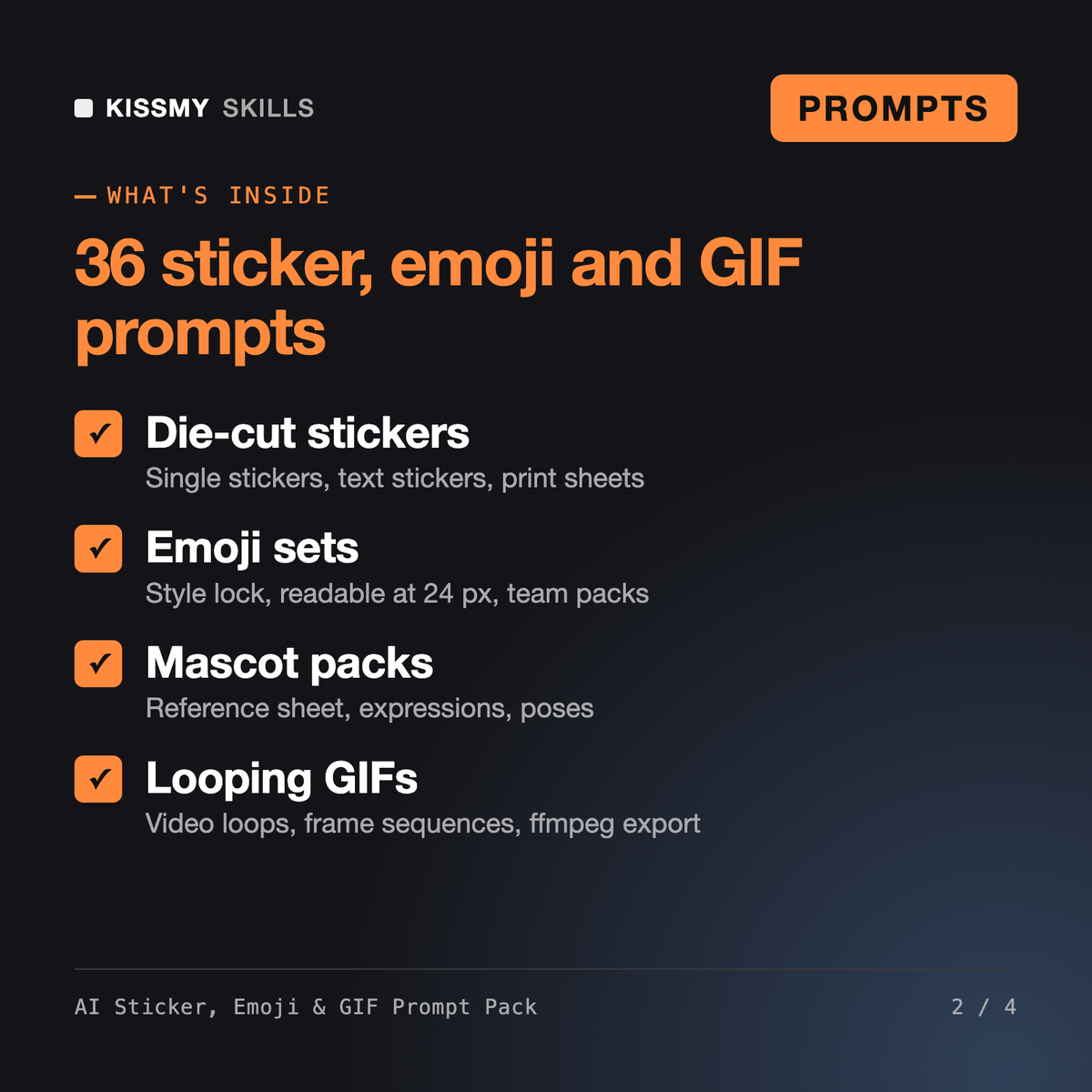
It gives you 36 prompts, a master formula and a STYLE LOCK template for making die-cut stickers, sticker sheets, custom chat emoji, mascot sticker packs and short looping GIFs with GPT Image, Nano Banana, Midjourney and image-to-video tools. It also covers background removal, small-size legibility, platform notes, a 9-point QA check and an assistant prompt that writes a whole set for you.
The AI Image Prompt Pack (Nano Banana, GPT Image, Midjourney) covers general images such as product shots, portraits and photo edits. The AI SVG Logo & Icon Generator makes a chat model write logos and icons as vector code. This pack is only about stickers, emoji and GIFs: keeping a set consistent, die-cut borders, transparency, chat-size legibility and loops.
Some can in certain modes, for example GPT Image when transparency is requested, but many cannot and some paint a fake checkerboard instead. The pack's TRANSPARENCY BLOCK asks for real transparency where available and otherwise a flat solid color, then you remove the background with a tool such as Photoshop, Canva, remove.bg or rembg and export PNG or WEBP.
It gives the Telegram static sticker format (512 x 512 px, PNG or WEBP, transparent background) and tells you to check current specs for Slack, Discord, WhatsApp, iMessage and others, because their limits change. Prompt 36 builds an export checklist and marks every limit you still need to verify on the official help page.
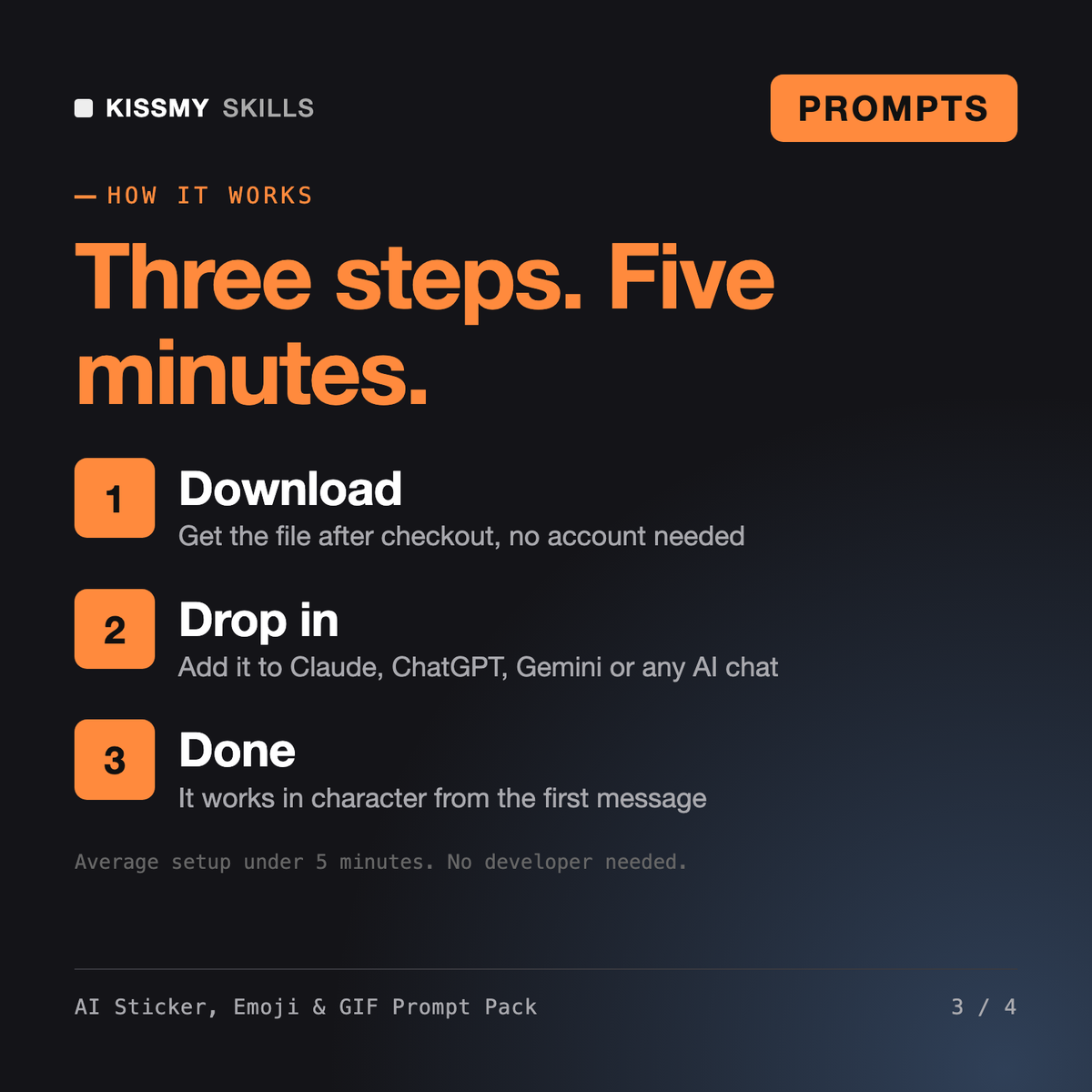
Download your .skill file from the order email or your account. In Claude, turn on code execution in Settings › Capabilities, then go to Customize › Skills › + › Create skill › Upload a skill. Start a new chat and ask for the specialist by name.
Indie game developers, game jam teams and hobby artists who want pixel art sprites, tiles and icons from AI image tools they already use.
Social media managers, small brands and creators who want relatable meme posts that will not get the brand in trouble.

Founders, freelancers and developers who want an editable SVG logo, favicon or icon set from Claude or ChatGPT, not a flat AI picture.
Creators, marketers and store owners who use Veo 3, Sora, Kling, Seedance, Higgsfield, Runway or similar tools and want clips that match the plan without endless re-rolls.