
AI Incident Report & Postmortem Generator
On-call engineers, SREs, IT leads, ops and safety managers who must write an incident report or postmortem from scattered notes.
Prompt setAI Coding & Development Prompts
Gets usable drafts, summaries, formulas and code fixes from the Copilot you already pay for.
$9· one file, yours to keep
Yours to keep · instant download
Or all of them, $6.99/mo
Copilot Prompts Pack and 2,500+ other specialists, in your AI. Ask for any of them by name.
7 days free, then $6.99/mo · cancel anytime
One file
All-in-one
30-day money-back · secure checkout by Stripe
================================================================================
  KISSMYSKILLS.COM
  Copilot Prompts Pack: Microsoft 365 Copilot and GitHub Copilot
  Prompt Pack - Instant Use
================================================================================


WHAT YOU JUST BOUGHT
--------------------------------------------------------------------------------
A copy-paste library of Copilot prompts for the two Copilots people use
at work: Microsoft 365 Copilot inside Word, Excel, Outlook, Teams and
PowerPoint (plus Copilot Chat), and GitHub Copilot Chat in your code
Reply to this client thread: yes to phase 1 by 14 November, no to the reporting module they just added, offer it as a separate quote. Friendly but firm.
You get: a Goal, Context, Source, Expectations prompt for Draft with Copilot in Outlook → the exact facts and the limit to hold → the alternative offer and its date → tone and a 6-sentence cap → what to leave out, such as internal staffing → and 2 follow-ups to shorten the draft or make it warmer before you send it yourself.
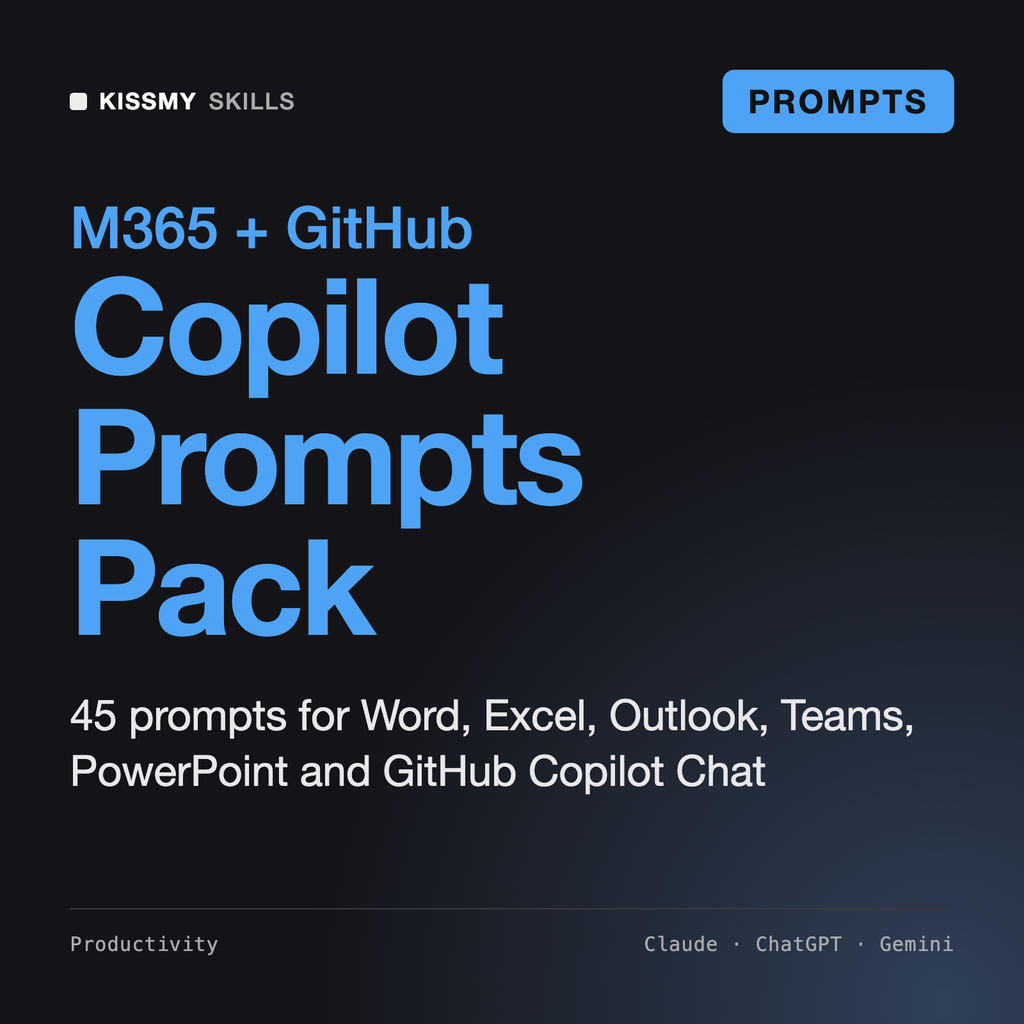
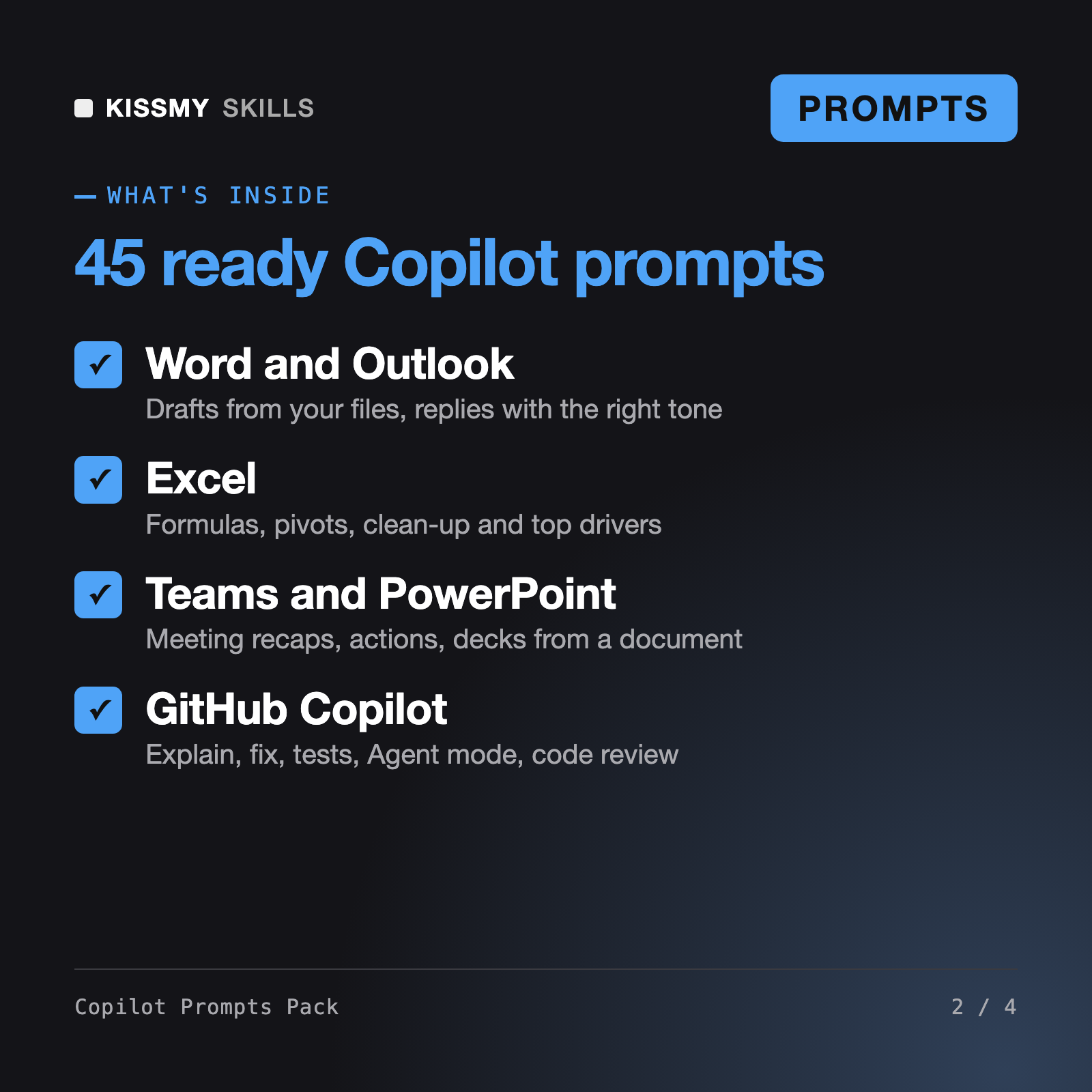
It gives you 45 ready Copilot prompts: 33 for Microsoft 365 Copilot across Copilot Chat, Word, Excel, Outlook, Teams and PowerPoint, and 12 for GitHub Copilot Chat. It also includes a Goal, Context, Source, Expectations formula, a GitHub Copilot cheat-sheet of slash commands, participants and context variables, an assistant prompt and troubleshooting.
They use slash commands such as /explain, /fix, /tests and /doc, context references such as #file, #selection and @workspace, Ask, Edit, Agent and Plan modes, and the .github/copilot-instructions.md and prompt files for repo rules. Availability differs by editor and plan, so type / or @ in your chat to see what you have.
Prompts that ask Copilot to use your emails, meetings, chats and files need a Microsoft 365 Copilot license and your admin's settings. Copilot Chat without that license still works with the web, pasted text and files you upload, and the pack shows how to adapt those prompts.
Amara, our Copilot Studio skill, helps you design and build custom Copilot agents, and our Microsoft 365 skill turns Claude or ChatGPT into a Microsoft 365 power user for Outlook rules, SharePoint sharing and Excel fixes. This pack is different: ready prompts you paste into Copilot itself, in each Microsoft 365 app and in GitHub Copilot Chat, with no build or setup.
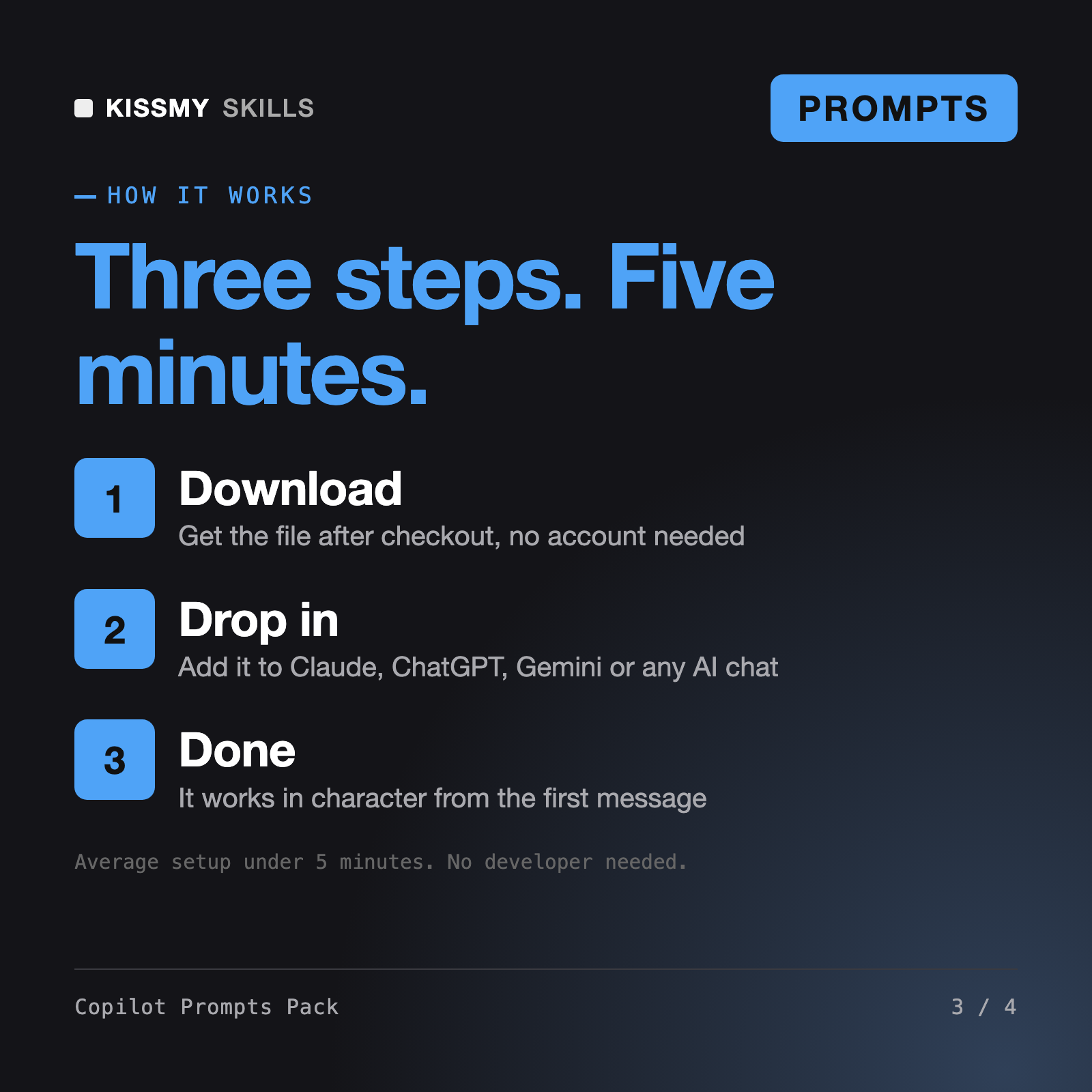
Download your .skill file from the order email or your account. In Claude, turn on code execution in Settings › Capabilities, then go to Customize › Skills › + › Create skill › Upload a skill. Start a new chat and ask for the specialist by name.
On-call engineers, SREs, IT leads, ops and safety managers who must write an incident report or postmortem from scattered notes.
Developers, tech leads and solo builders who want prompts that survive real code.
Analysts, finance and ops leads, founders and consultants who need a clear KPI dashboard in Excel, Sheets, Looker Studio or Power BI.
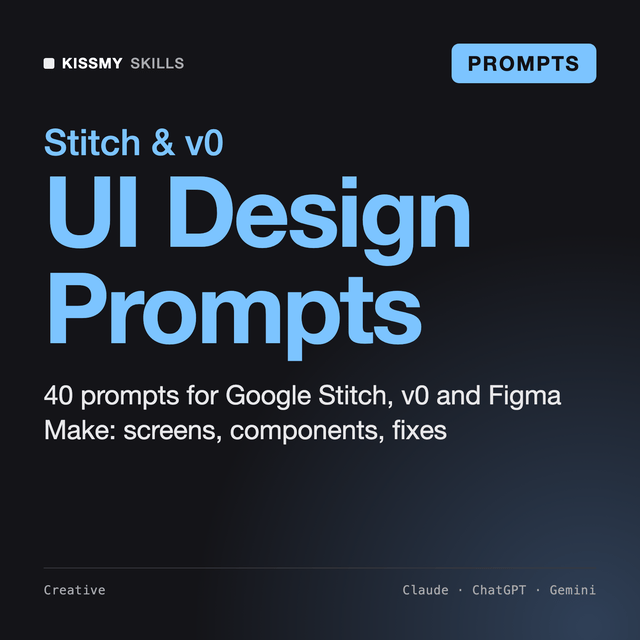
Founders, product designers, PMs and developers who use Google Stitch, v0, Figma Make, Lovable or Bolt and want usable screens.