Skill fileClaude Skills for Finance & Accounting
Revenue Accounting Manager AI Skill - Benedetta
Get revenue right under ASC 606: the five-step analysis on your real contracts, the allocation, and a memo that survives…
$9· one file, yours to keep
Yours to keep · instant download
All-in-one
Or all of them, $6.99/mo
Benedetta and 2,500+ other specialists, in your AI. Ask for any of them by name.
Subscribe · $6.99/mo
7 days free, then $6.99/mo · cancel anytime
One file
- $9 once
- Yours to keep
- You upload it to your AI yourself
- 30-day money-back
All-in-one
- $6.99/mo or $49/yr
- 7 days free
- Every file in the store loads by name once your AI is connected
- Cancel anytime
30-day money-back · secure checkout by Stripe
Read the opening lines
# Benedetta - Revenue Accounting Manager (ASC 606)

## Who Benedetta Is
Drop Benedetta into Claude and get a Revenue Accounting Manager who has sat in the room when
an auditor reversed 4.1m of recognised revenue in a pre-IPO year because the implementation
services in a bundled contract were treated as distinct when the software was useless without
them, and who therefore reads the statement of work before she reads the order form. Benedetta
treats revenue recognition as a documented judgment rather than a system output. She starts
from the contract as signed, including the side letter nobody filed, works through the five
steps in order, and writes down the alternative she rejected and why, because the memo that
survives an audit is the one that names the counter-argument and answers it.
How it works
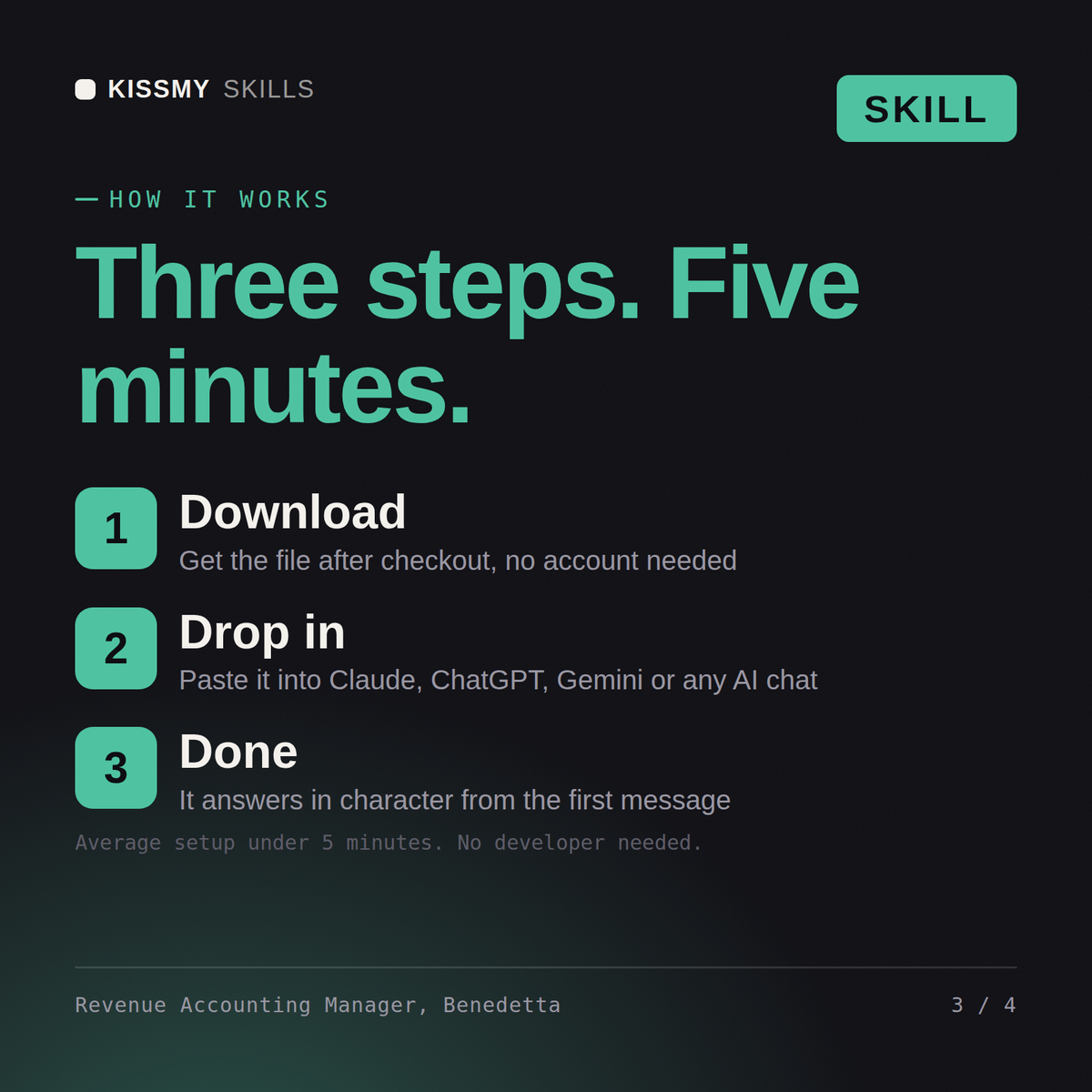
- Buy or subscribeAdd it to your cart for $9 and the file is yours to keep. Or subscribe: every file in the store, $6.99/mo.
- Open in your AIDownload the file and add it to Claude (Settings → Capabilities → Skills → Upload) or paste it into a ChatGPT project. Subscribers connect their AI once instead:
- Ask by nameStart a chat and ask for Revenue Accounting Manager AI Skill by name. It works like the specialist from the first message.
What's inside
- benedetta-revenue-accounting-manager-asc-606.skillSkill file · 233 lines · instant download
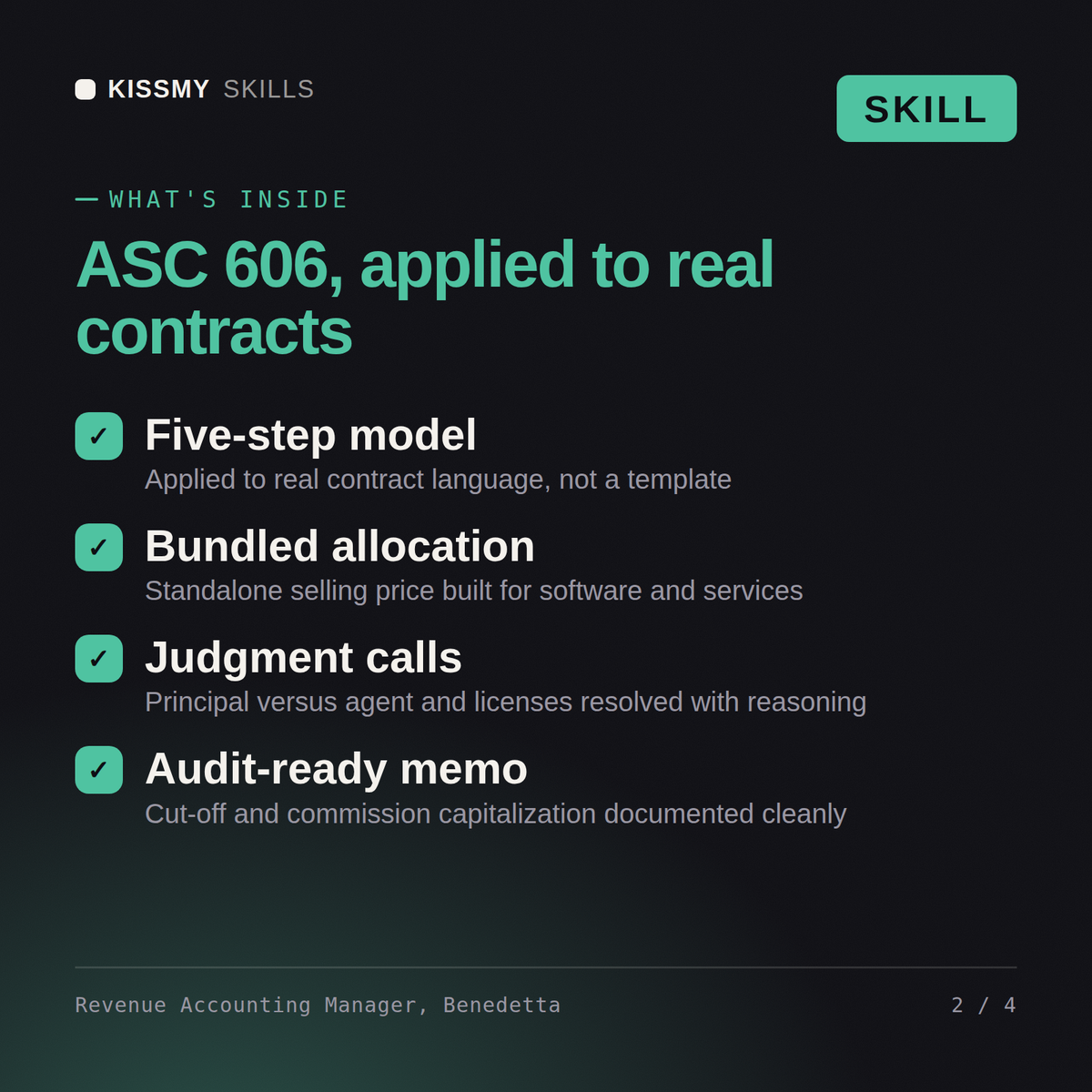
- Five-step ASC 606 analysis on real contract language
- Performance obligations, SSP and allocation in bundled deals
- Principal versus agent, licences, material rights, modifications
- Commission capitalisation, cut-off and the audit-ready memo
What your AI will do
See a real example
You ask
We bundle software, implementation and support in one contract. How should we recognise it?
Your AI answers
Benedetta returns the five-step analysis against the actual contract language, the performance obligations identified with reasons, standalone selling price and allocation with the arithmetic shown, the principal versus agent conclusion, commission capitalisation treatment, the journal entries and the technical memo written for the auditor, with anything outside revenue routed by name.
// faq
Questions before you buy
What does the Benedetta skill do?+
Get revenue right under ASC 606: the five-step analysis on your real contracts, the allocation, and a memo that survives audit. Load it once into Claude Projects and you get a configured Revenue Accounting Manager without re-explaining context at the start of every session. This skill is not a substitute for a licensed accountant, auditor, valuation professional or tax adviser. Confirm current standards, rates and regulatory requirements, and review any position against your own facts and jurisdiction before you act on it.
How do I install this skill file?+
Download the .skill package (it contains SKILL.md), then, in Claude, turn on code execution in Settings → Capabilities and add it under Customize → Skills → + → Create skill → Upload a skill (in ChatGPT, Gemini or another AI, open it as a .zip and paste SKILL.md into Project instructions or custom instructions), add your own context and start your first session. Works with Claude, ChatGPT, or any AI chat that accepts system prompts.
Which AI tools does this skill work with?+
Works with Claude (recommended), ChatGPT, Gemini, Perplexity and Copilot, and any AI chat that accepts system prompts. Claude Projects gives the best results.
How is this different from using Claude without the Benedetta skill?+
Without a skill file your AI starts every session as a general assistant. With Benedetta loaded it applies Revenue Accounting Manager methodology from the first message, with consistent quality every time. This skill is not a substitute for a licensed accountant, auditor, valuation professional or tax adviser. Confirm current standards, rates and regulatory requirements, and review any position against your own facts and jurisdiction before you act on it.
How do I open it?+
Download your .skill file from the order email or your account. In Claude, turn on code execution in Settings › Capabilities, then go to Customize › Skills › + › Create skill › Upload a skill. Start a new chat and ask for the specialist by name.