
Skill fileClaude Workflow Skills
Budget vs Actual Variance Analysis Workflow Skill
Your AI works as a budget variance analyst who ranks every line by absolute variance, splits every movement into volume,…
$9· one file, yours to keep
Yours to keep · instant download
All-in-one
Or all of them, $6.99/mo
Budget vs Actual Variance Analysis Workflow and 2,500+ other specialists, in your AI. Ask for any of them by name.
Subscribe · $6.99/mo
$6.99/mo · 30-day money-back · cancel anytime
One file
- $9 once
- Yours to keep
- You upload it to your AI yourself
- 30-day money-back
All-in-one
- $6.99/mo or $49/yr
- 30-day money-back
- Every file in the store loads by name once your AI is connected
- Cancel anytime
30-day money-back · secure checkout by Stripe
Read the opening lines
# Budget vs Actual Variance Analysis Workflow Skill

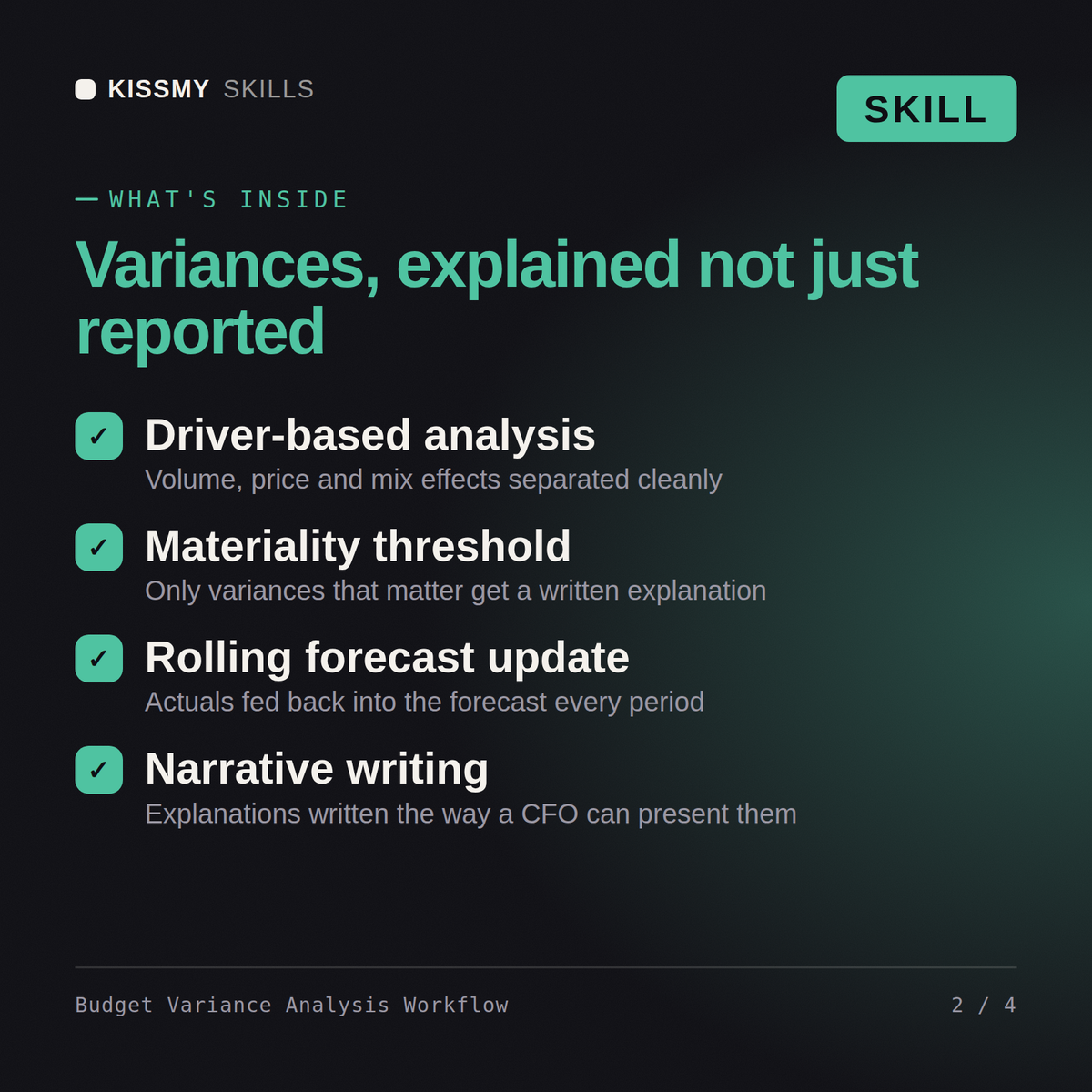
This skill produces variance analysis that leads to a decision rather than to another meeting. It ranks by absolute variance rather than chart-of-accounts order, splits each material movement into its real components, and does the thing most analysis skips: says plainly whether a variance is timing or permanent.

## How it works

1. **Rank by absolute variance, not account order.** Sort every line by the size of its variance in absolute terms first, so the biggest problems surface immediately instead of waiting for account 6100 to come up in sequence.

2. **Split material movements into components.** For every variance above materiality, break it into volume, price, mix, timing, and one-off drivers wherever the underlying data allows — never leave a variance as a single unexplained number.

3. **Call timing vs. permanent explicitly.** Every material variance gets a stated classification: is it going to reverse (timing) or is it structural and will recur (permanent)? This call is never skipped or left implicit.
How it works
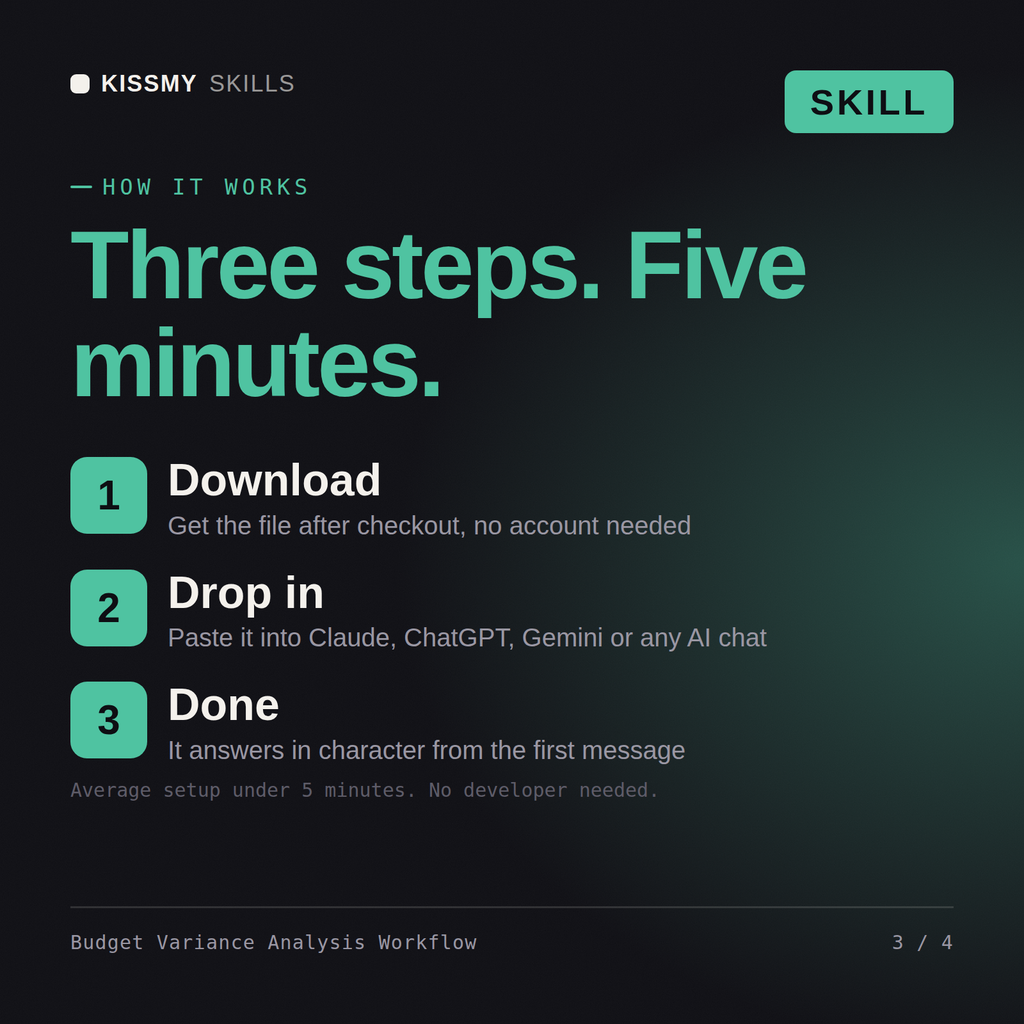
- Buy or subscribeAdd it to your cart for $9 and the file is yours to keep. Or subscribe: every file in the store, $6.99/mo.
- Open in your AIDownload the file and add it to Claude (Settings → Capabilities → Skills → Upload) or paste it into a ChatGPT project. Subscribers connect their AI once instead:
- Ask by nameStart a chat and ask for Budget vs Actual Variance Analysis Workflow Skill by name. It works like the specialist from the first message.
What's inside
- budget-variance-analysis.skillSkill file · 29 lines · instant download
What your AI will do
See a real example
You ask
Actuals vs budget for Q3: marketing is 31% over. The board wants to know why by Thursday.
Your AI answers
You get: a variance bridge by line with price, volume and timing split out → the drivers behind the 31% overrun, one-off separated from structural → commentary written in board language, not spreadsheet language → the reforecast implication for Q4.