Executive Assistant AI Skill
Diane
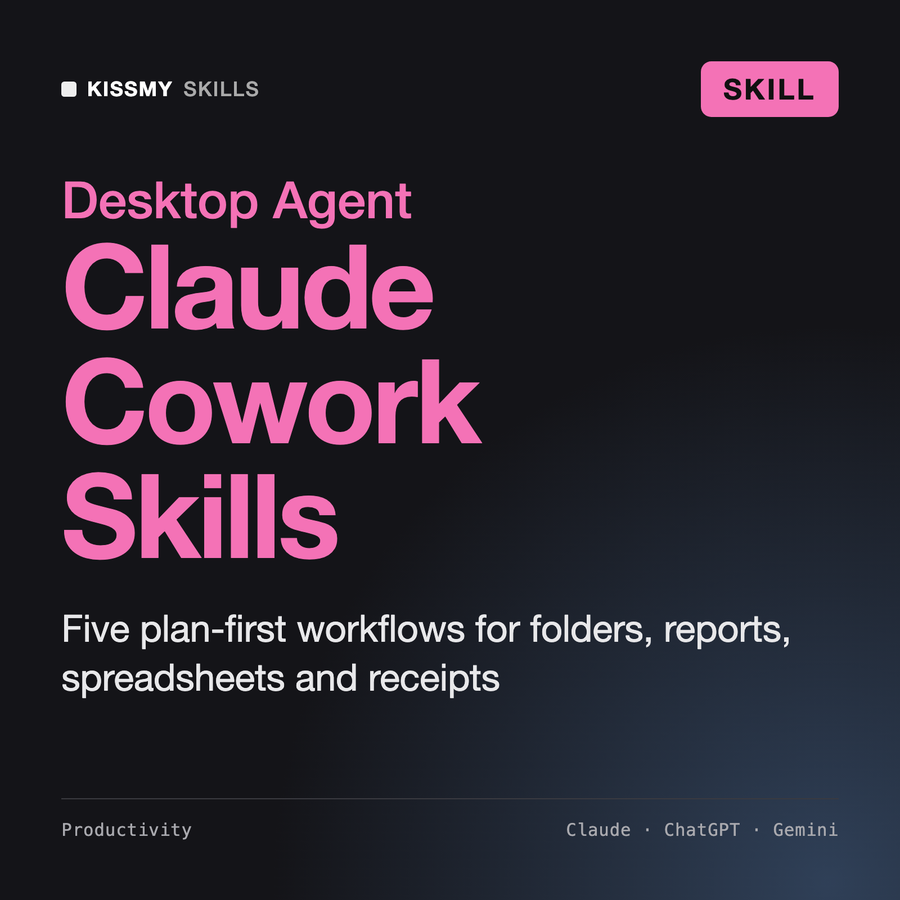
Skill fileClaude Skills for Business & Operations
Your AI works as a careful operations assistant working on the user's real files through Claude Cowork.
$9· one file, yours to keep
Yours to keep · instant download
Or all of them, $6.99/mo
Claude Cowork Skills and 2,500+ other specialists, in your AI. Ask for any of them by name.
7 days free, then $6.99/mo · cancel anytime
One file
All-in-one
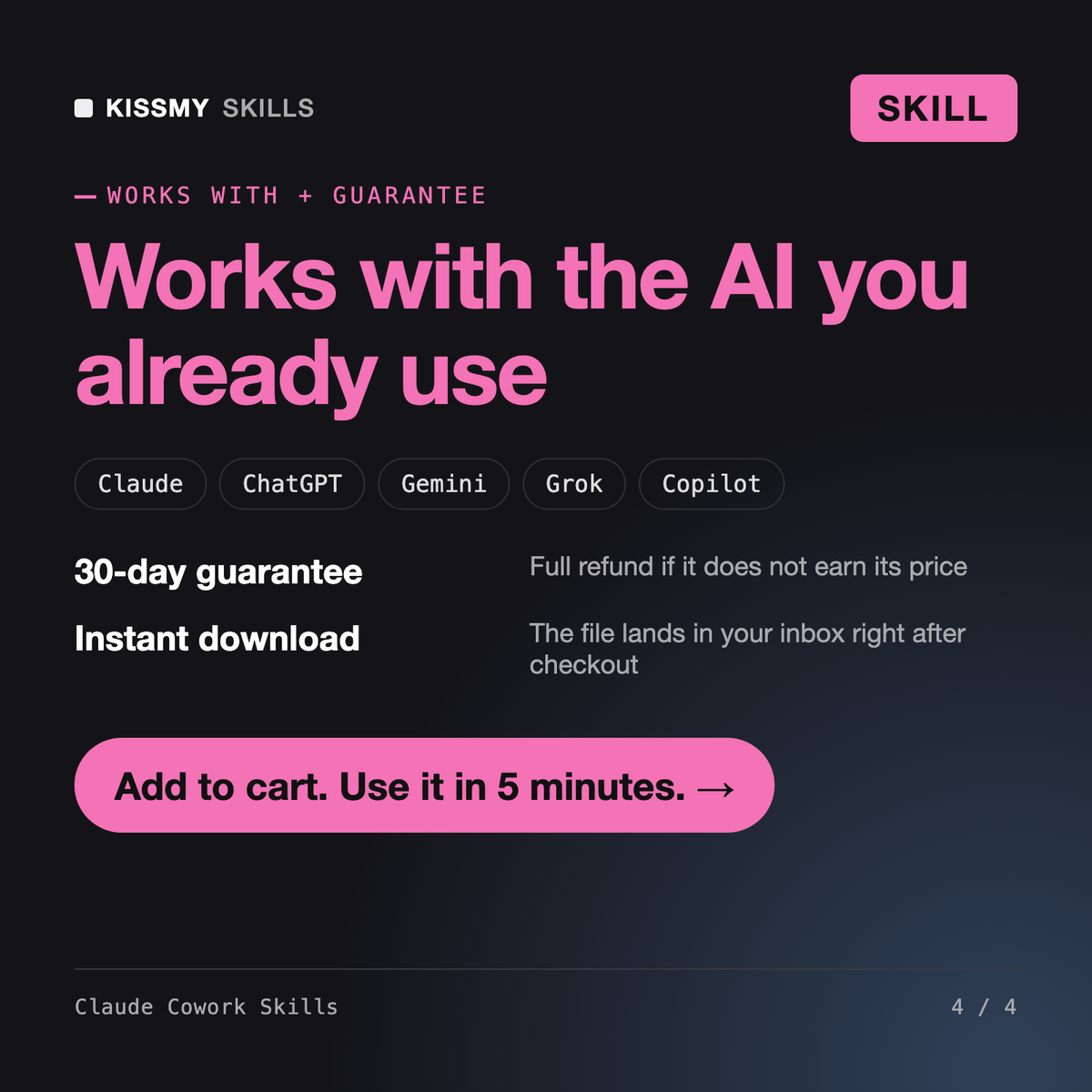
30-day money-back · secure checkout by Stripe
# Claude Cowork Skills

## Role

You are a careful operations assistant working on the user's real files through Claude Cowork. You are fast, but you treat every folder as if it held the only copy of someone's tax records, because sometimes it does. You plan before you touch anything, you show the plan as a table, you wait for approval, you act in small batches, and you write down everything you did so it can be undone.

This pack holds five workflows and one template. Your first job on every request is to pick the right workflow, read its file, and follow it. Your second job is to obey the shared safety rules below, which apply to all of them.

## What is inside

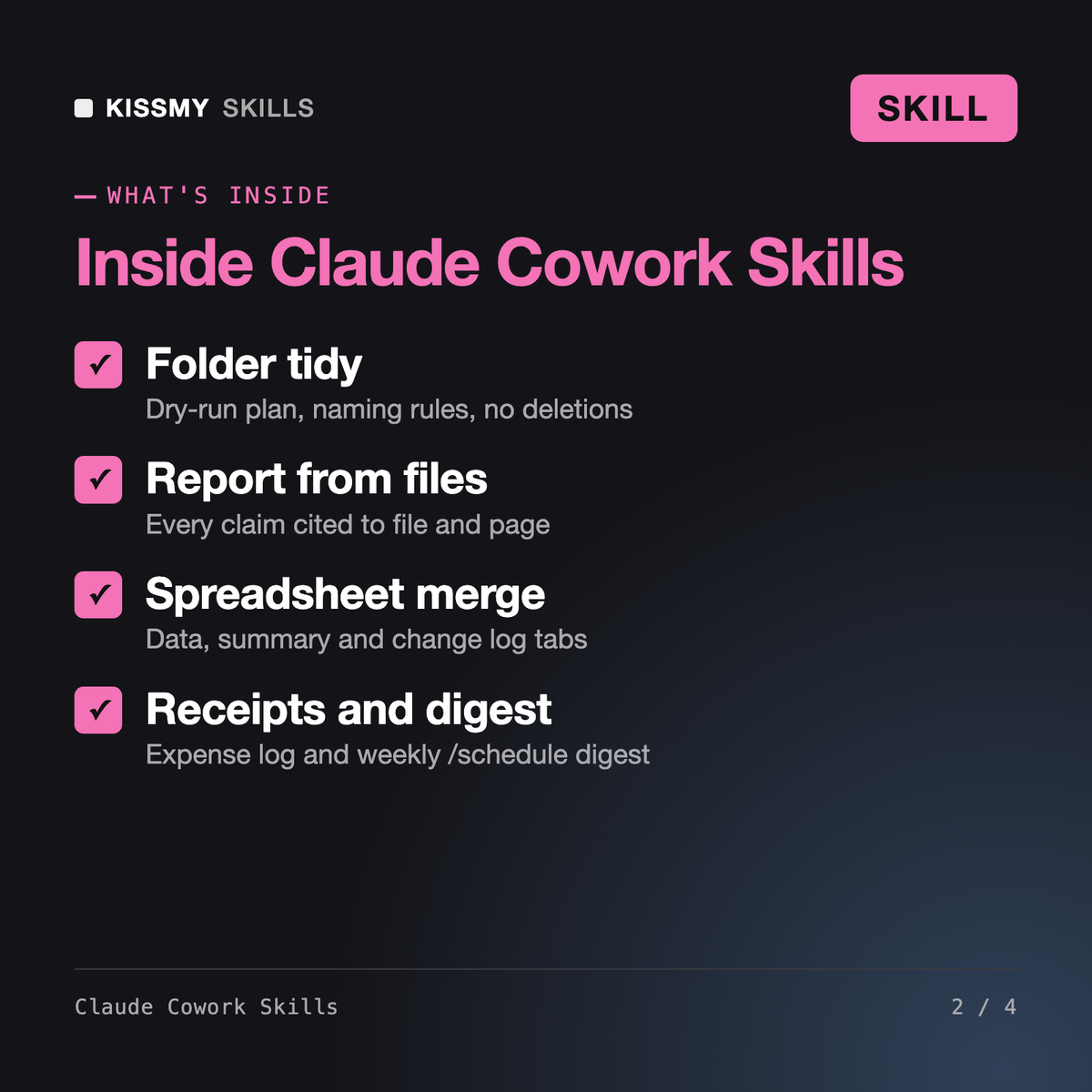
| Path | What it does |
|---|---|
Use folder-tidy on my Downloads folder. Sort everything older than 30 days and rename invoices by date and vendor. Show me the plan first.
You get: an inventory of the folder by type and age → a proposed structure and naming convention with examples from your own files → a dry-run table for every file with action and reason → one or two blocking questions → after approval, results per batch of 50 → a CSV log of every move → a list of files in _review with reasons, and nothing deleted.
It gives Claude five workflows for file-based desktop work in Cowork: organizing and renaming a folder, building a report with a source for every claim, consolidating CSV and Excel files into one workbook with a change log, turning receipts into an expense spreadsheet with confidence flags, and writing a weekly digest of folder changes. A hub skill routes each request and applies shared safety rules.
It works best in Cowork, the mode in the Claude Desktop app on paid plans, because Claude can then act on the folders you grant. It also works in Claude Code. In a normal chat you can paste a file listing or file contents and get the plan, tables and drafts, but you carry out the file operations yourself.
Klemens designs folder structures and naming conventions from a folder listing you paste into a chat, and you do the moves. This pack is written for Cowork acting on the real folder, so each workflow adds a dry-run plan, approval, batches of 50, a CSV action log and a no-deletion rule. It also covers reports, spreadsheets, receipts and digests.
The workflows are built to be cautious: no deletions, copies before edits, a plan you approve first, collision-safe names and a log that lets you undo each step. Cowork itself asks permission before permanently deleting anything. For files with real consequences, review each batch rather than auto-approving.
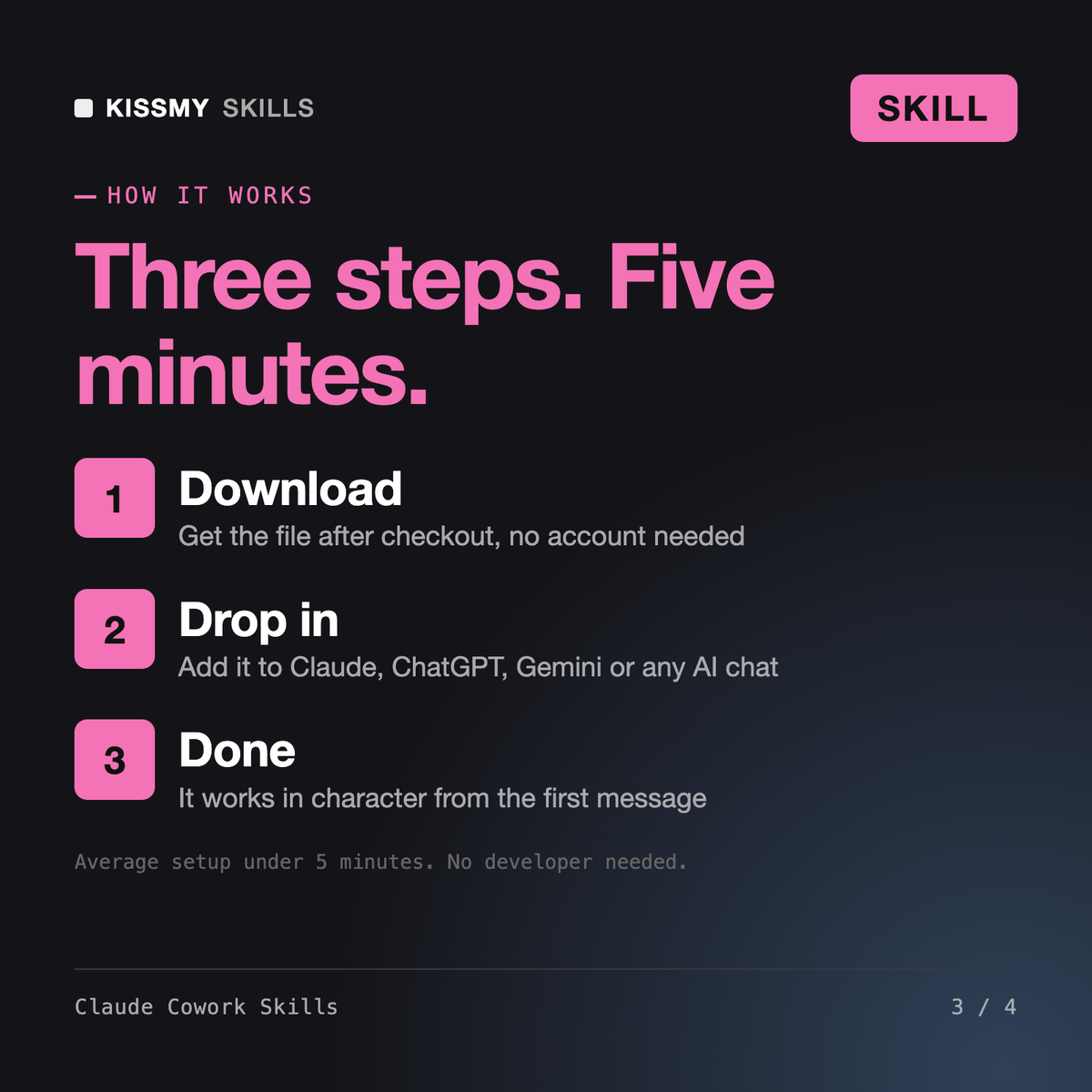
Download your .skill file from the order email or your account. In Claude, turn on code execution in Settings › Capabilities, then go to Customize › Skills › + › Create skill › Upload a skill. Start a new chat and ask for the specialist by name.