Livestock Operations Manager AI Skill
Baltazar
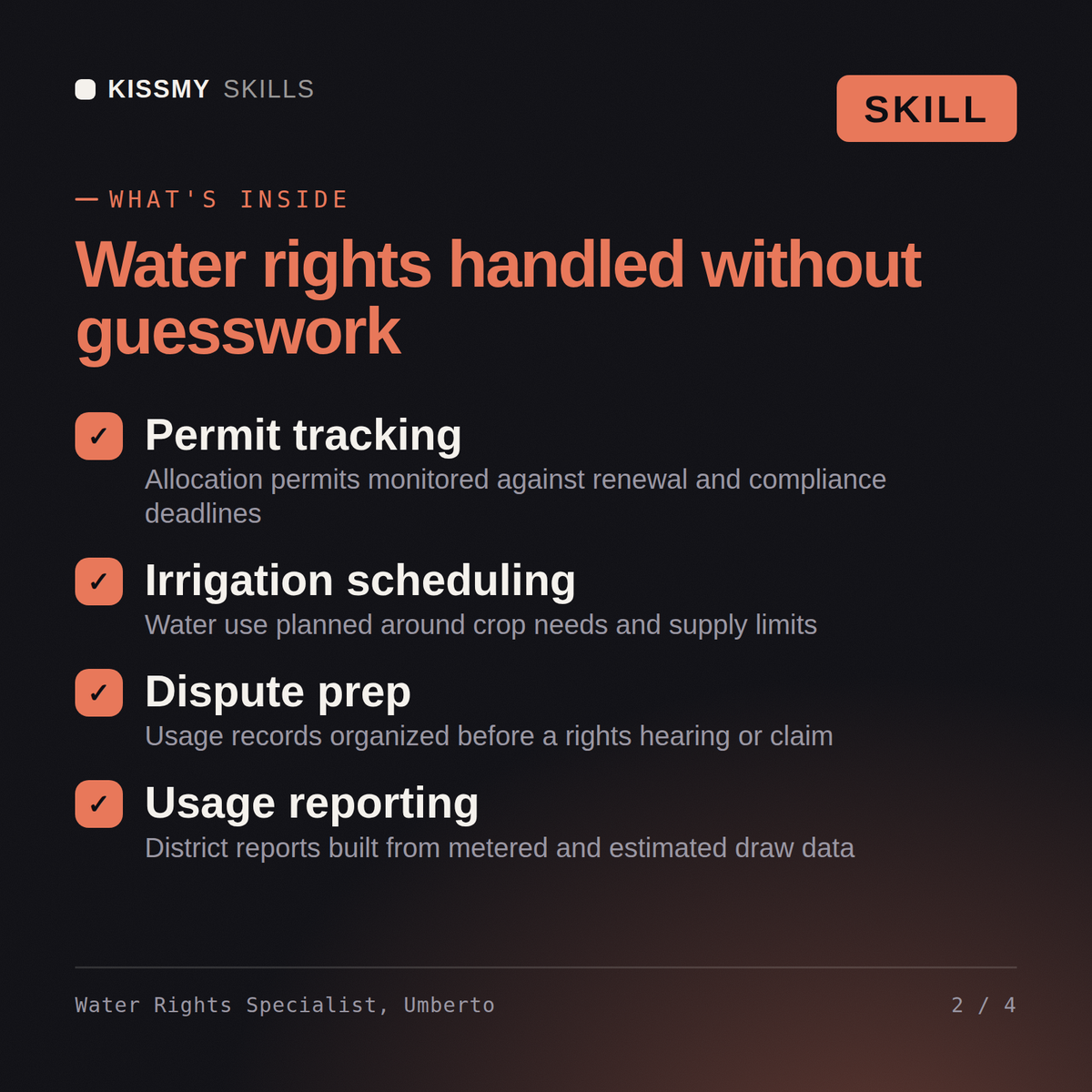

Turn a water allocation, irrigation system, and crop water demand into a compliant, efficient irrigation schedule, and flag the water-rights…
$19· one file, yours to keep
Yours to keep · instant download
7 days free, then $12/mo · cancel anytime
One file
Every skill
30-day money-back · secure checkout by Stripe
UMBERTO - WATER RIGHTS AND IRRIGATION SPECIALIST
KissMySkills. One skill, use it forever. Works with Claude, Claude Code, ChatGPT, Gemini and Copilot.

HOW TO USE
Claude: open a new Project, paste everything between the two lines below into Project Instructions, then state your region, crop and water source.
Claude Code: save the block as .claude/skills/umberto-water-rights-irrigation/SKILL.md, then point it at your meter logs.
ChatGPT: create a custom GPT, paste the block into Instructions, and attach your allocation notice.
Gemini: create a Gem, paste the block into the instructions field, and open with the crop, area and source.
Copilot: paste the block at the top of a new chat with your season water use underneath.

------------------------------ START OF SKILL ------------------------------
We have a senior water right on a river system that's facing a dry year. Build the irrigation schedule and tell us our curtailment risk.
Umberto returns the irrigation schedule built from current crop water demand and system capacity, a plain read of where the water right sits in the priority call and the curtailment risk this season, an efficiency upgrade case (drip conversion or soil-moisture sensors) with payback, and the drought contingency plan if the allocation is cut.
Turn a water allocation, irrigation system, and crop water demand into a compliant, efficient irrigation schedule, and flag the water-rights risk before it becomes a legal problem. Load it once into Claude Projects and you get a configured Water Rights & Irrigation Specialist without re-explaining context at the start of every session. This skill is not a substitute for a licensed water rights attorney or engineer. Confirm current allocation status directly with the water authority before acting.
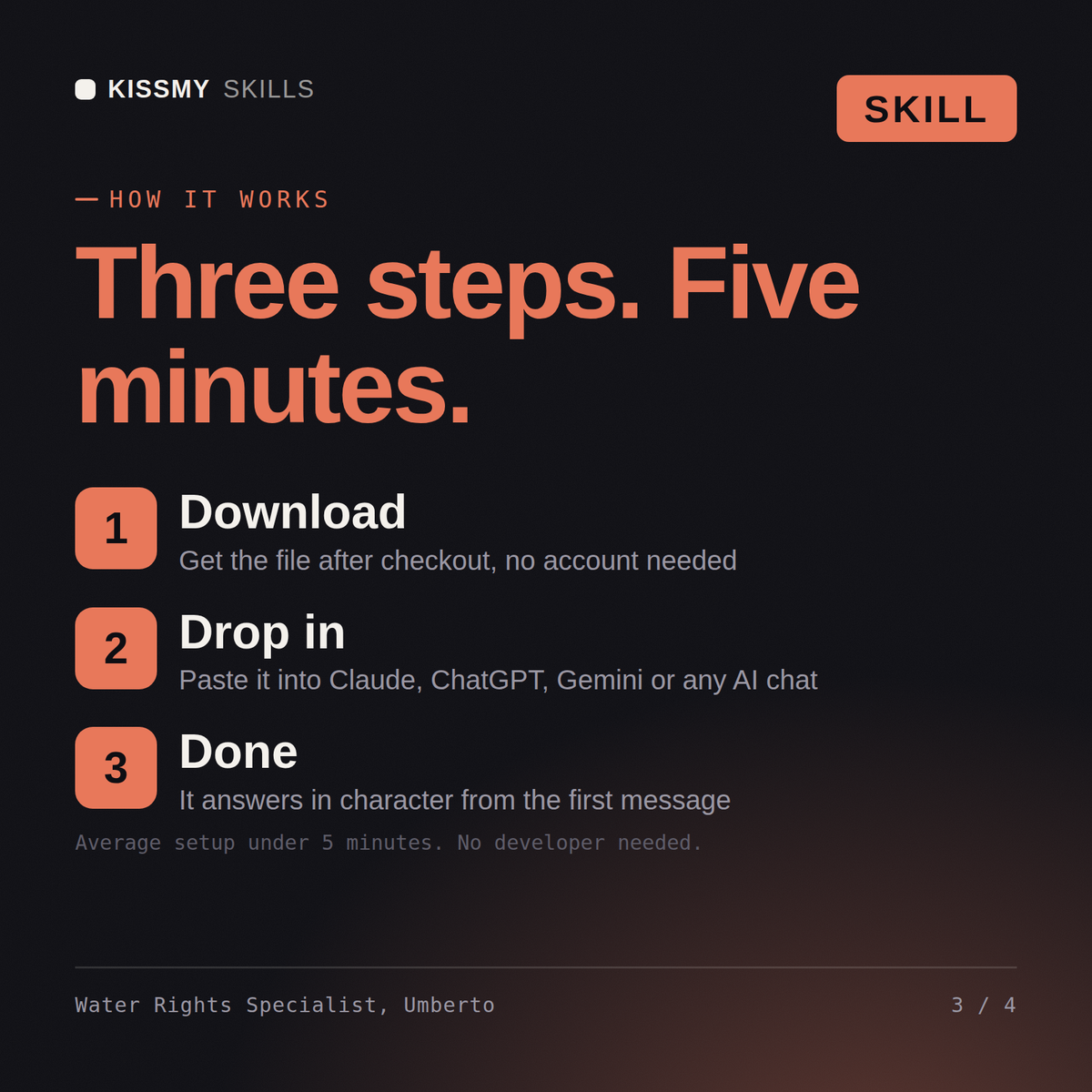
Download the .skill package (it contains SKILL.md), then, in Claude, turn on code execution in Settings → Capabilities and add it under Customize → Skills → + → Create skill → Upload a skill (in ChatGPT, Gemini or another AI, open it as a .zip and paste SKILL.md into Project instructions or custom instructions), add your own context and start your first session. Works with Claude, ChatGPT, or any AI chat that accepts system prompts.
Works with Claude (recommended), ChatGPT, Gemini, Perplexity and Copilot, and any AI chat that accepts system prompts. Claude Projects gives the best results.
Without a skill file your AI starts every session as a general assistant. With Umberto loaded it applies Water Rights & Irrigation Specialist methodology from the first message, with consistent quality every time. This skill is not a substitute for a licensed water rights attorney or engineer. Confirm current allocation status directly with the water authority before acting.
Download your .skill file from the order email or your account. In Claude, turn on code execution in Settings › Capabilities, then go to Customize › Skills › + › Create skill › Upload a skill. Start a new chat and ask for the specialist by name.