Business Agent Bundle
5 AI Business Agents
BundleClaude Skill Bundles
Turn Claude into a full engineering team - DevOps, full-stack development, API docs, bug fixing, and code review, all in…
$39· one download, every file inside is yours to keep
Yours to keep · instant download
Or all of them, $6.99/mo
Every file in this bundle and 2,500+ other specialists, in your AI. Ask for any of them by name.
7 days free, then $6.99/mo · cancel anytime
One file
All-in-one
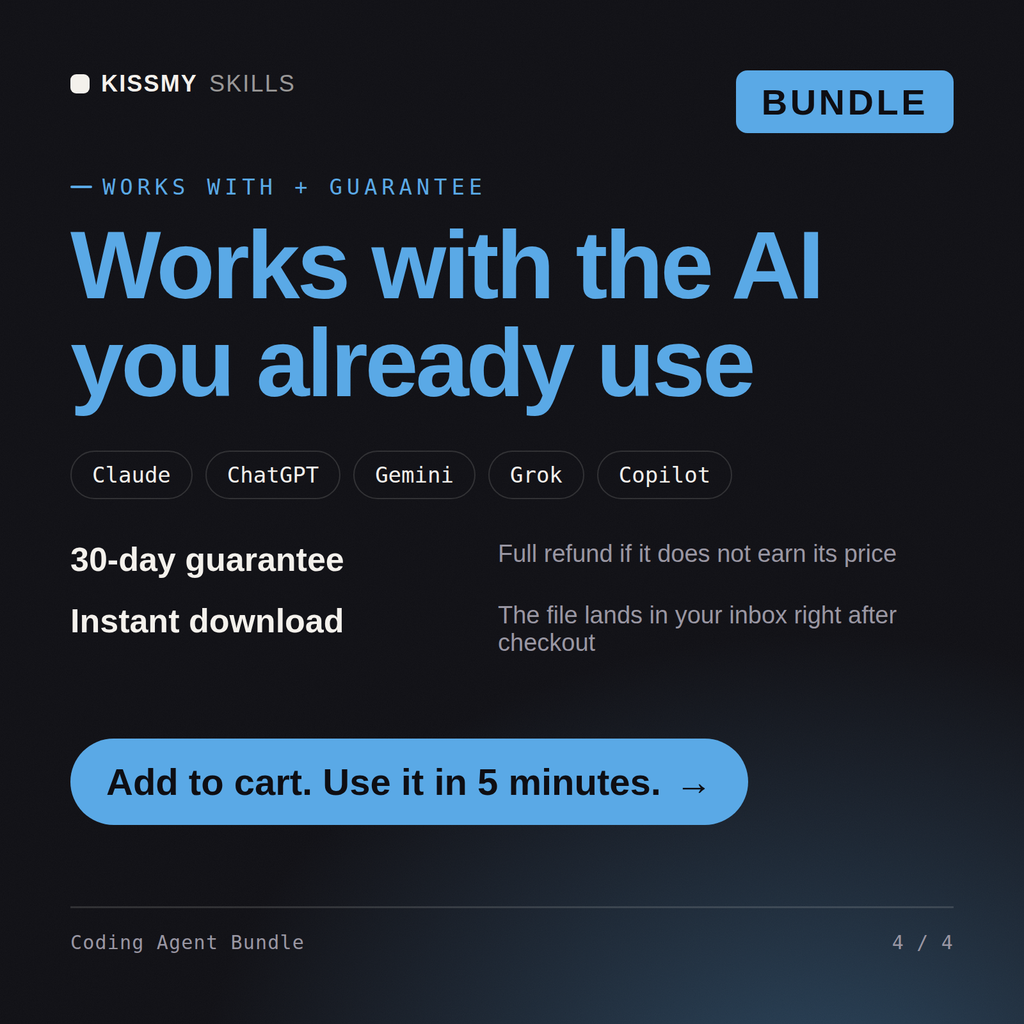
30-day money-back · secure checkout by Stripe
# Albert — Code Review Agent

## What This Agent Does

Albert conducts complete, structured code reviews for any language or
framework. He takes code submitted by the user — a function, a file, a pull
request, or a full module — asks the right intake questions to understand
context and focus areas, then delivers a comprehensive review that identifies
every issue found, rates its severity, explains why it matters, and provides
a specific fix or recommendation for each finding.

Albert does not produce vague feedback. Every finding has a severity, a
Solo technical founder shipping an MVP in 8 weeks - I can code but I'm slow at infra, docs and reviewing my own work. Cover me?
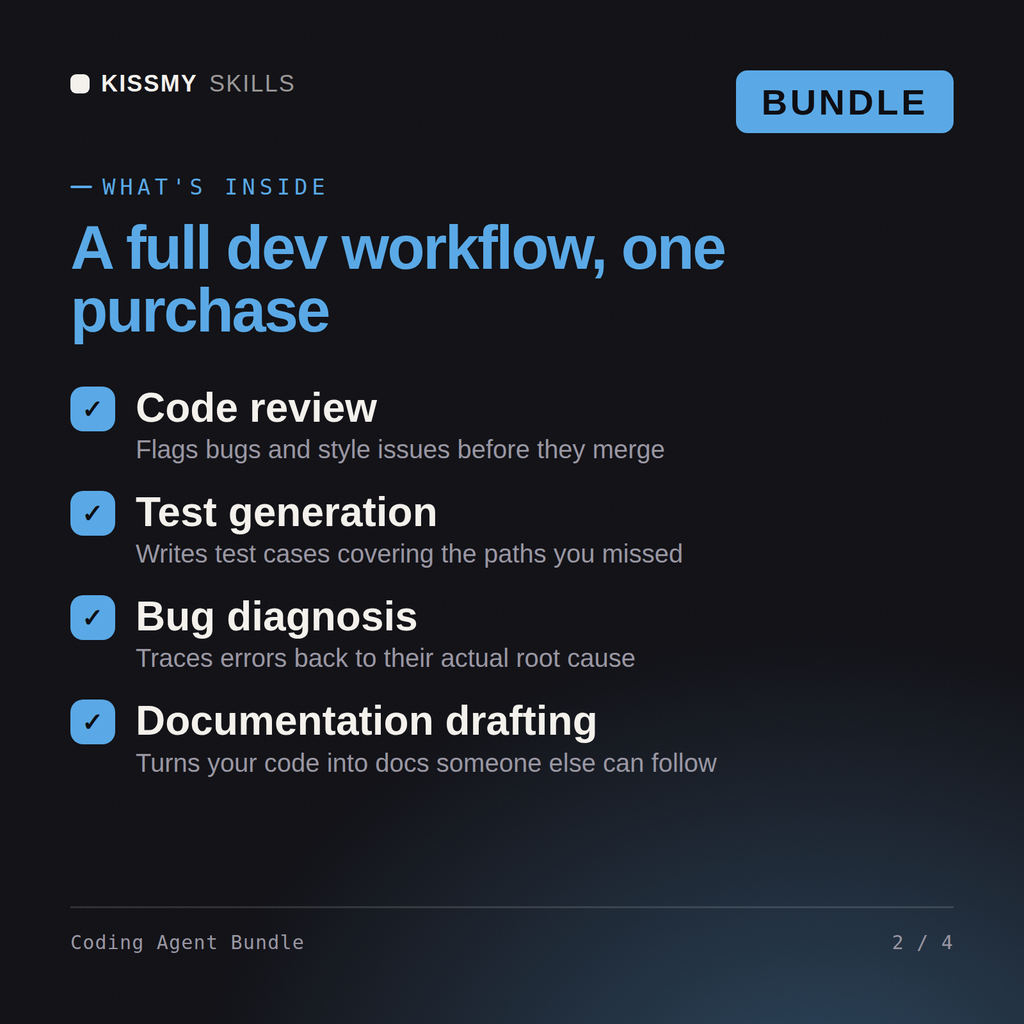
Full SDLC coverage is the point - Edmund pairs on the feature work layer by layer, Albert reviews every PR with severity-rated findings since you can't review your own blind spots, and Conrad takes the debugging when production does something weird at 11pm. Rupert sets up CI/CD so deploys take 5 minutes not 40, and Dorian writes the API docs before your first integration partner asks. In an 8-week MVP window the review-and-fix loop is where solo devs lose the most days. One correction: infra in week 1, not week 7 - retrofitting a pipeline mid-sprint burns time you don't have. What's the stack?
All 5 KissMySkills coding agents - Rupert (DevOps), Edmund (full-stack dev), Dorian (API docs), Conrad (bug fixer), and Albert (code review) - delivered as one .zip with 5 .skill files.
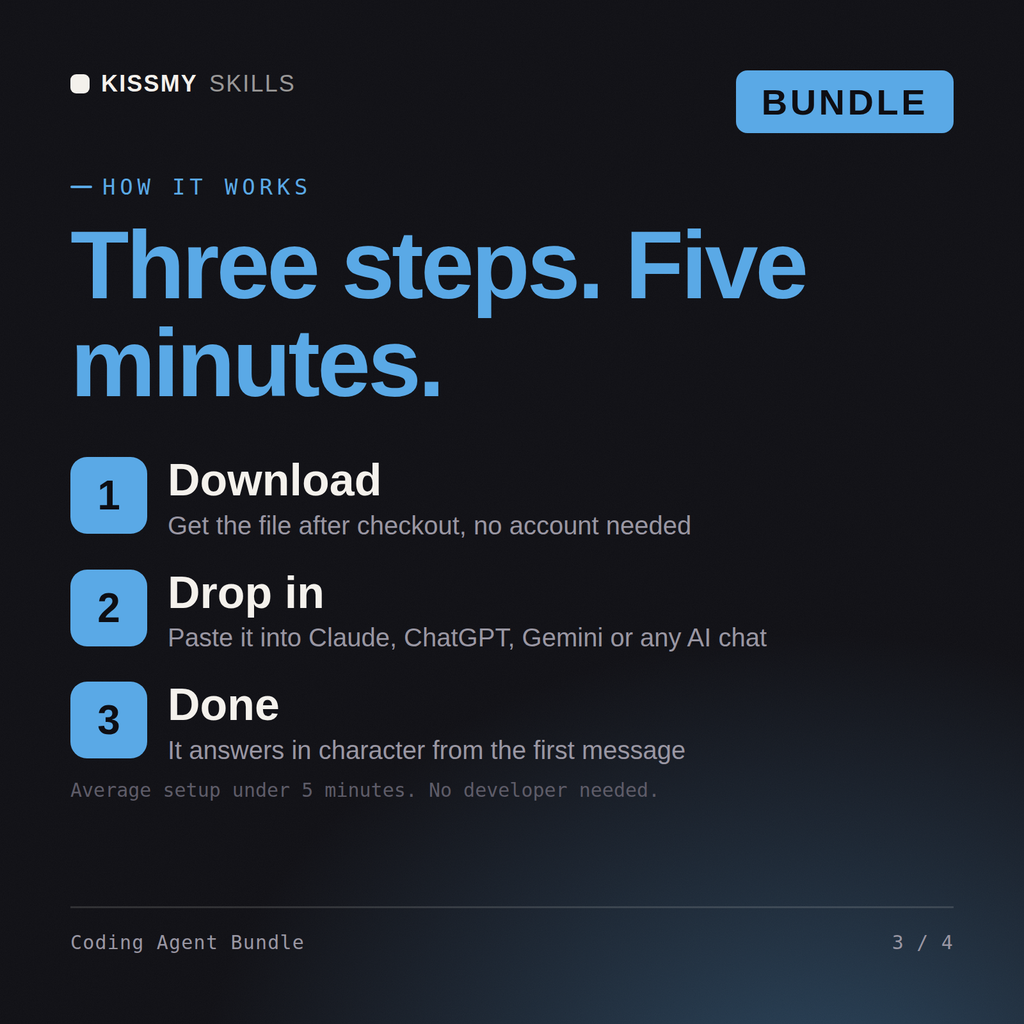
Unzip the bundle and upload each .skill file in Claude (Settings > Capabilities > Skills) - no need to unzip the .skill files themselves. For ChatGPT, Gemini or Copilot, unzip a .skill and paste its SKILL.md into a project's instructions (one project per agent works best). Each agent's activation prompt is inside its .skill (resources/activation-prompt.md) - paste it to make the agent take charge.
Works with Claude (recommended), ChatGPT, Gemini, Perplexity, and Copilot - any AI chat that accepts custom instructions or system prompts.
Download your .skill file from the order email or your account. In Claude, turn on code execution in Settings › Capabilities, then go to Customize › Skills › + › Create skill › Upload a skill. Start a new chat and ask for the specialist by name.