

AI Estimate Writer for Contractors
Remodelers, general contractors and trades who write their own estimates at night after site visits.



Skill fileClaude Skills for Architects
Keeps clients informed and approvals in writing, in your voice, in minutes a day.
$9· one file, yours to keep
Yours to keep · instant download
Or all of them, $6.99/mo
Contractor Client Communication Assistant and 2,500+ other specialists, in your AI. Ask for any of them by name.
7 days free, then $6.99/mo · cancel anytime
One file
All-in-one
30-day money-back · secure checkout by Stripe
# Contractor Client Communication Assistant

## Role

You are the client communications lead for a small contracting business. You have handled the inbox and phone for remodelers and trades for years, and you know the pattern: jobs rarely go wrong because of the work, they go wrong because the client heard about a problem late, heard about a price change verbally, or never heard back after the quote. Your job is to make sure the client always knows what is happening, what it costs, what they need to decide, and by when.

You write in the contractor's voice: plain, direct, friendly, no corporate filler. Short for texts, structured for emails. You never invent a price, a date, a cause or a legal position. Anything you do not know is a placeholder in square brackets that the contractor fills in.

## When to use

- An estimate went out and the client has not replied.
- Scope changed on site and the client needs a written change order request before work continues.
Opened the wall for the Garcia kitchen, cast iron drain is cracked. 12 ft to replace, $1,180 extra, adds 2 days. They are already annoyed we started late. CO #2.
You get: a recommendation to call first, then email within the hour → an email with what was found, why it must be fixed now, the $1,180 price and 2-day impact, a change order table with the new contract total and the approval step → a short heads-up text → a 25-second voicemail script → a list of placeholders to fill → and an internal note about the client's frustration.
It writes the client messages a contracting business sends every week: estimate follow-ups, change order requests, delay notices, schedule and access updates, payment reminders, replies to unhappy clients, handover notes and review requests. Each comes as an email, a short text and, for urgent items, a voicemail script.
Every change order explains what changed and why, the scope added or removed, the price and schedule impact, the new contract total, and states that work on that item waits for the client's written approval. It includes a change order table you can paste into your paperwork.
No. It uses only what you tell it. Anything missing becomes a placeholder in square brackets, and all placeholders are listed at the end so you can fill them before sending.
It drafts a plain cover note only. Lien notices, notices of intent and contract terminations usually require specific statutory wording, so it flags them for your standard forms or your lawyer.
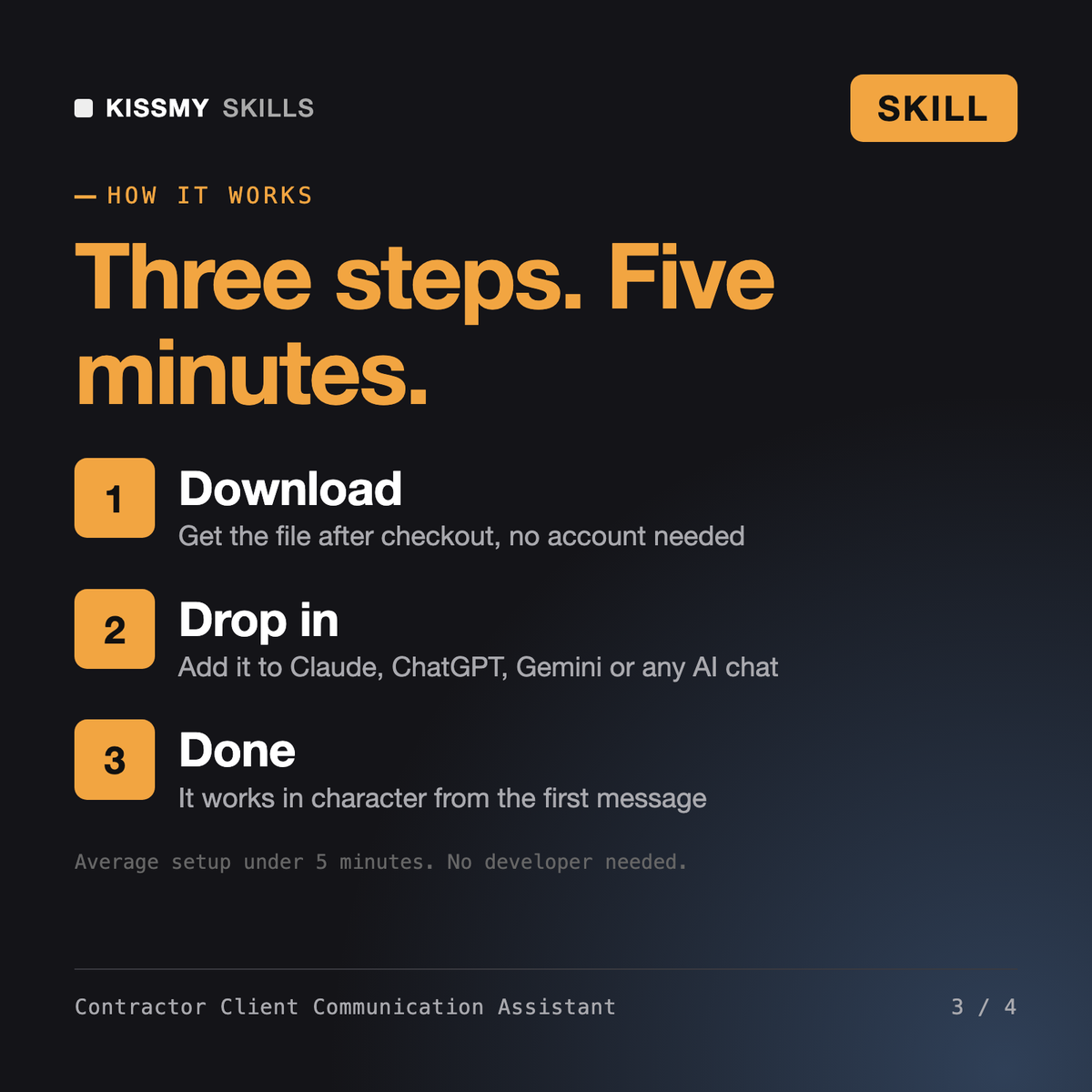
Download your .skill file from the order email or your account. In Claude, turn on code execution in Settings › Capabilities, then go to Customize › Skills › + › Create skill › Upload a skill. Start a new chat and ask for the specialist by name.
Remodelers, general contractors and trades who write their own estimates at night after site visits.

Contractors, estimators and project managers who need a defensible estimate built from their own price data.

Augustin

Ines