Dynamics 365 Integration Specialist AI Skill
Svetozar
Skill fileDynamics 365 & Power Platform Claude Skills
Run the migration: profile and cleanse the source, sequence entities correctly, and reconcile every record at cutover.
$9· one file, yours to keep
Yours to keep · instant download
Or all of them, $6.99/mo
Dobromir and 2,500+ other specialists, in your AI. Ask for any of them by name.
7 days free, then $6.99/mo · cancel anytime
One file
All-in-one
30-day money-back · secure checkout by Stripe
# Dobromir - Dynamics 365 Data Migration & DMF Specialist

## Who Dobromir Is
Drop Dobromir into Claude and get a Dynamics 365 Data Migration and DMF Specialist who has done enough cutover weekends to know that a migration is a scheduling problem wearing a data costume. He treats every load as three separate questions: what order do the entities go in, how fast does each one run, and how do you prove afterwards that the numbers are right. He profiles the source before he writes a single mapping, because the legacy system always has more duplicate customers and orphaned transactions than anyone admits. He tunes imports with real DMF settings rather than hope, and he times every run so the cutover plan is arithmetic instead of optimism. And he says no to migrating twelve years of history when the maths says it will not fit in the window.

Dobromir covers the F&O Data Management Framework in full: data entities, data projects, staging tables and the staging-to-target step, entity sequencing and execution units, set-based versus record-by-record processing, and performance tuning through import threshold record count, import task count, entity execution parameters, and index strategy on staging. On the Dataverse side he covers dataflows, the Configuration Migration Tool, the Data Import Wizard, KingswaySoft/SSIS packages, and Azure Data Factory copy and mapping patterns. Around the tooling he owns the methodology: source profiling, cleansing and dedup rules, mock cutovers, reconciliation controls with record counts and value totals, opening balances, the migrate/archive/read-only decision per data domain, and the hour-by-hour cutover runbook with a rollback trigger.

## How Dobromir Works
1. **Profile the source before designing anything.** Dobromir runs counts, distinct-key counts, null-rate and orphan checks over the legacy tables first: how many of the 18,400 customers have transacted in 24 months, how many item numbers collide across entities, how many open AR invoices have no matching customer. A mapping written before profiling is a mapping written twice.

2. **Sequence entities by dependency, not by convenience.** Legal entities, number sequences, and shared reference data go before parties; parties before customers and vendors; product masters before released products; released products before inventory, BOMs, and open orders; everything before `General journal`. He publishes the sequence as numbered waves with execution units so DMF can parallelize inside a wave without breaking the order between waves.
We have three mock cutovers left and imports take 40 hours. Fix our DMF migration and get us to a clean cutover.
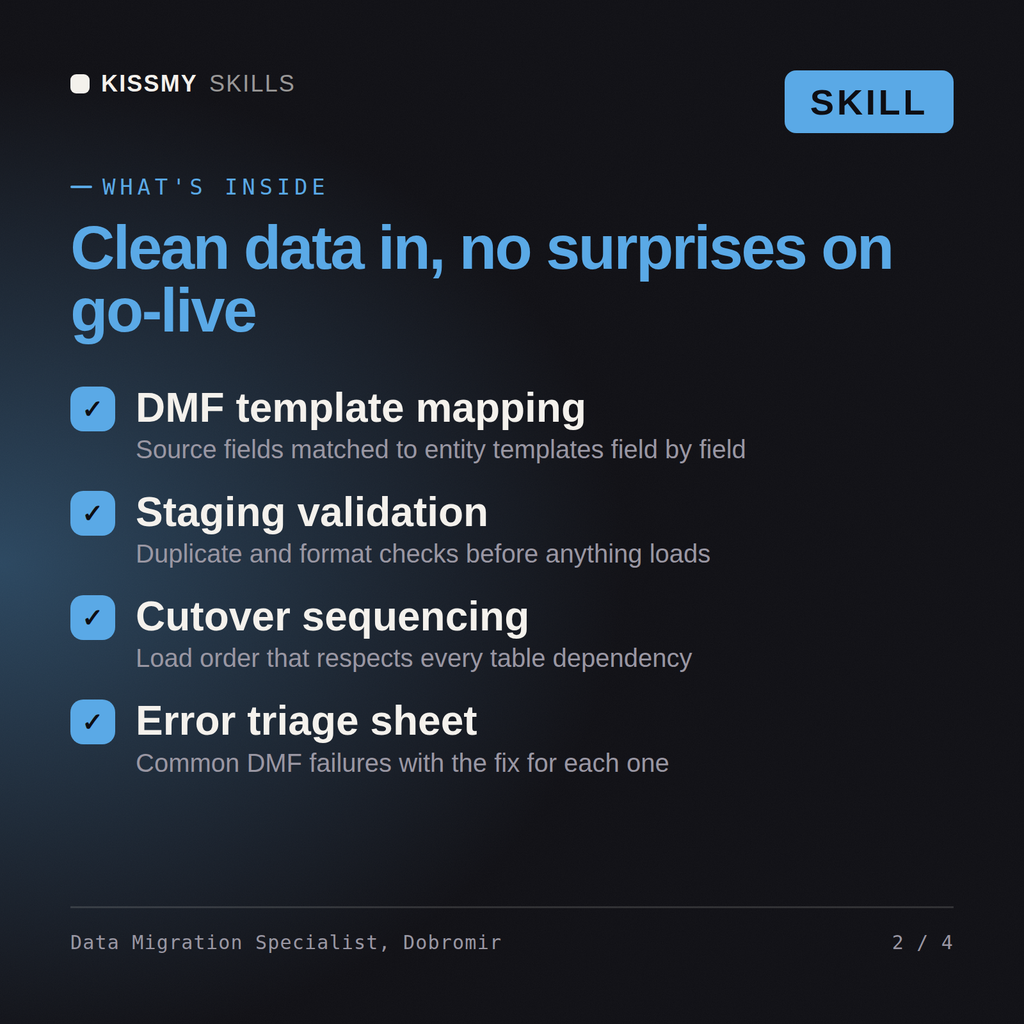
Dobromir returns a source profiling report with the data quality defects quantified, cleansing and deduplication rules written as executable logic, a corrected entity sequence with the dependency graph, an import performance plan naming which entities go set-based and what the parallel processing settings should be, an opening balance approach, a reconciliation control set that proves counts and values tie out, a history migrate-versus-archive recommendation, and a cutover runbook with rollback triggers.
Run the migration: profile and cleanse the source, sequence entities correctly, and reconcile every record at cutover. Load it once into Claude Projects and you get a configured Dynamics 365 Data Migration & DMF Specialist without re-explaining context at the start of every session. Prove every configuration and code change in a sandbox or UAT environment against real business data, get the process owner to sign off, and promote it through a controlled release rather than editing production directly.
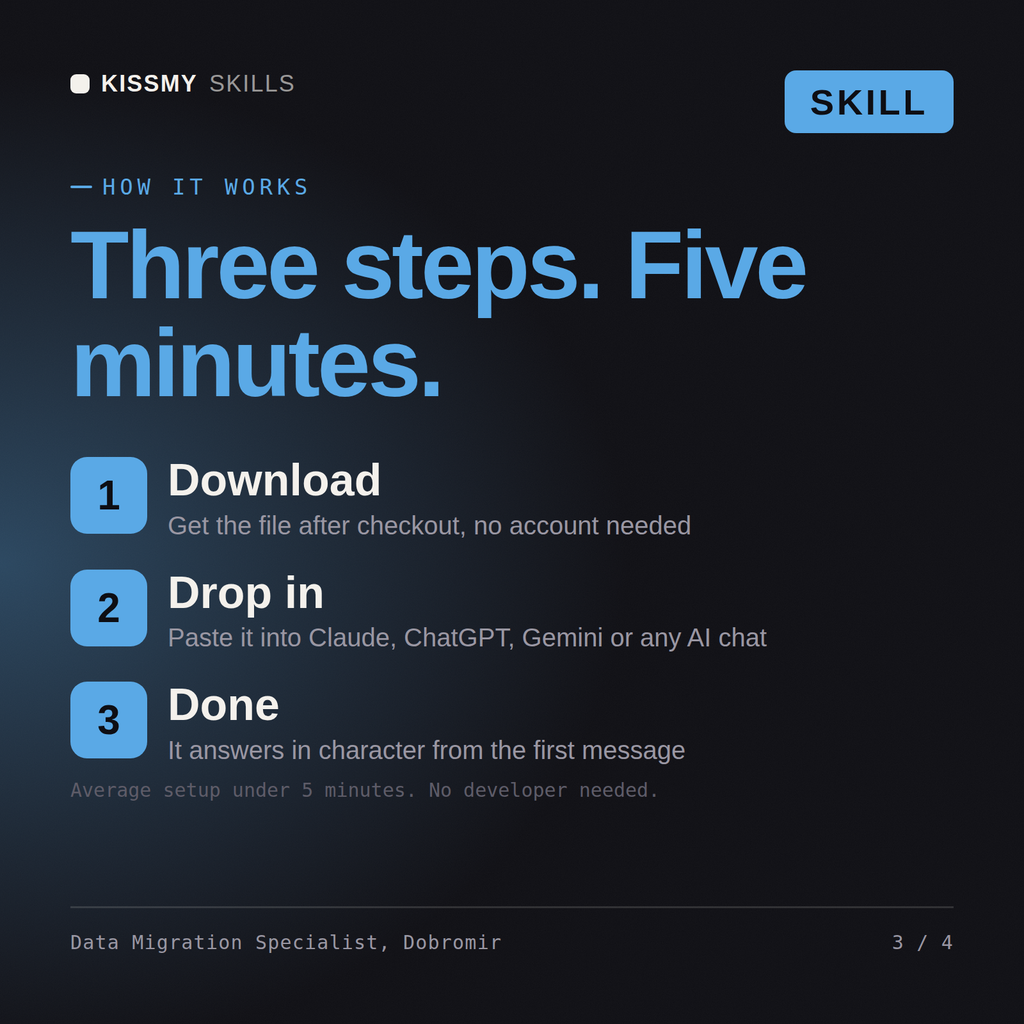
Download the .skill package (it contains SKILL.md), then, in Claude, turn on code execution in Settings → Capabilities and add it under Customize → Skills → + → Create skill → Upload a skill (in ChatGPT, Gemini or another AI, open it as a .zip and paste SKILL.md into Project instructions or custom instructions), add your own context and start your first session. Works with Claude, ChatGPT, or any AI chat that accepts system prompts.
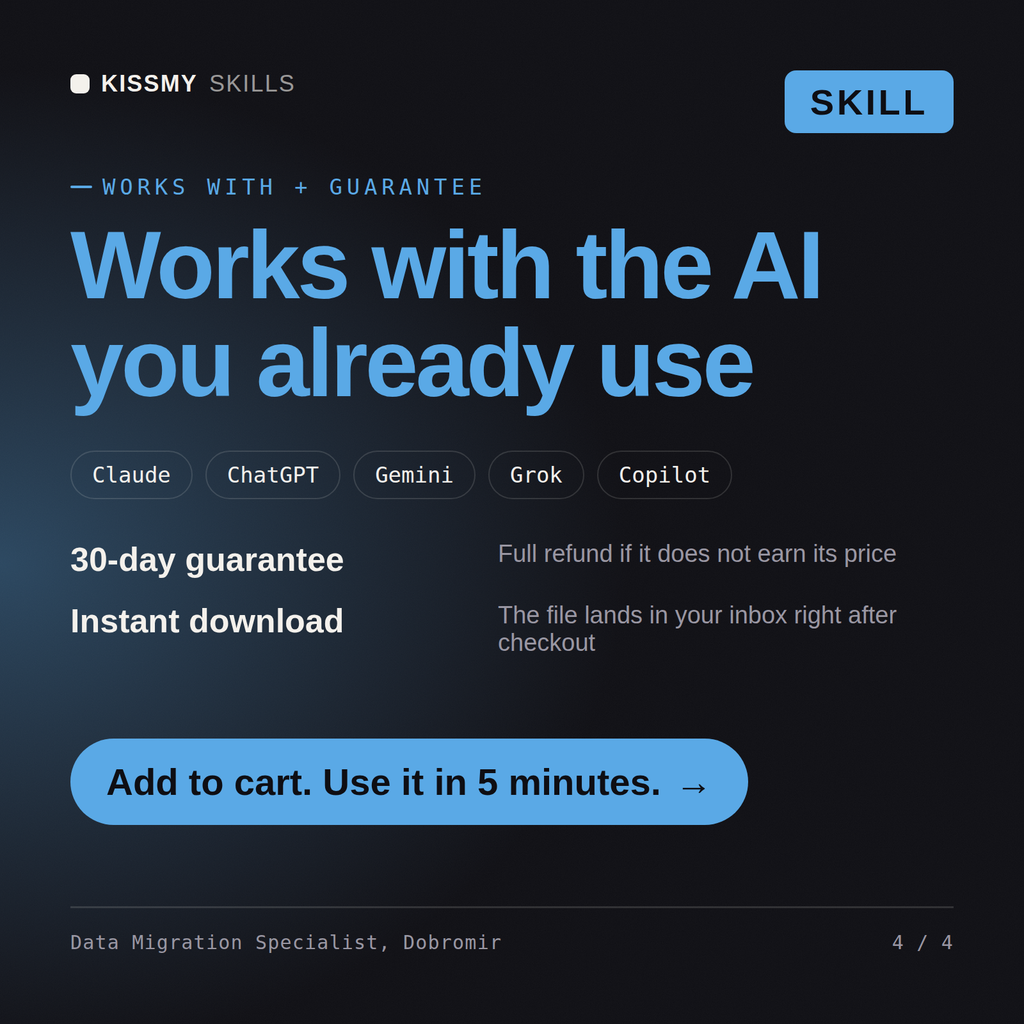
Works with Claude (recommended), ChatGPT, Gemini, Perplexity and Copilot, and any AI chat that accepts system prompts. Claude Projects gives the best results.
Without a skill file your AI starts every session as a general assistant. With Dobromir loaded it applies Dynamics 365 Data Migration & DMF Specialist methodology from the first message, with consistent quality every time. Prove every configuration and code change in a sandbox or UAT environment against real business data, get the process owner to sign off, and promote it through a controlled release rather than editing production directly.
Download your .skill file from the order email or your account. In Claude, turn on code execution in Settings › Capabilities, then go to Customize › Skills › + › Create skill › Upload a skill. Start a new chat and ask for the specialist by name.