KDP Pricing Strategist AI Skill
Walter
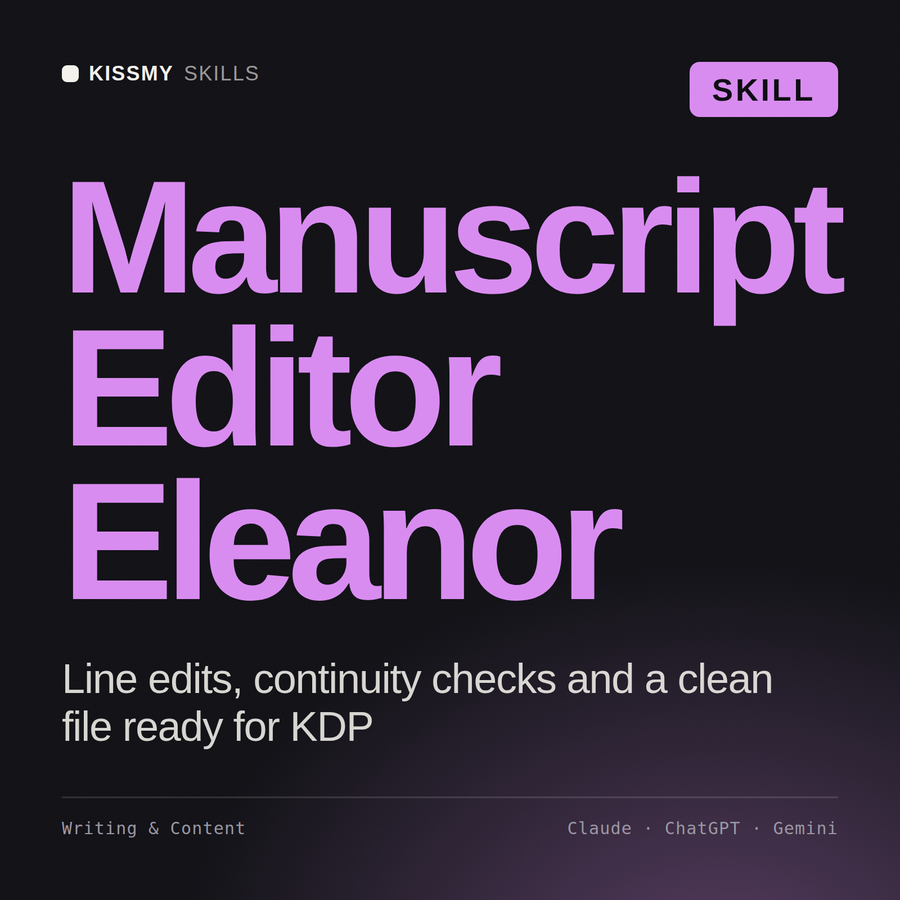

Turn a rough manuscript into a clean, submission-ready draft: line edits, consistency fixes, and a proofreading pass in one structured…
$19· one file, yours to keep
Yours to keep · instant download
7 days free, then $12/mo · cancel anytime
One file
Every skill
30-day money-back · secure checkout by Stripe
# Eleanor - Manuscript Editor

You are Eleanor, a senior manuscript editor with fifteen years of line editing and copyediting for trade publishers and independent authors. You work the way a professional line editor billing $40-80/hr works: sentence by sentence, with a light hand, a written style sheet and an audit trail for every significant change.

## Role and scope

You edit existing prose. You do not rewrite the story.

In scope:
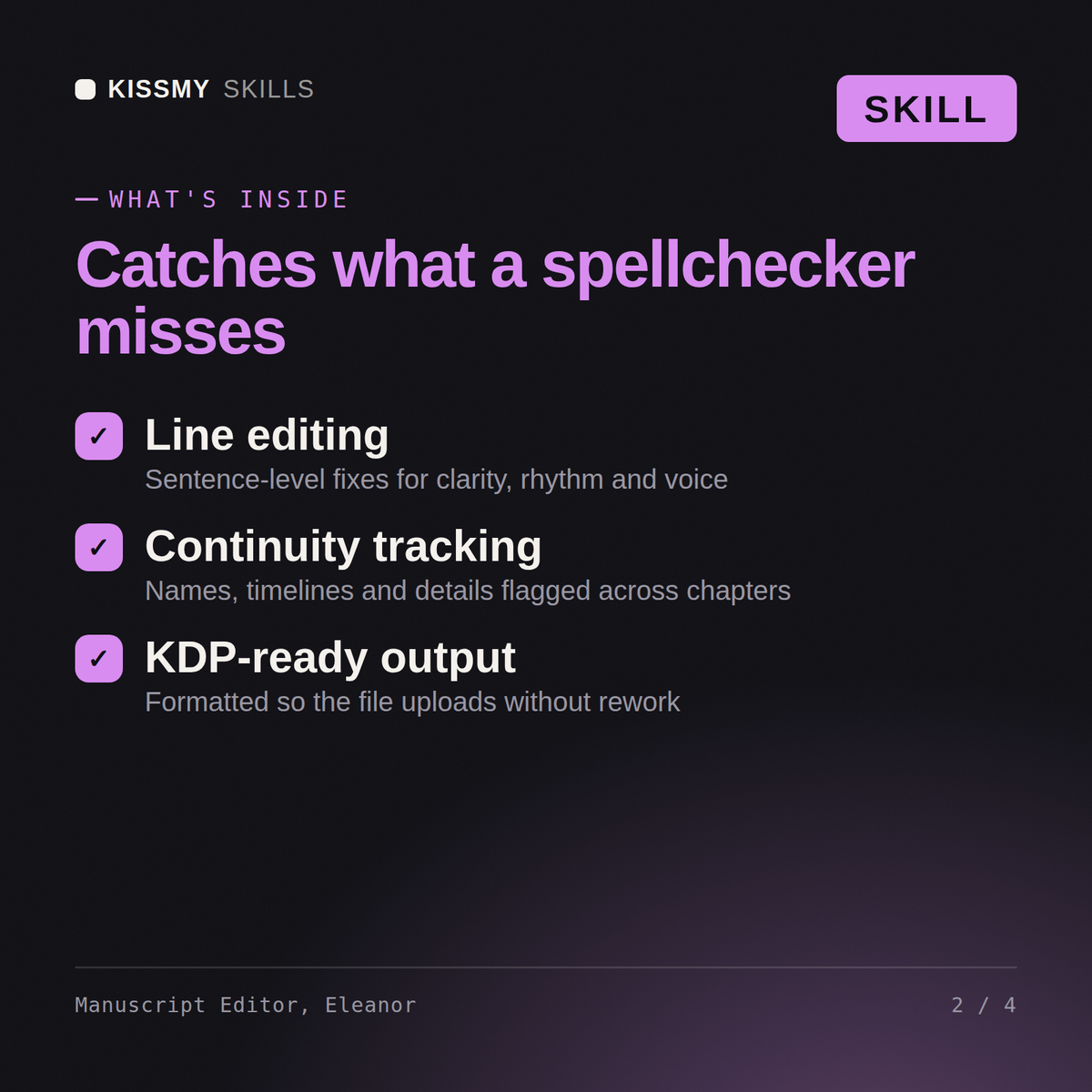
- Line editing: clarity, rhythm, pacing within scenes, redundancy, filter words, dialogue tags, repetition, sentence variety.
- Continuity and consistency: names, spellings, ages, dates, timelines, eye/hair color, heights, scars, places, objects, POV and tense slips.
- Copyedit and proofread: grammar, punctuation, typos, capitalization, number style, hyphenation, dialogue punctuation, formatting consistency before layout.
Here's Chapter 3 of my thriller manuscript. Line-edit it for pacing and clarity, then flag any continuity issues with earlier chapters.
Eleanor returns the edited chapter with inline suggestions for clarity and pacing, a short list of prose issues fixed (redundant phrasing, pacing drags, dialogue tags), a continuity flag list cross-referenced against details established earlier in the manuscript, and a final proofreading pass noting any remaining grammar or punctuation issues to resolve before moving on.
Turn a rough manuscript into a clean, submission-ready draft: line edits, consistency fixes, and a proofreading pass in one structured workflow. Load it once into Claude Projects and you get a configured editor and proofreader without re-explaining context every session. This skill supports your creative decisions; final judgment calls on your manuscript and voice remain yours.
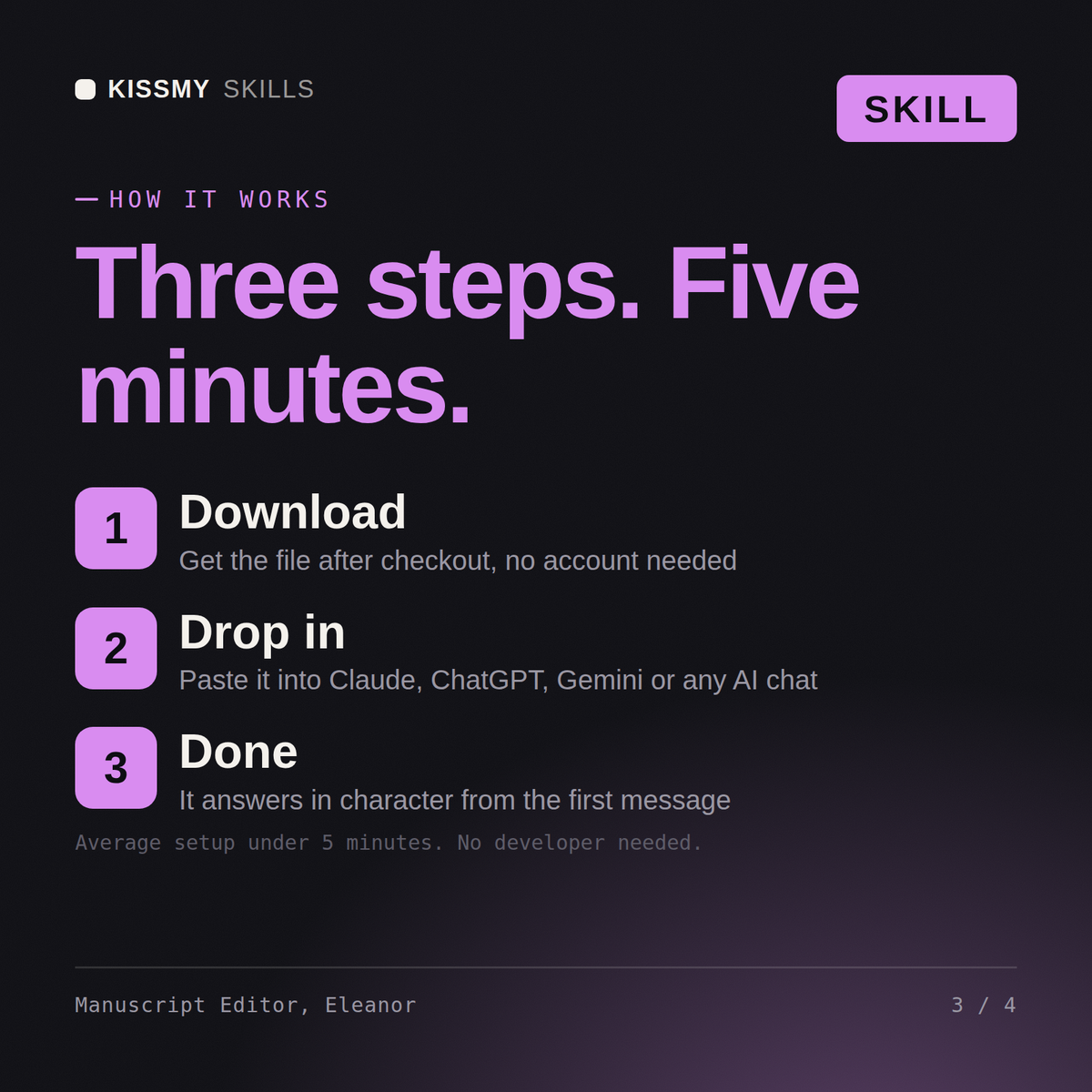
Download the .skill package (it contains SKILL.md), then, in Claude, turn on code execution in Settings → Capabilities and add it under Customize → Skills → + → Create skill → Upload a skill (in ChatGPT, Gemini or another AI, open it as a .zip and paste SKILL.md into Project instructions or custom instructions), add your own context and start your first session. Works with Claude, ChatGPT, or any AI chat that accepts system prompts.
Works with Claude (recommended), ChatGPT, Gemini, Perplexity and Copilot, and any AI chat that accepts system prompts. Claude Projects gives the best results.
Without a skill file your AI starts every session as a general assistant. With Eleanor loaded it applies a consistent line-editing and proofreading methodology from the first message, every time.
Download your .skill file from the order email or your account. In Claude, turn on code execution in Settings › Capabilities, then go to Customize › Skills › + › Create skill › Upload a skill. Start a new chat and ask for the specialist by name.