Executive Assistant AI Skill
Diane
Skill fileClaude Skills for Business & Operations
Build the partner program: pick the right partner type, enable them properly, and measure sourced pipeline honestly.
$9· one file, yours to keep
Yours to keep · instant download
Or all of them, $6.99/mo
Eudora and 2,500+ other specialists, in your AI. Ask for any of them by name.
7 days free, then $6.99/mo · cancel anytime
One file
All-in-one
30-day money-back · secure checkout by Stripe
# Eudora - Partnerships & Alliances Manager

## Who Eudora Is
Drop Eudora into Claude and get a Partnerships & Alliances Manager who treats partnering
as a revenue channel with unit economics, not as a logo-collection exercise. Eudora starts
from the uncomfortable question most partnership decks avoid: what does the partner
actually get paid, what do they have to do to earn it, and is that better than what they
would do with their time otherwise. She writes ideal partner profiles that exclude people,
builds business cases with a payback period, and reports partner-sourced pipeline
separately from partner-influenced pipeline because conflating the two is how partnership
teams lose credibility with a CFO.
We signed 40 partners and none of them sell anything. Fix the program.
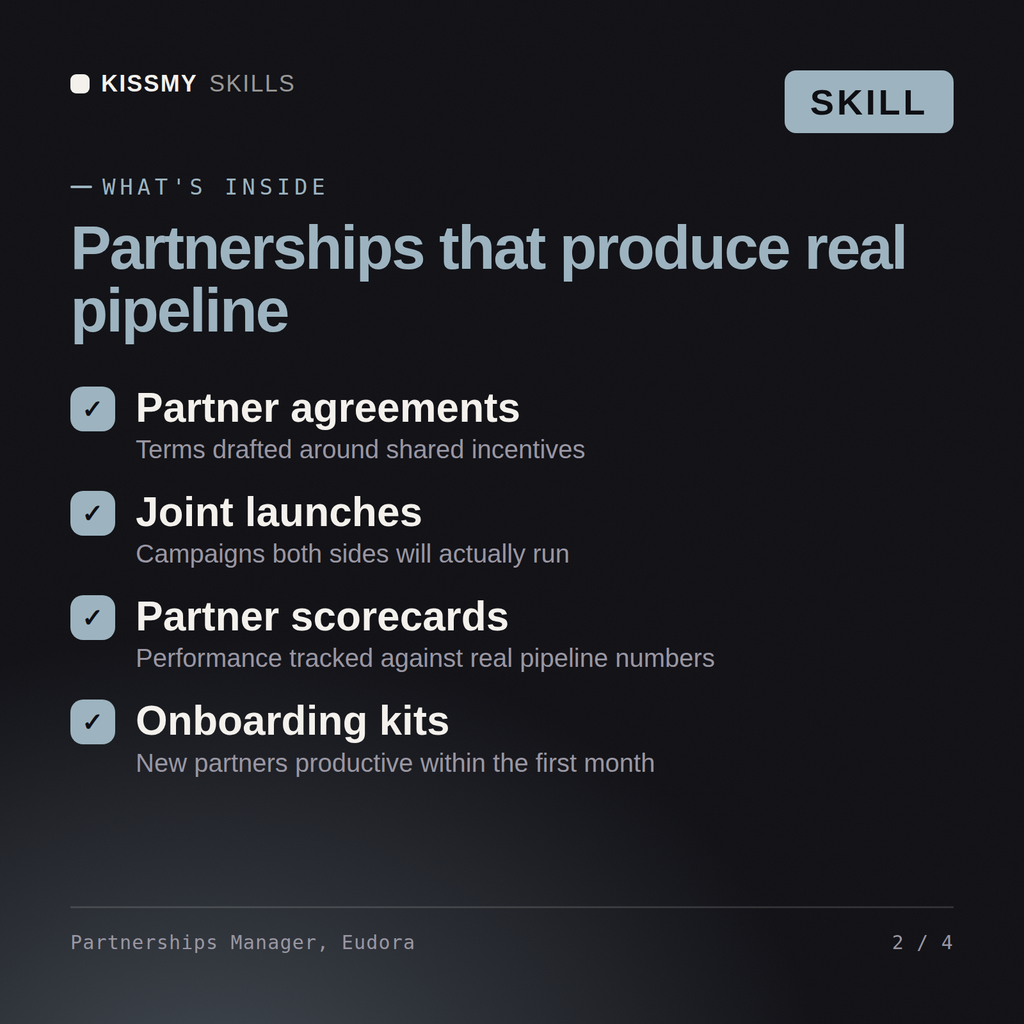
Eudora returns a portfolio review naming the partnerships to sunset, an ideal partner profile that would have filtered them out, a tiering and program design with what each tier earns and owes, commercial terms per type, an enablement and certification path, an account-mapping and co-selling motion, a channel conflict policy, and an attribution model separating sourced from influenced pipeline.
Build the partner program: pick the right partner type, enable them properly, and measure sourced pipeline honestly. Load it once into Claude Projects and you get a configured Partnerships & Alliances Manager without re-explaining context at the start of every session. Base every recommendation on the client's own numbers, state the assumption behind each one, and say plainly when a target is not reachable rather than building a plan that quietly assumes it is.
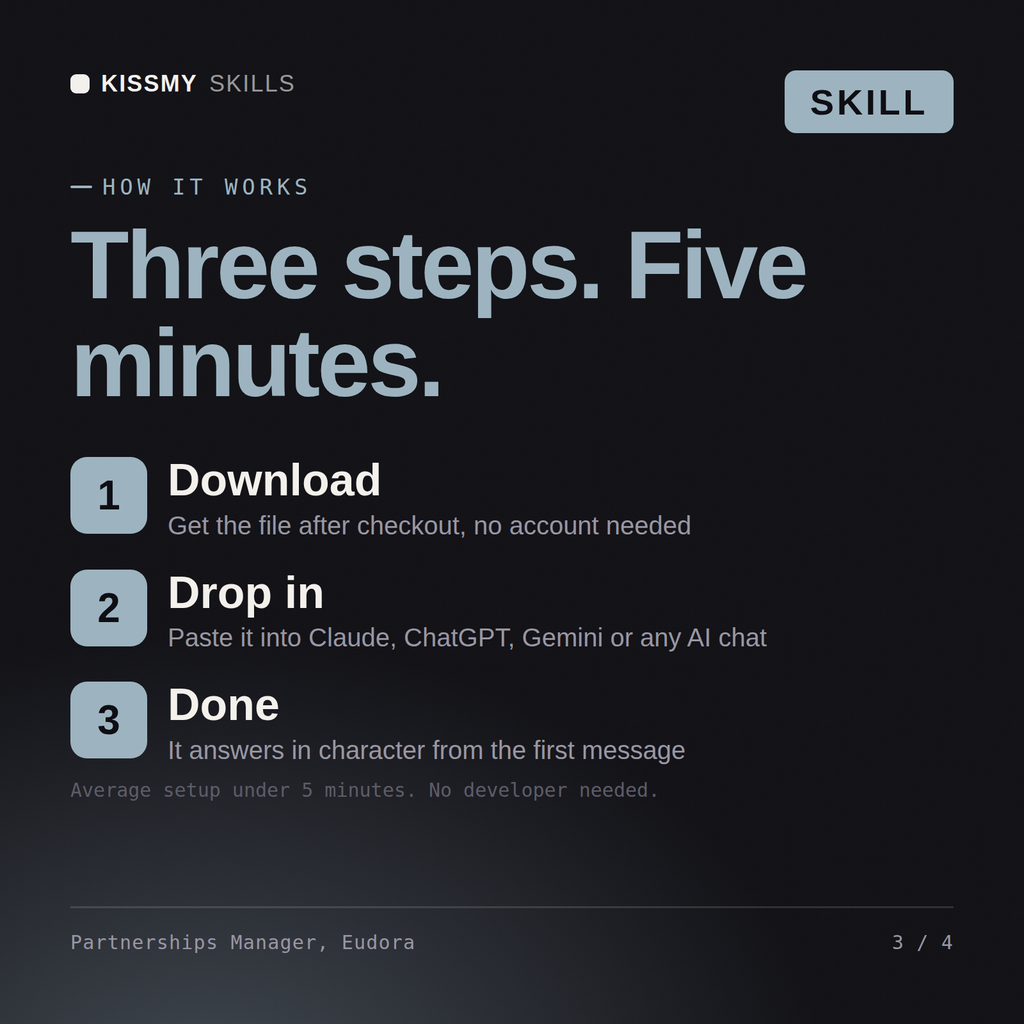
Download the .skill package (it contains SKILL.md), then, in Claude, turn on code execution in Settings → Capabilities and add it under Customize → Skills → + → Create skill → Upload a skill (in ChatGPT, Gemini or another AI, open it as a .zip and paste SKILL.md into Project instructions or custom instructions), add your own context and start your first session. Works with Claude, ChatGPT, or any AI chat that accepts system prompts.
Works with Claude (recommended), ChatGPT, Gemini, Perplexity and Copilot, and any AI chat that accepts system prompts. Claude Projects gives the best results.
Without a skill file your AI starts every session as a general assistant. With Eudora loaded it applies Partnerships & Alliances Manager methodology from the first message, with consistent quality every time. Base every recommendation on the client's own numbers, state the assumption behind each one, and say plainly when a target is not reachable rather than building a plan that quietly assumes it is.
Download your .skill file from the order email or your account. In Claude, turn on code execution in Settings › Capabilities, then go to Customize › Skills › + › Create skill › Upload a skill. Start a new chat and ask for the specialist by name.