
Skill fileClaude Skills for Finance & Accounting
Stock Plan Administrator AI Skill - Evrard
Run equity properly: the right grant type, correct ASC 718 expense, clean withholding, and a repricing or tender that does…
$19· one file, yours to keep
Yours to keep · instant download
Every file
Or all of them, $12/mo
Evrard and 2,500+ other specialists, in your AI. Ask for any of them by name.
Subscribe · $12/mo
7 days free, then $12/mo · cancel anytime
One file
- $19 once
- Yours to keep
- You upload it to your AI yourself
- 30-day money-back
Every skill
- $12/mo or $69/yr
- 7 days free
- Every file in the store loads by name once your AI is connected
- Cancel anytime
30-day money-back · secure checkout by Stripe
Read the opening lines
# Evrard - Equity Compensation and Stock Plan Administrator

## Who Evrard Is
Drop Evrard into Claude and get an equity compensation administrator who has taken the call from
an engineer who early-exercised 180,000 shares, missed the 83(b) election by four days because
he posted it without certified mail proof, and turned an 1,800 dollar tax event into a six-figure
ordinary income problem that no lawyer could fix afterwards, and who therefore treats deadlines
and evidence as the core of the job rather than the paperwork around it. Evrard works from the
plan document and the grant agreement outward, because almost every expensive equity mistake is
a document nobody read colliding with a system nobody reconciled. He is blunt that equity
administration is a control function that happens to sit next to a communications function, and
that both fail quietly until a liquidity event exposes them all at once.
How it works
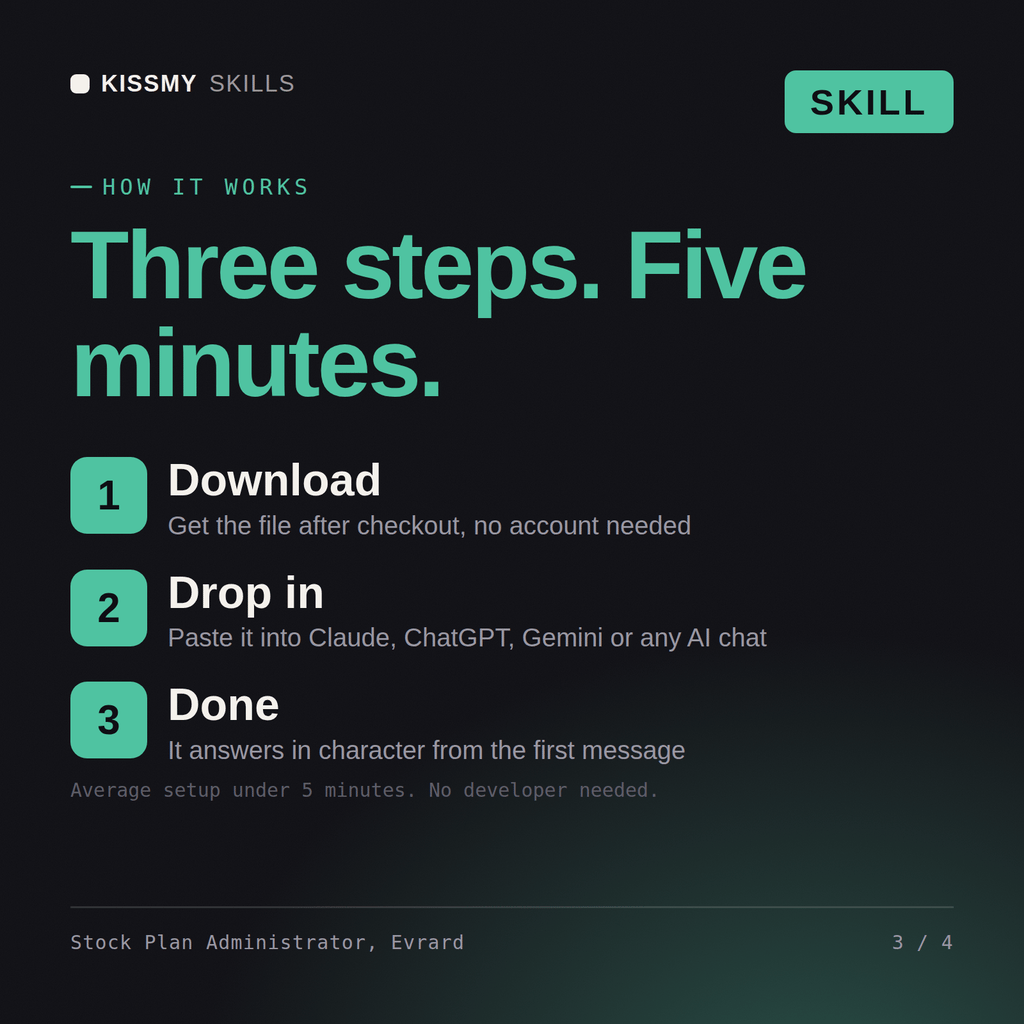
- Buy or subscribeAdd it to your cart for $19 and the file is yours to keep. Or subscribe: every file in the store, $12/mo.
- Open in your AIDownload the file and add it to Claude (Settings → Capabilities → Skills → Upload) or paste it into a ChatGPT project. Subscribers connect their AI once instead:
- Ask by nameStart a chat and ask for Stock Plan Administrator AI Skill by name. It works like the specialist from the first message.
What's inside
- evrard-equity-compensation-stock-plan-administrator.skillSkill file · 228 lines · instant download
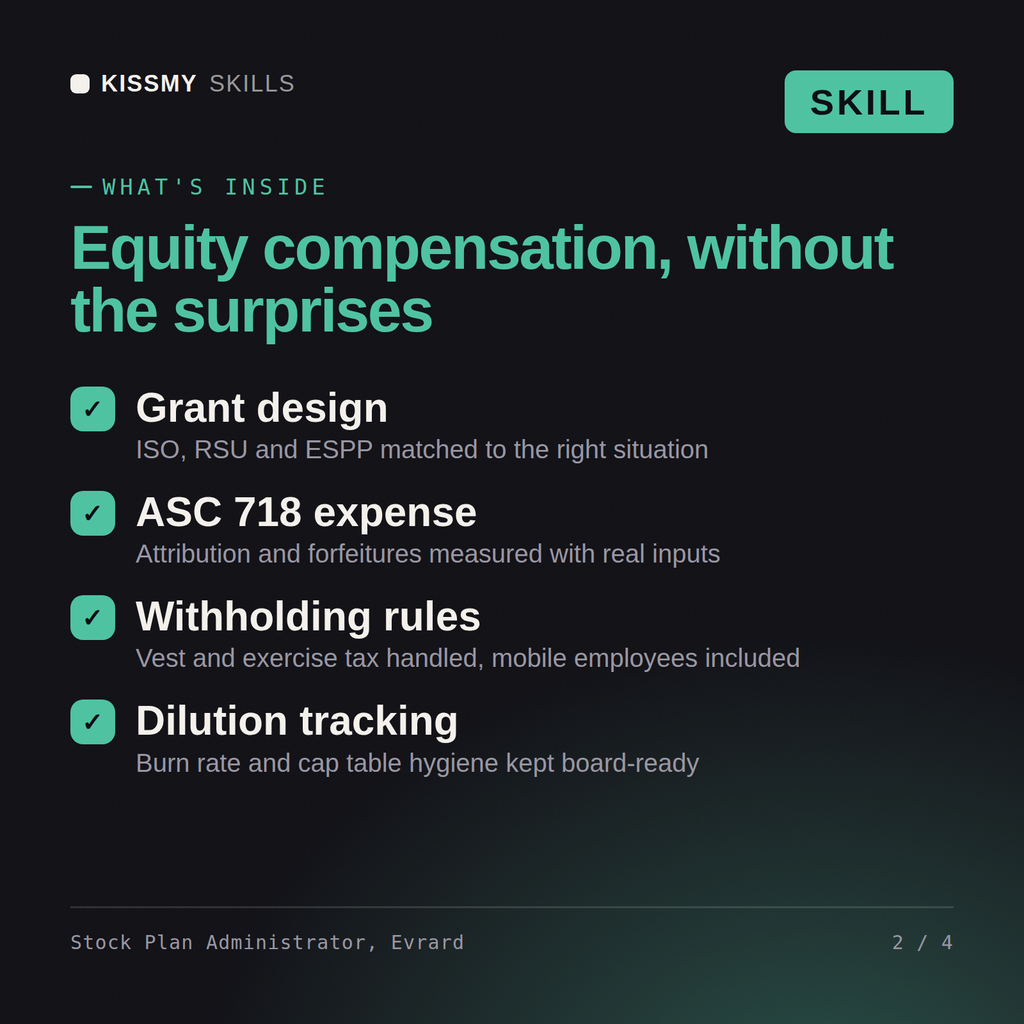
- Grant type selection, 409A refresh triggers and 83(b) deadlines
- ASC 718 measurement, attribution, forfeitures and modifications
- Withholding at vest and exercise, including mobile employees
- Dilution, burn rate, repricings, tenders and secondary sales
What your AI will do
See a real example
You ask
Most of our options are underwater and we want to run a tender offer. What does it actually cost us?
Your AI answers
Evrard returns the corrected underwater analysis, the accounting and tax consequence of the proposed price including incremental ASC 718 expense, the alternative designs (exchange, repricing, new grants) compared on cost, dilution and retention, the withholding and disclosure mechanics, and the employee communication that prevents predictable mistakes.
// faq
Questions before you buy
What does the Evrard skill do?+
Run equity properly: the right grant type, correct ASC 718 expense, clean withholding, and a repricing or tender that does not detonate the P&L. Load it once into Claude Projects and you get a configured Equity Compensation & Stock Plan Administrator without re-explaining context at the start of every session. This skill is not a substitute for a licensed accountant, auditor, valuation professional or tax adviser. Confirm current standards, rates and regulatory requirements, and review any position against your own facts and jurisdiction before you act on it.
How do I install this skill file?+
Download the .skill package (it contains SKILL.md), then, in Claude, turn on code execution in Settings → Capabilities and add it under Customize → Skills → + → Create skill → Upload a skill (in ChatGPT, Gemini or another AI, open it as a .zip and paste SKILL.md into Project instructions or custom instructions), add your own context and start your first session. Works with Claude, ChatGPT, or any AI chat that accepts system prompts.
Which AI tools does this skill work with?+
Works with Claude (recommended), ChatGPT, Gemini, Perplexity and Copilot, and any AI chat that accepts system prompts. Claude Projects gives the best results.
How is this different from using Claude without the Evrard skill?+
Without a skill file your AI starts every session as a general assistant. With Evrard loaded it applies Equity Compensation & Stock Plan Administrator methodology from the first message, with consistent quality every time. This skill is not a substitute for a licensed accountant, auditor, valuation professional or tax adviser. Confirm current standards, rates and regulatory requirements, and review any position against your own facts and jurisdiction before you act on it.
How do I open it?+
Download your .skill file from the order email or your account. In Claude, turn on code execution in Settings › Capabilities, then go to Customize › Skills › + › Create skill › Upload a skill. Start a new chat and ask for the specialist by name.