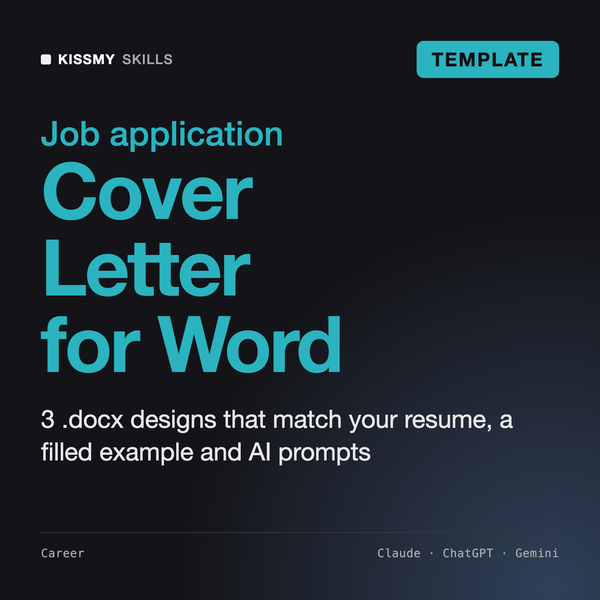
Cover Letter Template Microsoft Word
3 Word Designs to Match Your Resume
TemplateAI Prompt & Document Templates
Know every month what you planned, what you spent and what is left, category by category.
$9· one file, yours to keep
Yours to keep · instant download
Or all of them, $6.99/mo
Excel Budget Template and 2,500+ other specialists, in your AI. Ask for any of them by name.
7 days free, then $6.99/mo · cancel anytime
One file
All-in-one
30-day money-back · secure checkout by Stripe
================================================================================
  KISSMYSKILLS.COM
  Excel Budget Template - Monthly and 12-Month Personal Budget
  Template + AI Prompts - Instant Use
================================================================================


WHAT YOU JUST BOUGHT
--------------------------------------------------------------------------------
Two working pieces that belong together:

  1. excel-budget-template.xlsx
Here is my bank CSV for March. Map every row to the 28 categories of my Excel budget template and give me rows I can paste into the Transactions sheet.
You get: a 5-column table (Date, Description, Category, Amount, Note) in the exact order of the Transactions sheet → every merchant mapped to one of your category names, no new names invented → all amounts positive, income vs spending decided by category → internal transfers flagged for you to check → guesses marked ASSUMPTION in the Note column → a short list of guessed merchants to confirm before you paste.
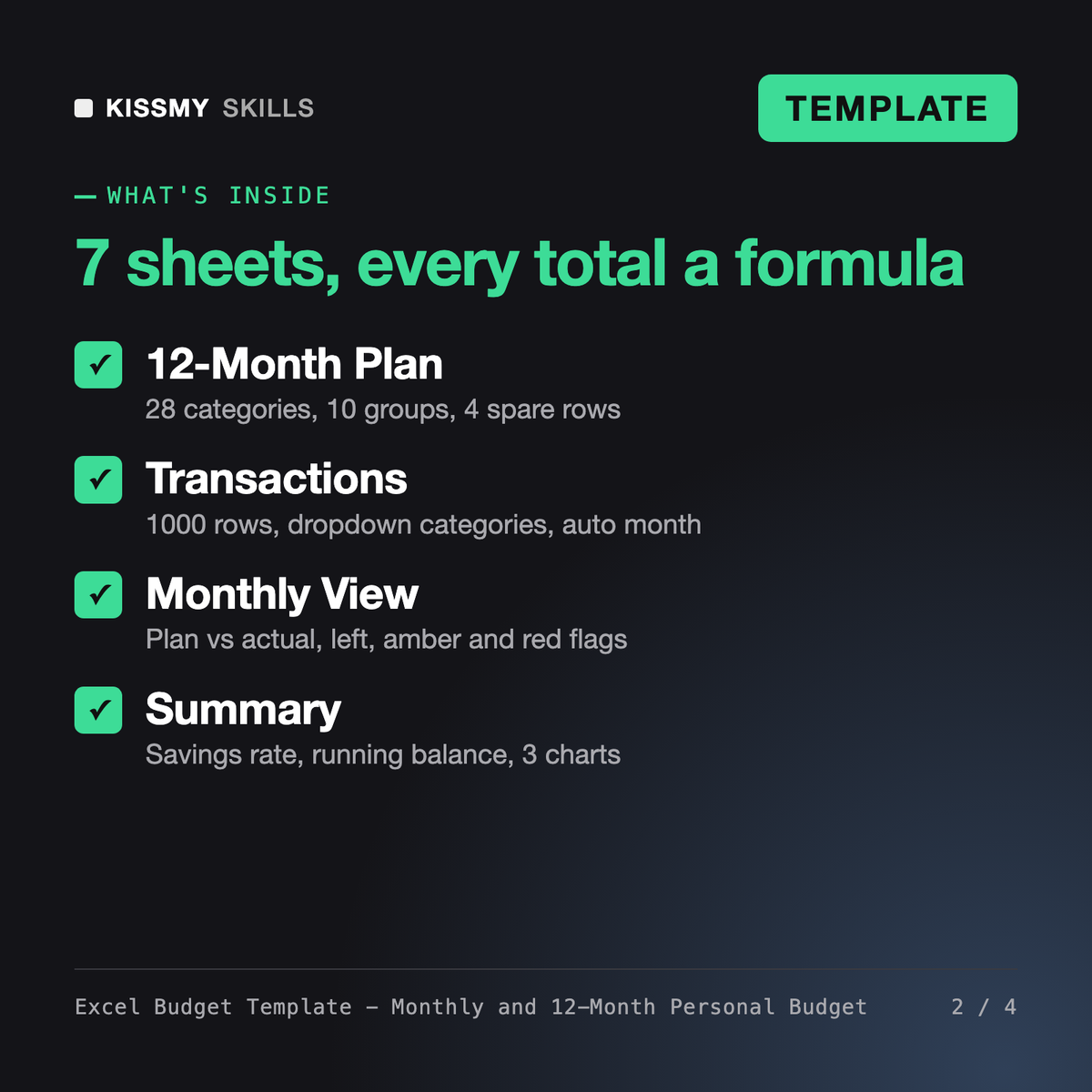
It gives you a working personal budget workbook. You enter a typical month on the 12-Month Plan, log real income and spending on the Transactions sheet, and formulas fill Actuals, a Monthly View with plan vs actual and overspend flags, and a Summary with year totals, savings rate, running balance and 3 charts. An AI prompt file helps you customise it.
It is a standard .xlsx file with no macros. It opens in Microsoft Excel 2016 or later on Windows and Mac, Excel for the web, Google Sheets, Apple Numbers and LibreOffice Calc. Formulas carry over; dropdowns, colours and charts can look a little different outside Excel, and the prompt file has a checklist for that.
Budget Template and AI Budget Planner are text prompt products: you paste them into an AI chat and it writes a budget for you, with no spreadsheet included. This product ships a real Excel workbook with formulas, dropdowns and charts that you keep using every month, plus an AI prompt file written for this exact workbook.
Yes. Rename any of the 28 categories and groups on the 12-Month Plan sheet or use the 4 spare rows, and the dropdowns and totals follow. The prompt file includes prompts that rewrite the category list for your situation, plan around irregular income, and add zero-based or 50/30/20 checks.
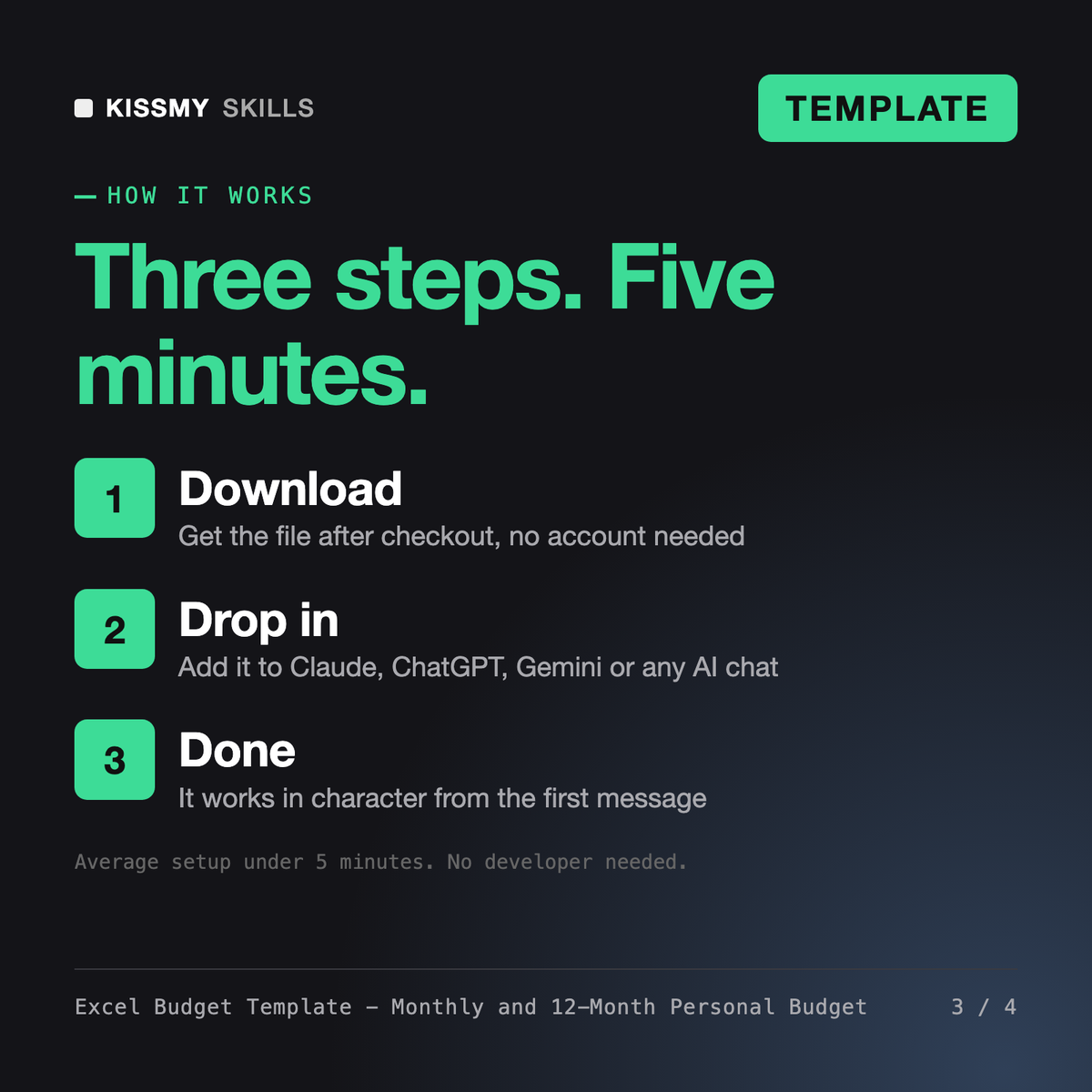
Download your .skill file from the order email or your account. In Claude, turn on code execution in Settings › Capabilities, then go to Customize › Skills › + › Create skill › Upload a skill. Start a new chat and ask for the specialist by name.