Airbnb Rental Agreement Template
Short-Term Rental Agreement and House Rules
TemplateAI Prompt & Document Templates
A finished one-page Word resume in the design you choose, tailored to the job you want.
$9· one file, yours to keep
Yours to keep · instant download
Or all of them, $6.99/mo
Resume Template Microsoft Word and 2,500+ other specialists, in your AI. Ask for any of them by name.
$6.99/mo · 30-day money-back · cancel anytime
One file
All-in-one
30-day money-back · secure checkout by Stripe
================================================================================
  KISSMYSKILLS.COM
  Resume Template Microsoft Word - 3 ATS-Friendly Word Resume Designs
  Template + AI Prompts - Instant Use
================================================================================


WHAT YOU JUST BOUGHT
--------------------------------------------------------------------------------
Five files that work together:

1) resume-template-microsoft-word.docx  (CLASSIC design)
Here is my old resume and a job post for a Customer Success Lead. Convert it into the Classic template and tailor it to the post.
You get: a keyword match table from the job post → a 2-3 line summary using the post's wording → skills in 3 groups → each role rewritten as achievement bullets, most relevant first → [NUMBER?] markers where a result is missing → a list of what was cut → plain text ready to paste into the .docx.
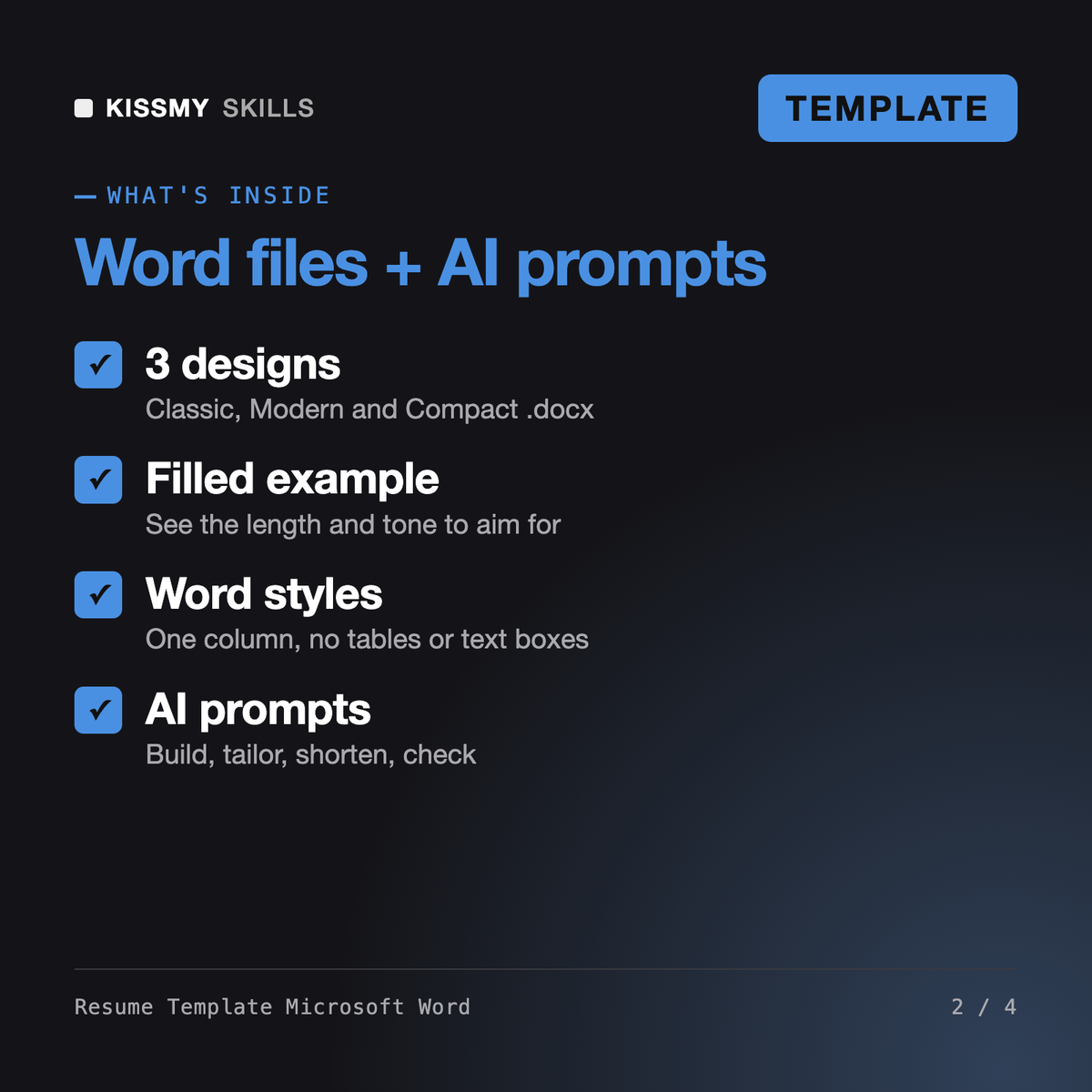
Three resume designs as real Word .docx files (Classic in Georgia, Modern in Trebuchet MS with a teal accent, Compact in Arial for dense one-page resumes), a filled example resume for a fictional candidate, and an AI prompt file with 9 prompts and an assistant prompt that help Claude, ChatGPT, Gemini or Copilot write, tailor and check your resume.
The files follow the formatting most ATS handle well: one column, standard section headings like Professional Experience and Education, no tables, text boxes, images or skill bars, and contact details in the page body rather than the Word header. No template can guarantee how a specific employer's system parses or ranks you; matching the job post honestly matters more than the design.
Yes. Upload the .docx to Google Docs (File > Open > Upload) or open it in Apple Pages or LibreOffice. The fonts used (Georgia, Trebuchet MS and Arial) ship with Windows and macOS and are available in Google Docs. The page size is US Letter; switch to A4 in Layout > Size in Word or File > Page setup in Google Docs.
Resume Template is a text guide with a structure, rules and an example, and AI Resume Generator is a prompt pack that writes resume text. Neither ships a design. This product gives you three finished Word layouts plus a filled example, and its prompts are written to fill those exact sections.
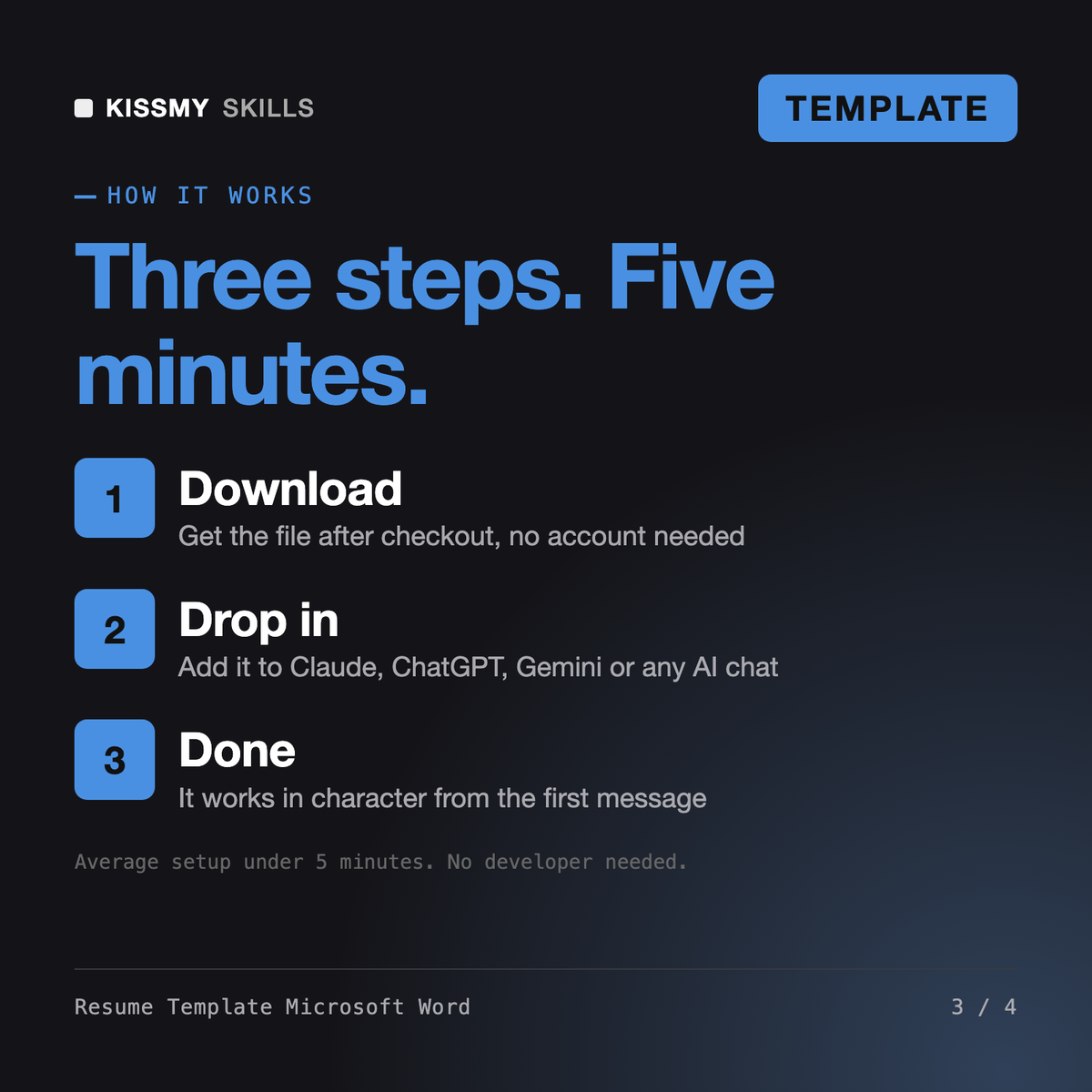
Download your .skill file from the order email or your account. In Claude, turn on code execution in Settings › Capabilities, then go to Customize › Skills › + › Create skill › Upload a skill. Start a new chat and ask for the specialist by name.