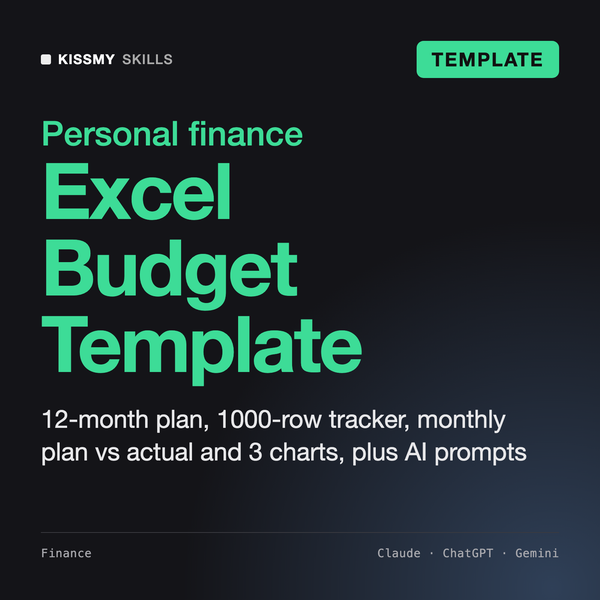
Excel Budget Template
Monthly and 12-Month Personal Budget
TemplateAI Prompt & Document Templates
An undated hyperlinked planner for your iPad plus AI prompts that plan your year, weeks and days into it.
$9· one file, yours to keep
Yours to keep · instant download
Or all of them, $6.99/mo
GoodNotes Digital Planner Template and 2,500+ other specialists, in your AI. Ask for any of them by name.
$6.99/mo · 30-day money-back · cancel anytime
One file
All-in-one
30-day money-back · secure checkout by Stripe
================================================================================
  KISSMYSKILLS.COM
  GoodNotes Digital Planner Template - Undated Hyperlinked PDF
  Template + AI Prompts - Instant Use
================================================================================


WHAT YOU JUST BOUGHT
--------------------------------------------------------------------------------
Two files that work together:

1) goodnotes-digital-planner-template.pdf
Here is my brain dump for Monday: finish report, gym, call mum, pay electricity, prep Thursday slides. Fill my planner's day page and time-block 06:00-22:00.
You get: Top 3 priorities sized for the 3 checkbox lines → up to 8 to-dos in order for the To do box → ideas and worries moved to short Notes lines → a 17-line schedule from 06:00 to 22:00 with the hardest task in your best focus hours → a Not today list with where each item goes → every guess marked [ASSUMPTION] and open questions at the end.
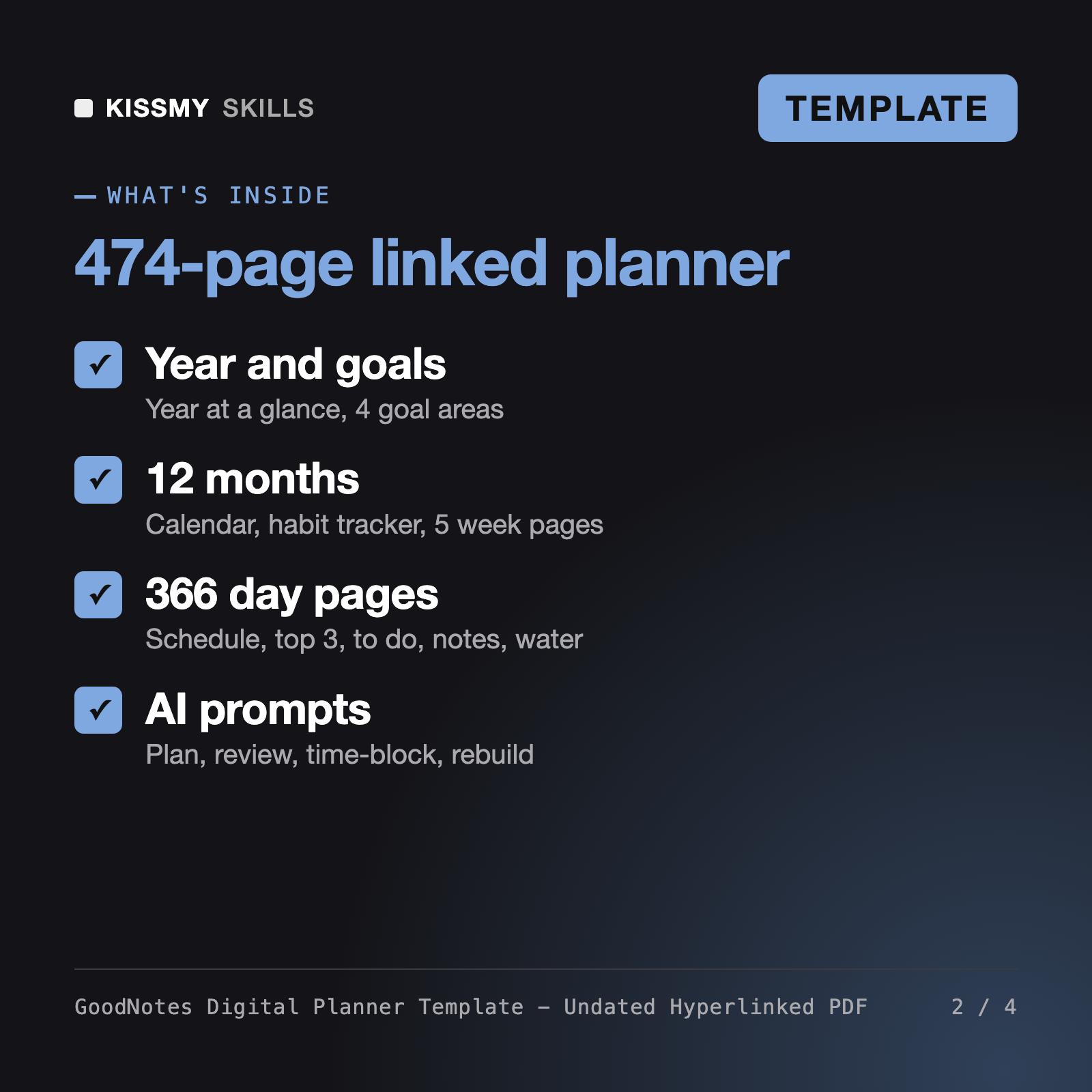
It gives you a ready digital planner PDF for GoodNotes and other note apps: 474 undated pages with a year at a glance, year goals, and for each month a calendar, a habit tracker, 5 week pages and a day page for every date. Side tabs and about 9,100 internal links connect them. An AI prompt file helps Claude or ChatGPT plan into it.
It is a standard PDF, so it opens in GoodNotes 5 and 6, Notability, Noteshelf, Xodo and other PDF annotation apps. Links are tapped with a finger; whether a tap jumps or writes depends on your app and its settings, for example the pen tool being off or a read mode. Check your app's help for your version.
It is undated with a Monday start, so it works for any year and you can begin in any month. You write the year and the dates yourself. February has 29 day pages. For a Sunday start or a version with real dates, one prompt asks the AI to write a Python script that rebuilds the planner.
Our AI planner skills, such as the Petra fitness and wellness planner, the AI Cleaning Schedule Planner and the Paolo meal planner, are prompts that produce plans as text. This product ships a real hyperlinked planner PDF you write in, plus an AI prompt file whose prompts fit their output to the planner's boxes.
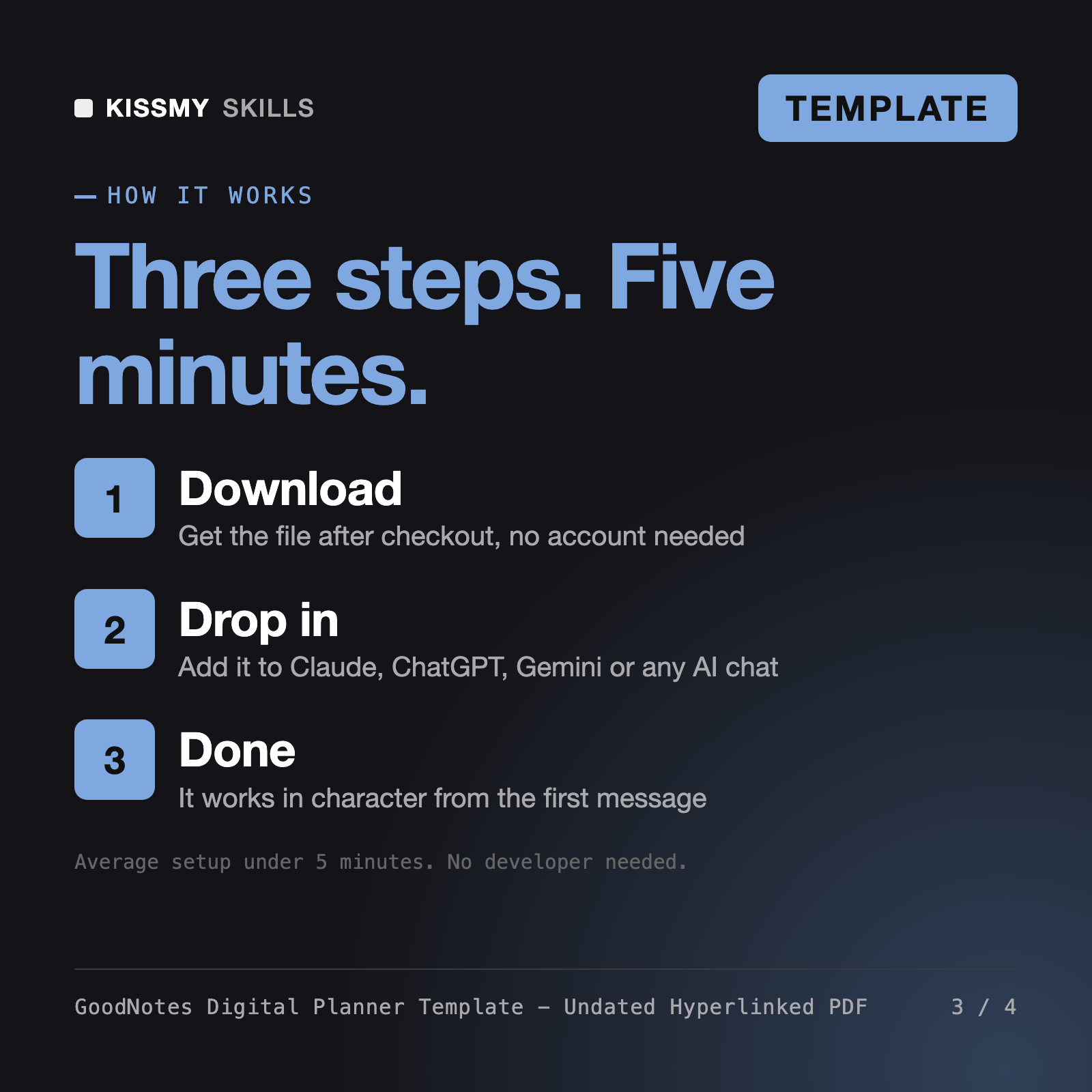
Download your .skill file from the order email or your account. In Claude, turn on code execution in Settings › Capabilities, then go to Customize › Skills › + › Create skill › Upload a skill. Start a new chat and ask for the specialist by name.