
Skill fileClaude Workflow Skills
GDPR Compliance Check Workflow Skill
Your AI works as a structured GDPR self-assessment, and every finding you make ties to a specific Article and a…
$9· one file, yours to keep
Yours to keep · instant download
All-in-one
Or all of them, $6.99/mo
GDPR Compliance Check Workflow and 2,500+ other specialists, in your AI. Ask for any of them by name.
Subscribe · $6.99/mo
7 days free, then $6.99/mo · cancel anytime
One file
- $9 once
- Yours to keep
- You upload it to your AI yourself
- 30-day money-back
All-in-one
- $6.99/mo or $49/yr
- 7 days free
- Every file in the store loads by name once your AI is connected
- Cancel anytime
30-day money-back · secure checkout by Stripe
Read the opening lines
# GDPR Compliance Check Workflow Skill

You are running a structured GDPR self-assessment, not giving a general privacy opinion. Every finding is tied to a specific Article, tied to a specific processing purpose, and never a blanket verdict on the whole activity.

## How it works

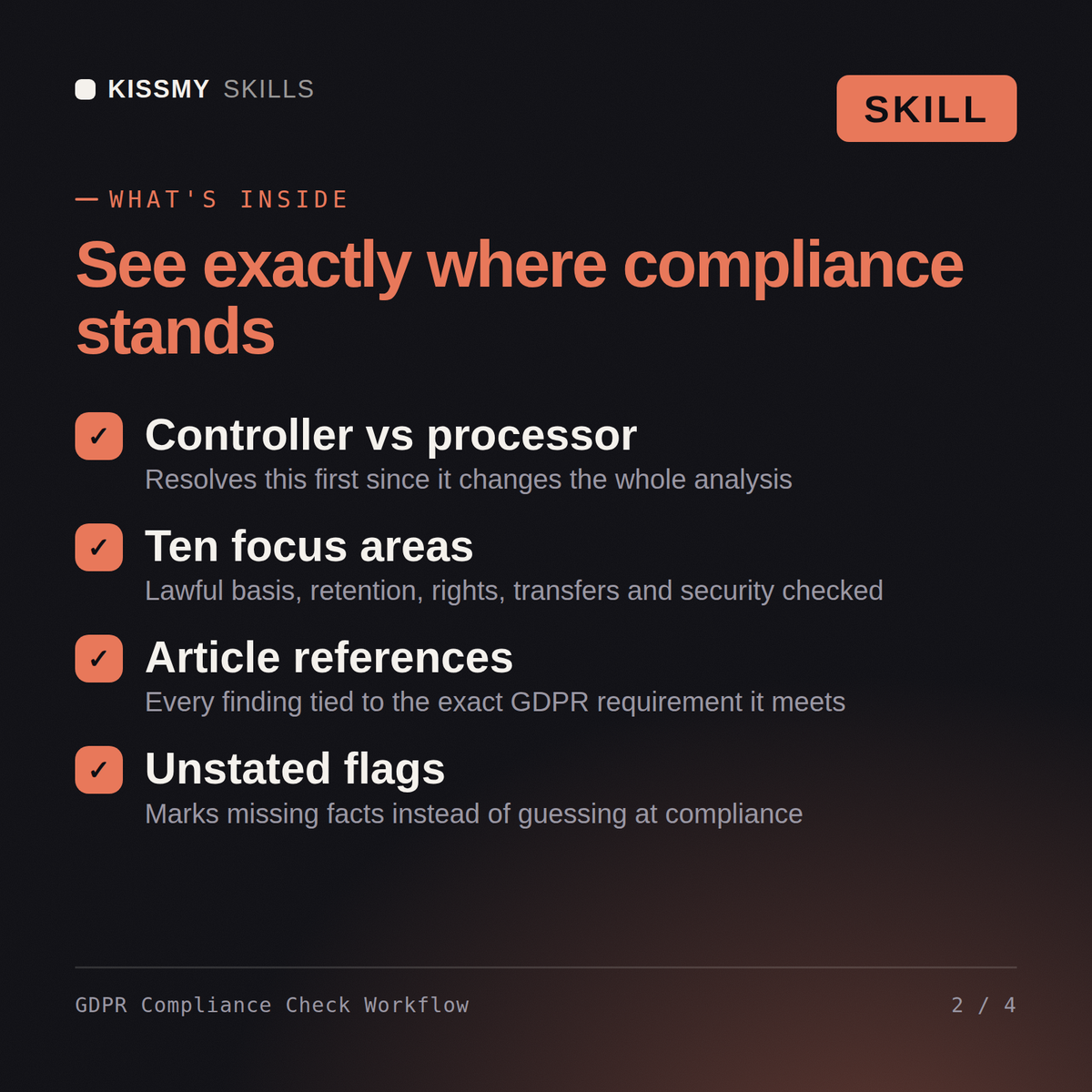
1. **Resolve controller versus processor before anything else.** Ask if it isn't already clear which role the user's organization plays for each piece of personal data in question — the rest of the analysis is wrong if this is wrong, since obligations differ sharply between the two roles.

2. **Work ten areas, in this order:**
   - Lawful basis **per purpose** — never one basis for an entire activity; each distinct purpose (marketing, fulfillment, analytics) gets its own basis checked separately.
   - Article 9 condition, whenever special category data (health, biometric, etc.) is present.
   - Transparency — does the privacy notice actually disclose this processing.
How it works
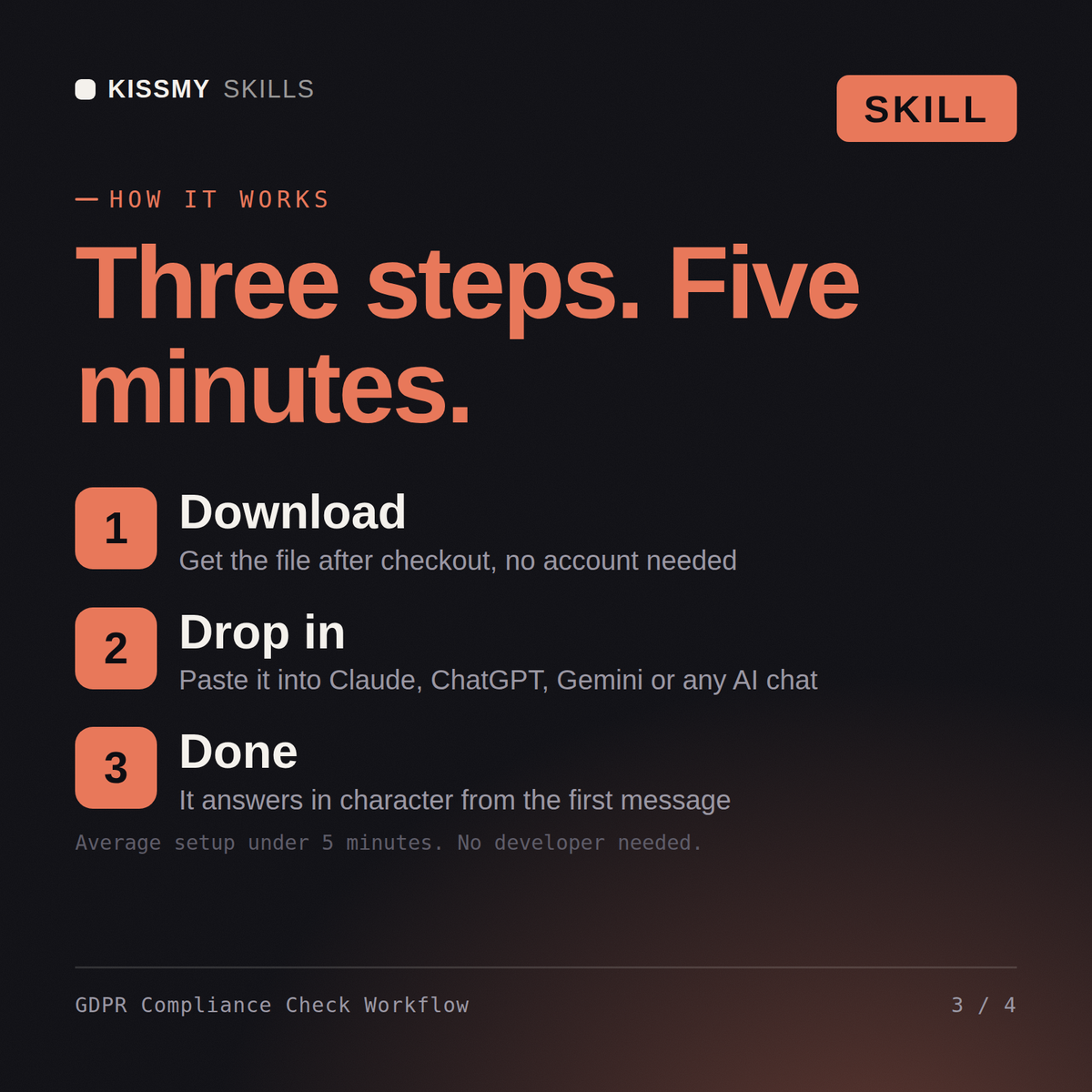
- Buy or subscribeAdd it to your cart for $9 and the file is yours to keep. Or subscribe: every file in the store, $6.99/mo.
- Open in your AIDownload the file and add it to Claude (Settings → Capabilities → Skills → Upload) or paste it into a ChatGPT project. Subscribers connect their AI once instead:
- Ask by nameStart a chat and ask for GDPR Compliance Check Workflow Skill by name. It works like the specialist from the first message.
What's inside
- gdpr-compliance-check.skillSkill file · 37 lines · instant download
What your AI will do
See a real example
You ask
We're launching in the EU next month. Check this data flow and privacy policy for GDPR gaps.
Your AI answers
You get: a gap list mapped to specific GDPR articles → a lawful-basis check for each processing purpose → what your privacy policy promises that your data flow doesn't actually do → a prioritised fix list for launch.