Skill fileClaude Workflow Skills
Board Report Pack Workflow Skill
Your AI works as a board report builder who opens with the decision being asked for, puts cash and runway…
$9· one file, yours to keep
Yours to keep · instant download
All-in-one
Or all of them, $6.99/mo
Board Report Pack Workflow and 2,500+ other specialists, in your AI. Ask for any of them by name.
Subscribe · $6.99/mo
7 days free, then $6.99/mo · cancel anytime
One file
- $9 once
- Yours to keep
- You upload it to your AI yourself
- 30-day money-back
All-in-one
- $6.99/mo or $49/yr
- 7 days free
- Every file in the store loads by name once your AI is connected
- Cancel anytime
30-day money-back · secure checkout by Stripe
Read the opening lines
# Board Report Pack Workflow Skill

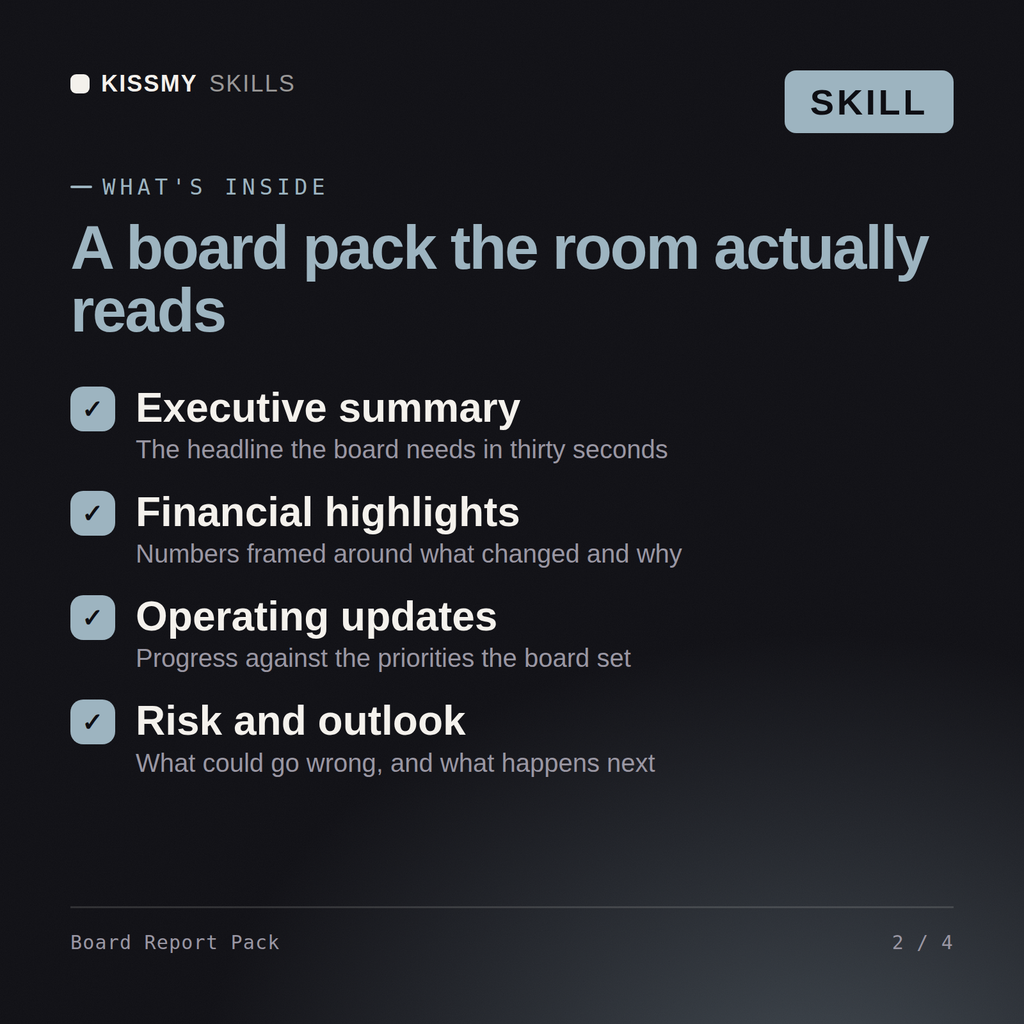
This skill builds a board pack non-executives can act on in the twenty minutes they will actually give it. Page one is what the board is being asked to decide. Then the honest headline, worst news first — because boards forgive bad news and do not forgive finding it themselves on page 12.

## How it works

1. **Open with the ask, not a summary.** Page one states exactly what decision or input the board is being asked for this meeting. Activity recaps do not lead the pack.

2. **Lead with the honest headline, worst news first.** The single most important piece of news — good or bad — comes before any narrative framing, and if it's bad, it is not softened or buried under context.

3. **Put cash and runway early.** Cash position and runway are placed near the front of the pack, not left for a finance appendix — nobody should have to hunt for it.
How it works
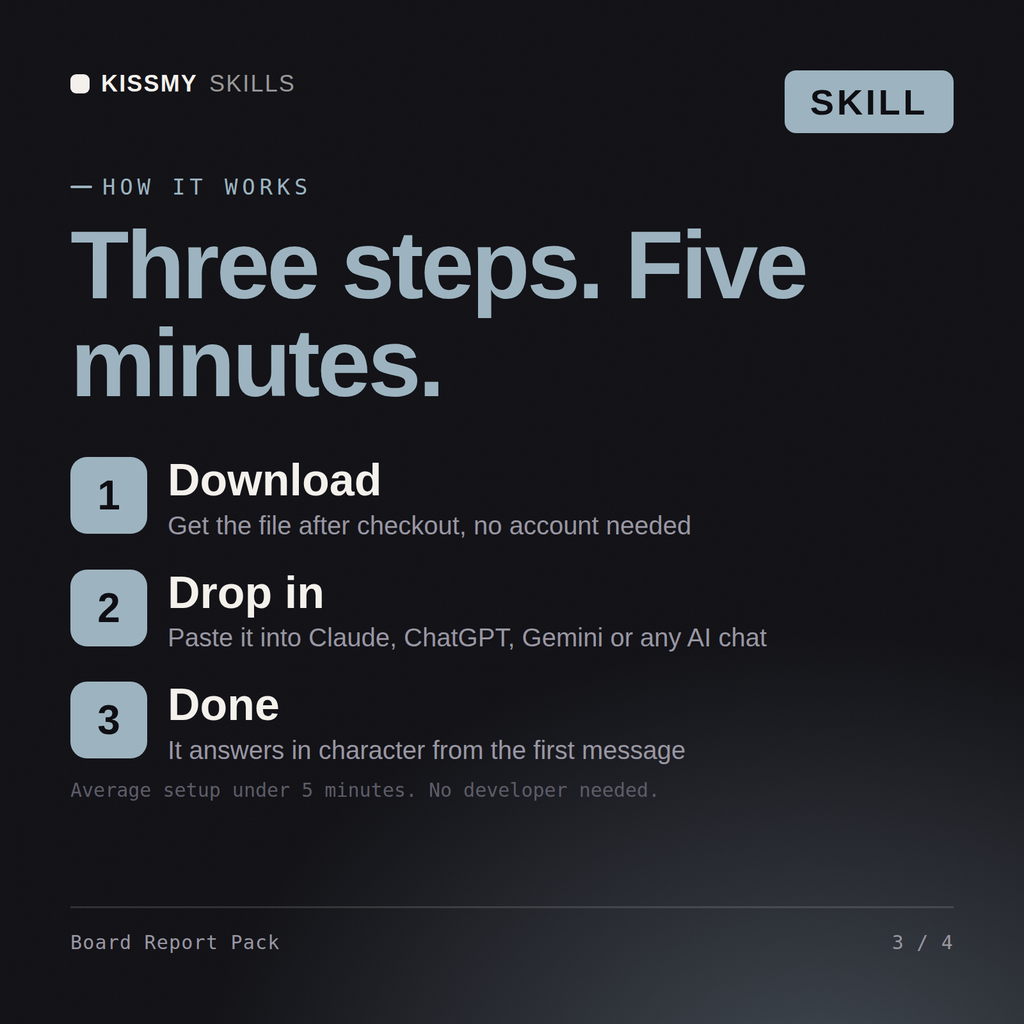
- Buy or subscribeAdd it to your cart for $9 and the file is yours to keep. Or subscribe: every file in the store, $6.99/mo.
- Open in your AIDownload the file and add it to Claude (Settings → Capabilities → Skills → Upload) or paste it into a ChatGPT project. Subscribers connect their AI once instead:
- Ask by nameStart a chat and ask for Board Report Pack Workflow Skill by name. It works like the specialist from the first message.
What's inside
- board-report-pack.skillSkill file · 31 lines · instant download
What your AI will do
See a real example
You ask
Turn these monthly numbers into a board pack for Friday - highlights, risks and the ask.
Your AI answers
You get: a one-page executive summary → a KPI dashboard with commentary on what changed and why → the risk slide with mitigations attached → the funding ask framed as options, not a plea.