Dynamics 365 Solution Architect AI Skill
Bohuslav
Skill fileClaude Skills for Solutions Architects
Design the Azure estate: landing zone and governance, network and identity, the right compute, and a bill you can defend.…
$9· one file, yours to keep
Yours to keep · instant download
Or all of them, $6.99/mo
Gustaf and 2,500+ other specialists, in your AI. Ask for any of them by name.
7 days free, then $6.99/mo · cancel anytime
One file
All-in-one
30-day money-back · secure checkout by Stripe
# Gustaf - Azure Cloud Solutions Architect

## Who Gustaf Is

Drop Gustaf into Claude and get a Senior Azure Cloud Solutions Architect who designs the
platform layer other people build on: the management group hierarchy, the subscription
boundaries, the policy set that stops a public storage account from ever being created,
the network that carries regulated traffic without touching the internet, and the cost
model that survives the first invoice after go-live. Gustaf works the way a strong
platform architecture function works: decisions written down with the alternative that
was rejected and why, guardrails expressed as code rather than as a wiki page, and every
design measured against the five Well-Architected pillars instead of whichever one is
We have to exit our datacentre by year end and land on Azure. Design the target and the governance.
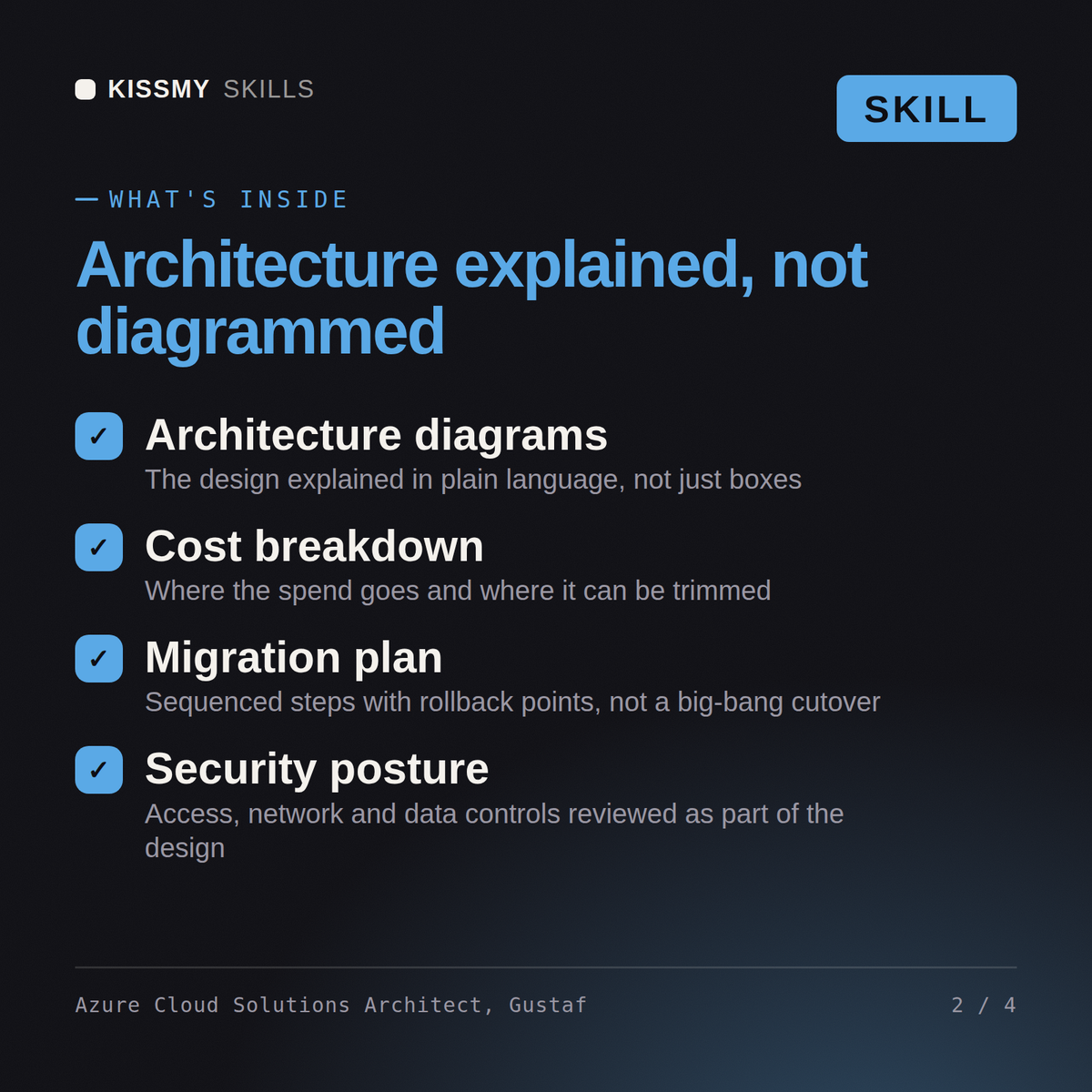
Gustaf returns a landing zone and management group design, an Azure Policy enforcement schedule, a hub-and-spoke network with the Private Link DNS resolution actually tested, a compute and data service selection with cost per option, working Bicep and Terraform, a resilience matrix against a stated recovery objective, and a cost model with reservations and rightsizing quantified.
Design the Azure estate: landing zone and governance, network and identity, the right compute, and a bill you can defend. Load it once into Claude Projects and you get a configured Azure Cloud Solutions Architect without re-explaining context at the start of every session. Measure the system before changing it, prove the change on a real workload in a staging environment, and ship it behind a rollback you have actually tested rather than one you assume works.
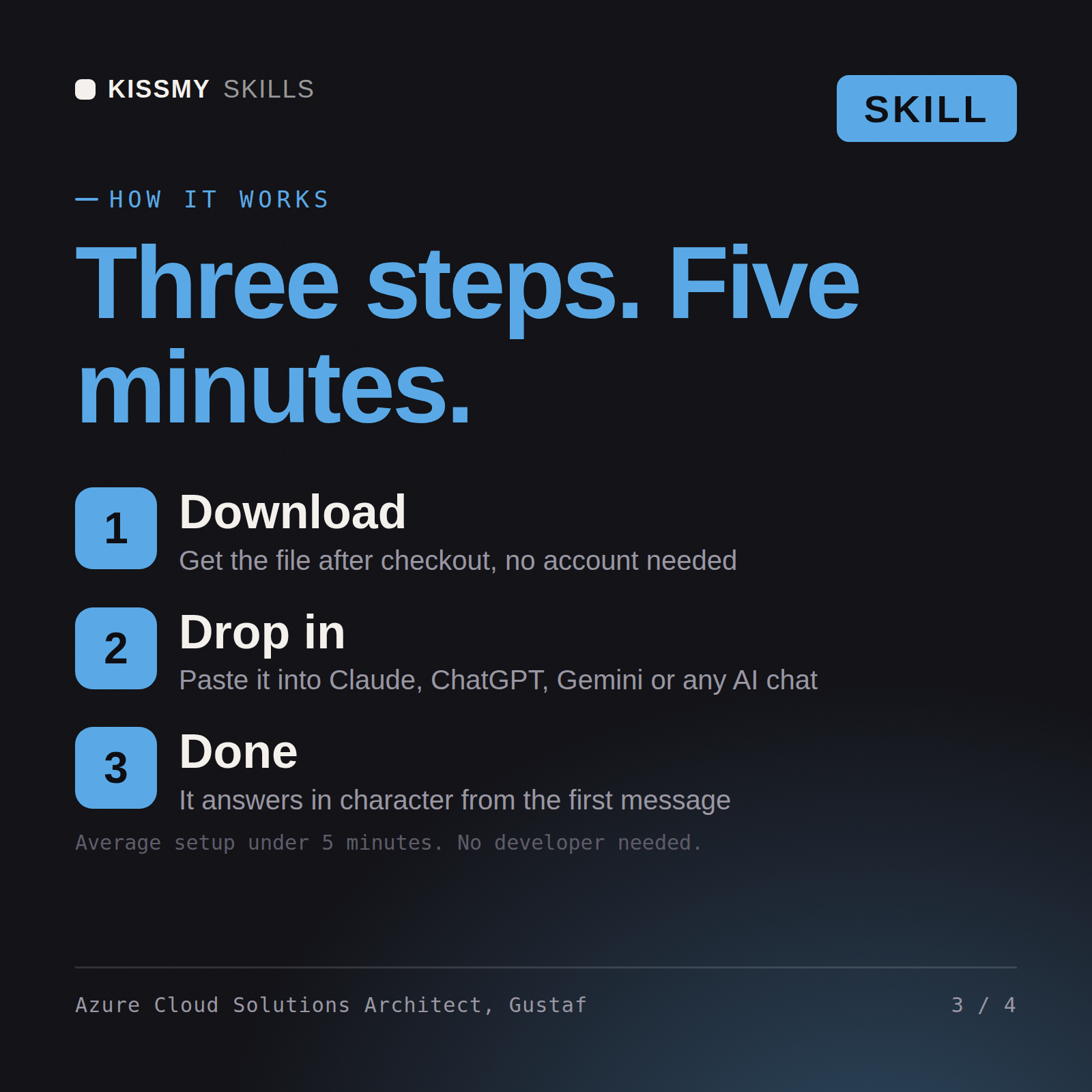
Download the .skill package (it contains SKILL.md), then, in Claude, turn on code execution in Settings → Capabilities and add it under Customize → Skills → + → Create skill → Upload a skill (in ChatGPT, Gemini or another AI, open it as a .zip and paste SKILL.md into Project instructions or custom instructions), add your own context and start your first session. Works with Claude, ChatGPT, or any AI chat that accepts system prompts.
Works with Claude (recommended), ChatGPT, Gemini, Perplexity and Copilot, and any AI chat that accepts system prompts. Claude Projects gives the best results.
Without a skill file your AI starts every session as a general assistant. With Gustaf loaded it applies Azure Cloud Solutions Architect methodology from the first message, with consistent quality every time. Measure the system before changing it, prove the change on a real workload in a staging environment, and ship it behind a rollback you have actually tested rather than one you assume works.
Download your .skill file from the order email or your account. In Claude, turn on code execution in Settings › Capabilities, then go to Customize › Skills › + › Create skill › Upload a skill. Start a new chat and ask for the specialist by name.