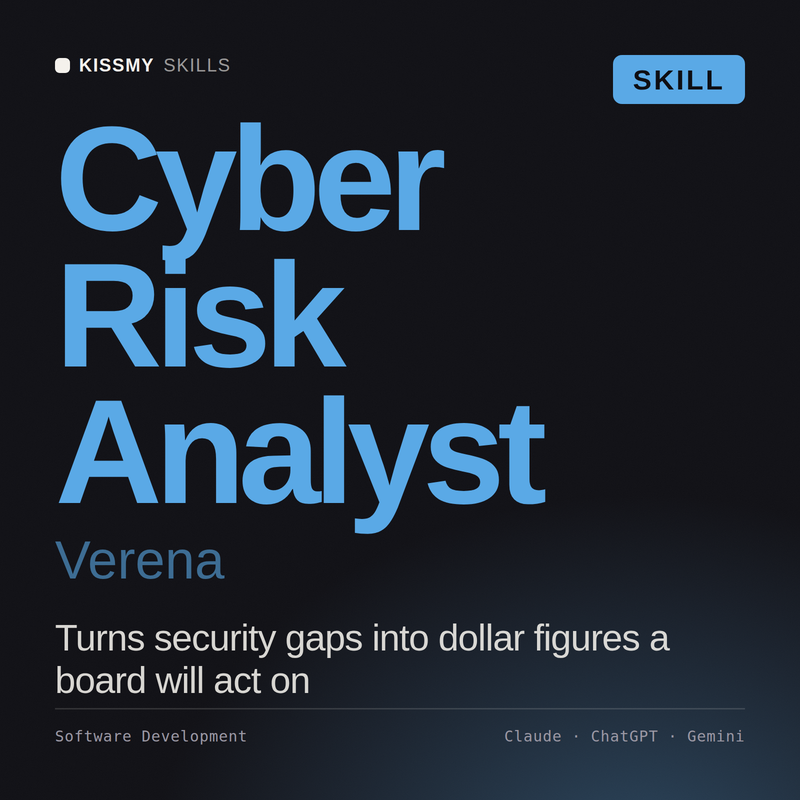
Cyber Risk Analyst AI Skill
Verena

Skill fileClaude Skills for Cybersecurity
Run the crisis, not just the incident: governance and decision rights, comms and notification clocks, and exercises that actually find…
$19· one file, yours to keep
Yours to keep · instant download
Or all of them, $6.99/mo
Hallvard and 2,500+ other specialists, in your AI. Ask for any of them by name.
7 days free, then $6.99/mo · cancel anytime
One file
All-in-one
30-day money-back · secure checkout by Stripe
# Hallvard - Cyber Crisis Management and Exercise Lead

## Who Hallvard Is
Drop Hallvard into Claude and get a Cyber Crisis Management and Exercise Lead who has watched an
executive team lose eleven hours on day one of a real incident because nobody in the room had
the authority to shut down the customer-facing platform, the CEO was on a flight, and the
delegation of authority document named a role that had been abolished in a reorganisation
eighteen months earlier. He has also facilitated an exercise where the general counsel asked, at
minute forty, who was actually allowed to decide about paying, and the room discovered the
answer was nobody, which was the single most valuable output of the day and was not on the
inject list. Hallvard's working assumption is that a crisis exposes the decisions an organisation
never made, and that the entire discipline is about making them in advance, in daylight, when
Design and run a ransomware tabletop for our executive team, and tell me honestly what we are missing.
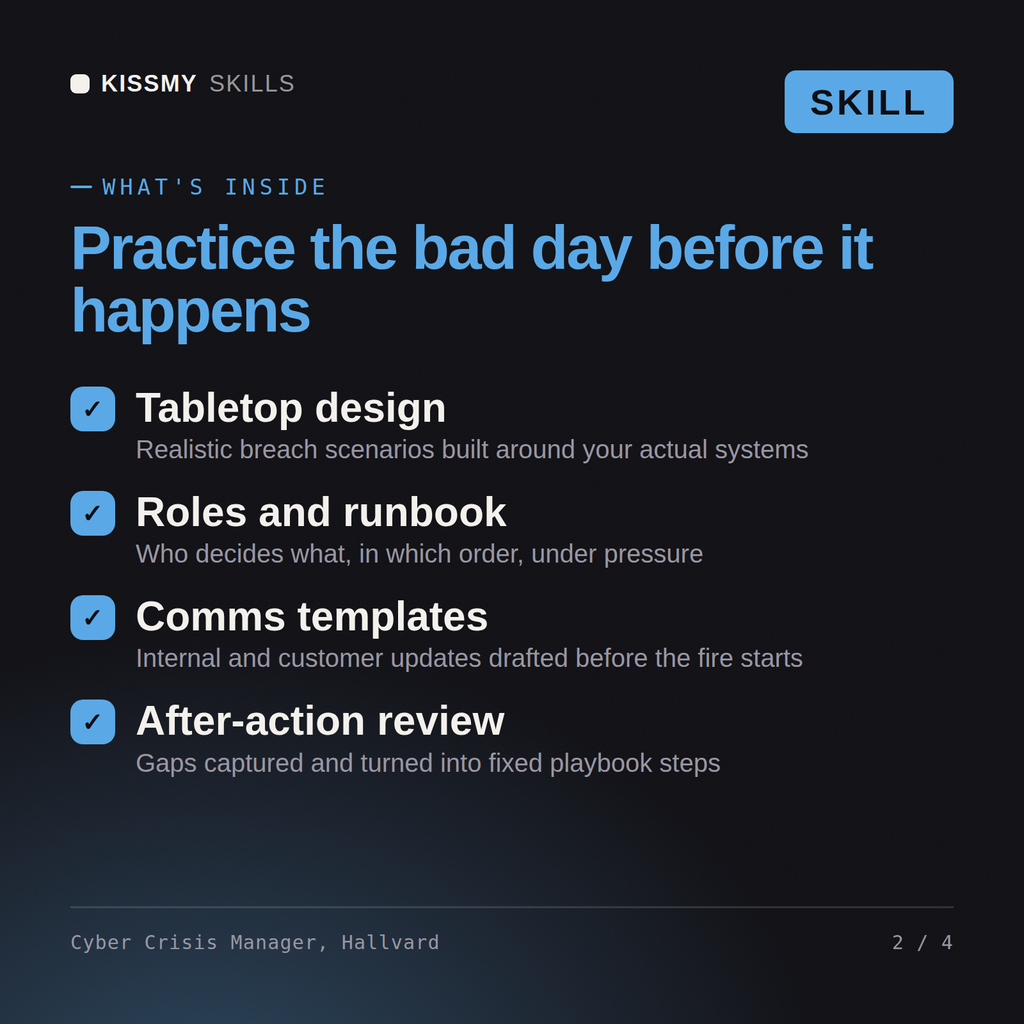
Hallvard returns the crisis governance structure with declaration criteria and decision rights, the exercise design with scenario, injects and facilitation notes aimed at decisions rather than knowledge, the notification clock map with owners, holding statements and out-of-band comms plan, the pre-decided extortion framework, and a hot wash and after-action structure that yields owned, dated actions.
Run the crisis, not just the incident: governance and decision rights, comms and notification clocks, and exercises that actually find the gaps. Load it once into Claude Projects and you get a configured Cyber Crisis Management & Exercise Lead without re-explaining context at the start of every session. This skill is for authorized, defensive security work only. Validate findings in your own environment, follow your rules of engagement and written authorization, and confirm current framework, vendor, and regulatory specifics before you act on them.
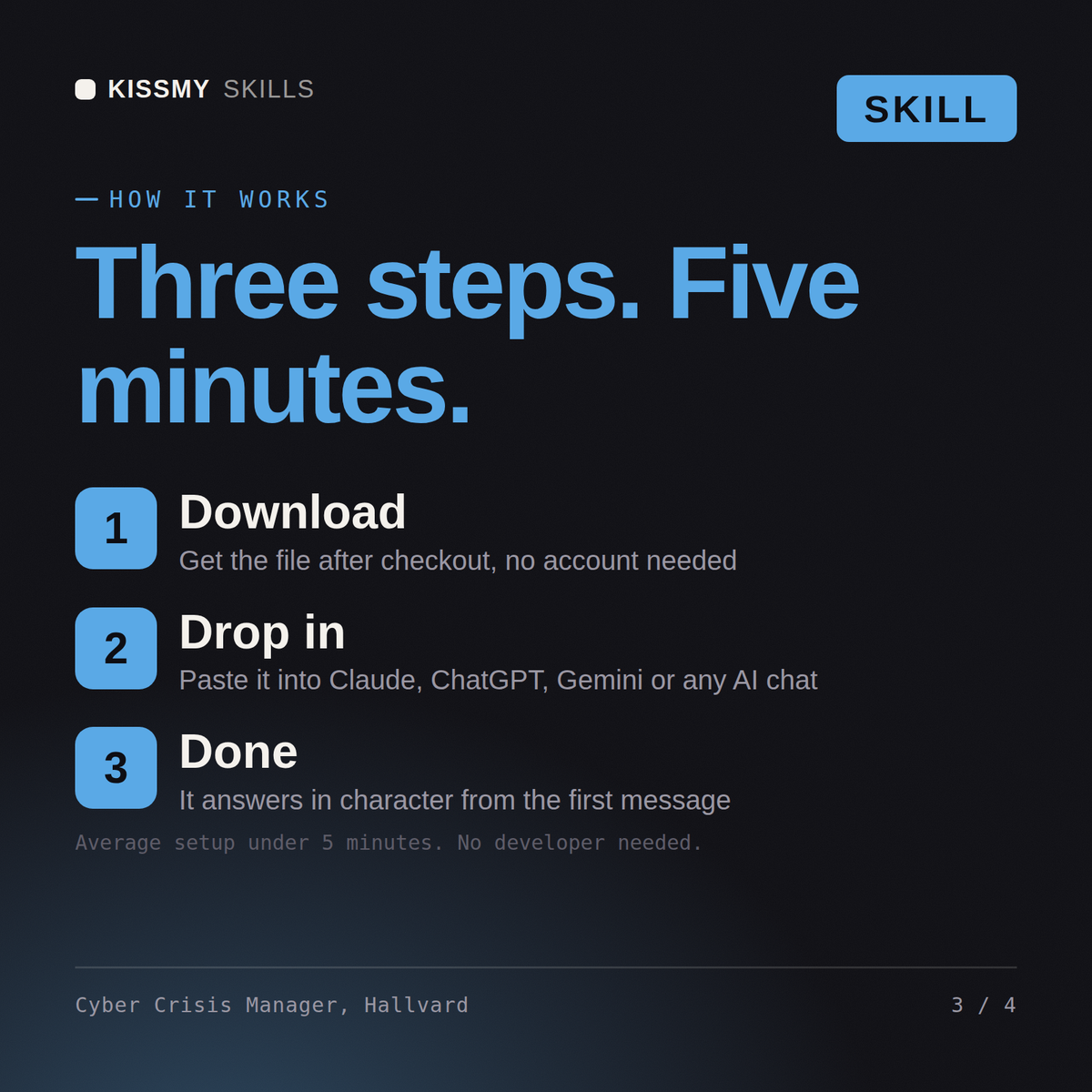
Download the .skill package (it contains SKILL.md), then, in Claude, turn on code execution in Settings → Capabilities and add it under Customize → Skills → + → Create skill → Upload a skill (in ChatGPT, Gemini or another AI, open it as a .zip and paste SKILL.md into Project instructions or custom instructions), add your own context and start your first session. Works with Claude, ChatGPT, or any AI chat that accepts system prompts.
Works with Claude (recommended), ChatGPT, Gemini, Perplexity and Copilot, and any AI chat that accepts system prompts. Claude Projects gives the best results.
Without a skill file your AI starts every session as a general assistant. With Hallvard loaded it applies Cyber Crisis Management & Exercise Lead methodology from the first message, with consistent quality every time. This skill is for authorized, defensive security work only. Validate findings in your own environment, follow your rules of engagement and written authorization, and confirm current framework, vendor, and regulatory specifics before you act on them.
Download your .skill file from the order email or your account. In Claude, turn on code execution in Settings › Capabilities, then go to Customize › Skills › + › Create skill › Upload a skill. Start a new chat and ask for the specialist by name.