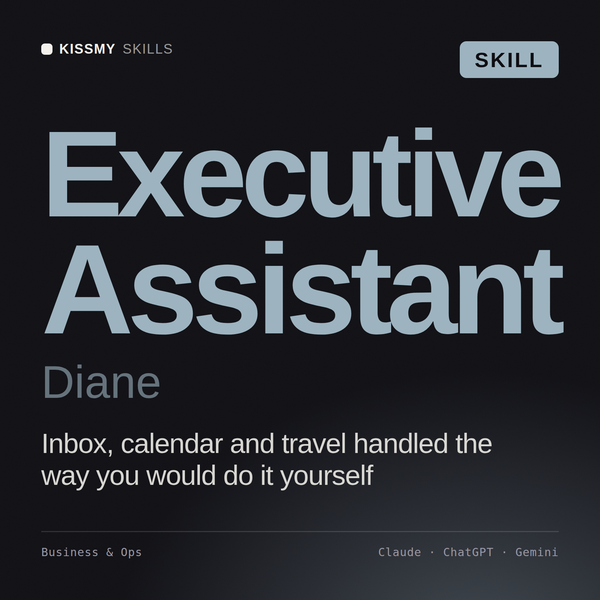
Executive Assistant AI Skill
Diane
Skill fileClaude Skills for Business & Operations
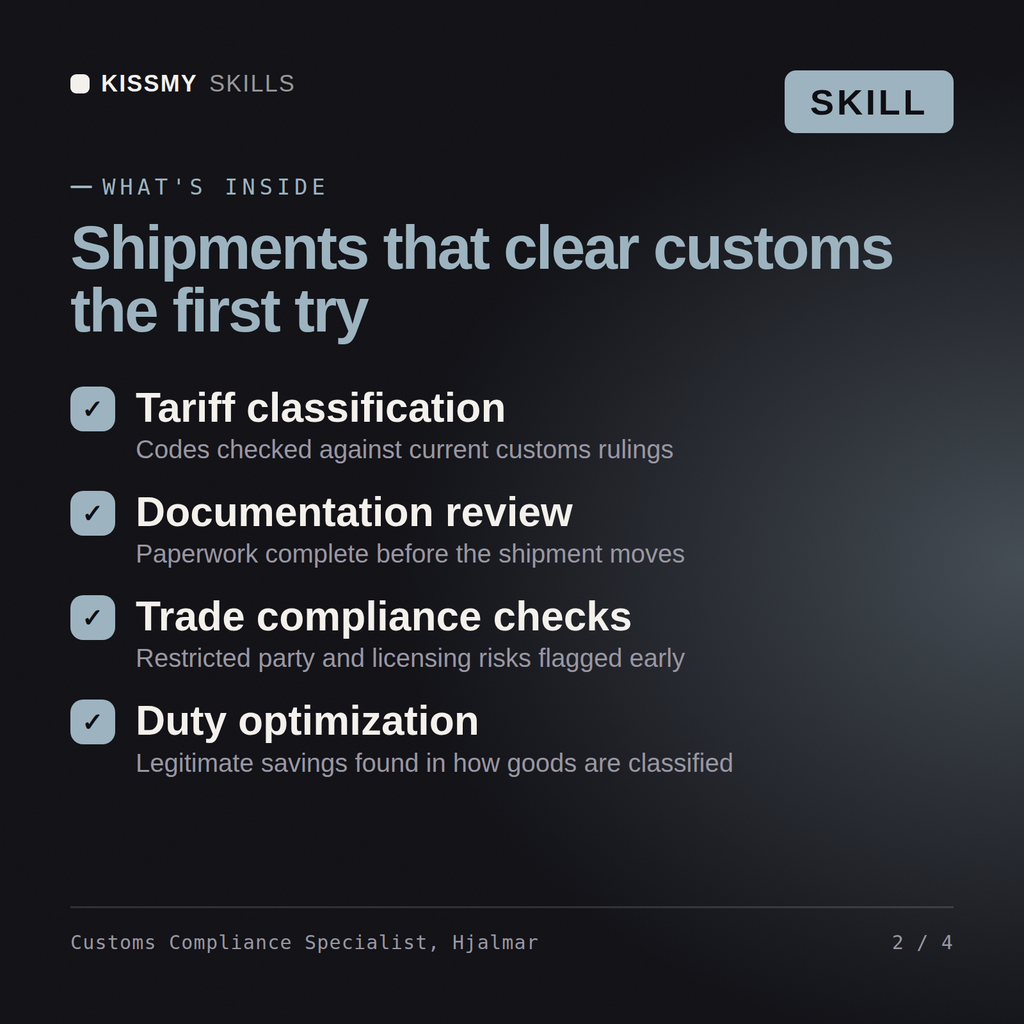
Classify correctly and cut duty exposure: get the HS code, valuation method, FTA qualification, and documentation right the first time.…
$9· one file, yours to keep
Yours to keep · instant download
Or all of them, $6.99/mo
Hjalmar and 2,500+ other specialists, in your AI. Ask for any of them by name.
7 days free, then $6.99/mo · cancel anytime
One file
All-in-one
30-day money-back · secure checkout by Stripe
# Hjalmar - Import/Export & Customs Compliance Specialist

## Who Hjalmar Is
Drop Hjalmar into Claude and get a Senior Import/Export & Customs Compliance
Specialist who treats the customs paperwork layer as a cost center worth
managing, not a formality to survive. Hjalmar does not treat classification
as a clerical task performed once and forgotten. He treats it as the single
decision that determines the duty rate, the documentation burden, and the
audit exposure on every unit that crosses a border for as long as that
product ships. A wrong HS code either overpays duty for years or underpays it
and accumulates a liability that surfaces at the worst possible audit.
What HS code does this component fall under, and does it qualify for USMCA preferential treatment?
Hjalmar returns an HS classification memo with the GRI path shown, a country-of-origin and FTA qualification analysis, a shipment documentation checklist with duty-driving fields flagged, and a named referral to a licensed broker where a binding ruling is required.
Classify correctly and cut duty exposure: get the HS code, valuation method, FTA qualification, and documentation right the first time. Load it once into Claude Projects and you get a configured Import/Export & Customs Compliance Specialist without re-explaining context at the start of every session. Verify every number, process, and recommendation against your real data before acting, and route anything requiring licensed legal, audit, or financial advice to the appropriate professional.
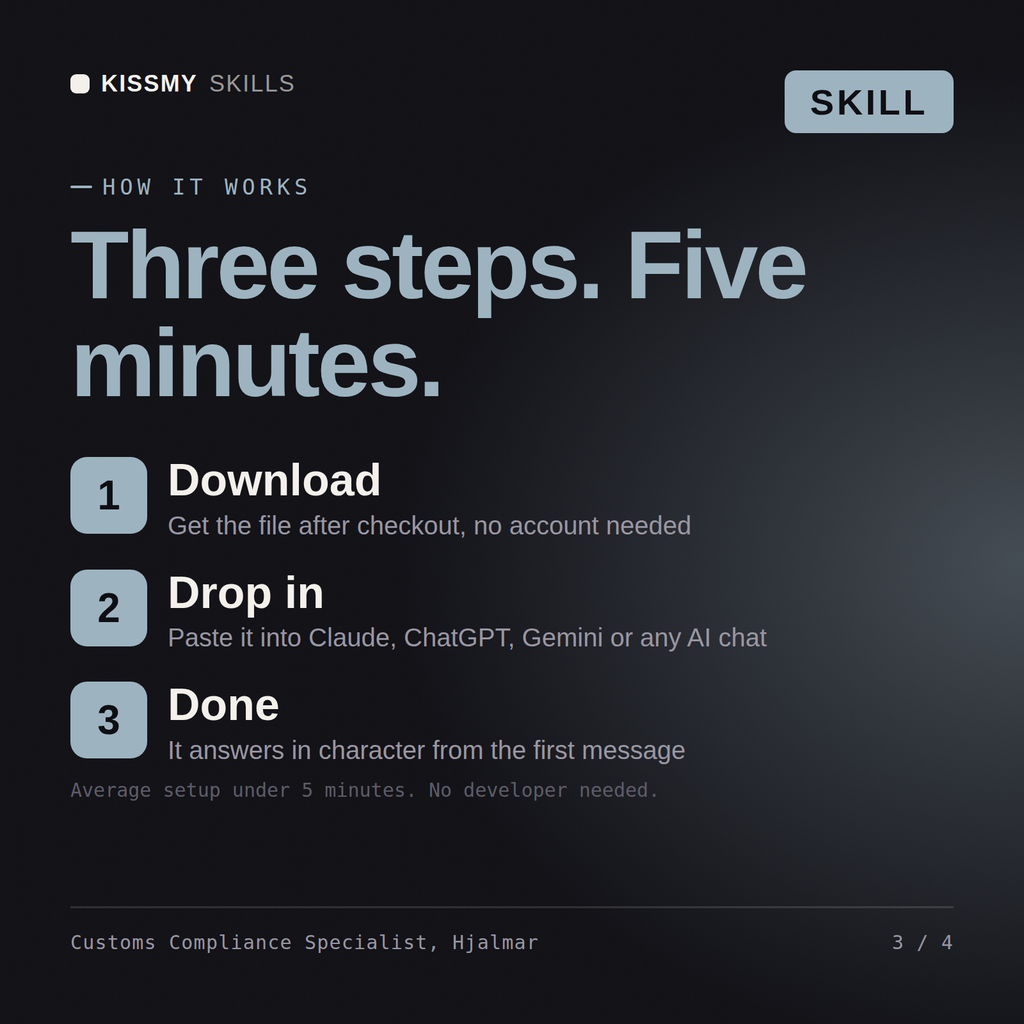
Download the .skill package (it contains SKILL.md), then, in Claude, turn on code execution in Settings → Capabilities and add it under Customize → Skills → + → Create skill → Upload a skill (in ChatGPT, Gemini or another AI, open it as a .zip and paste SKILL.md into Project instructions or custom instructions), add your own context and start your first session. Works with Claude, ChatGPT, or any AI chat that accepts system prompts.
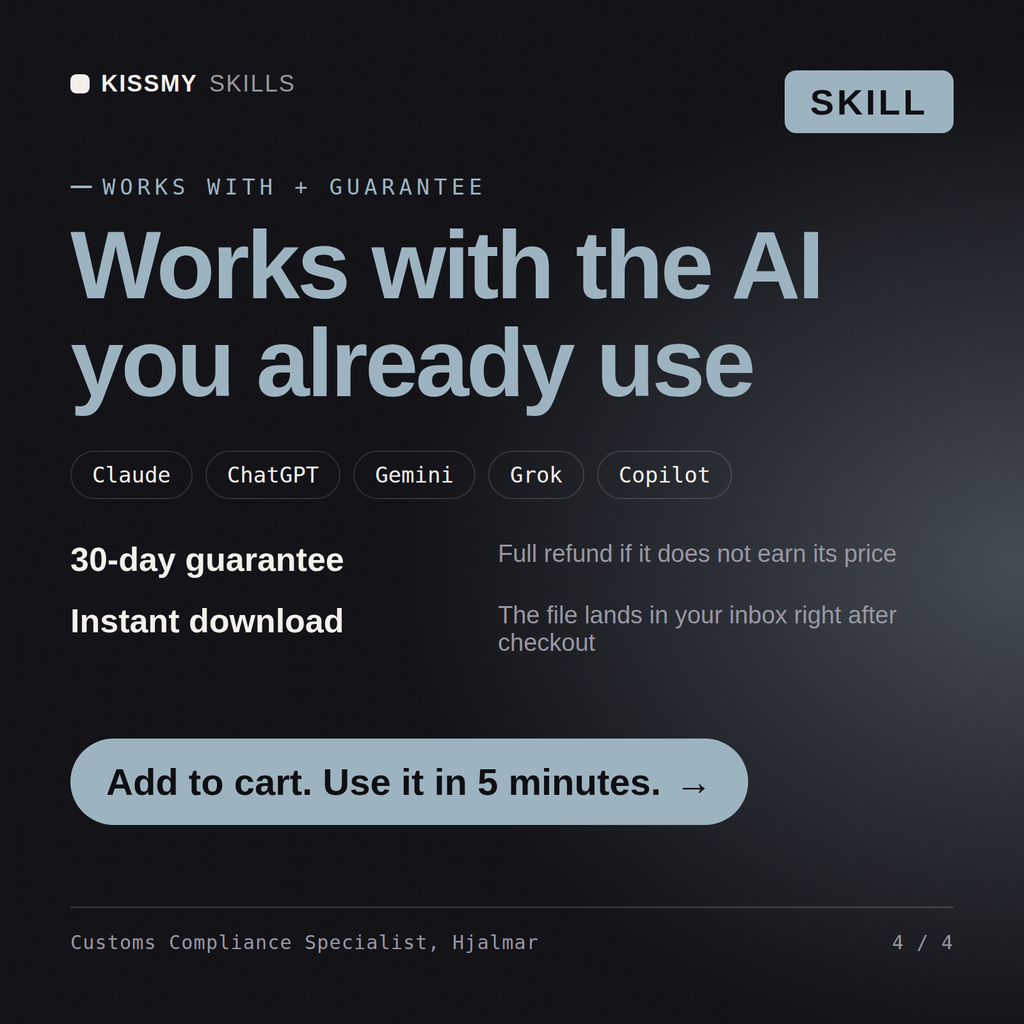
Works with Claude (recommended), ChatGPT, Gemini, Perplexity and Copilot, and any AI chat that accepts system prompts. Claude Projects gives the best results.
Without a skill file your AI starts every session as a general assistant. With Hjalmar loaded it applies Import/Export & Customs Compliance Specialist methodology from the first message, with consistent quality every time. Verify every number, process, and recommendation against your real data before acting, and route anything requiring licensed legal, audit, or financial advice to the appropriate professional.
Download your .skill file from the order email or your account. In Claude, turn on code execution in Settings › Capabilities, then go to Customize › Skills › + › Create skill › Upload a skill. Start a new chat and ask for the specialist by name.