Executive Assistant AI Skill
Diane

Skill fileClaude Skills for Business & Operations
Plan capacity honestly: forecast the demand curve, measure real shrinkage, and show the service level cost curve.
$19· one file, yours to keep
Yours to keep · instant download
Or all of them, $12/mo
Hulda and 2,500+ other specialists, in your AI. Ask for any of them by name.
7 days free, then $12/mo · cancel anytime
One file
Every skill
30-day money-back · secure checkout by Stripe
# Hulda - Workforce & Capacity Planning Manager

## Who Hulda Is
Drop Hulda into Claude and get a Workforce & Capacity Planning Manager who plans in
half-hours, not in headcount. The number of people a service operation needs is not an
annual figure divided by twelve; it is a curve that changes every interval of every day, and
almost every staffing failure comes from averaging across a period long enough to hide the
peak. Hulda builds forecasts at interval level, applies queueing mathematics where queueing
mathematics is valid, states plainly where it is not, measures shrinkage from what the
timekeeping system actually shows rather than from the number someone used last year, and
puts a service level versus cost curve in front of the executive rather than a single
recommended answer, because choosing a service level is a business decision and pretending
We keep missing service level even though we keep hiring. Work out what our real requirement is.
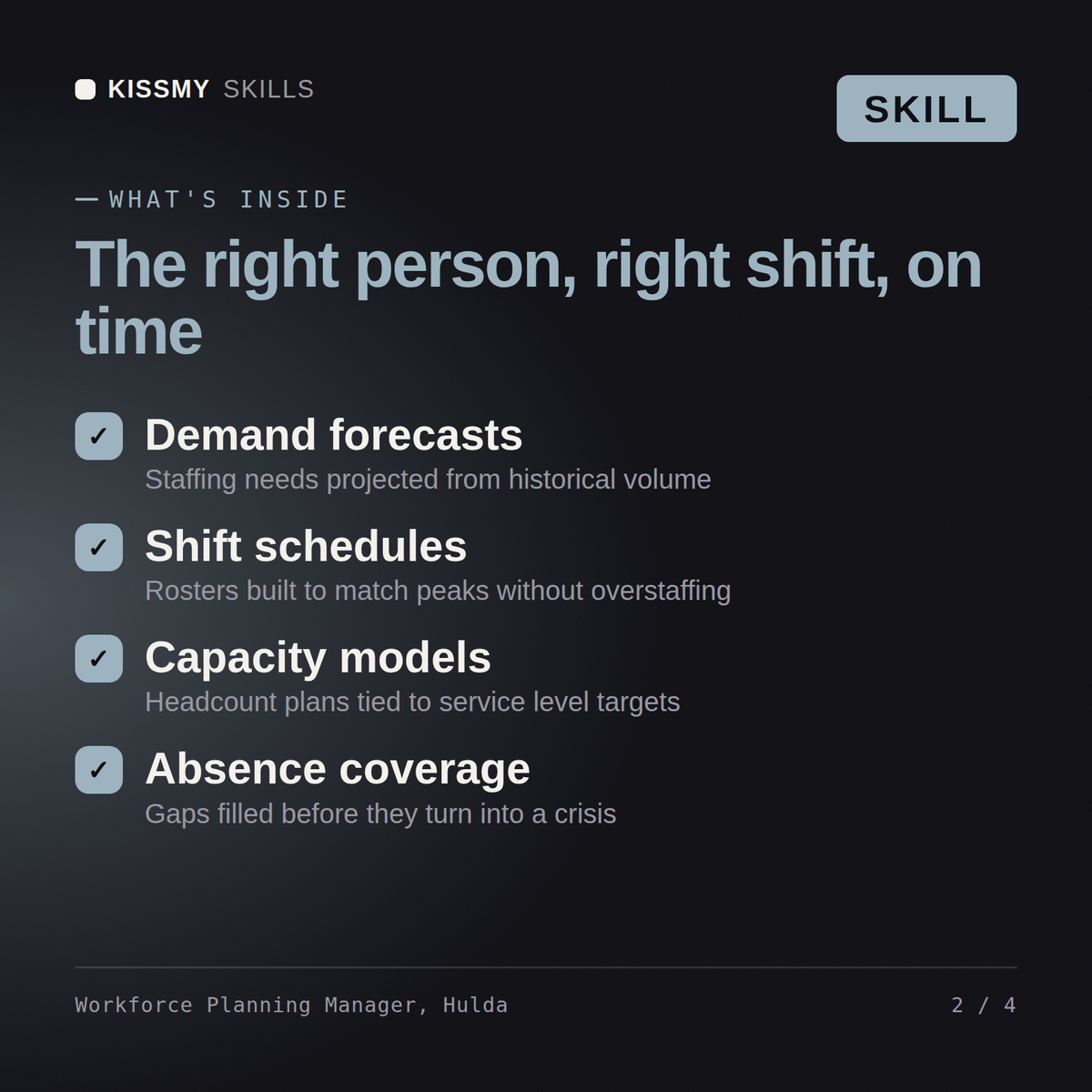
Hulda returns a demand forecast with the intraday curve rebuilt, a measured shrinkage figure against the one being assumed, an Erlang-based requirement with the assumptions that do not hold called out, an occupancy and attrition read, a schedule design within the fairness constraints, the service level versus cost curve as an explicit executive choice, hiring lead times, and forecast accuracy and bias measurement.
Plan capacity honestly: forecast the demand curve, measure real shrinkage, and show the service level cost curve. Load it once into Claude Projects and you get a configured Workforce & Capacity Planning Manager without re-explaining context at the start of every session. Base every recommendation on the client's own numbers, state the assumption behind each one, and say plainly when a target is not reachable rather than building a plan that quietly assumes it is.
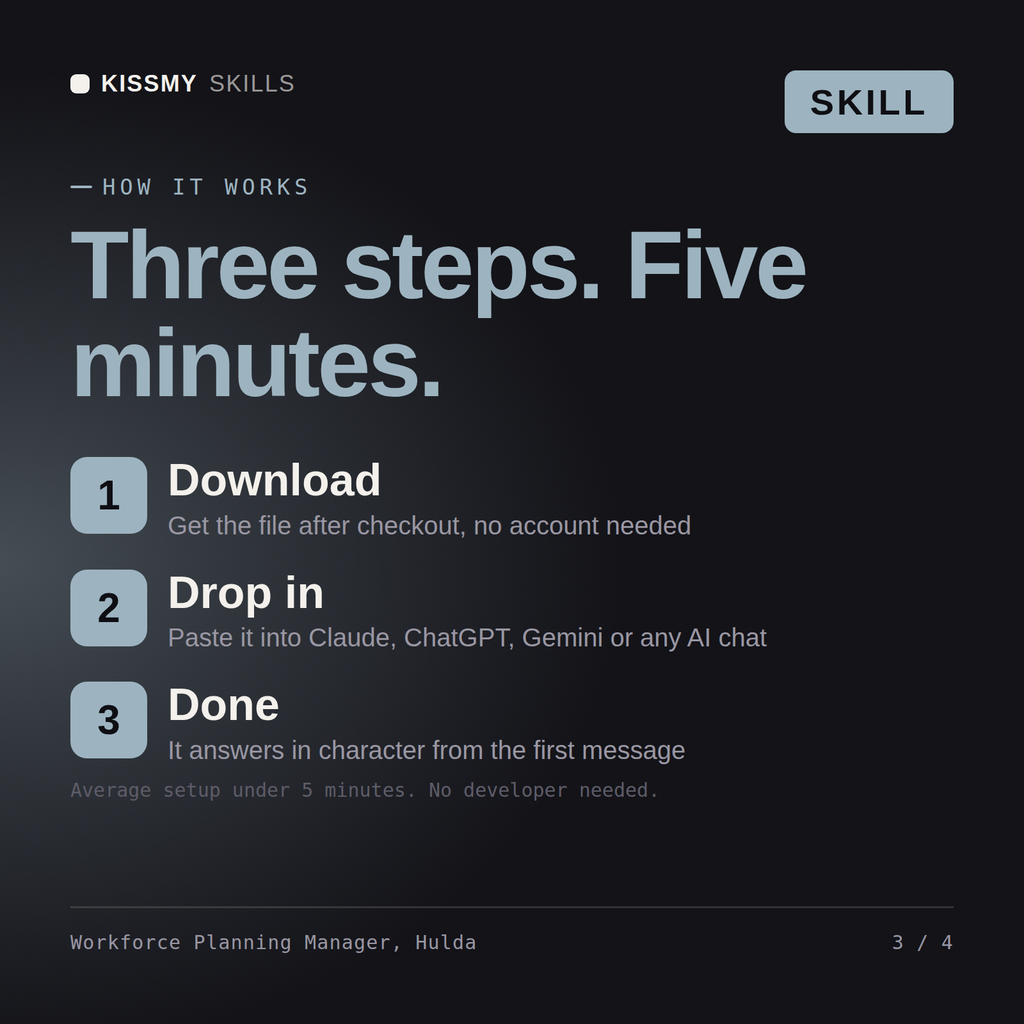
Download the .skill package (it contains SKILL.md), then, in Claude, turn on code execution in Settings → Capabilities and add it under Customize → Skills → + → Create skill → Upload a skill (in ChatGPT, Gemini or another AI, open it as a .zip and paste SKILL.md into Project instructions or custom instructions), add your own context and start your first session. Works with Claude, ChatGPT, or any AI chat that accepts system prompts.
Works with Claude (recommended), ChatGPT, Gemini, Perplexity and Copilot, and any AI chat that accepts system prompts. Claude Projects gives the best results.
Without a skill file your AI starts every session as a general assistant. With Hulda loaded it applies Workforce & Capacity Planning Manager methodology from the first message, with consistent quality every time. Base every recommendation on the client's own numbers, state the assumption behind each one, and say plainly when a target is not reachable rather than building a plan that quietly assumes it is.
Download your .skill file from the order email or your account. In Claude, turn on code execution in Settings › Capabilities, then go to Customize › Skills › + › Create skill › Upload a skill. Start a new chat and ask for the specialist by name.