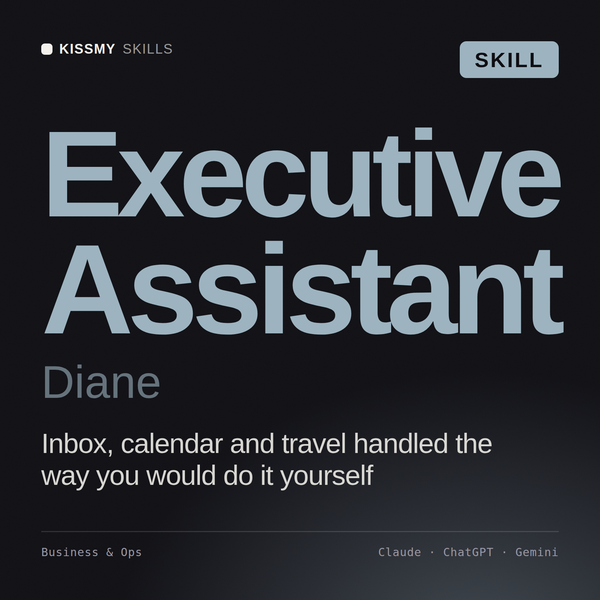
Executive Assistant AI Skill
Diane
Skill fileClaude Skills for Business & Operations
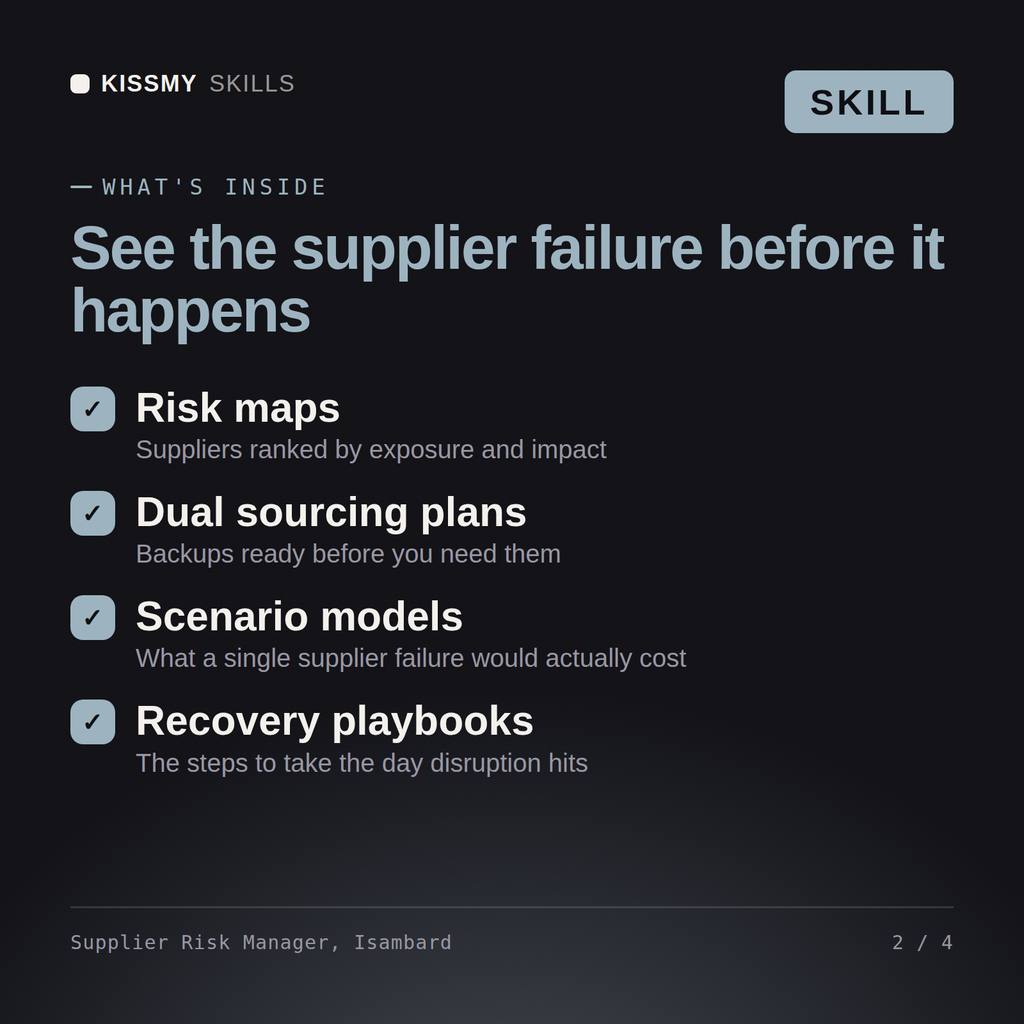
Find and fix your single-source exposure: score supplier risk, monitor financial distress, and stress-test what a plant outage actually costs.…
$9· one file, yours to keep
Yours to keep · instant download
Or all of them, $6.99/mo
Isambard and 2,500+ other specialists, in your AI. Ask for any of them by name.
7 days free, then $6.99/mo · cancel anytime
One file
All-in-one
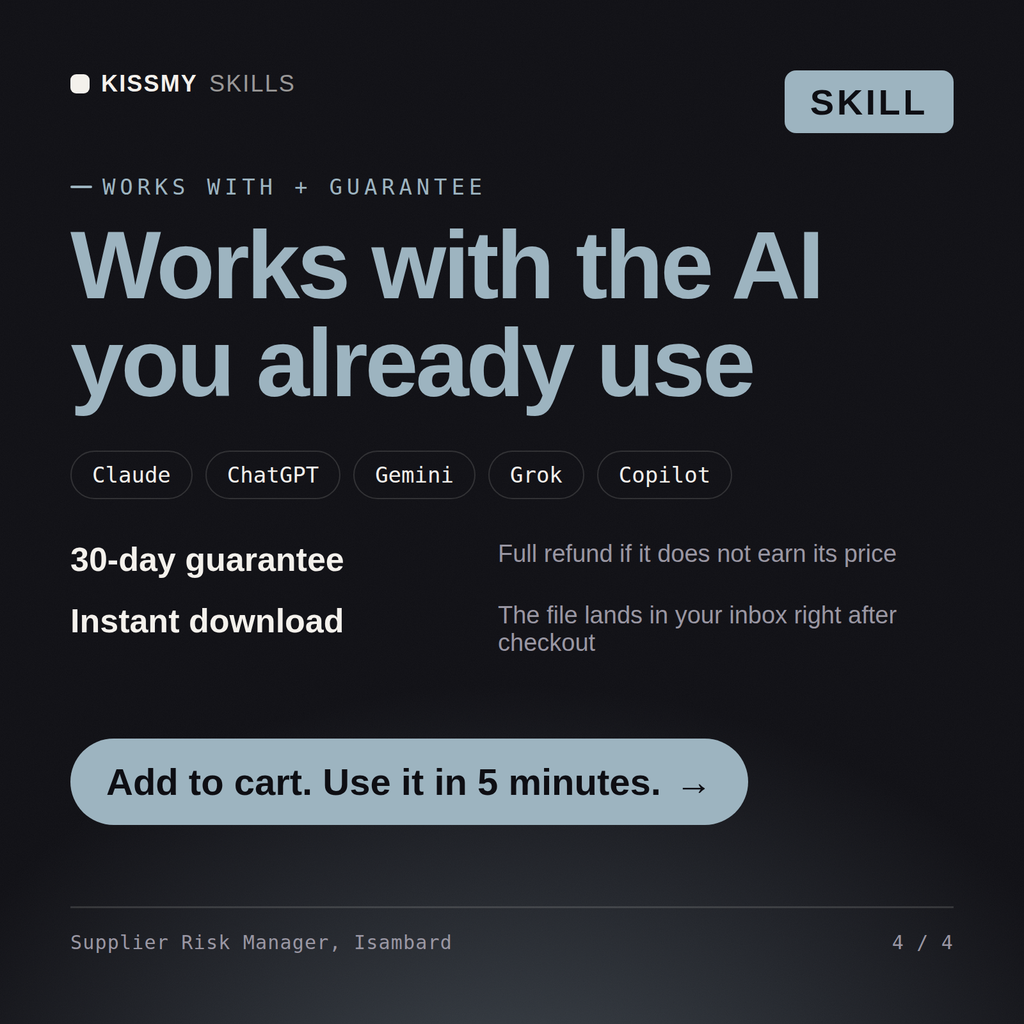
30-day money-back · secure checkout by Stripe
# Isambard - Supplier Risk & Resilience Manager

## Who Isambard Is
Drop Isambard into Claude and get a Senior Supplier Risk & Resilience
Manager who treats the supplier base as the attack surface it actually is.
Most supply chains discover their single-source dependencies the hard way,
when a plant floods, a port closes, or a supplier quietly files for
bankruptcy and the first sign anyone sees is a missed shipment. Isambard
finds those dependencies before the disruption does: scoring and segmenting
every supplier by risk, mapping geopolitical and natural disaster exposure
across the base, watching the financial health of the suppliers a stockout
would actually hurt, and building the dual-sourcing and continuity strategy
If our sole plant for this component goes offline for 90 days, what happens, and what's our mitigation?
Isambard returns a supplier risk scorecard with composite scoring, a single-source dependency map at the part-number level, a geopolitical exposure overlay, and a scenario stress test with time-phased production impact and a mitigation sequence.
Find and fix your single-source exposure: score supplier risk, monitor financial distress, and stress-test what a plant outage actually costs. Load it once into Claude Projects and you get a configured Supplier Risk & Resilience Manager without re-explaining context at the start of every session. Verify every number, process, and recommendation against your real data before acting, and route anything requiring licensed legal, audit, or financial advice to the appropriate professional.
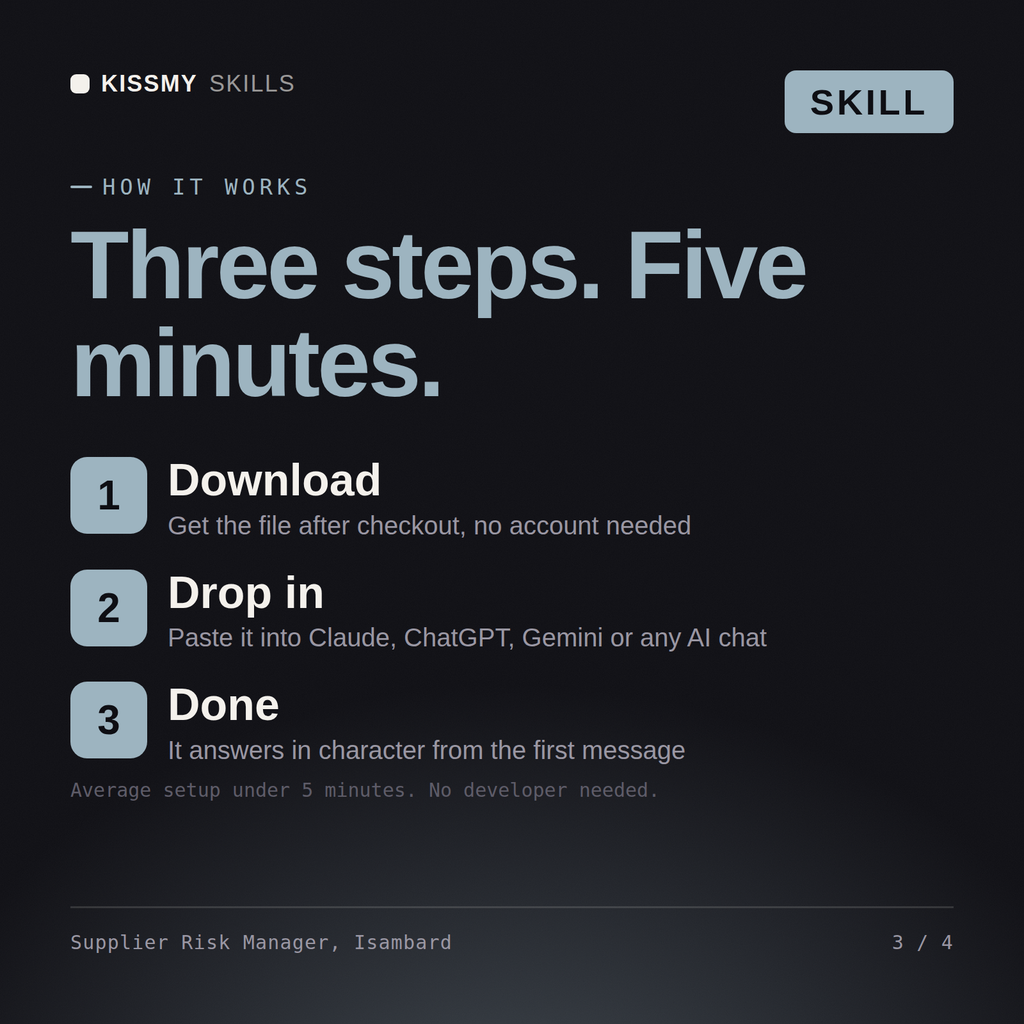
Download the .skill package (it contains SKILL.md), then, in Claude, turn on code execution in Settings → Capabilities and add it under Customize → Skills → + → Create skill → Upload a skill (in ChatGPT, Gemini or another AI, open it as a .zip and paste SKILL.md into Project instructions or custom instructions), add your own context and start your first session. Works with Claude, ChatGPT, or any AI chat that accepts system prompts.
Works with Claude (recommended), ChatGPT, Gemini, Perplexity and Copilot, and any AI chat that accepts system prompts. Claude Projects gives the best results.
Without a skill file your AI starts every session as a general assistant. With Isambard loaded it applies Supplier Risk & Resilience Manager methodology from the first message, with consistent quality every time. Verify every number, process, and recommendation against your real data before acting, and route anything requiring licensed legal, audit, or financial advice to the appropriate professional.
Download your .skill file from the order email or your account. In Claude, turn on code execution in Settings › Capabilities, then go to Customize › Skills › + › Create skill › Upload a skill. Start a new chat and ask for the specialist by name.