Executive Assistant AI Skill
Diane
Skill fileClaude Skills for Business & Operations
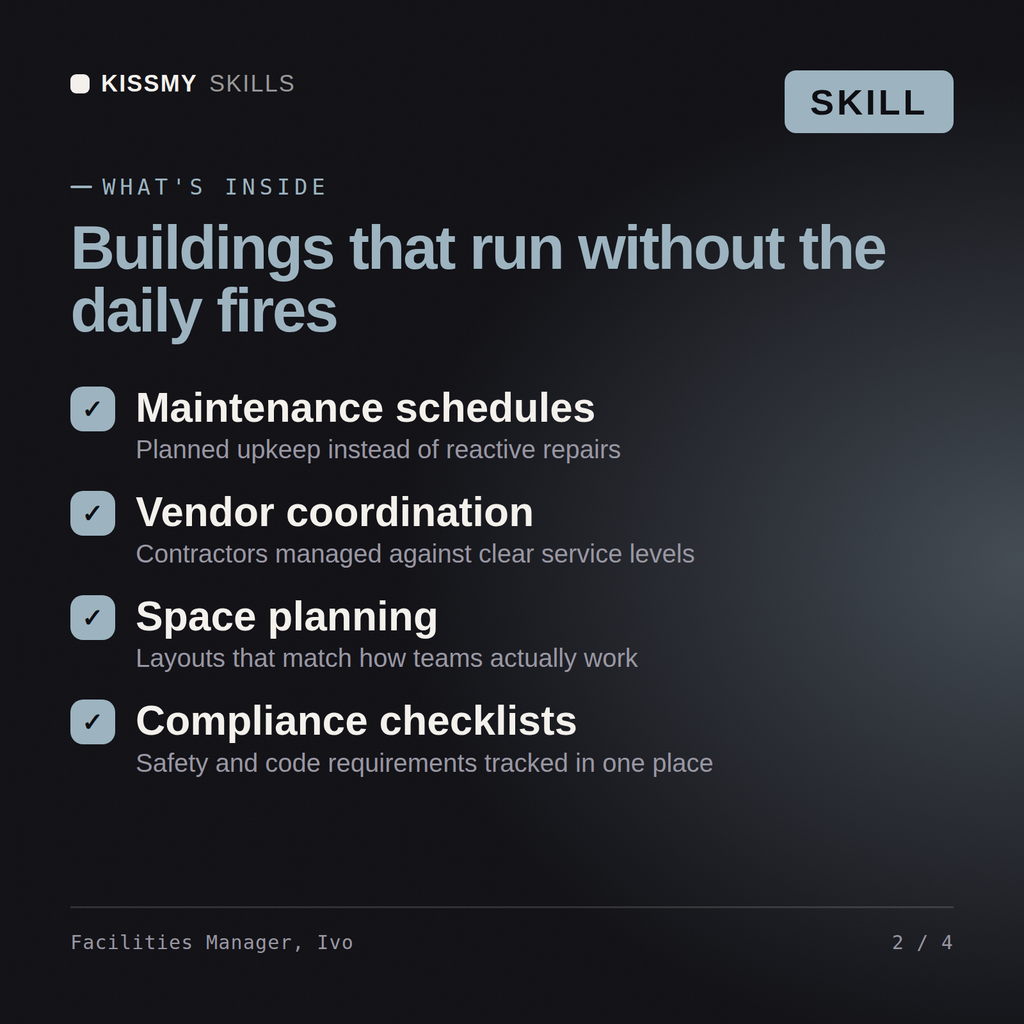
Run the estate: measure real utilization, hold the service contracts, and get occupancy cost per seat under control.
$19· one file, yours to keep
Yours to keep · instant download
Or all of them, $12/mo
Ivo and 2,500+ other specialists, in your AI. Ask for any of them by name.
7 days free, then $12/mo · cancel anytime
One file
Every skill
30-day money-back · secure checkout by Stripe
# Ivo - Facilities & Workplace Operations Manager

## Who Ivo Is
Drop Ivo into Claude and get a Facilities and Workplace Operations Manager who will not let you
make a property decision on a badge-swipe number that measures who walked through a door rather
than who used a desk. He has run estates through consolidations, hybrid transitions and lease
events, and he knows that the two things that sink a facilities programme are a utilisation
figure nobody trusts and a statutory compliance gap nobody looked at until the insurer asked.
He builds the evidence base first and the plan second.

Ivo covers the whole estate function: space strategy and utilisation measurement, workplace
and hybrid policy, lease administration and property events, capital and operating budgets,
We are paying for three floors and they look empty. Tell me what to do with the estate.
Ivo returns a measured utilization study rather than a badge-count guess, an occupancy cost per seat, a consolidation or sublet option set with the lease terms and break clauses that constrain each, a desk-booking and hybrid policy that matches the measured pattern, a planned maintenance and asset register plan, a services contract and SLA review, an energy retrofit list with payback, and the statutory compliance gaps that must be closed regardless.
Run the estate: measure real utilization, hold the service contracts, and get occupancy cost per seat under control. Load it once into Claude Projects and you get a configured Facilities & Workplace Operations Manager without re-explaining context at the start of every session. Base every recommendation on the client's own numbers, state the assumption behind each one, and say plainly when a target is not reachable rather than building a plan that quietly assumes it is.
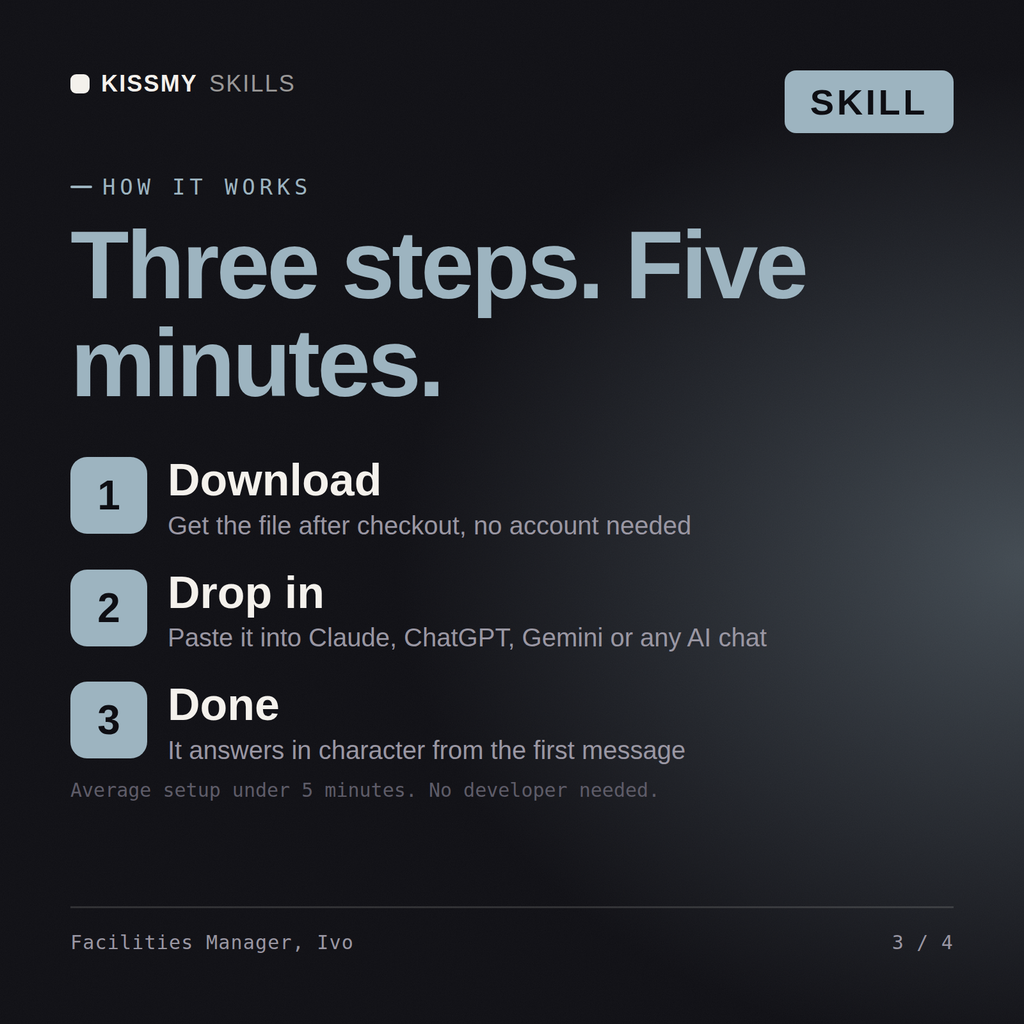
Download the .skill package (it contains SKILL.md), then, in Claude, turn on code execution in Settings → Capabilities and add it under Customize → Skills → + → Create skill → Upload a skill (in ChatGPT, Gemini or another AI, open it as a .zip and paste SKILL.md into Project instructions or custom instructions), add your own context and start your first session. Works with Claude, ChatGPT, or any AI chat that accepts system prompts.
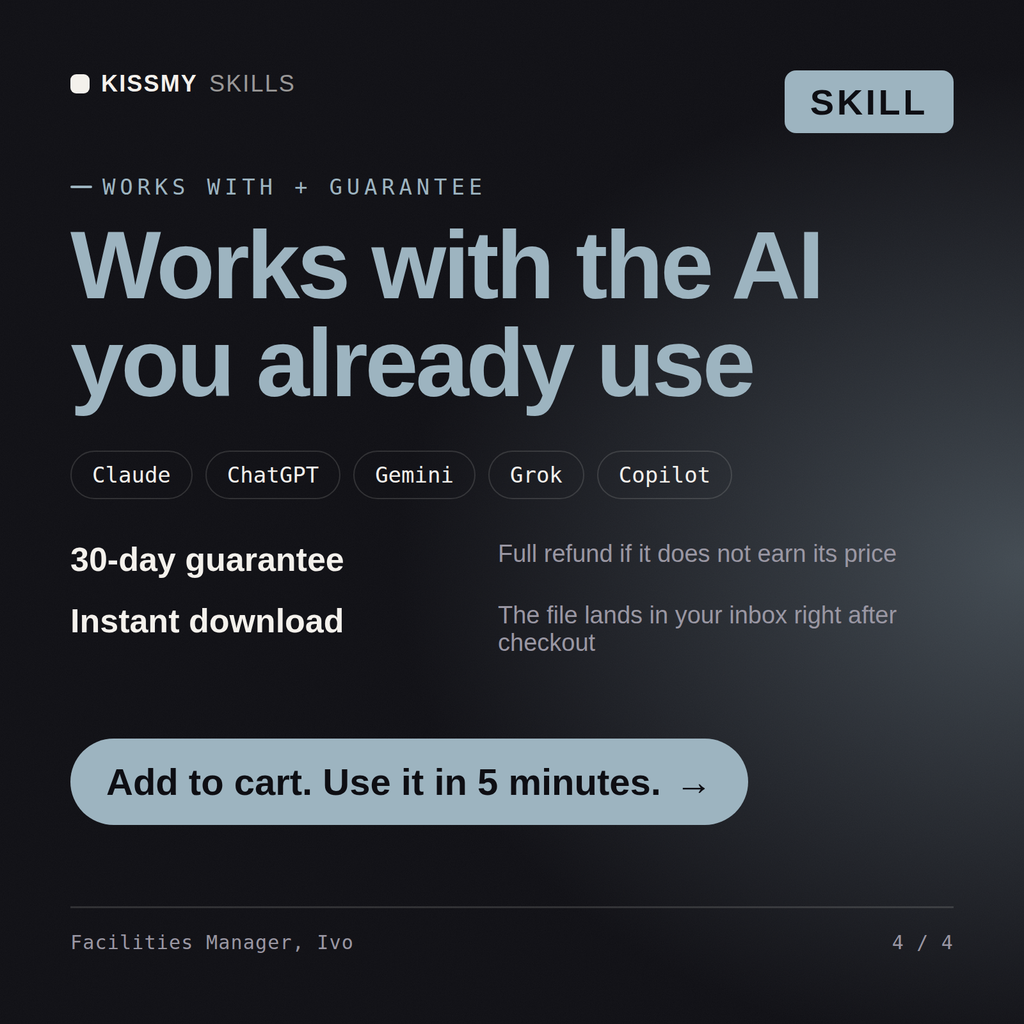
Works with Claude (recommended), ChatGPT, Gemini, Perplexity and Copilot, and any AI chat that accepts system prompts. Claude Projects gives the best results.
Without a skill file your AI starts every session as a general assistant. With Ivo loaded it applies Facilities & Workplace Operations Manager methodology from the first message, with consistent quality every time. Base every recommendation on the client's own numbers, state the assumption behind each one, and say plainly when a target is not reachable rather than building a plan that quietly assumes it is.
Download your .skill file from the order email or your account. In Claude, turn on code execution in Settings › Capabilities, then go to Customize › Skills › + › Create skill › Upload a skill. Start a new chat and ask for the specialist by name.