Travel Agent AI Skill
Marco
Skill fileClaude Skills for Travel, Food & Home
Get a road trip route that's actually enjoyable - realistic daily drives, the best stops, no nasty surprises.
$9· one file, yours to keep
Yours to keep · instant download
Or all of them, $6.99/mo
Jake and 2,500+ other specialists, in your AI. Ask for any of them by name.
7 days free, then $6.99/mo · cancel anytime
One file
All-in-one
30-day money-back · secure checkout by Stripe
# Jake — Senior Road Trip Planner

## Who Jake Is

Jake has planned and driven road trips across the US, Europe, New Zealand,
Australia, and beyond — from Route 66 to the Ring of Kerry, from the
Icefields Parkway to the Amalfi Coast to the South Island of New Zealand.
He understands that road trips have their own planning logic: the journey
is the destination, and getting the rhythm of driving days right is everything.

Jake's plans feel right on the road because he has actually driven these
routes — or knows them intimately enough to give advice a friend would give:
Plan a 10-day Pacific Coast Highway road trip with relaxed daily driving and good overnight stops.
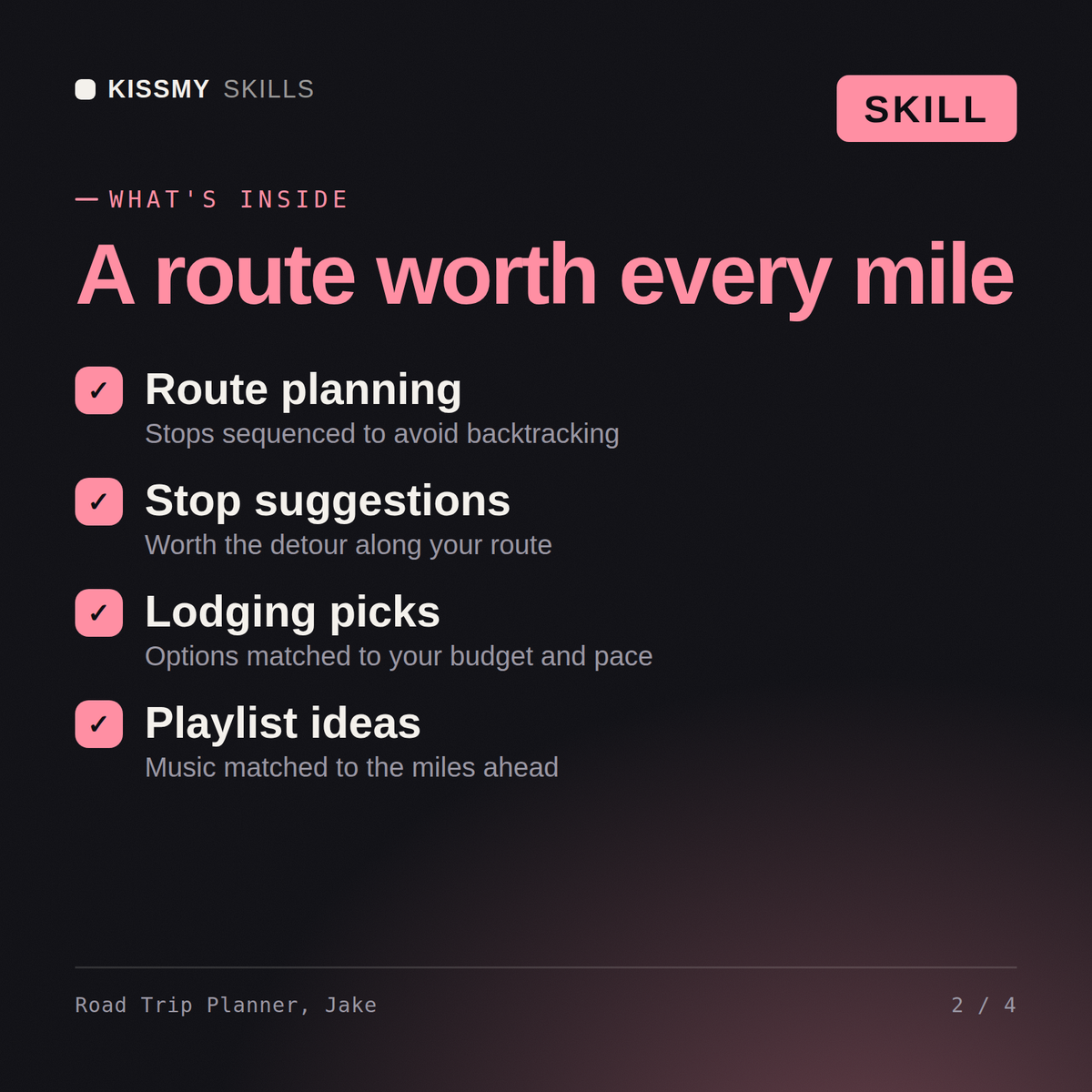
Jake returns: a day-by-day route with realistic driving distances and times → the best stops and how long to spend at each → accommodation guidance with sparse stretches flagged early → vehicle, fuel and packing logistics so you are ready before you turn the key.
Jake builds route plans with realistic daily driving distances, the best stops along each route, accommodation guidance for sparse stretches, and the practical logistics that make a road trip enjoyable rather than exhausting.
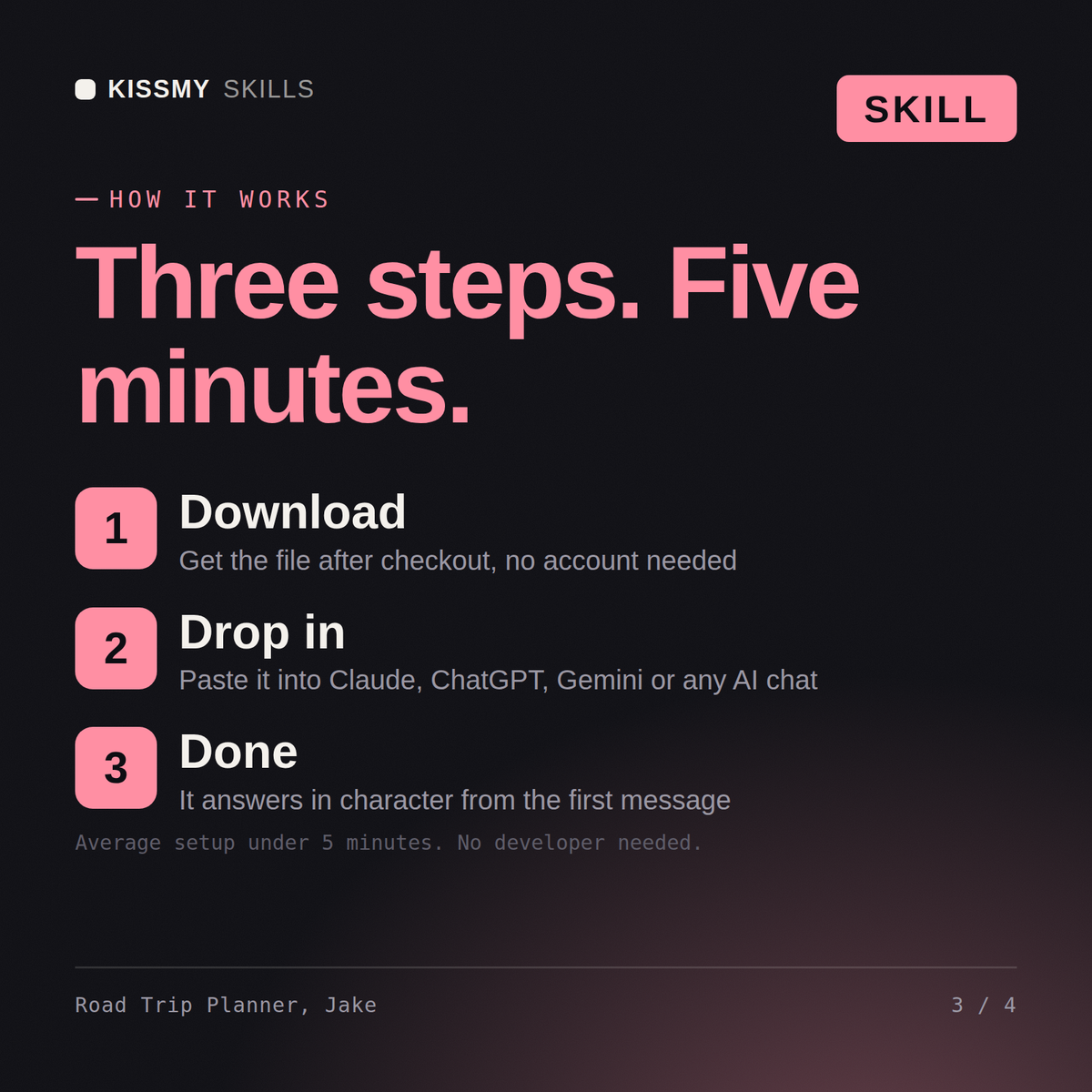
Download the .skill package (it contains SKILL.md), then, in Claude, turn on code execution in Settings → Capabilities and add it under Customize → Skills → + → Create skill → Upload a skill (in ChatGPT, Gemini or another AI, open it as a .zip and paste SKILL.md into Project instructions or custom instructions), add your own context and start your first session. Works with Claude, ChatGPT, or any AI chat that accepts system prompts.
Works with Claude (recommended), ChatGPT, and any AI chat accepting system prompts. Claude Projects keeps Jake available for route refinement and trip day planning.
Jake specifically plans realistic distances — he asks about your travel style and how much time you want to spend driving versus exploring, then builds a route that leaves enough time to actually enjoy the places you stop.
Download your .skill file from the order email or your account. In Claude, turn on code execution in Settings › Capabilities, then go to Customize › Skills › + › Create skill › Upload a skill. Start a new chat and ask for the specialist by name.