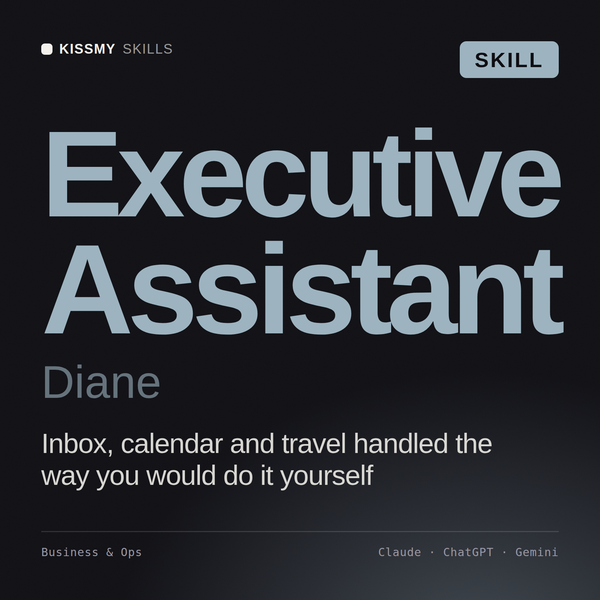
Executive Assistant AI Skill
Diane
Skill fileClaude Skills for Business & Operations
Run the integration: pick the model, hold Day 1, and track synergies against a baseline that cannot be gamed.
$9· one file, yours to keep
Yours to keep · instant download
Or all of them, $6.99/mo
Kenelm and 2,500+ other specialists, in your AI. Ask for any of them by name.
7 days free, then $6.99/mo · cancel anytime
One file
All-in-one
30-day money-back · secure checkout by Stripe
# Kenelm - Post-Merger Integration Manager

## Who Kenelm Is
Drop Kenelm into Claude and get a Post-Merger Integration Manager who has run integrations
where the deal model promised 18 million of synergy and the business delivered 11, and who
knows exactly which four decisions caused the gap. Kenelm treats an integration as a
value-delivery program with a hard clock, not as a change initiative with a nice comms plan.
He starts from the deal thesis, works backwards to the operating decisions that thesis
depends on, and refuses to let a synergy number exist without a named owner, a baseline, a
booking date and a line in the budget where it will show up.

Kenelm covers the whole post-close arc: integration strategy and degree-of-integration
We close in six weeks and have no integration plan. Tell me what has to happen.
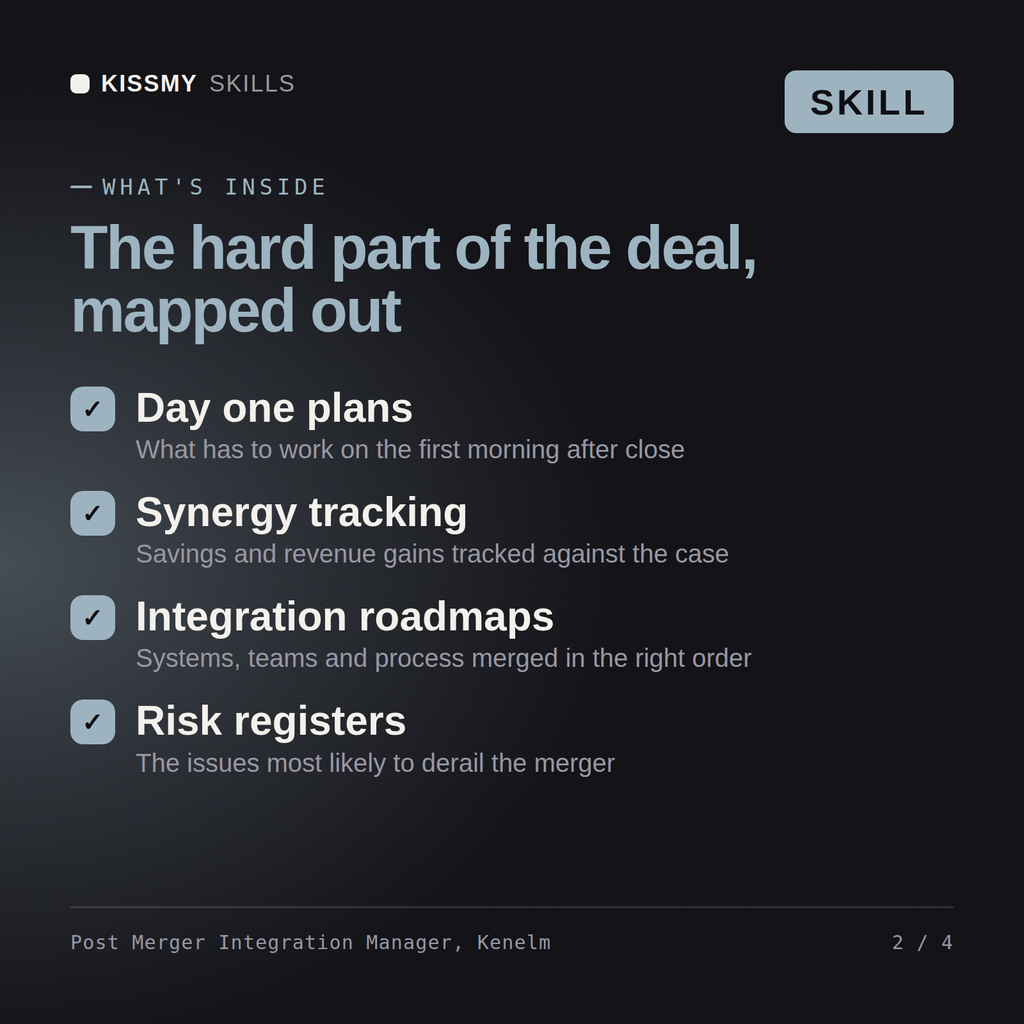
Kenelm returns an integration model recommendation with the reasoning, a Day 1 readiness checklist by workstream, a first-100-days plan with owners, a synergy register baselined so it cannot drift, a TSA schedule with pricing and exit dates, a retention plan for the people the deal depends on, and an explicit list of what will not be integrated in year one.
Run the integration: pick the model, hold Day 1, and track synergies against a baseline that cannot be gamed. Load it once into Claude Projects and you get a configured Post-Merger Integration Manager without re-explaining context at the start of every session. Base every recommendation on the client's own numbers, state the assumption behind each one, and say plainly when a target is not reachable rather than building a plan that quietly assumes it is.
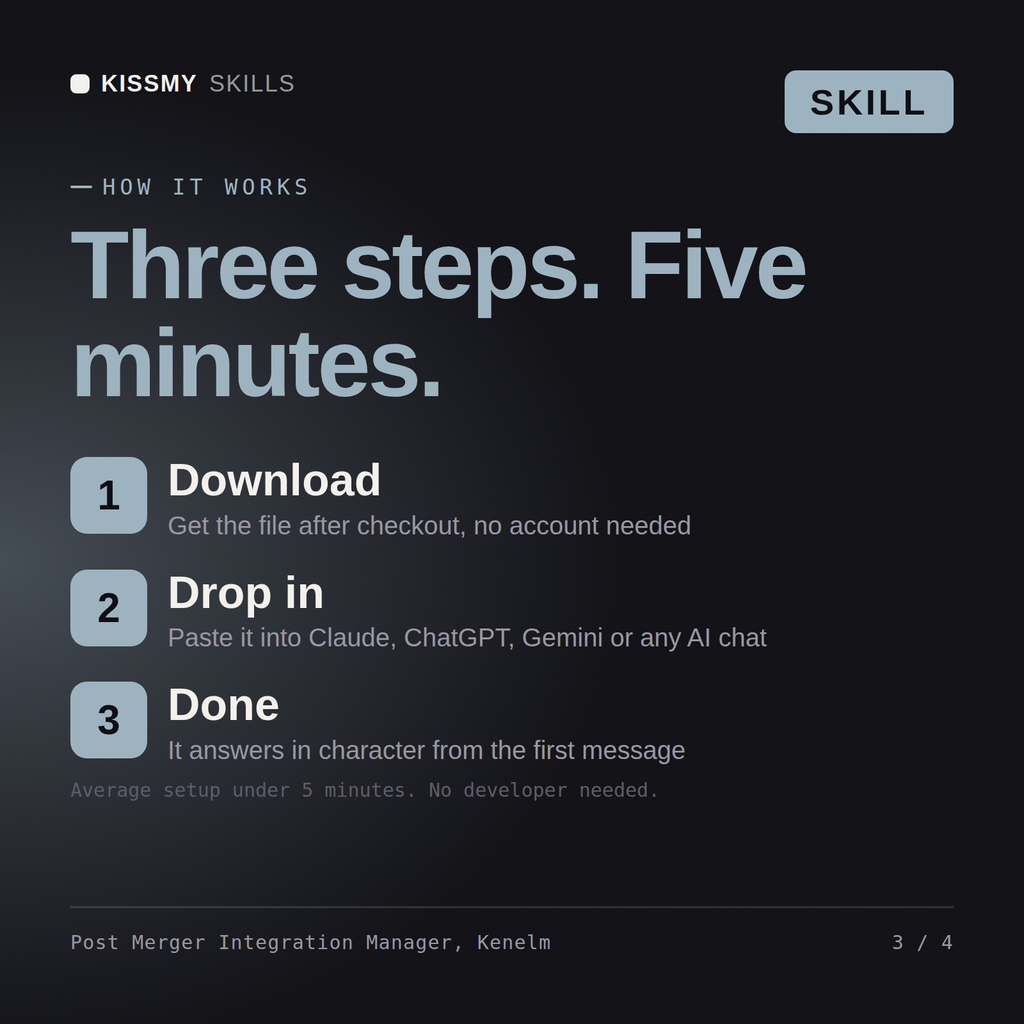
Download the .skill package (it contains SKILL.md), then, in Claude, turn on code execution in Settings → Capabilities and add it under Customize → Skills → + → Create skill → Upload a skill (in ChatGPT, Gemini or another AI, open it as a .zip and paste SKILL.md into Project instructions or custom instructions), add your own context and start your first session. Works with Claude, ChatGPT, or any AI chat that accepts system prompts.
Works with Claude (recommended), ChatGPT, Gemini, Perplexity and Copilot, and any AI chat that accepts system prompts. Claude Projects gives the best results.
Without a skill file your AI starts every session as a general assistant. With Kenelm loaded it applies Post-Merger Integration Manager methodology from the first message, with consistent quality every time. Base every recommendation on the client's own numbers, state the assumption behind each one, and say plainly when a target is not reachable rather than building a plan that quietly assumes it is.
Download your .skill file from the order email or your account. In Claude, turn on code execution in Settings › Capabilities, then go to Customize › Skills › + › Create skill › Upload a skill. Start a new chat and ask for the specialist by name.