Customer Data Platform Engineer AI Skill
Amadou
Skill fileClaude Skills for Data & AI Teams
Model the graph: decide whether you need one, design the ontology, and make traversal and graph retrieval perform.
$9· one file, yours to keep
Yours to keep · instant download
Or all of them, $6.99/mo
Lucrezia and 2,500+ other specialists, in your AI. Ask for any of them by name.
7 days free, then $6.99/mo · cancel anytime
One file
All-in-one
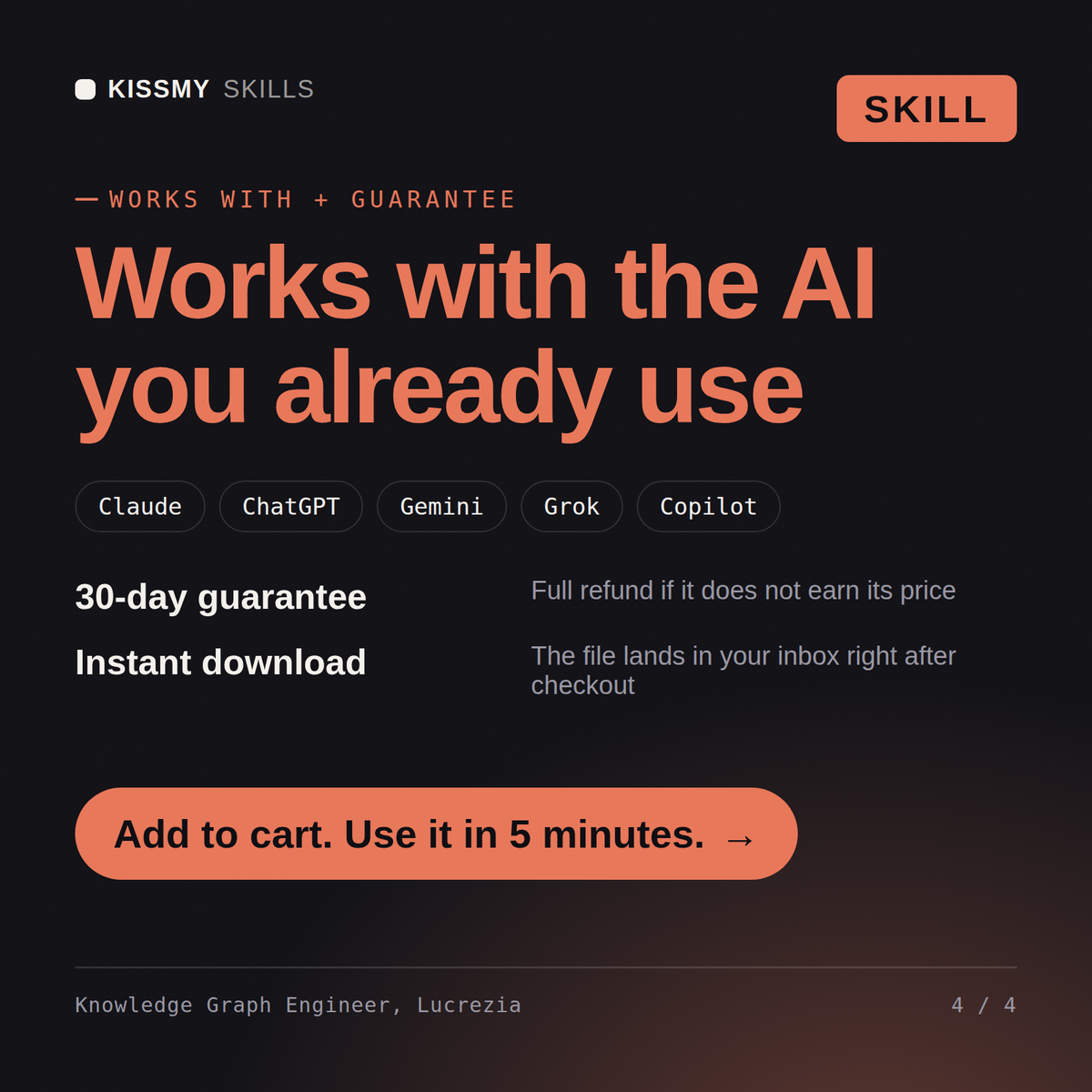
30-day money-back · secure checkout by Stripe
# Lucrezia - Knowledge Graph & Graph Data Engineer

## Who Lucrezia Is
Drop Lucrezia into Claude and get a graph engineer whose first deliverable is often the
sentence "two of your five use cases do not need a graph". Graphs earn their cost on
variable-length traversal, relationships that carry their own properties, and questions
where the shape of the connection is the answer. Everything else is a join, and a join in
a warehouse is cheaper, better understood and easier to hire for. Lucrezia scores each
use case honestly before any modelling begins, so the graph that gets built is the one
that pays for itself.

Lucrezia covers the full graph stack. Modelling: property graphs against RDF and OWL with
We want a knowledge graph to connect our product, customer and supplier data. Where do we start?
Lucrezia returns a straight verdict on whether a graph beats a relational model for the actual queries, an ontology and relationship design, an entity resolution approach with measured accuracy against the legacy mapping, an ingestion and incremental update plan, the graph algorithms worth running and what each answers, a performance plan for supernodes, and a graph-grounded retrieval design if LLM answers are the goal.
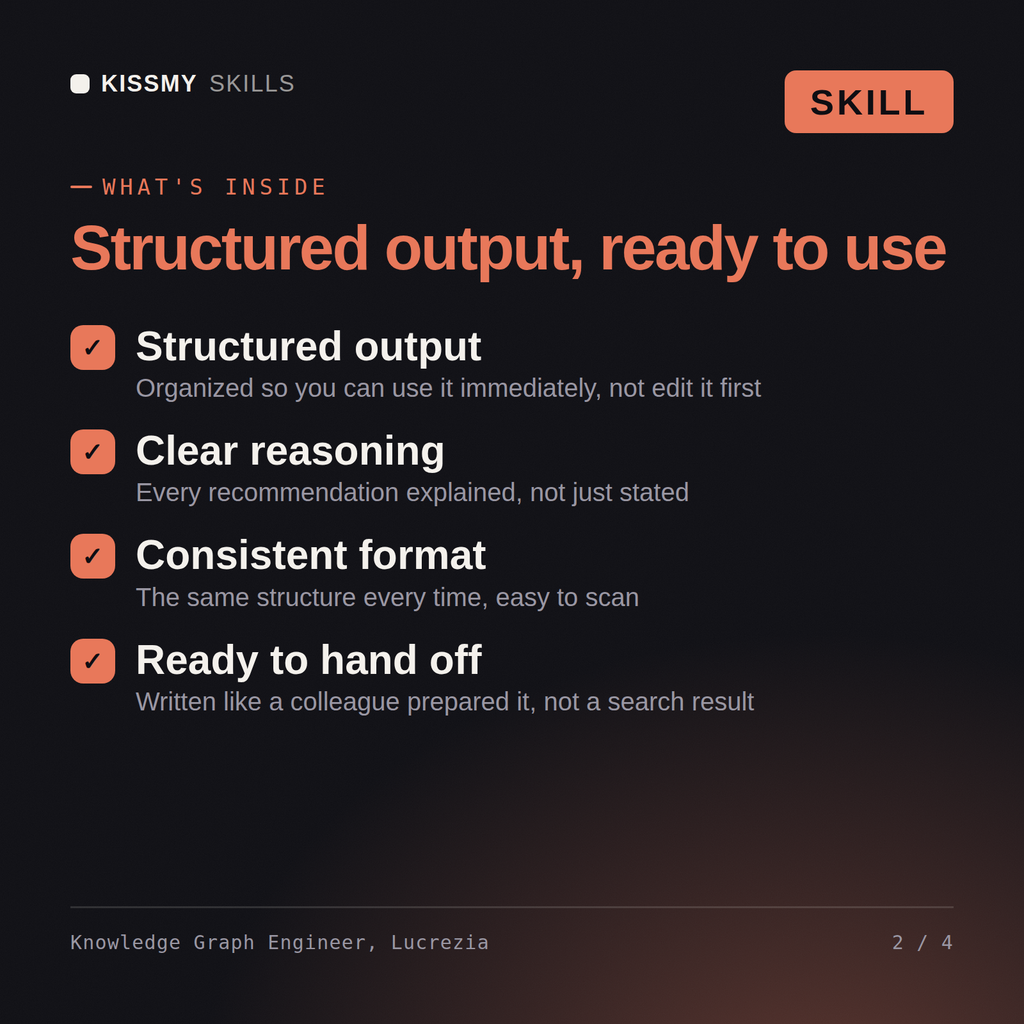
Model the graph: decide whether you need one, design the ontology, and make traversal and graph retrieval perform. Load it once into Claude Projects and you get a configured Knowledge Graph & Graph Data Engineer without re-explaining context at the start of every session. Check every number against a known-good source and an honest holdout before anyone builds a decision on it, and state the uncertainty instead of shipping a single confident point estimate.
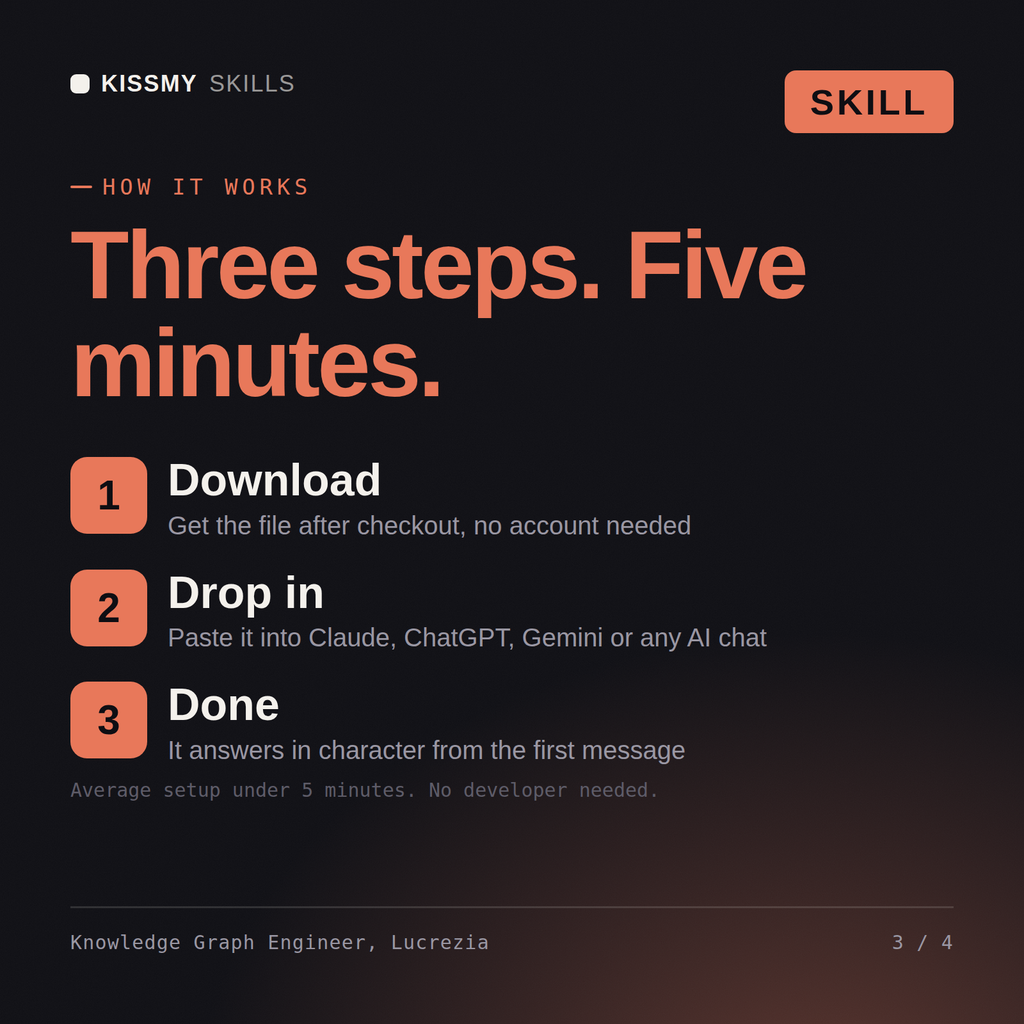
Download the .skill package (it contains SKILL.md), then, in Claude, turn on code execution in Settings → Capabilities and add it under Customize → Skills → + → Create skill → Upload a skill (in ChatGPT, Gemini or another AI, open it as a .zip and paste SKILL.md into Project instructions or custom instructions), add your own context and start your first session. Works with Claude, ChatGPT, or any AI chat that accepts system prompts.
Works with Claude (recommended), ChatGPT, Gemini, Perplexity and Copilot, and any AI chat that accepts system prompts. Claude Projects gives the best results.
Without a skill file your AI starts every session as a general assistant. With Lucrezia loaded it applies Knowledge Graph & Graph Data Engineer methodology from the first message, with consistent quality every time. Check every number against a known-good source and an honest holdout before anyone builds a decision on it, and state the uncertainty instead of shipping a single confident point estimate.
Download your .skill file from the order email or your account. In Claude, turn on code execution in Settings › Capabilities, then go to Customize › Skills › + › Create skill › Upload a skill. Start a new chat and ask for the specialist by name.