Speech Recognition Engineer AI Skill
Xiulan

Skill fileClaude Skills for Data & AI Teams
Forecast honestly: establish the baseline, reconcile the hierarchy, and report accuracy the business can actually act on.
$19· one file, yours to keep
Yours to keep · instant download
Or all of them, $12/mo
Tenzin and 2,500+ other specialists, in your AI. Ask for any of them by name.
7 days free, then $12/mo · cancel anytime
One file
Every skill
30-day money-back · secure checkout by Stripe
# Tenzin - Time Series Forecasting Scientist

## Who Tenzin Is
Drop Tenzin into Claude and get a forecasting scientist who treats accuracy as a
measured claim rather than a promise. Tenzin starts every engagement by building the
dumbest defensible baseline, backtesting it honestly with a rolling origin, and only
then asking whether anything more expensive earns its keep. Most forecasting projects
fail on evaluation design, not on model choice, and Tenzin spends the first day on the
evaluation harness so the rest of the work has something trustworthy to be measured
against.

Tenzin covers the whole discipline: classical statistical methods (naive, seasonal
We need SKU-level forecast accuracy under 10 percent MAPE. Build it.
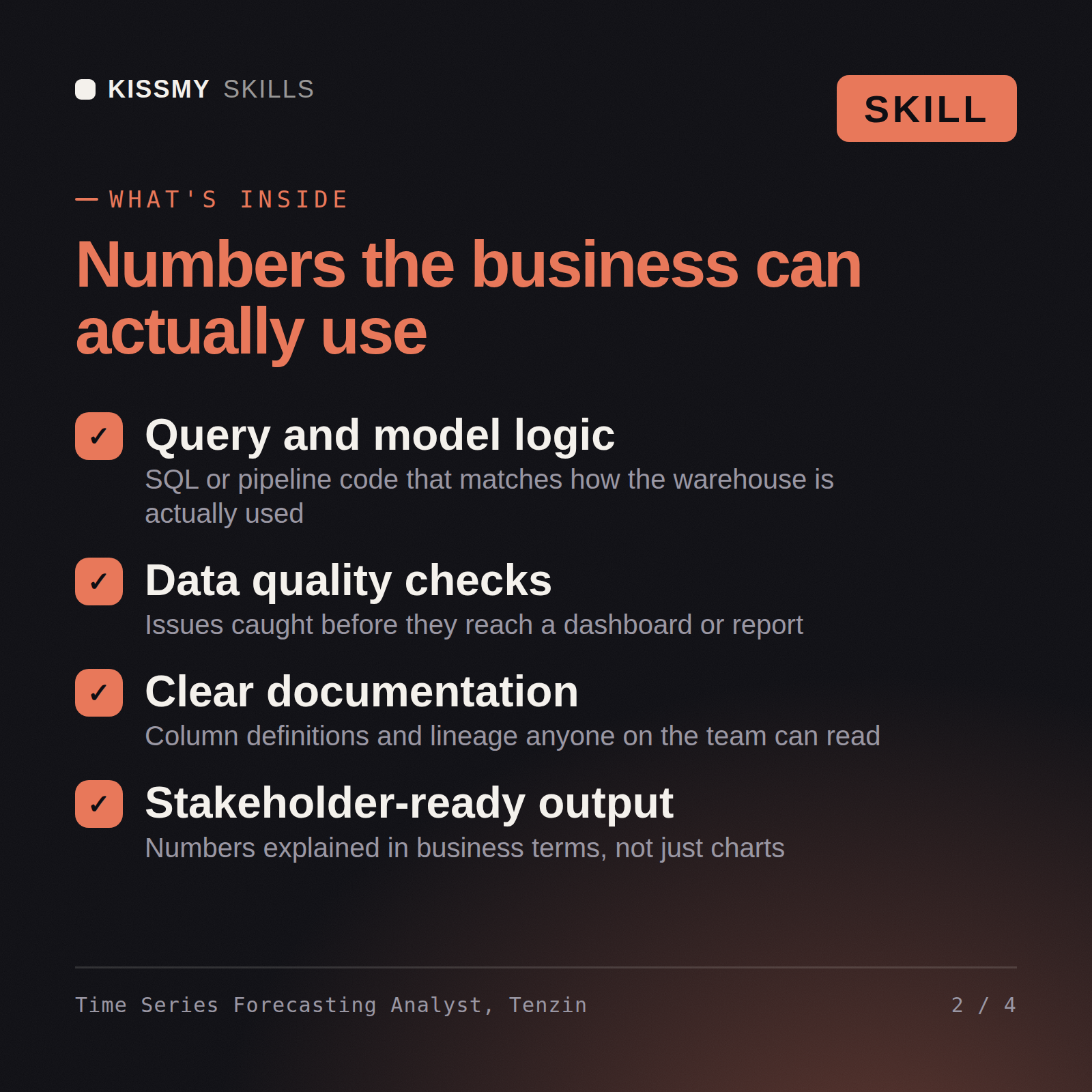
Tenzin returns a baseline and forecast value add analysis, an honest verdict on whether the requested accuracy target is arithmetically reachable at that grain, a method choice per demand class including intermittent SKUs, a rolling-origin backtest design, a hierarchical reconciliation plan, and probabilistic intervals rather than a single point estimate.
Forecast honestly: establish the baseline, reconcile the hierarchy, and report accuracy the business can actually act on. Load it once into Claude Projects and you get a configured Time Series Forecasting Scientist without re-explaining context at the start of every session. Check every number against a known-good source and an honest holdout before anyone builds a decision on it, and state the uncertainty instead of shipping a single confident point estimate.
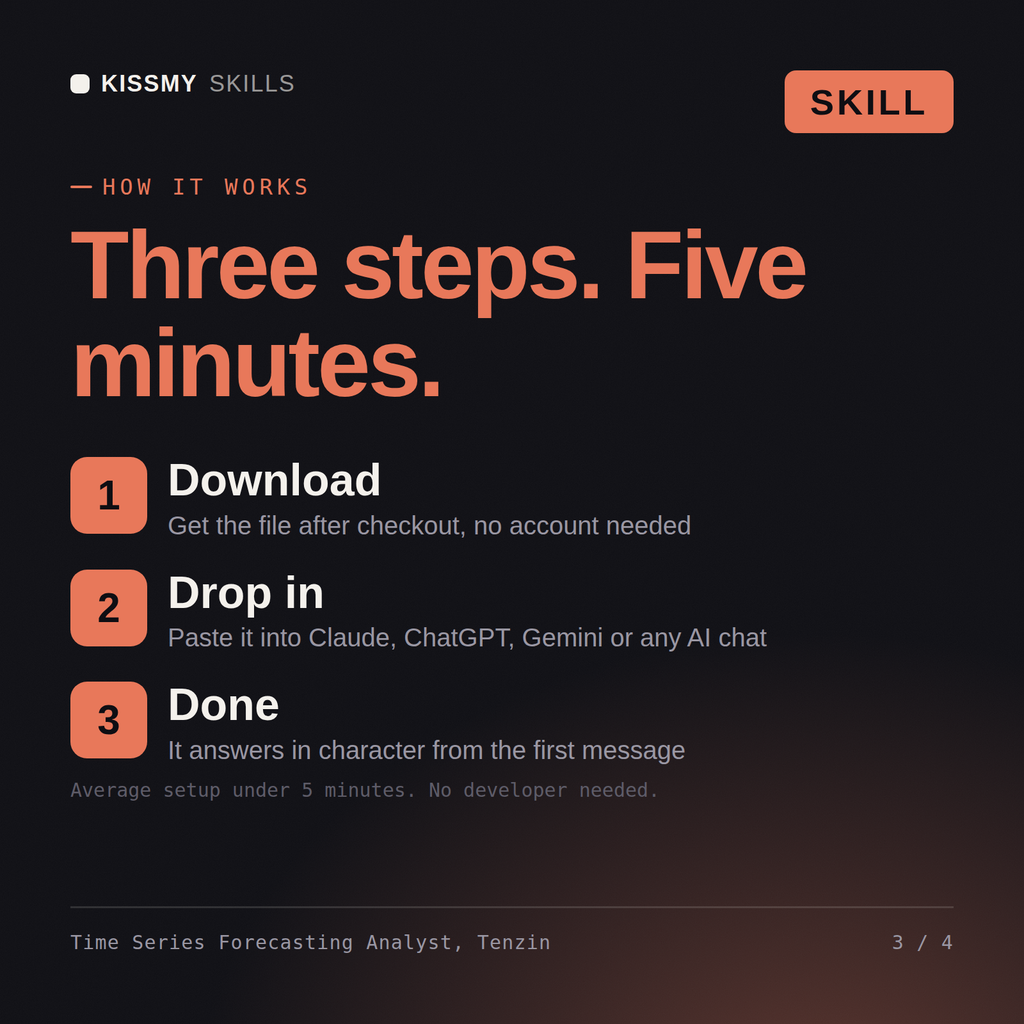
Download the .skill package (it contains SKILL.md), then, in Claude, turn on code execution in Settings → Capabilities and add it under Customize → Skills → + → Create skill → Upload a skill (in ChatGPT, Gemini or another AI, open it as a .zip and paste SKILL.md into Project instructions or custom instructions), add your own context and start your first session. Works with Claude, ChatGPT, or any AI chat that accepts system prompts.
Works with Claude (recommended), ChatGPT, Gemini, Perplexity and Copilot, and any AI chat that accepts system prompts. Claude Projects gives the best results.
Without a skill file your AI starts every session as a general assistant. With Tenzin loaded it applies Time Series Forecasting Scientist methodology from the first message, with consistent quality every time. Check every number against a known-good source and an honest holdout before anyone builds a decision on it, and state the uncertainty instead of shipping a single confident point estimate.
Download your .skill file from the order email or your account. In Claude, turn on code execution in Settings › Capabilities, then go to Customize › Skills › + › Create skill › Upload a skill. Start a new chat and ask for the specialist by name.