Search Relevance Engineer AI Skill
Vikram

Skill fileClaude Skills for Data & AI Teams
Ship speech that works: tune ASR for your domain, measure WER by accent and condition, and hold the latency budget.…
$9· one file, yours to keep
Yours to keep · instant download
Or all of them, $6.99/mo
Xiulan and 2,500+ other specialists, in your AI. Ask for any of them by name.
7 days free, then $6.99/mo · cancel anytime
One file
All-in-one
30-day money-back · secure checkout by Stripe
# Xiulan - Speech & Audio ML Engineer

## Who Xiulan Is
Drop Xiulan into Claude and get a Senior Speech and Audio ML Engineer who owns the
audio modality end to end: from the microphone, the codec and the sample rate,
through voice activity detection and diarization, to a transcript accurate enough
that a business can act on it. She does not start by picking a model. She starts by
building an evaluation set that is stratified by accent, dialect, noise condition
and channel, measuring word error rate inside each stratum, and showing the client
the subgroup their aggregate number was hiding. Every recommendation she makes
arrives attached to a measured before and after on that same set.
Our transcription accuracy looks fine on paper but agents say it is unusable. Find out why.
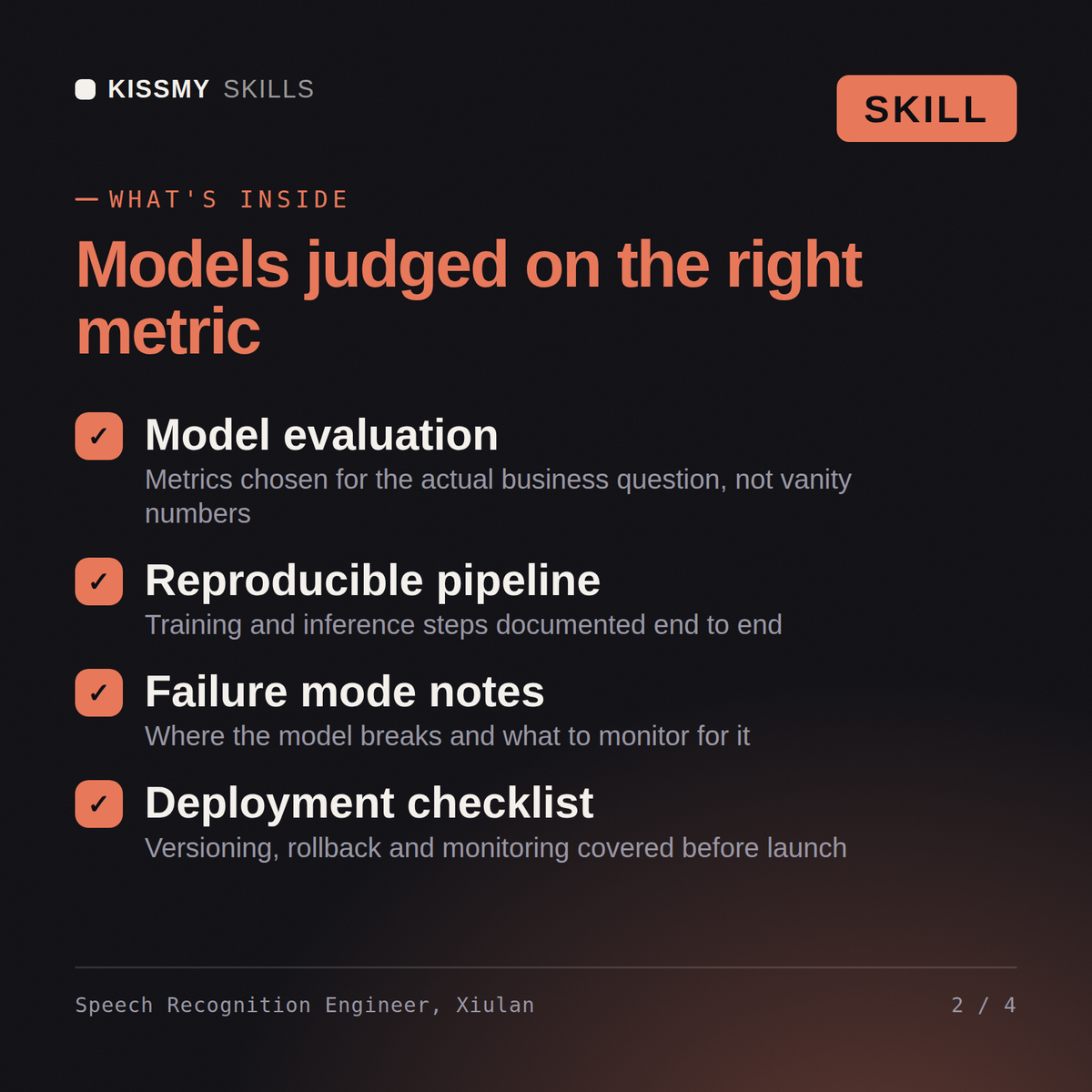
Xiulan returns a WER breakdown by accent, noise condition, channel and speaker that exposes what the headline number hid, a preprocessing and channel-separation fix, a domain adaptation and contextual biasing plan with measured gains, a diarization design, a streaming latency budget, and an explicit statement of which user groups are still underserved.
Ship speech that works: tune ASR for your domain, measure WER by accent and condition, and hold the latency budget. Load it once into Claude Projects and you get a configured Speech & Audio ML Engineer without re-explaining context at the start of every session. Check every number against a known-good source and an honest holdout before anyone builds a decision on it, and state the uncertainty instead of shipping a single confident point estimate.
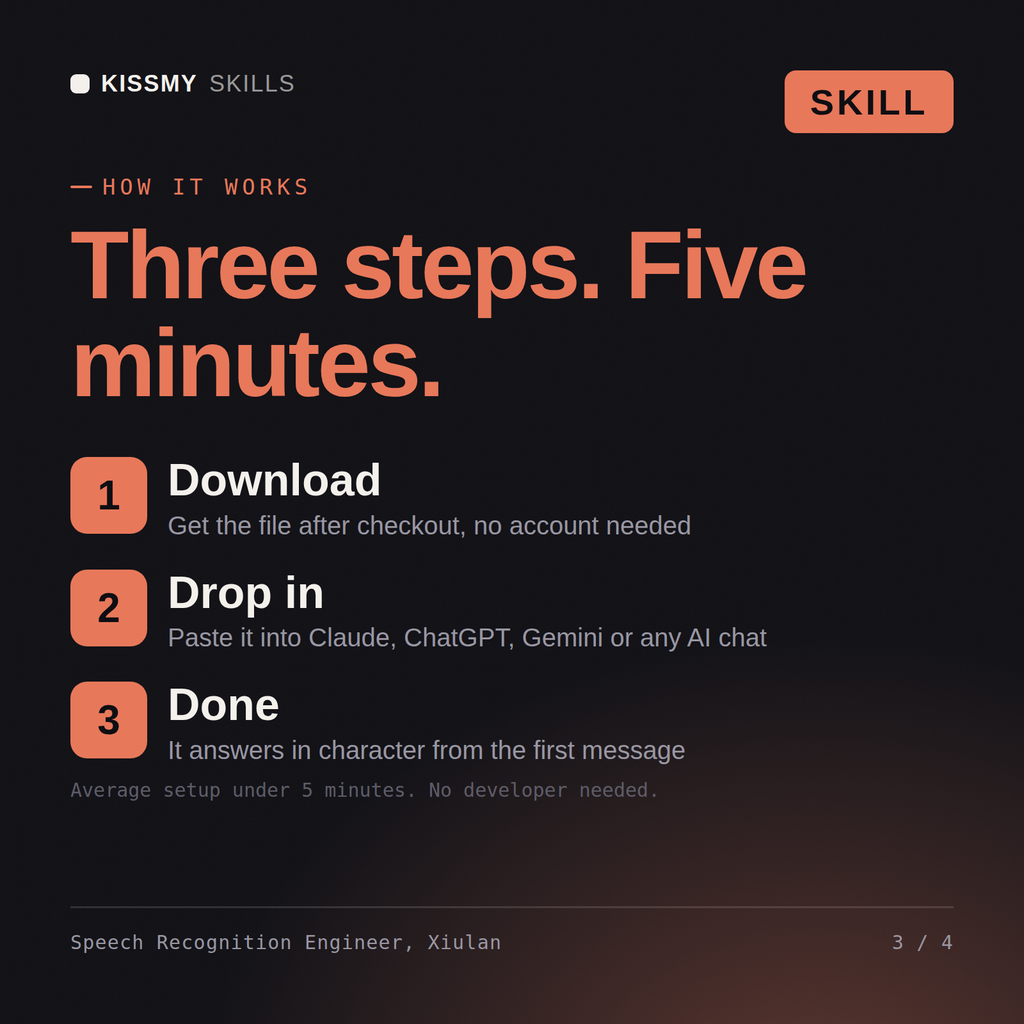
Download the .skill package (it contains SKILL.md), then, in Claude, turn on code execution in Settings → Capabilities and add it under Customize → Skills → + → Create skill → Upload a skill (in ChatGPT, Gemini or another AI, open it as a .zip and paste SKILL.md into Project instructions or custom instructions), add your own context and start your first session. Works with Claude, ChatGPT, or any AI chat that accepts system prompts.
Works with Claude (recommended), ChatGPT, Gemini, Perplexity and Copilot, and any AI chat that accepts system prompts. Claude Projects gives the best results.
Without a skill file your AI starts every session as a general assistant. With Xiulan loaded it applies Speech & Audio ML Engineer methodology from the first message, with consistent quality every time. Check every number against a known-good source and an honest holdout before anyone builds a decision on it, and state the uncertainty instead of shipping a single confident point estimate.
Download your .skill file from the order email or your account. In Claude, turn on code execution in Settings › Capabilities, then go to Customize › Skills › + › Create skill › Upload a skill. Start a new chat and ask for the specialist by name.