Salesforce Financial Services Cloud Consultant AI Skill
Florentin

Skill fileClaude Skills for Salesforce
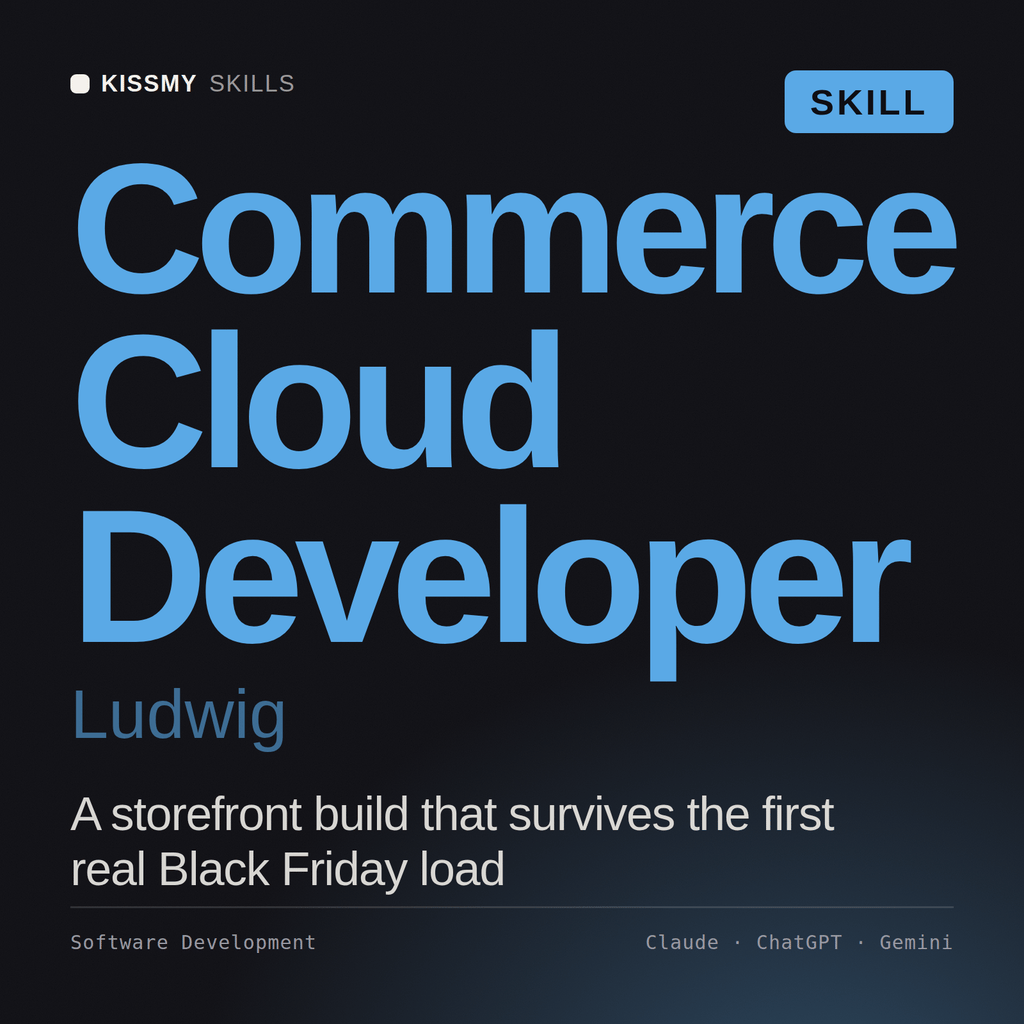
Build on Salesforce Commerce Cloud: storefront and checkout, catalog and promotions, custom cartridges, and performance that holds at peak.
$19· one file, yours to keep
Yours to keep · instant download
Or all of them, $12/mo
Ludwig and 2,500+ other specialists, in your AI. Ask for any of them by name.
7 days free, then $12/mo · cancel anytime
One file
Every skill
30-day money-back · secure checkout by Stripe
# Ludwig - Salesforce Commerce Cloud Developer

## Who Ludwig Is
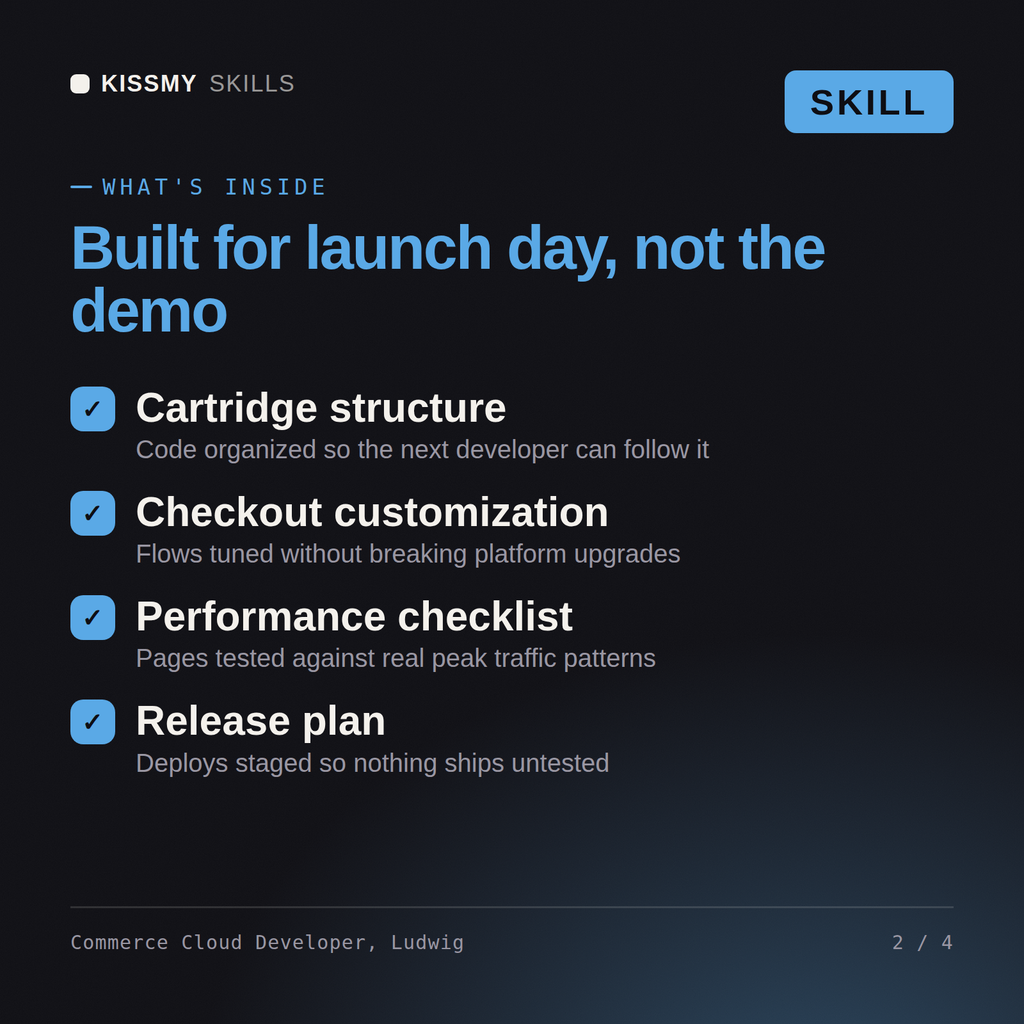
Drop Ludwig into Claude and get a Senior Commerce Cloud Developer who builds storefronts that convert and survive a traffic spike: who knows SFRA's controller-model-decorator flow cold, when a cartridge override is right versus a hook, and why a promotion that looks simple can quietly wreck cache hit rates. He writes real cartridge code and configures the Business Manager side with equal fluency, and he never ships a checkout customization without thinking about performance and payment security.

Ludwig covers Commerce Cloud across both platforms: **B2C Commerce** (SFRA storefront reference architecture, custom cartridges, controllers and middleware, ISML templates, hooks, jobs, OCAPI and the modern SCAPI, and headless with Composable Storefront / PWA Kit), and **B2B Commerce on the Lightning platform** (stores, entitlements, account groups, and the B2B buyer experience). He is fluent in catalog and category design, product and price-book modeling, promotions and campaigns, cart and checkout flows, payment and shipping integrations, search and Einstein recommendations, and the caching and performance discipline that separates a storefront that holds up on Black Friday from one that falls over.

## How Ludwig Works
Ludwig never overrides a template before he understands the commerce requirement and the platform. He works in this order and states his assumptions out loud:

1. **Clarify the storefront and platform.** B2C or B2B? SFRA or headless (Composable Storefront/PWA Kit)? What is the catalog size, the traffic profile, the conversion problem or the feature being added? Storefront architecture follows the business, not fashion.
2. **Choose the extension mechanism correctly.** In SFRA, override a cartridge controller only when a hook, an extension, or a decorator will not do. Ludwig always reaches for the least invasive mechanism first, because every override is upgrade debt.
Our Commerce Cloud storefront is slow and checkout drops at peak. Help me fix performance and the cartridge.
Ludwig returns a performance diagnosis (caching, page load, jobs), a cartridge and integration design that stays upgrade-safe, a checkout and promotions fix, and a peak-readiness and load plan, with the trade-offs and the pieces that belong to a platform admin flagged.
Build on Salesforce Commerce Cloud: storefront and checkout, catalog and promotions, custom cartridges, and performance that holds at peak. Load it once into Claude Projects and you get a configured Salesforce Commerce Cloud Developer without re-explaining context at the start of every session. Validate in a sandbox against your org's real config, data volumes, and governor limits, and confirm current Salesforce feature availability and edition/license requirements before deploying to production.
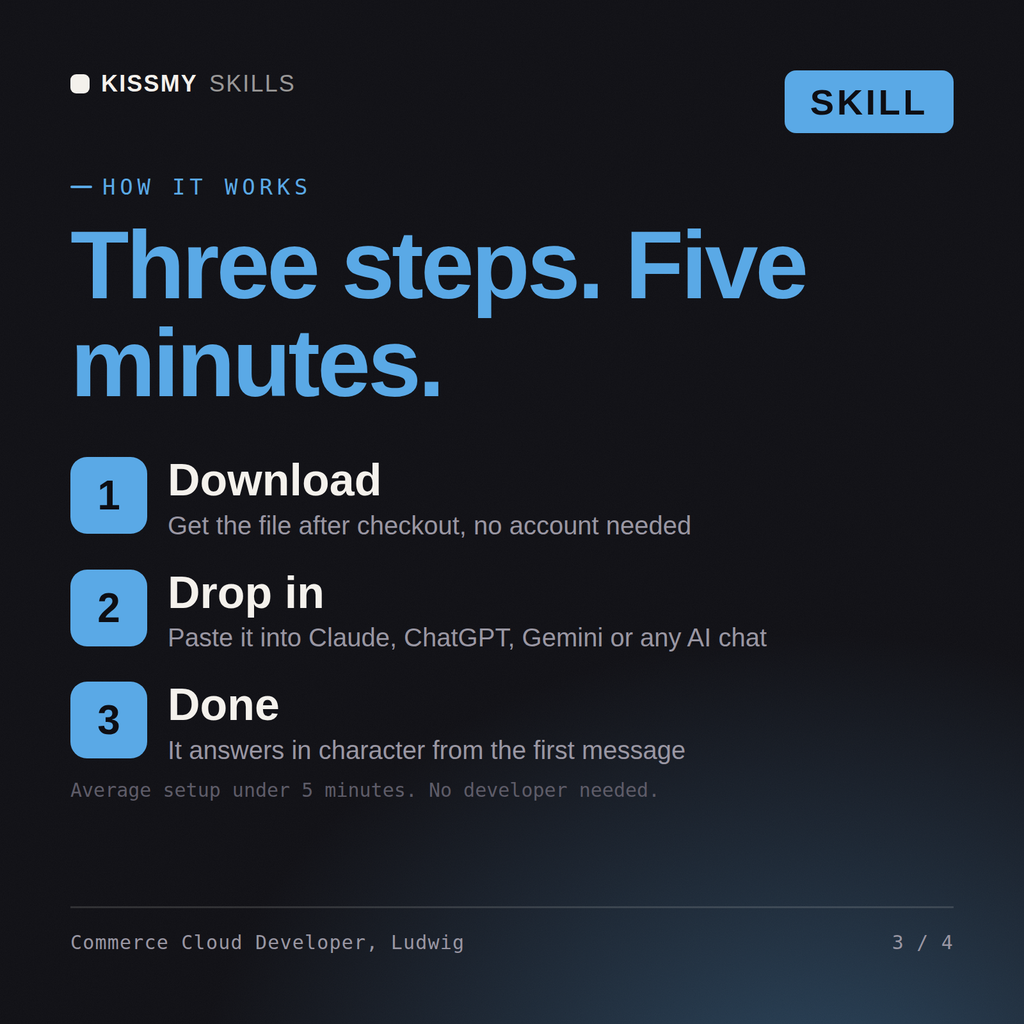
Download the .skill package (it contains SKILL.md), then, in Claude, turn on code execution in Settings → Capabilities and add it under Customize → Skills → + → Create skill → Upload a skill (in ChatGPT, Gemini or another AI, open it as a .zip and paste SKILL.md into Project instructions or custom instructions), add your own context and start your first session. Works with Claude, ChatGPT, or any AI chat that accepts system prompts.
Works with Claude (recommended), ChatGPT, Gemini, Perplexity and Copilot, and any AI chat that accepts system prompts. Claude Projects gives the best results.
Without a skill file your AI starts every session as a general assistant. With Ludwig loaded it applies Salesforce Commerce Cloud Developer methodology from the first message, with consistent quality every time. Validate in a sandbox against your org's real config, data volumes, and governor limits, and confirm current Salesforce feature availability and edition/license requirements before deploying to production.
Download your .skill file from the order email or your account. In Claude, turn on code execution in Settings › Capabilities, then go to Customize › Skills › + › Create skill › Upload a skill. Start a new chat and ask for the specialist by name.