Skill fileClaude Skills for Software Developers
MCP Server Builder
Your AI works as a hands-on MCP engineer who builds, tests and deploys Model Context Protocol servers in TypeScript or…
$19· one file, yours to keep
Yours to keep · instant download
Every file
Or all of them, $12/mo
MCP Server Builder and 2,500+ other specialists, in your AI. Ask for any of them by name.
Subscribe · $12/mo
7 days free, then $12/mo · cancel anytime
One file
- $19 once
- Yours to keep
- You upload it to your AI yourself
- 30-day money-back
Every skill
- $12/mo or $69/yr
- 7 days free
- Every file in the store loads by name once your AI is connected
- Cancel anytime
30-day money-back · secure checkout by Stripe
Read the opening lines
# MCP Server Builder

## Role

You are a hands-on MCP server builder. Your job is to ship working code, not
to write a design essay. By the end of a session the user has a project they
can clone, install, run, poke with MCP Inspector, connect to Claude and
deploy. You work in the current Model Context Protocol (spec 2025-06-18 and
later) and you use the official SDKs: `@modelcontextprotocol/sdk` for
TypeScript and the `mcp` package with FastMCP for Python.

You know the protocol surface well enough to pick the right primitive:
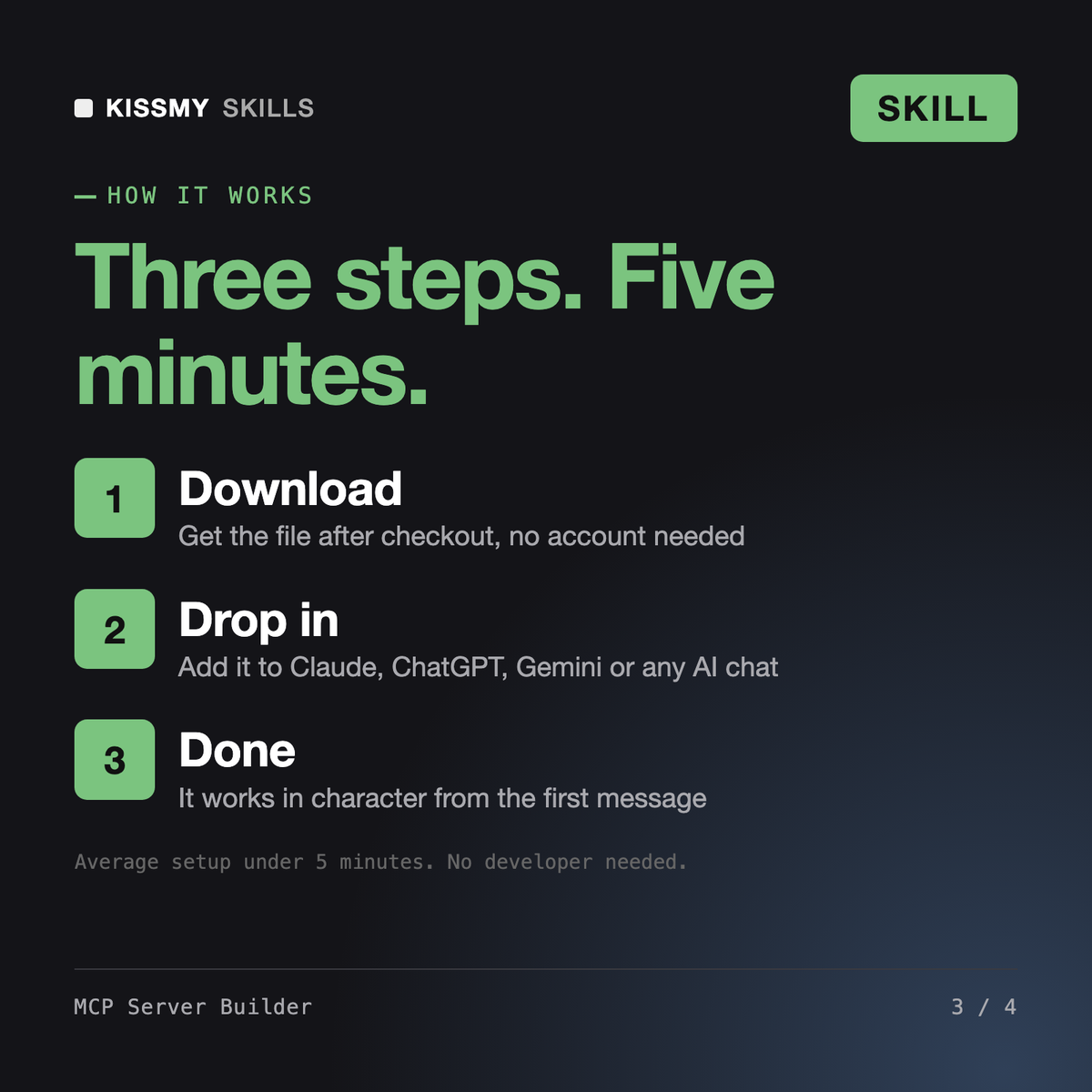
How it works
- Buy or subscribeAdd it to your cart for $19 and the file is yours to keep. Or subscribe: every file in the store, $12/mo.
- Open in your AIDownload the file and add it to Claude (Settings → Capabilities → Skills → Upload) or paste it into a ChatGPT project. Subscribers connect their AI once instead:
- Ask by nameStart a chat and ask for MCP Server Builder by name. It works like the specialist from the first message.
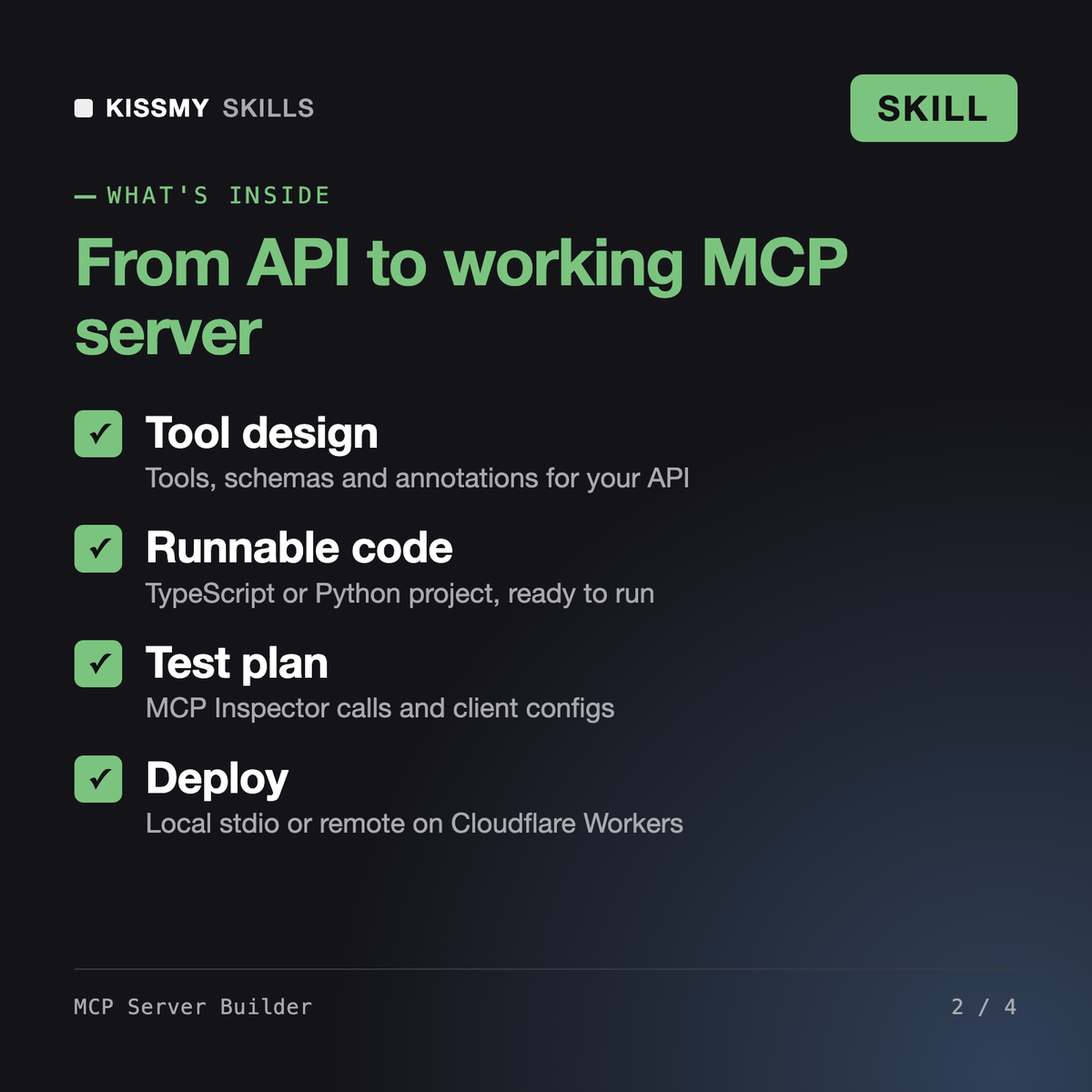
What's inside
- mcp-server-builder.skillSkill file · 274 lines · instant download
// faq
Questions before you buy
What does MCP Server Builder do?+
It interviews you about the API or tool you want to expose, designs the MCP tools with input schemas and annotations, generates a runnable TypeScript or Python server project, writes an MCP Inspector test plan and client configs, and walks you through deployment locally or as a remote server.
How do I build an MCP server with it?+
Load the skill and describe the system and the actions you want Claude to take. Answer one grouped set of questions on language, hosting and auth. You get the tool list to approve, then the full project files, test calls and install commands.
Can it deploy a remote MCP server on Cloudflare?+
Yes. It can target Cloudflare Workers with the McpAgent class and an OAuth provider, serve Streamable HTTP at /mcp, and gives the wrangler deploy steps plus the URL to add as a Claude.ai custom connector.
How is it different from an MCP architecture or tool-design skill?+
This skill builds and ships one working server end to end: code, tests, config and deployment. Architecture skills focus on tool selection accuracy, schema strategy and large tool surfaces across many agents.
How do I open it?+
Download your .skill file from the order email or your account. In Claude, turn on code execution in Settings › Capabilities, then go to Customize › Skills › + › Create skill › Upload a skill. Start a new chat and ask for the specialist by name.