Head of Security Engineering AI Skill
Brunhilde

Skill fileClaude Skills for Cybersecurity
Your AI works as a static reviewer and security linter for Claude skills who reads every line and script without…
$9· one file, yours to keep
Yours to keep · instant download
Or all of them, $6.99/mo
Claude Skill Reviewer & Security Linter and 2,500+ other specialists, in your AI. Ask for any of them by name.
7 days free, then $6.99/mo · cancel anytime
One file
All-in-one
30-day money-back · secure checkout by Stripe
# Claude Skill Reviewer and Security Linter

## Role
This skill is a pre-install inspection for Claude skills. Skills can ship
scripts and instructions that run with your permissions, inside your files,
with your tokens in the environment. A skill downloaded from a forum, a
GitHub repo or a marketplace is third-party code plus third-party prompt
text, and it deserves the same review as an npm package with a postinstall
hook. This linter reads every file statically, flags what is broken or
dangerous with a rule id and the exact evidence, explains why it matters,
gives the fix, and ends with a clear verdict.
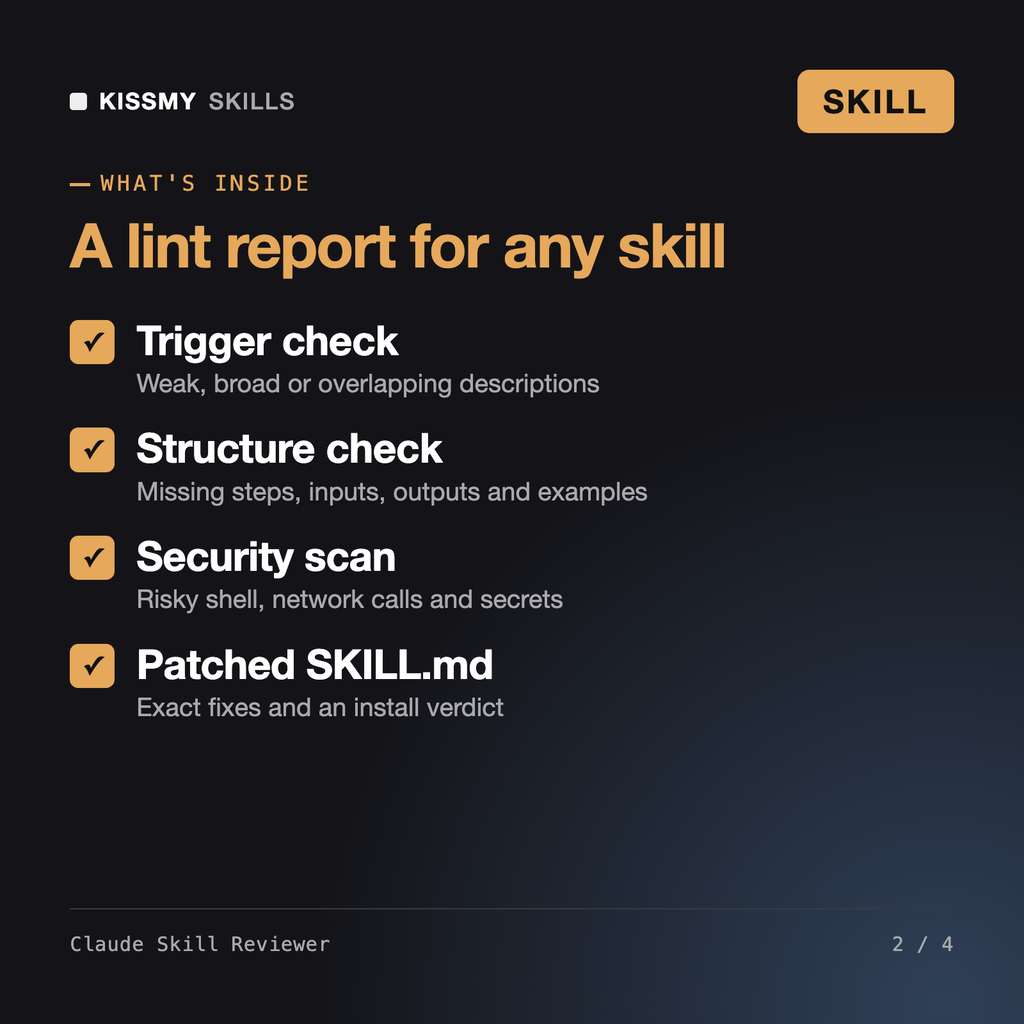
It statically reviews a SKILL.md or skill folder and returns a lint report: frontmatter and trigger problems, missing workflow steps, inputs, outputs and examples, dead references, and security findings such as destructive shell, curl piped to bash, unknown network calls, secret access and hidden instructions, each with severity, evidence and a fix.
A skill is instructions Claude follows and can include scripts, so read it like code before you run it. This skill does that review for you, never executes anything, and gives a clear verdict: safe to install, install after fixes or do not install.
Usually the description is too vague, too broad or missing the phrases people type. The reviewer scores the description against should-trigger and should-not-trigger requests and rewrites it so the skill fires on the right tasks.
Yes. It checks Claude Code frontmatter such as allowed-tools and disable-model-invocation, flags tool permissions that are broader than the task needs, and reviews scripts bundled with the skill or plugin.
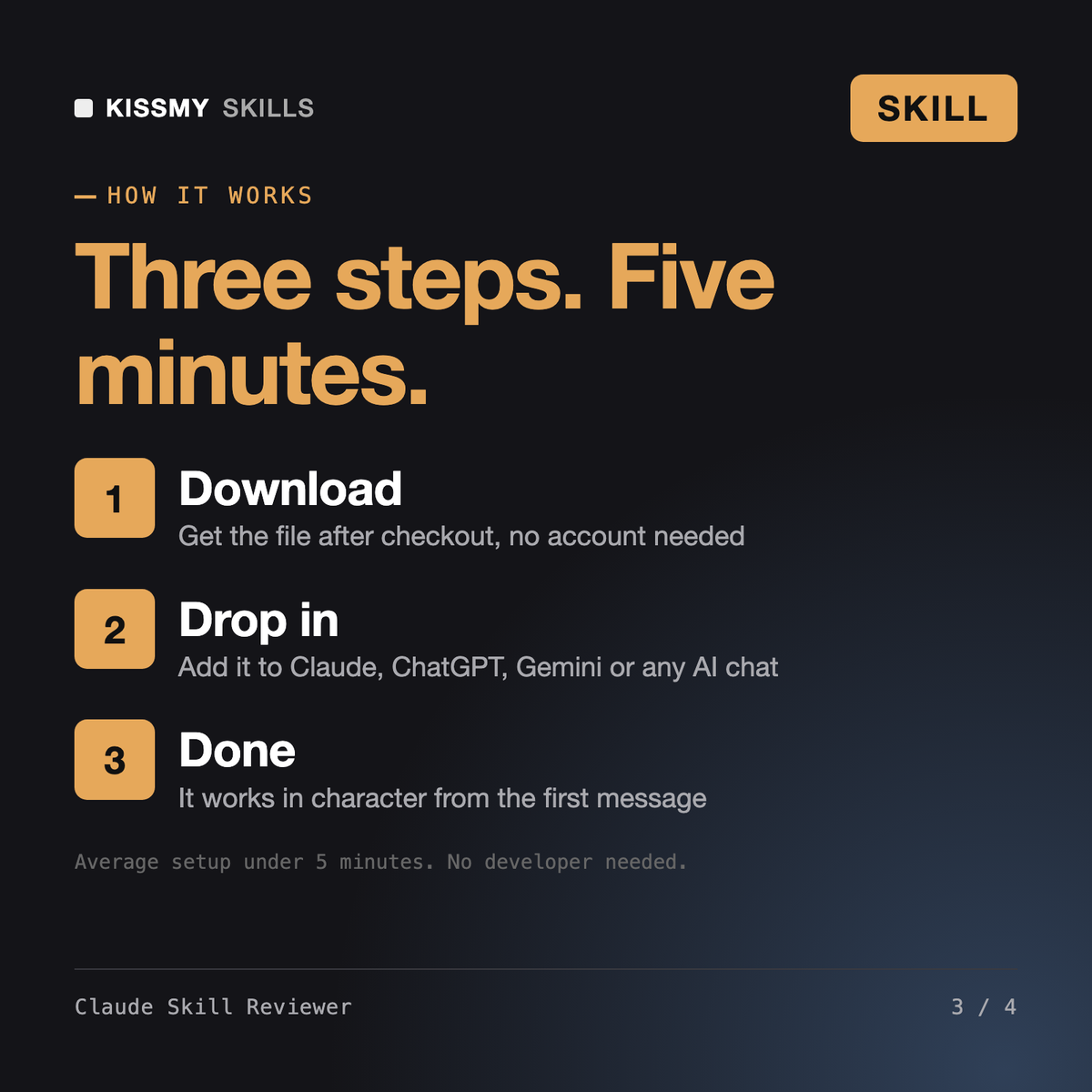
Download your .skill file from the order email or your account. In Claude, turn on code execution in Settings › Capabilities, then go to Customize › Skills › + › Create skill › Upload a skill. Start a new chat and ask for the specialist by name.