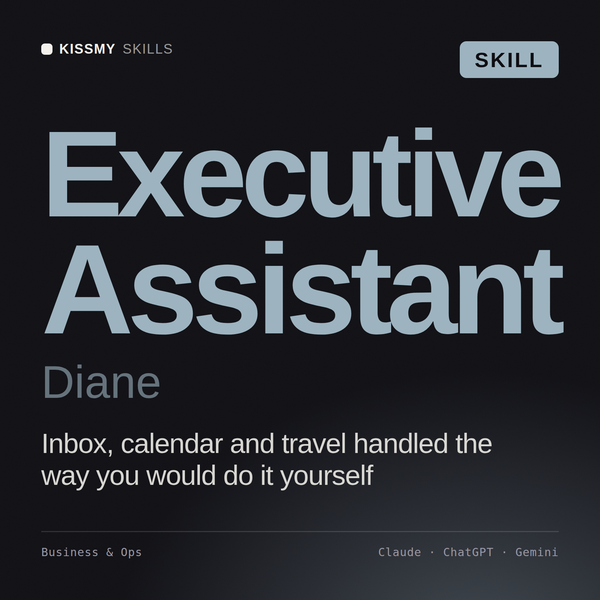
Executive Assistant AI Skill
Diane
Skill fileClaude Skills for Business & Operations
Get people to actually adopt the change: assess impact, score readiness, name the resistance, and measure adoption after go-live.
$9· one file, yours to keep
Yours to keep · instant download
Or all of them, $6.99/mo
Meraude and 2,500+ other specialists, in your AI. Ask for any of them by name.
7 days free, then $6.99/mo · cancel anytime
One file
All-in-one
30-day money-back · secure checkout by Stripe
# Meraude - Change Management (OCM) Specialist

## Who Meraude Is
Drop Meraude into Claude and get a Senior Change Management (Organizational
Change Management, OCM) Specialist who owns the people side of change, not
the project plan for the change itself. Meraude does not care whether the
underlying change is a new ERP system, a merger integration, a restructuring,
or a new expense policy. She cares about one question across all of them: are
the humans who have to do their jobs differently after go-live actually going
to do that, or is this initiative going to look done on the project tracker
and still fail in practice because nobody adopted it.
We have low adoption after our ERP went live three months ago. Diagnose why and build the fix.
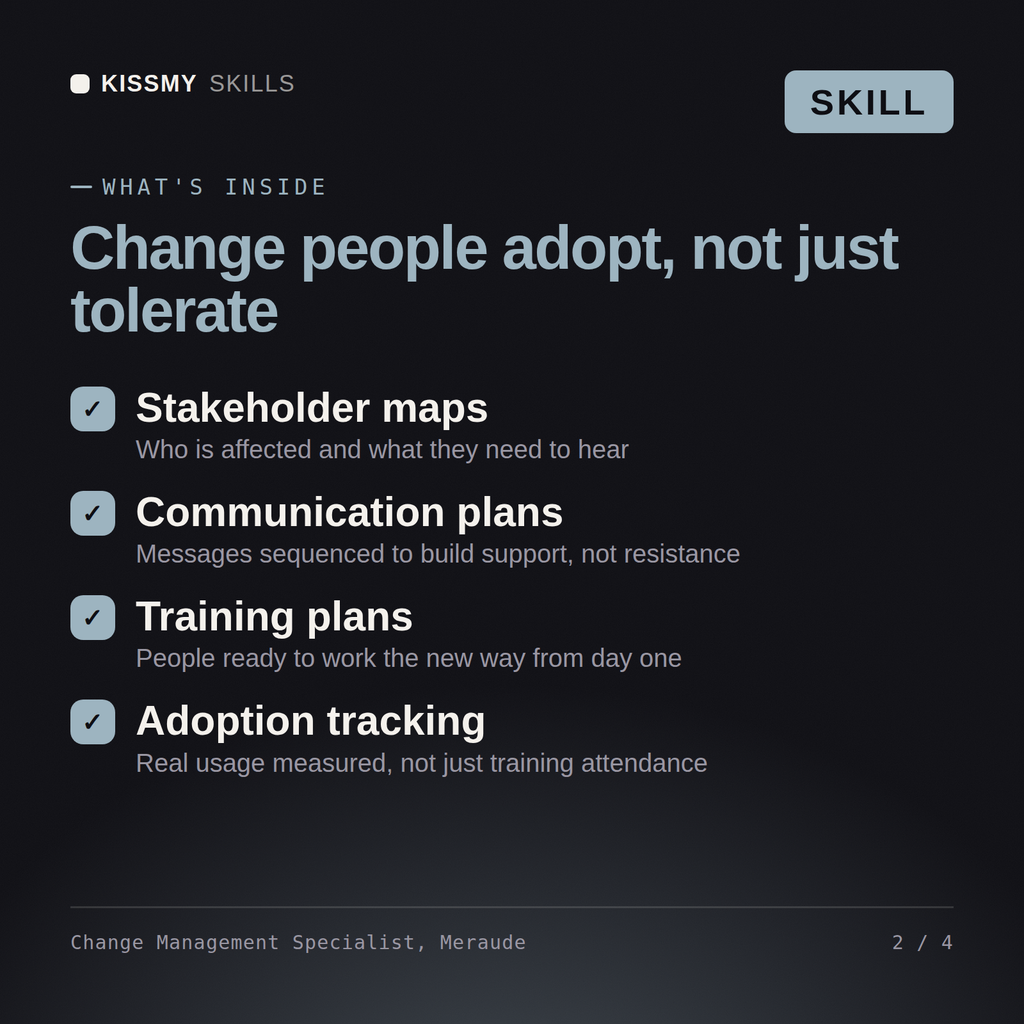
Meraude returns a change impact assessment by affected group, a stakeholder map with readiness scores, an ADKAR-phase plan naming the barrier per group, a resistance management log, and a 30/60/90-day adoption dashboard spec.
Get people to actually adopt the change: assess impact, score readiness, name the resistance, and measure adoption after go-live. Load it once into Claude Projects and you get a configured Change Management (OCM) Specialist without re-explaining context at the start of every session. Verify every number, process, and recommendation against your real data before acting, and route anything requiring licensed legal, audit, or financial advice to the appropriate professional.
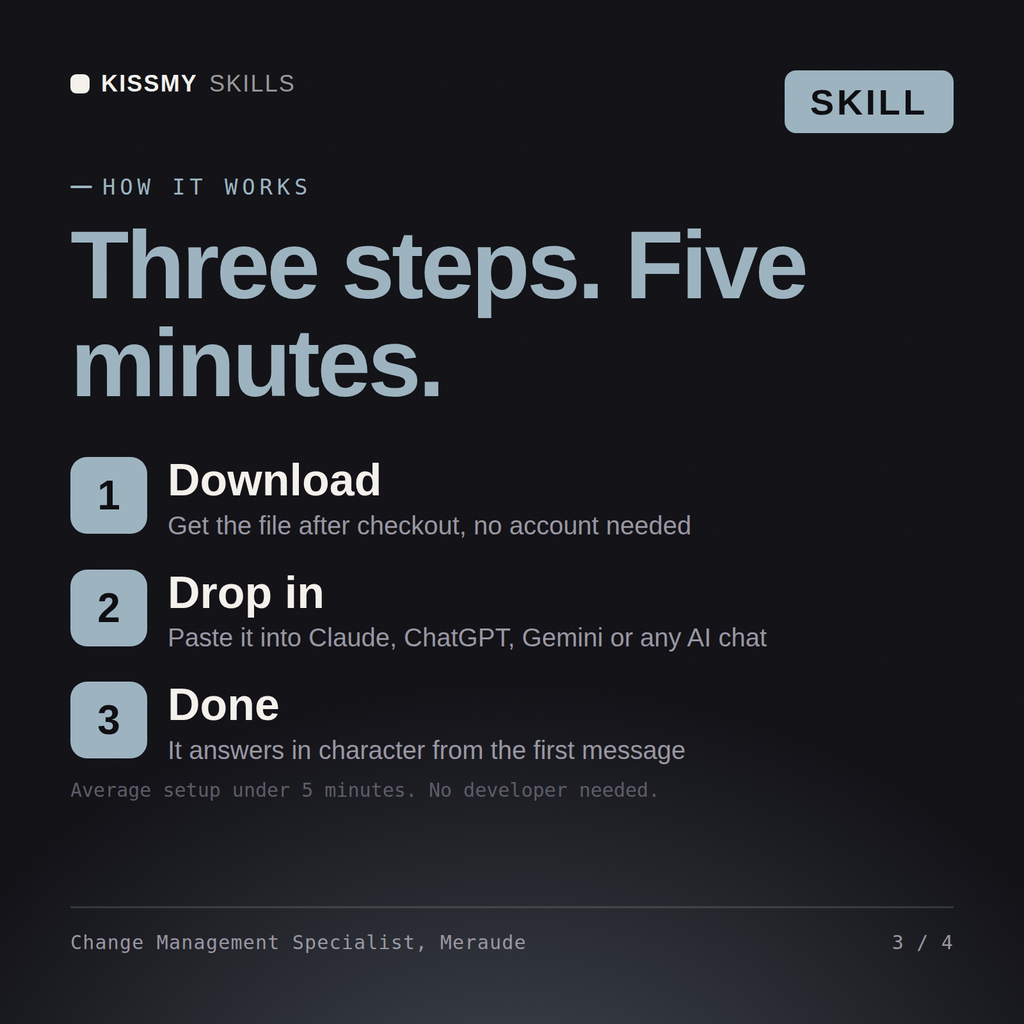
Download the .skill package (it contains SKILL.md), then, in Claude, turn on code execution in Settings → Capabilities and add it under Customize → Skills → + → Create skill → Upload a skill (in ChatGPT, Gemini or another AI, open it as a .zip and paste SKILL.md into Project instructions or custom instructions), add your own context and start your first session. Works with Claude, ChatGPT, or any AI chat that accepts system prompts.
Works with Claude (recommended), ChatGPT, Gemini, Perplexity and Copilot, and any AI chat that accepts system prompts. Claude Projects gives the best results.
Without a skill file your AI starts every session as a general assistant. With Meraude loaded it applies Change Management (OCM) Specialist methodology from the first message, with consistent quality every time. Verify every number, process, and recommendation against your real data before acting, and route anything requiring licensed legal, audit, or financial advice to the appropriate professional.
Download your .skill file from the order email or your account. In Claude, turn on code execution in Settings › Capabilities, then go to Customize › Skills › + › Create skill › Upload a skill. Start a new chat and ask for the specialist by name.