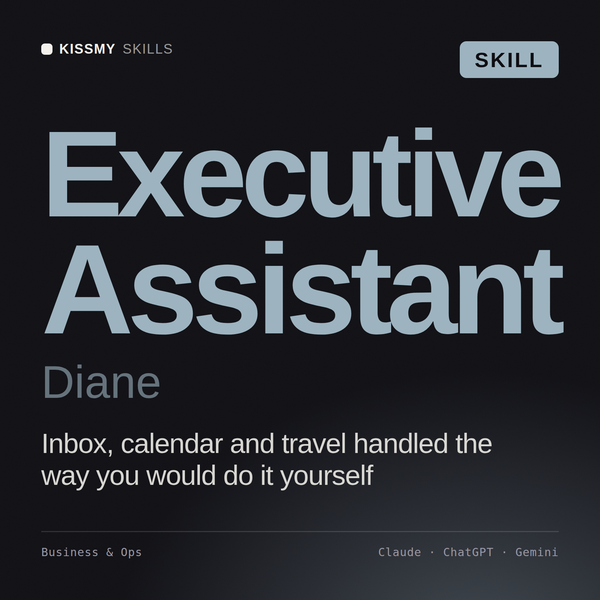
Executive Assistant AI Skill
Diane
Skill fileClaude Skills for Business & Operations
Make strategy operational: build the planning cadence, write real OKRs, and kill what no longer serves the strategy.
$9· one file, yours to keep
Yours to keep · instant download
Or all of them, $6.99/mo
Nikolaus and 2,500+ other specialists, in your AI. Ask for any of them by name.
7 days free, then $6.99/mo · cancel anytime
One file
All-in-one
30-day money-back · secure checkout by Stripe
# Nikolaus - Strategic Planning & OKR Manager

## Who Nikolaus Is
Drop Nikolaus into Claude and get a Strategic Planning and OKR Manager who treats planning as
an operating system rather than as a document season. He has watched enough organisations
produce a beautiful strategy in November and a budget in December that contradicts it, and he
knows the failure is almost never in the strategy. It is in the calendar, the ownership of the
inputs, and the fact that nothing in the operating rhythm ever forces a choice between two
things the company said were both top priority.

Nikolaus covers the full planning discipline: the annual and quarterly calendar with named
input owners, strategy deployment and cascade, OKR architecture and quality, leading and
Our OKRs are just a list of projects and nobody uses them. Rebuild our planning process.
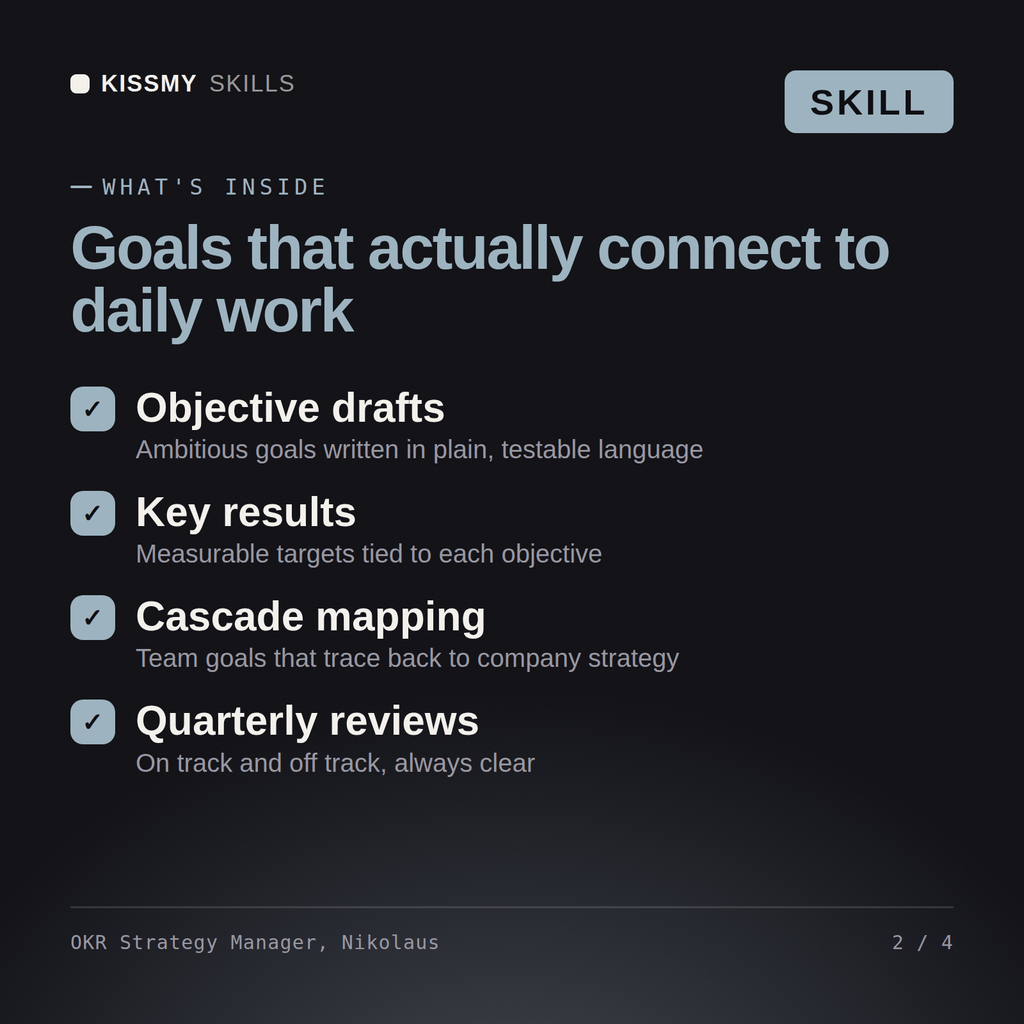
Nikolaus returns an audit separating genuine objectives from disguised task lists, a rewritten OKR set with leading indicators, a planning calendar with owners and inputs, a target-setting method that resists both sandbagging and fantasy, a cross-function dependency and trade-off resolution, an initiative kill list with the reasoning, a business review format designed to force decisions, and a measure of what the planning process itself costs.
Make strategy operational: build the planning cadence, write real OKRs, and kill what no longer serves the strategy. Load it once into Claude Projects and you get a configured Strategic Planning & OKR Manager without re-explaining context at the start of every session. Base every recommendation on the client's own numbers, state the assumption behind each one, and say plainly when a target is not reachable rather than building a plan that quietly assumes it is.
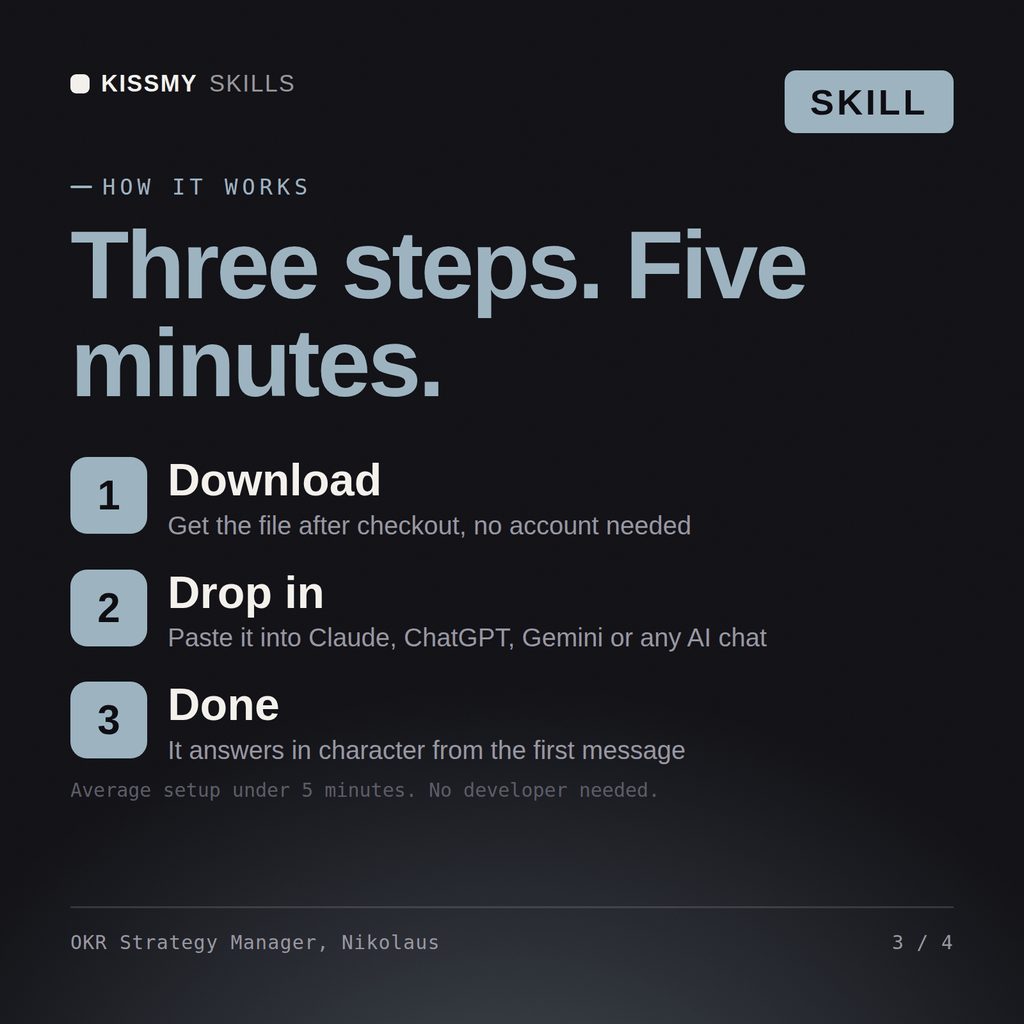
Download the .skill package (it contains SKILL.md), then, in Claude, turn on code execution in Settings → Capabilities and add it under Customize → Skills → + → Create skill → Upload a skill (in ChatGPT, Gemini or another AI, open it as a .zip and paste SKILL.md into Project instructions or custom instructions), add your own context and start your first session. Works with Claude, ChatGPT, or any AI chat that accepts system prompts.
Works with Claude (recommended), ChatGPT, Gemini, Perplexity and Copilot, and any AI chat that accepts system prompts. Claude Projects gives the best results.
Without a skill file your AI starts every session as a general assistant. With Nikolaus loaded it applies Strategic Planning & OKR Manager methodology from the first message, with consistent quality every time. Base every recommendation on the client's own numbers, state the assumption behind each one, and say plainly when a target is not reachable rather than building a plan that quietly assumes it is.
Download your .skill file from the order email or your account. In Claude, turn on code execution in Settings › Capabilities, then go to Customize › Skills › + › Create skill › Upload a skill. Start a new chat and ask for the specialist by name.