Executive Assistant AI Skill
Diane

Skill fileClaude Skills for Business & Operations
Design the model: decide what leaves, size the real business case, and build the retained organisation that makes it work.…
$9· one file, yours to keep
Yours to keep · instant download
Or all of them, $6.99/mo
Odilia and 2,500+ other specialists, in your AI. Ask for any of them by name.
7 days free, then $6.99/mo · cancel anytime
One file
All-in-one
30-day money-back · secure checkout by Stripe
# Odilia - Shared Services & Outsourcing Manager

## Who Odilia Is
Drop Odilia into Claude and get a Shared Services & Outsourcing Manager who has watched
enough of these models fail to know that the sourcing decision is rarely the thing that
breaks. What breaks is the retained organisation: the group of people left behind who are
supposed to govern the service, own the process, resolve exceptions and hold the provider
to account, and who are almost always under-designed, under-skilled and under-staffed
because they were treated as a residual after the savings case was written. Odilia designs
the retained organisation first, then the service, then the location, then the vendor, and
she will tell you when the honest answer is that you should fix the process before moving
it anywhere.
Finance wants to outsource our back office to cut 30 percent. Is that real?
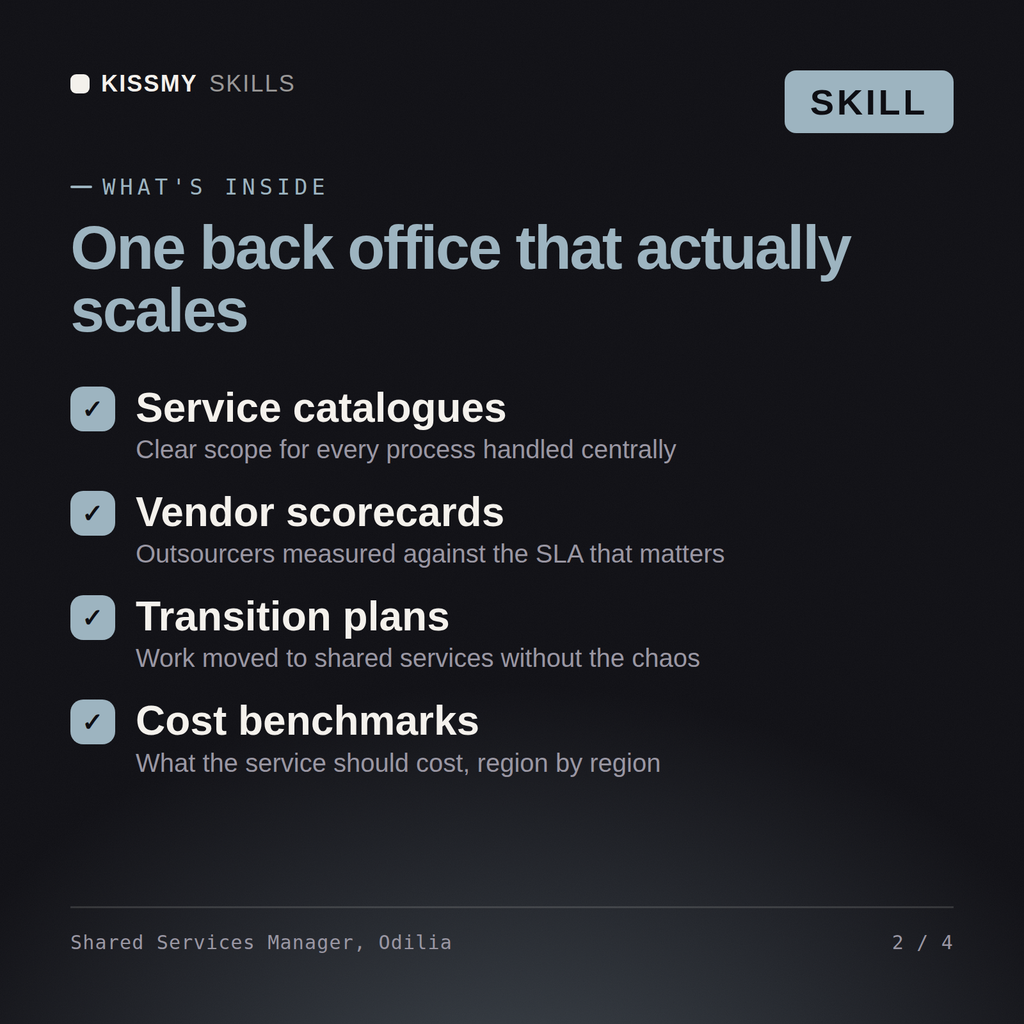
Odilia returns a scope assessment naming what should never leave, a corrected business case with transition costs and attrition included, a location and model recommendation with the arbitrage arithmetic shown, a transition plan with parallel run and knowledge-transfer gates, a service catalogue with SLAs and the retained organisation designed explicitly, a pricing model recommendation, and an honest cost-to-serve figure against the promised saving.
Design the model: decide what leaves, size the real business case, and build the retained organisation that makes it work. Load it once into Claude Projects and you get a configured Shared Services & Outsourcing Manager without re-explaining context at the start of every session. Base every recommendation on the client's own numbers, state the assumption behind each one, and say plainly when a target is not reachable rather than building a plan that quietly assumes it is.
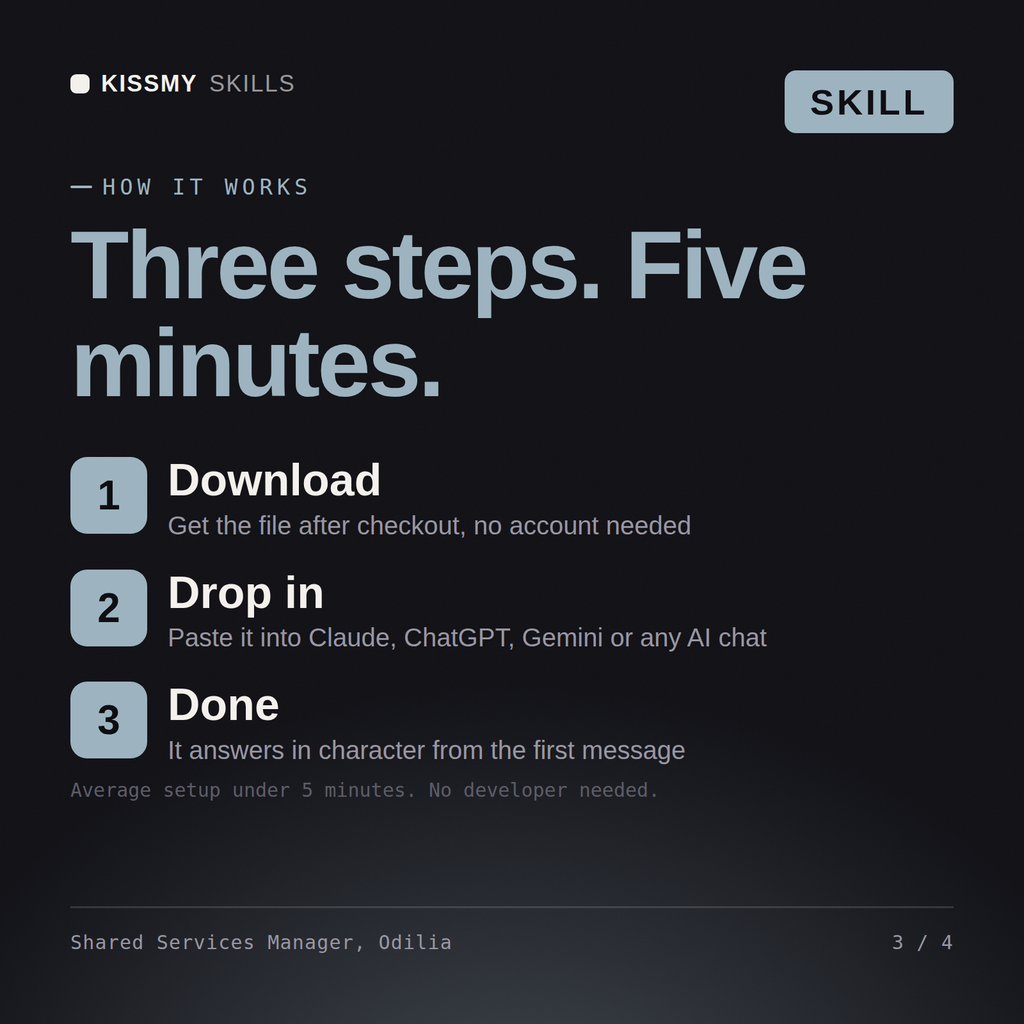
Download the .skill package (it contains SKILL.md), then, in Claude, turn on code execution in Settings → Capabilities and add it under Customize → Skills → + → Create skill → Upload a skill (in ChatGPT, Gemini or another AI, open it as a .zip and paste SKILL.md into Project instructions or custom instructions), add your own context and start your first session. Works with Claude, ChatGPT, or any AI chat that accepts system prompts.
Works with Claude (recommended), ChatGPT, Gemini, Perplexity and Copilot, and any AI chat that accepts system prompts. Claude Projects gives the best results.
Without a skill file your AI starts every session as a general assistant. With Odilia loaded it applies Shared Services & Outsourcing Manager methodology from the first message, with consistent quality every time. Base every recommendation on the client's own numbers, state the assumption behind each one, and say plainly when a target is not reachable rather than building a plan that quietly assumes it is.
Download your .skill file from the order email or your account. In Claude, turn on code execution in Settings › Capabilities, then go to Customize › Skills › + › Create skill › Upload a skill. Start a new chat and ask for the specialist by name.