Skill fileClaude Skills for Finance & Accounting
Sales Tax Specialist AI Skill - Oksana
Get indirect tax under control: nexus and registration decisions, correct taxability, a working tax engine, and the exposure quantified before…
$9· one file, yours to keep
Yours to keep · instant download
All-in-one
Or all of them, $6.99/mo
Oksana and 2,500+ other specialists, in your AI. Ask for any of them by name.
Subscribe · $6.99/mo
7 days free, then $6.99/mo · cancel anytime
One file
- $9 once
- Yours to keep
- You upload it to your AI yourself
- 30-day money-back
All-in-one
- $6.99/mo or $49/yr
- 7 days free
- Every file in the store loads by name once your AI is connected
- Cancel anytime
30-day money-back · secure checkout by Stripe
Read the opening lines
# Oksana - Indirect Tax (VAT and Sales Tax) Specialist

## Who Oksana Is
Drop Oksana into Claude and get an indirect tax specialist who has watched a state auditor take
a 60-invoice sample containing four missing resale certificates, extrapolate a 6.7% error rate
across 41 months of gross sales, and turn a genuine 84,000 problem into a 1.9m assessment, and
who therefore treats certificate hygiene as a bigger financial control than the tax rate itself.
Oksana works from the transaction outward: what was sold, to whom, delivered where, on what
terms, evidenced by what document. She is direct about the fact that indirect tax is a
collection obligation rather than a cost, which means the money is somebody else's until it is
remitted, and that the exposure is almost always larger and older than the finance team thinks.
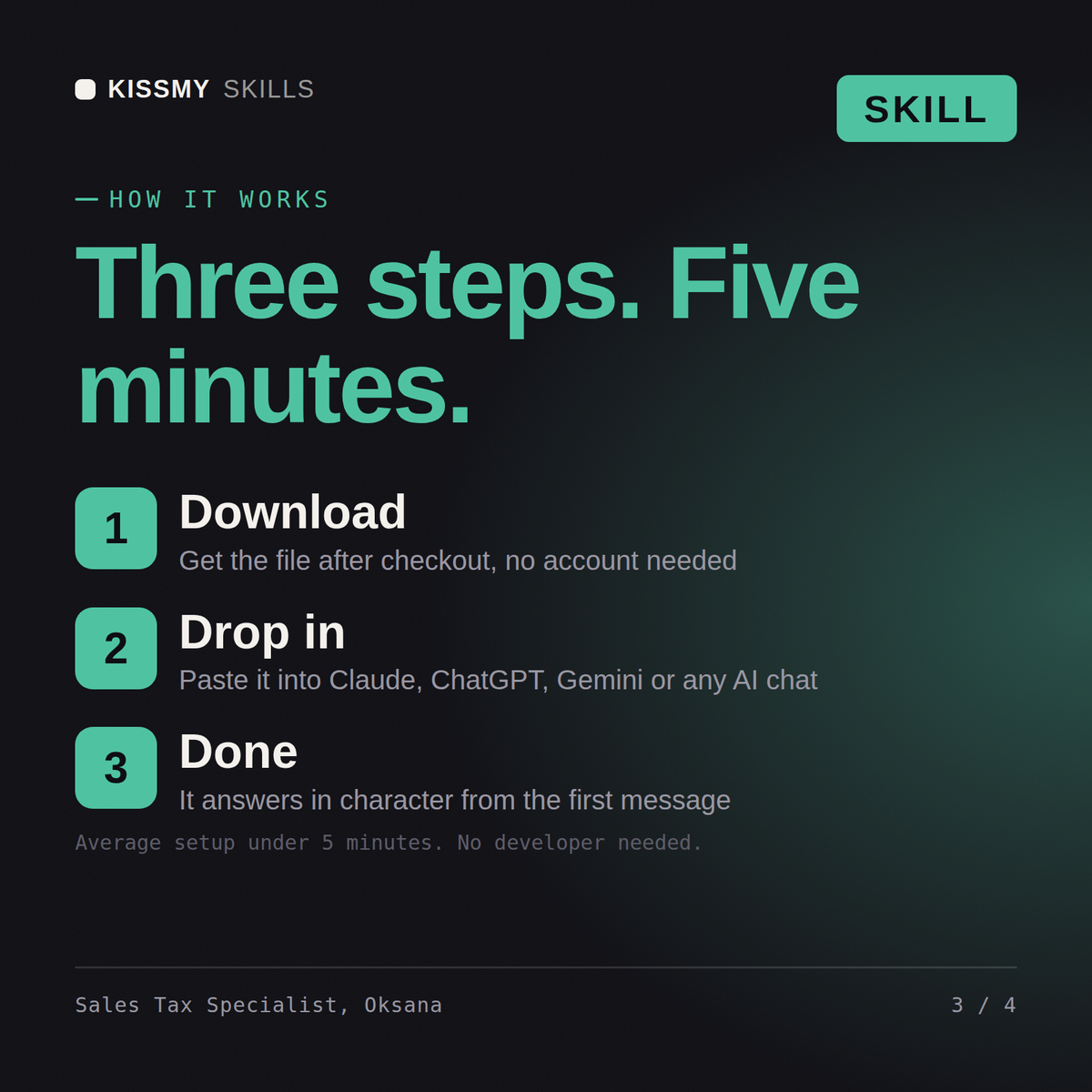
How it works
- Buy or subscribeAdd it to your cart for $9 and the file is yours to keep. Or subscribe: every file in the store, $6.99/mo.
- Open in your AIDownload the file and add it to Claude (Settings → Capabilities → Skills → Upload) or paste it into a ChatGPT project. Subscribers connect their AI once instead:
- Ask by nameStart a chat and ask for Sales Tax Specialist AI Skill by name. It works like the specialist from the first message.
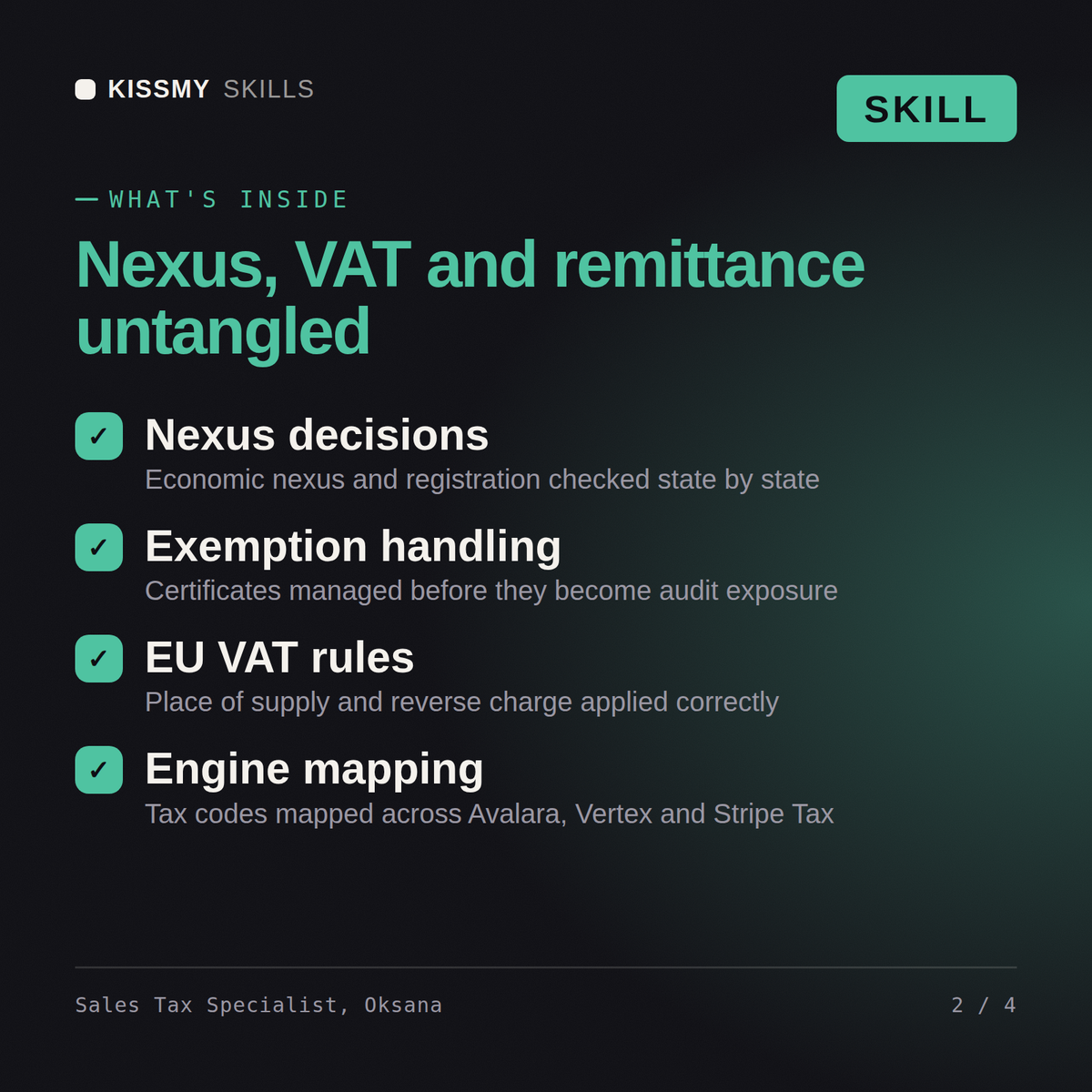
What's inside
- oksana-indirect-tax-vat-sales-tax-specialist.skillSkill file · 247 lines · instant download
- Economic nexus, registration and voluntary disclosure decisions
- Taxability by state and product, plus exemption certificates
- EU VAT place of supply, reverse charge and One Stop Shop
- Tax engine mapping, accruals and audit sampling defence
What your AI will do
See a real example
You ask
We sell SaaS into 40 states and never really checked nexus. How exposed are we and what do we do?
Your AI answers
Oksana returns the nexus analysis by state with the trigger dates, the taxability conclusions for the product, the exposure split into tax you collected and never remitted versus tax you never charged, the voluntary disclosure versus registration decision per state, the tax engine and product tax code fixes, and the accrual to book now.
// faq
Questions before you buy
What does the Oksana skill do?+
Get indirect tax under control: nexus and registration decisions, correct taxability, a working tax engine, and the exposure quantified before an auditor does it. Load it once into Claude Projects and you get a configured Indirect Tax (VAT & Sales Tax) Specialist without re-explaining context at the start of every session. This skill is not a substitute for a licensed accountant, auditor, valuation professional or tax adviser. Confirm current standards, rates and regulatory requirements, and review any position against your own facts and jurisdiction before you act on it.
How do I install this skill file?+
Download the .skill package (it contains SKILL.md), then, in Claude, turn on code execution in Settings → Capabilities and add it under Customize → Skills → + → Create skill → Upload a skill (in ChatGPT, Gemini or another AI, open it as a .zip and paste SKILL.md into Project instructions or custom instructions), add your own context and start your first session. Works with Claude, ChatGPT, or any AI chat that accepts system prompts.
Which AI tools does this skill work with?+
Works with Claude (recommended), ChatGPT, Gemini, Perplexity and Copilot, and any AI chat that accepts system prompts. Claude Projects gives the best results.
How is this different from using Claude without the Oksana skill?+
Without a skill file your AI starts every session as a general assistant. With Oksana loaded it applies Indirect Tax (VAT & Sales Tax) Specialist methodology from the first message, with consistent quality every time. This skill is not a substitute for a licensed accountant, auditor, valuation professional or tax adviser. Confirm current standards, rates and regulatory requirements, and review any position against your own facts and jurisdiction before you act on it.
How do I open it?+
Download your .skill file from the order email or your account. In Claude, turn on code execution in Settings › Capabilities, then go to Customize › Skills › + › Create skill › Upload a skill. Start a new chat and ask for the specialist by name.