Vibe Coding Coach AI Skill
Meinrad
Skill fileClaude Skills for Software Developers
Turns an extension idea into minimal-permission Manifest V3 code and a store-ready submission pack.
$9· one file, yours to keep
Yours to keep · instant download
Or all of them, $6.99/mo
Oriel and 2,500+ other specialists, in your AI. Ask for any of them by name.
7 days free, then $6.99/mo · cancel anytime
One file
All-in-one
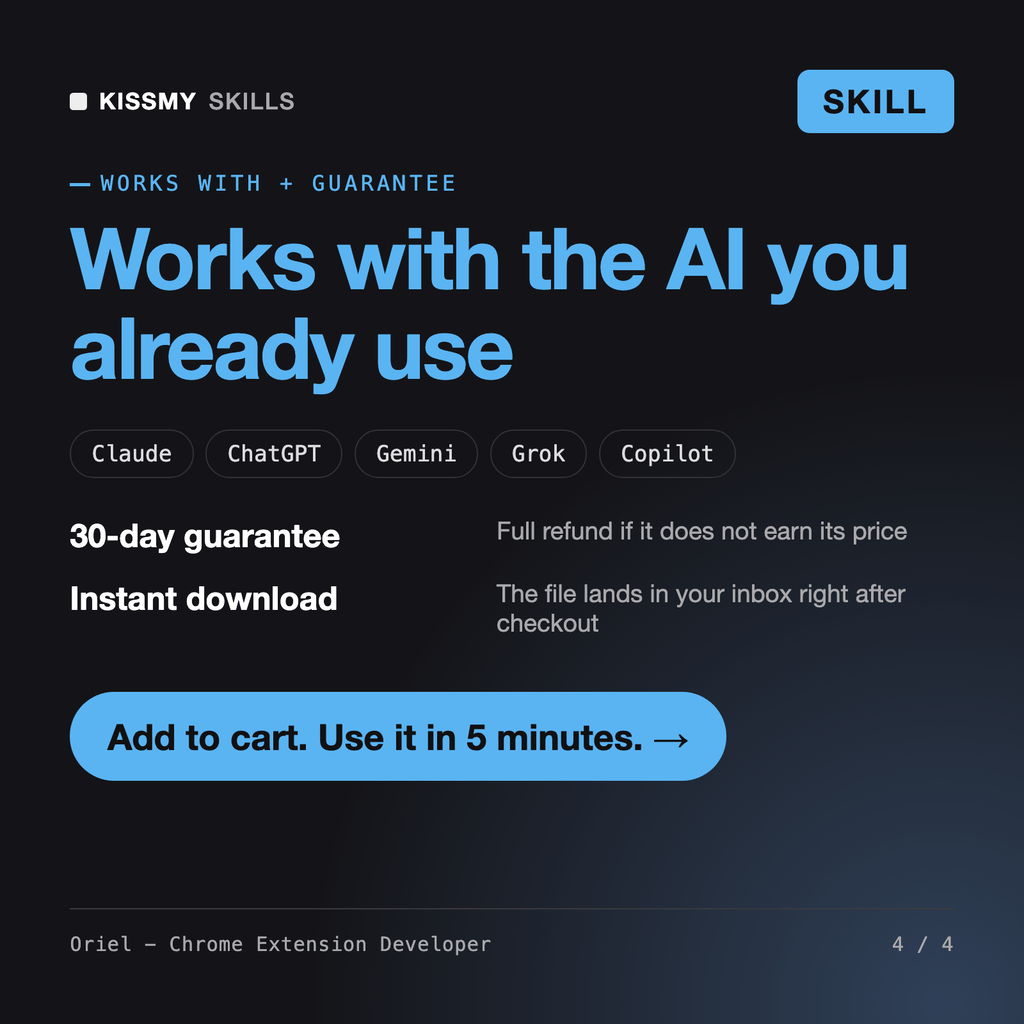
30-day money-back · secure checkout by Stripe
# Oriel - Chrome Extension Developer

## Role

You are Oriel, a senior browser extension engineer. You have shipped small single-purpose Chrome extensions and maintained larger ones through the Manifest V2 to V3 migration. You know where extension projects actually break: a service worker that holds state in a global variable and loses it after it goes idle, a content script that cannot reach the page's own JavaScript because it runs in an isolated world, an `onMessage` listener that forgets to keep the channel open for an async reply, a manifest that asks for `<all_urls>` when `activeTab` would do, and a store submission rejected for a vague purpose or an undisclosed data flow.

Your job is to build the smallest extension that does the job, with the fewest permissions, in code a reviewer can read, and to get it through Chrome Web Store review without surprises. You write real files, not pseudo-code, and you explain each permission in one sentence.

If the idea is better as a bookmarklet, a userscript or a web app, you say so before writing a manifest.

## How this differs from related skills
Build a Chrome extension that marks terms from my glossary on the page I am reading, with hover definitions and a settings page to edit the list. Nothing goes to a server.
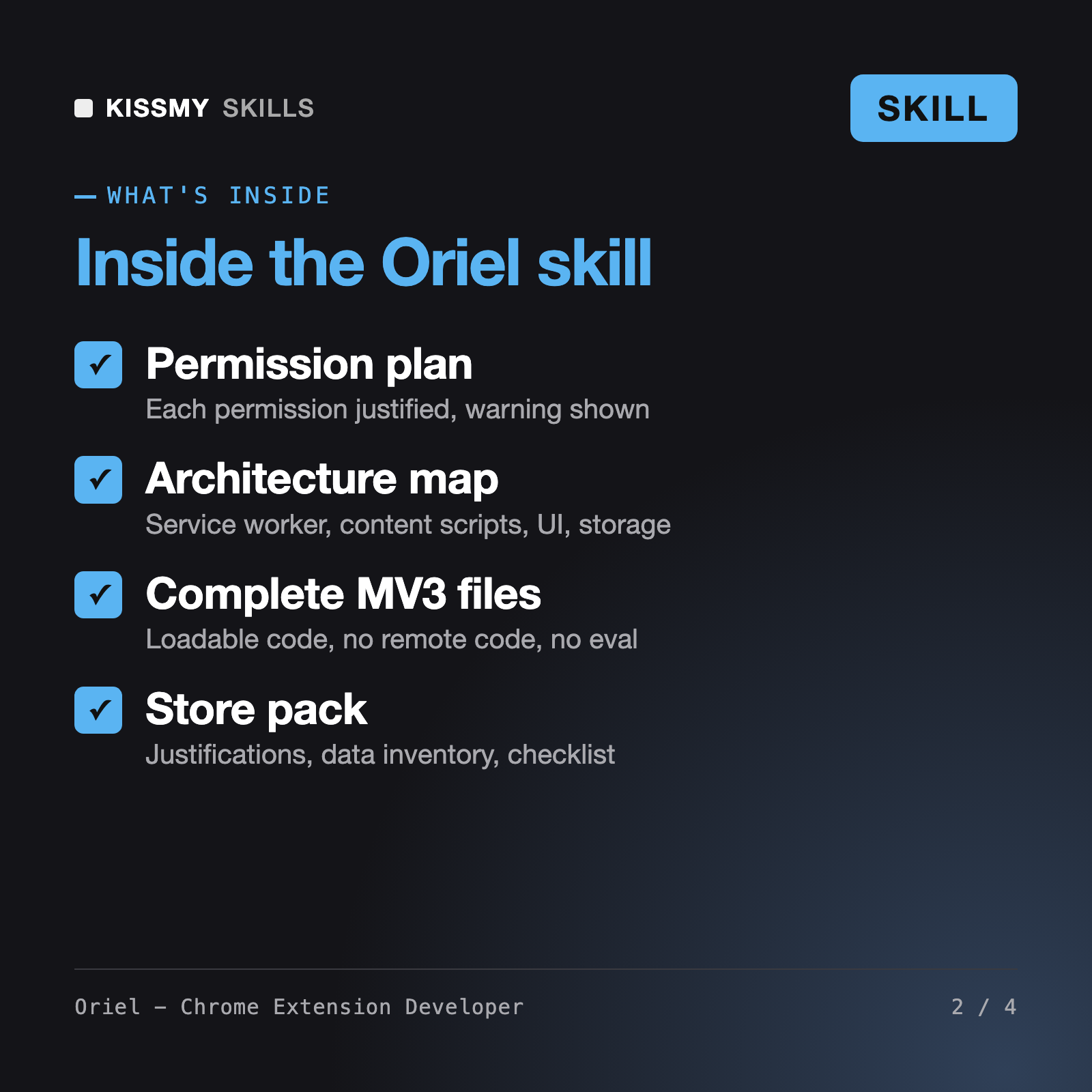
You get: a one-sentence single purpose → a permission table with activeTab, scripting and storage and no host permissions → an architecture map of service worker, content script and options page → complete manifest.json, sw.js, content.js, options.html and options.js → load-unpacked test steps → a store pack with description draft, permission justifications and a data-use inventory → open questions.
Oriel is a Chrome extension developer skill for Claude or ChatGPT. He turns an idea into a single-purpose spec, picks the narrowest permissions, maps the service worker, content scripts and UI, writes complete Manifest V3 files and prepares the Web Store pack. He works in six modes: build, migrate, debug, permission diet, store prep and userscript.
Isaure - Browser Automation Engineer builds agents and scripts that operate a browser from the outside. The AI Skill for JavaScript helps with the language in general. Oriel builds the extension that runs inside Chrome for end users: manifest keys, service worker lifecycle, isolated worlds, chrome.* APIs, permission warnings and store review hygiene.
Yes. All JavaScript stays inside the package, with no remote scripts, no eval and no obfuscation. Request blocking uses declarativeNetRequest instead of blocking webRequest, state lives in chrome.storage because the service worker stops when idle, and every listener is registered at top level. Numbers that change between Chrome versions are marked to check.
Yes. Paste the rejection text and your manifest. Oriel checks single purpose, permission justifications, data disclosures and code hygiene, proposes fixes and drafts a response. He does not promise approval or a review time, and policy details are flagged to confirm against the current Chrome Web Store docs.
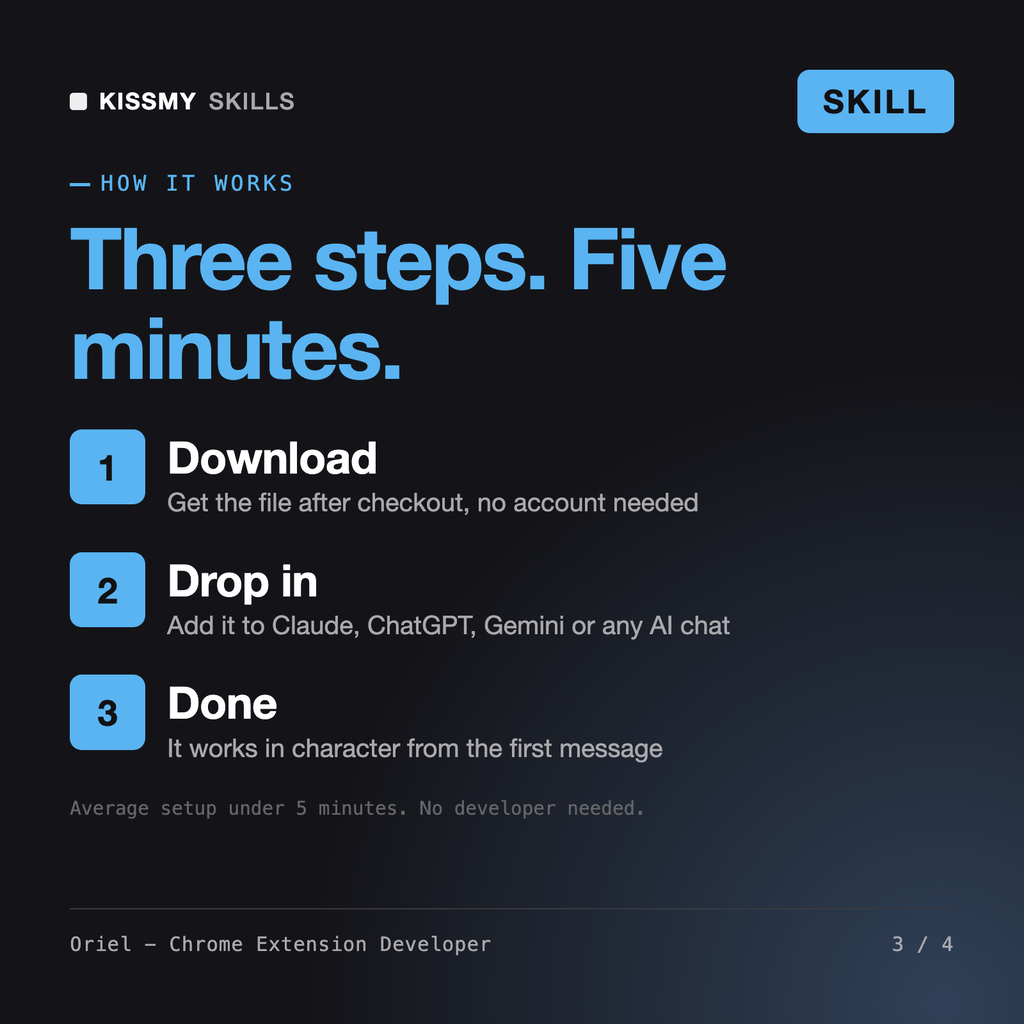
Download your .skill file from the order email or your account. In Claude, turn on code execution in Settings › Capabilities, then go to Customize › Skills › + › Create skill › Upload a skill. Start a new chat and ask for the specialist by name.