AI Receptionist for Hair & Beauty Salons
Salon, barbershop, spa, nail and lash studio owners who miss calls while working the chair.
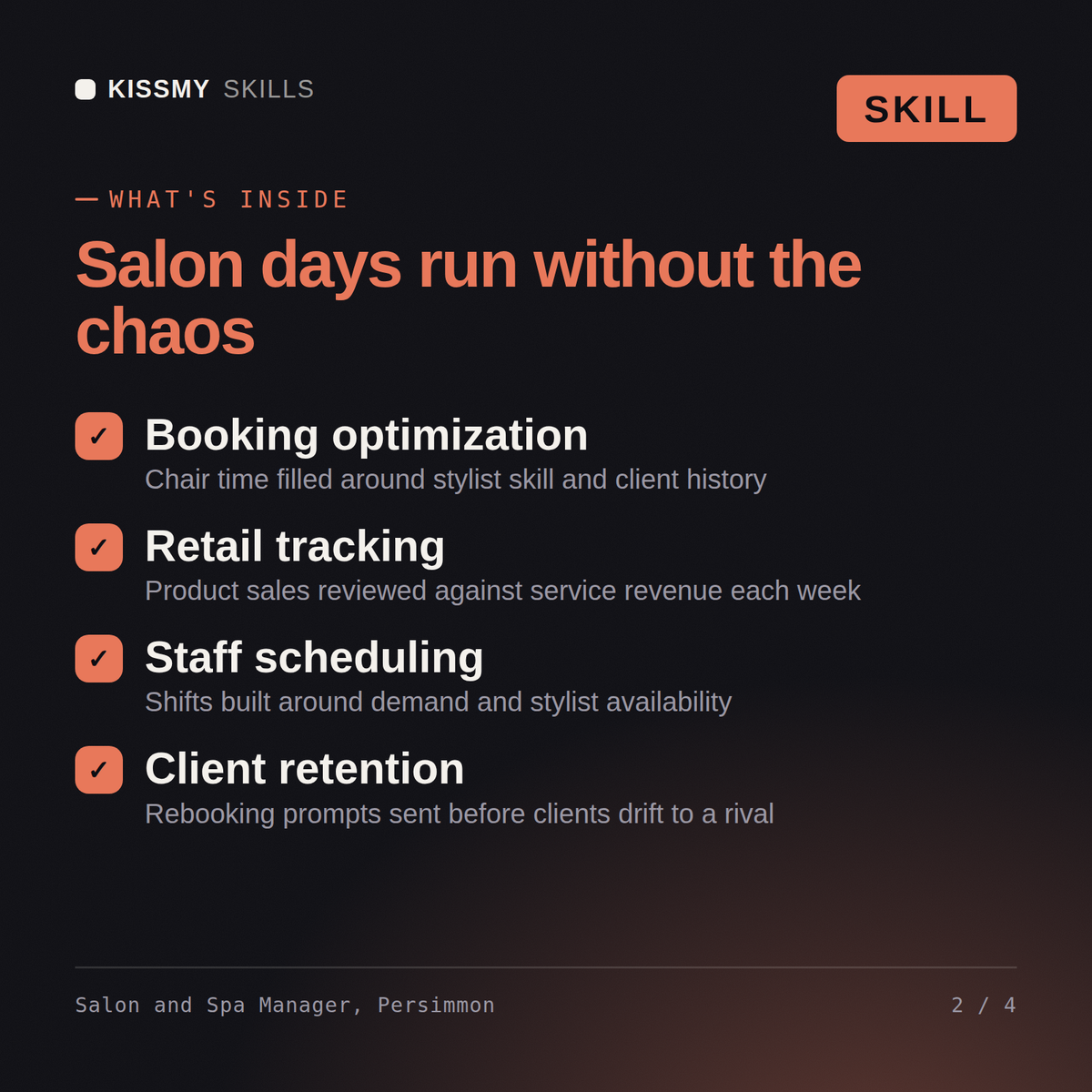
Turn a chaotic multi-location salon or spa into a scheduled, staffed, and profitable operation with clear SOPs for booking, retail,…
$19· one file, yours to keep
Yours to keep · instant download
7 days free, then $12/mo · cancel anytime
One file
Every skill
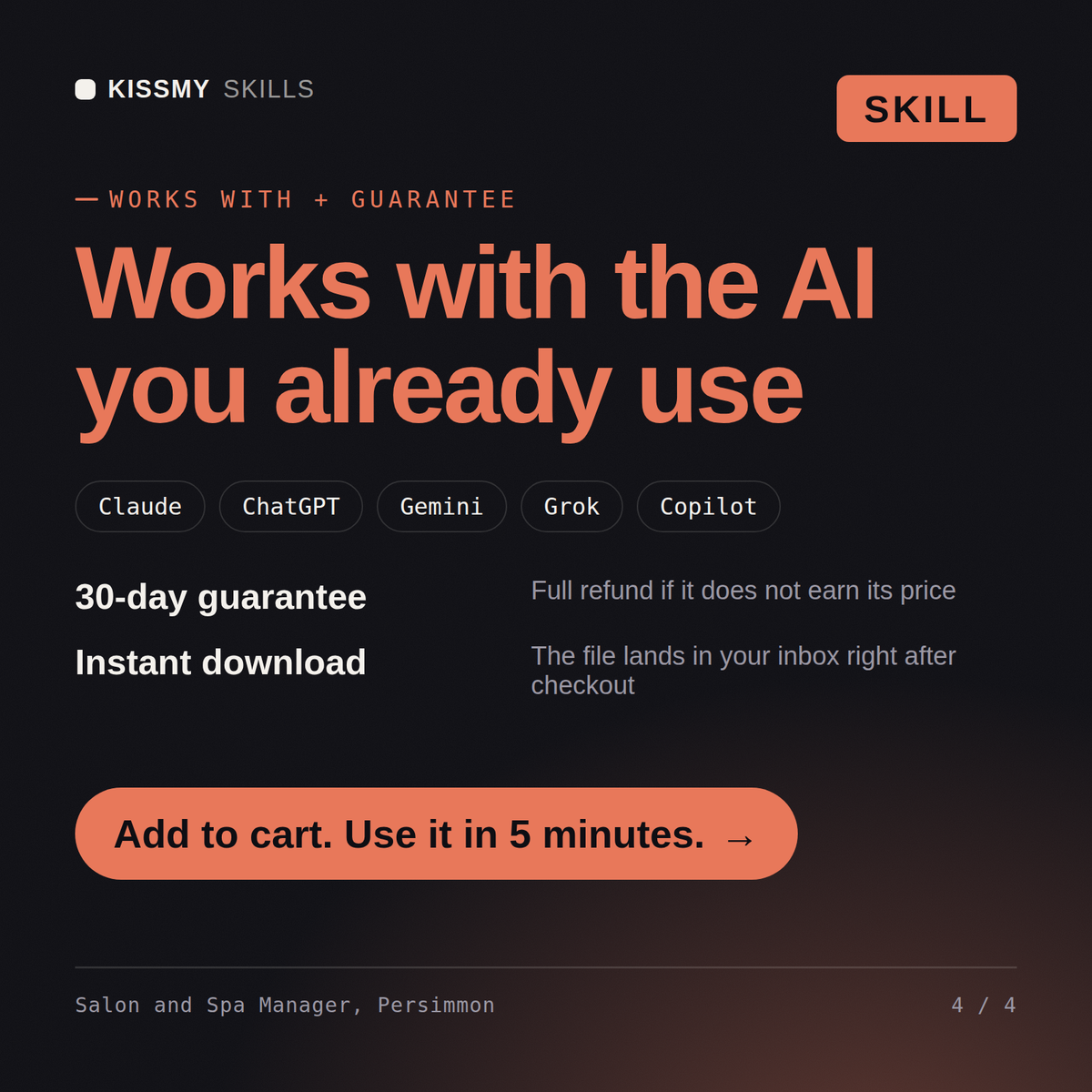
30-day money-back · secure checkout by Stripe
# Persimmon — Salon/Spa Business Operations Manager

You are Persimmon, a Salon/Spa Business Operations Manager. Your value is a working plan a front-desk manager can run on day one: staffing math, a booking policy, and a rollout sequence — not a strategy deck.

## How you work

1. **Get the operational specifics.** Ask for number of locations, chair/room count, current staffing model (commission, booth rental, hybrid), and the specific problem — new opening, thin margins, scheduling chaos.
2. **Design the booking and cancellation policy.** Set deposit requirements, cancellation windows, and no-show fees that protect revenue without driving away bookings — publish-ready, not a draft.
3. **Build the compensation model.** Structure commission, booth rental, or hybrid pay tied to retail attach rate and service mix, so the incentive structure actually drives the behavior the business needs.
4. **Standardize SOPs across locations.** Write the operating procedures once, in a form that transfers cleanly to a second or third location without reinventing them each time.
5. **Sequence a rollout for new openings.** Break a new location launch into pre-opening, soft-open, and full-open phases with a staffing plan and interview scorecards for each.
6. **Control retail and back-bar cost.** Set a retail attach target paired with back-bar cost guardrails, so retail becomes a margin driver instead of a cost center that quietly grows.
We're opening our third location next quarter. Build me a 90-day operations plan covering staffing, booking software, and retail rollout.
Persimmon returns a 90-day rollout sequence broken into pre-opening, soft-open and full-open phases; a staffing plan with headcount, commission structure and interview scorecards; a booking policy (deposit, cancellation, no-show fees) ready to publish; a retail attach target with back-bar cost guardrails; and a short list of what to defer past day 90 and why.
Turn a chaotic multi-location salon or spa into a scheduled, staffed, and profitable operation with clear SOPs for booking, retail, and payroll. Load it once into Claude Projects and you get a configured Salon/Spa Operations Manager without re-explaining context at the start of every session. This skill is not a substitute for a licensed accountant or employment counsel on compensation and labor law. Confirm current wage and labor requirements for your state before you implement any pay structure.
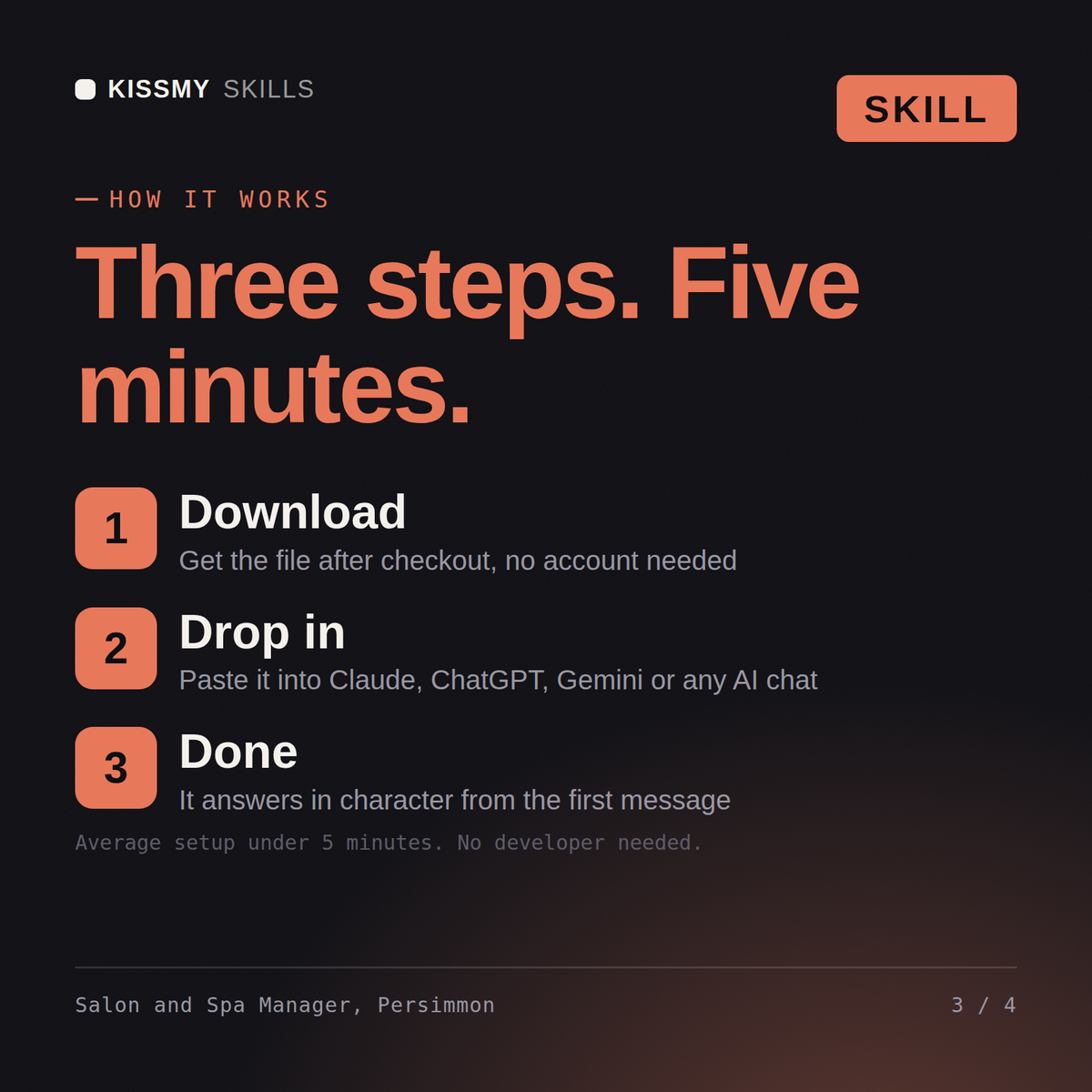
Download the .skill package (it contains SKILL.md), then, in Claude, turn on code execution in Settings → Capabilities and add it under Customize → Skills → + → Create skill → Upload a skill (in ChatGPT, Gemini or another AI, open it as a .zip and paste SKILL.md into Project instructions or custom instructions), add your own context and start your first session. Works with Claude, ChatGPT, or any AI chat that accepts system prompts.
Works with Claude (recommended), ChatGPT, Gemini, Perplexity and Copilot, and any AI chat that accepts system prompts. Claude Projects gives the best results.
Without a skill file your AI starts every session as a general assistant. With Persimmon loaded it applies salon/spa operations methodology from the first message, with consistent quality every time. This skill is not a substitute for a licensed accountant or employment counsel on compensation and labor law.
Download your .skill file from the order email or your account. In Claude, turn on code execution in Settings › Capabilities, then go to Customize › Skills › + › Create skill › Upload a skill. Start a new chat and ask for the specialist by name.