Design Sprint Facilitator AI Skill
Isidora
BundleClaude Skills for UX Designers
Run the whole product design loop with AI: research, design web and mobile UI, systemize, critique, animate and hand off…
$49· one download, every file inside is yours to keep
Yours to keep · instant download
Or all of them, $12/mo
Every file in this bundle and 2,500+ other specialists, in your AI. Ask for any of them by name.
7 days free, then $12/mo · cancel anytime
One file
Every skill
30-day money-back · secure checkout by Stripe
Product Designer Kit - 7 AI Skills for UX/UI Designers
============================================================

The design team around one designer: a UX researcher, a UX auditor, a web UI designer that avoids generic AI-looking layouts, a mobile UI designer, a design systems architect, a web animation developer and a Figma specialist. One download, works in Claude, ChatGPT, Gemini or any AI chat.

WHAT'S INSIDE
------------------------------------------------------------
* AI Skill for Figma (skill)
  File: ai-skill-for-figma.skill
  Figma workflows: auto layout, variables, components and handoff

* Nerys - UX Audit & Design Critique AI Skill (skill)
We are redesigning the onboarding of our budgeting app, web and iOS. Users drop off at the bank-connect step. Where do we start?
Melisande: 6 short interviews with users who dropped at bank-connect, plus a 5-task usability test script. Nerys: the step asks for trust before showing value; move a demo budget ahead of it. Orla: iOS sheet with a progress indicator and a clear skip path per HIG. Iolanthe: web layout with one focal action, no stock gradients. Vashti: new tokens for the trust badge and step component. Figma skill: variants for each state. Quintessa: a 200ms progress transition spec.
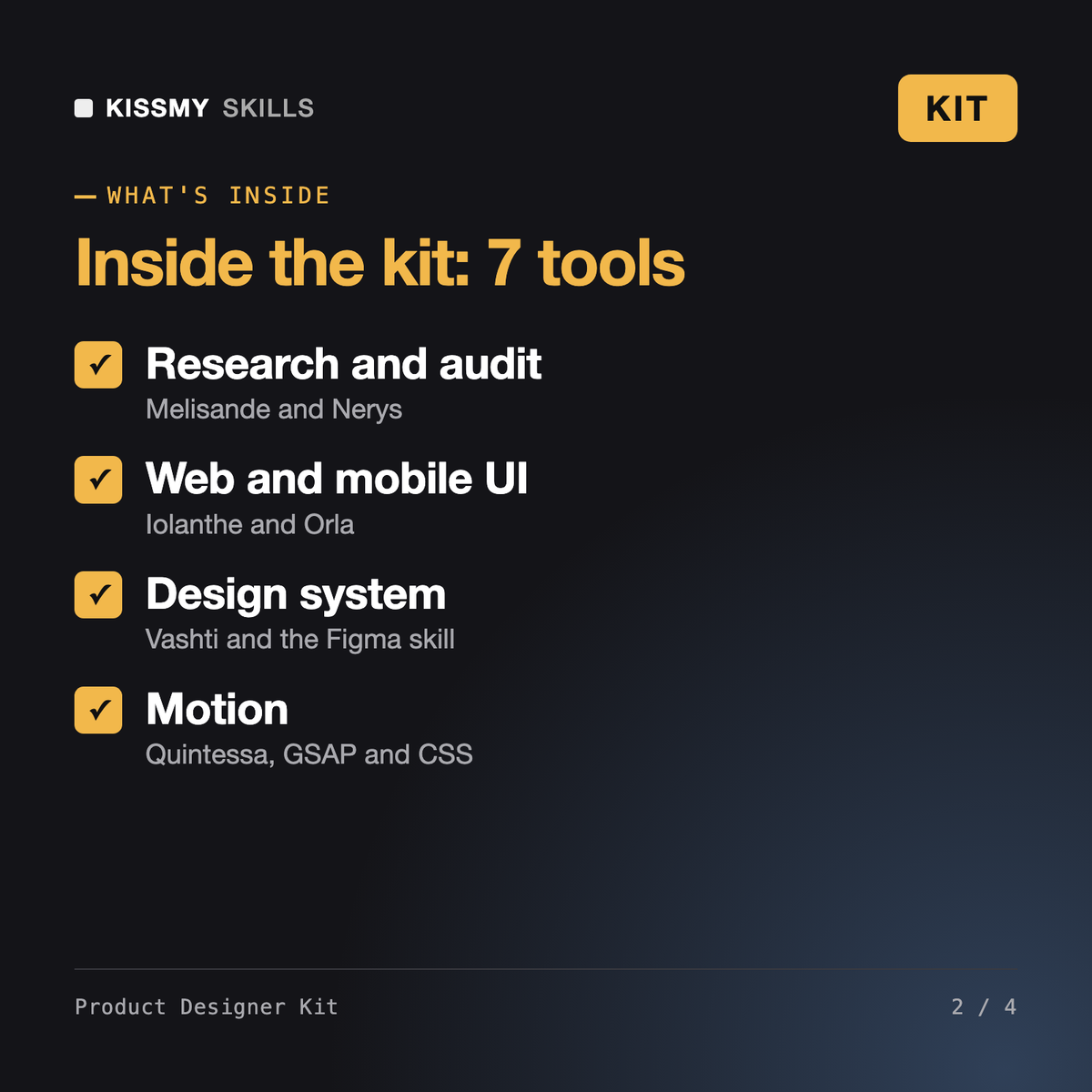
7 products in one zip: AI Skill for Figma, Nerys - UX Audit & Design Critique AI Skill, Orla - Mobile App UI Designer AI Skill, Iolanthe - Anti-Slop Website Designer AI Skill, Quintessa - Web Animation Developer (GSAP & CSS) AI Skill, Vashti - Design Systems Architect AI Skill, Melisande - UX Researcher AI Skill. Plus a kit README with the order to use them in.
No. Six of the seven skills work in any AI chat with screenshots or descriptions; the Figma skill helps if you work in Figma.
No. The skills draft, critique and document faster; you choose what ships.
Claude (recommended), ChatGPT, Gemini, Copilot, Perplexity and Grok: any AI chat that accepts custom instructions, a project or a system prompt.
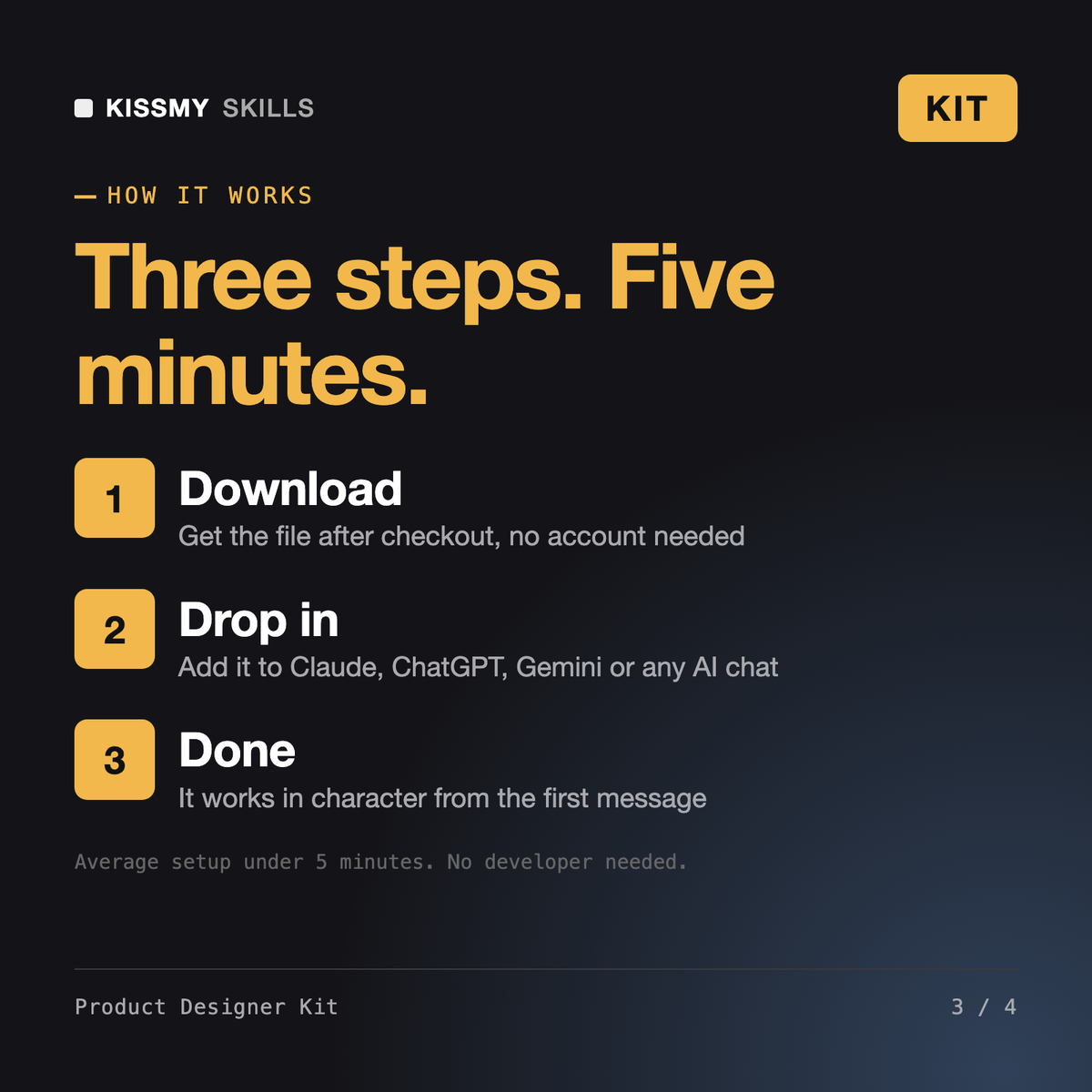
Download your .skill file from the order email or your account. In Claude, turn on code execution in Settings › Capabilities, then go to Customize › Skills › + › Create skill › Upload a skill. Start a new chat and ask for the specialist by name.