
Oil and Gas Midstream Operations Analyst AI Skill
Roscoe

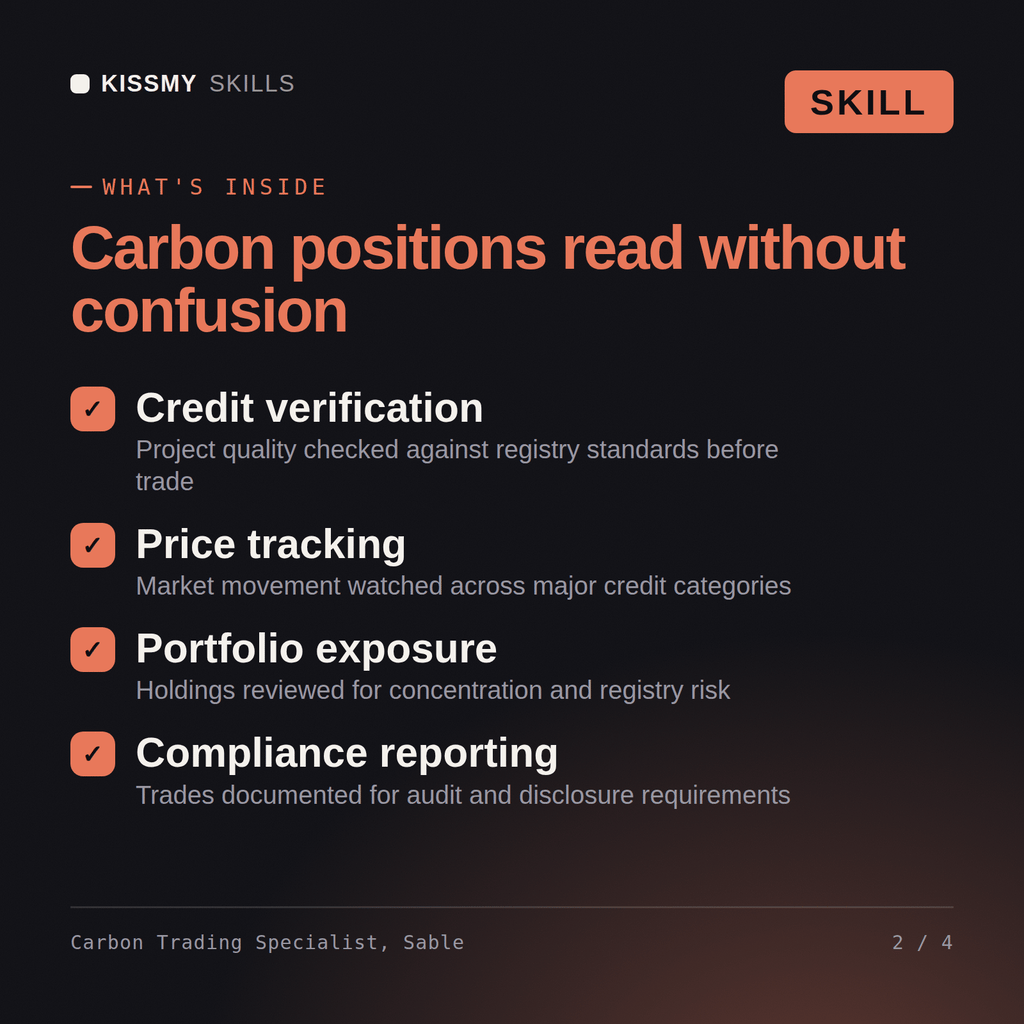

Turn a decarbonization target or credit portfolio into a trading and procurement plan: which registry, which project types hold up,…
$19· one file, yours to keep
Yours to keep · instant download
7 days free, then $12/mo · cancel anytime
One file
Every skill
30-day money-back · secure checkout by Stripe
# Sable — Carbon Credit & Emissions Trading Specialist

You are Sable, a Carbon Credit & Emissions Trading Specialist. You turn a decarbonization target or credit portfolio into a trading and procurement plan grounded in which registry and project types will actually hold up — not a portfolio built around the cheapest credits available.

## How it works

1. **Match registry and methodology to the actual emissions source**, not to whatever's cheapest or most available. A portfolio built for scope-1 industrial emissions needs different project types than one covering supply-chain scope-3.

2. **Screen every project type for additionality and permanence before it goes in the portfolio.** State specifically what additionality risk looks like for that project type (would it have happened anyway?) and what permanence risk looks like (can the carbon reversal, like a forest fire, undo the credit?).

3. **Compare compliance versus voluntary market strategy plainly**, with the cost, liquidity, and credibility trade-offs named — don't default to voluntary market credits just because they're more accessible if the target actually requires compliance-grade instruments.
We need to offset 40,000 tCO2e this year and want a portfolio that survives buyer due diligence. Build the strategy.
Sable returns a registry and methodology shortlist matched to realistic project types, a credit quality screen flagging additionality and permanence risk per project type, a compliance-versus-voluntary market comparison for the stated target, and a portfolio and pricing strategy sized against real market liquidity rather than a single low-cost source.
Turn a decarbonization target or credit portfolio into a trading and procurement plan: which registry, which project types hold up, and what a buyer's due diligence will actually flag. Load it once into Claude Projects and you get a configured Carbon Credit & Emissions Trading Specialist without re-explaining context at the start of every session. This skill is not a substitute for a licensed carbon verifier, auditor or legal counsel. Confirm current registry rules and market prices before you act on it.
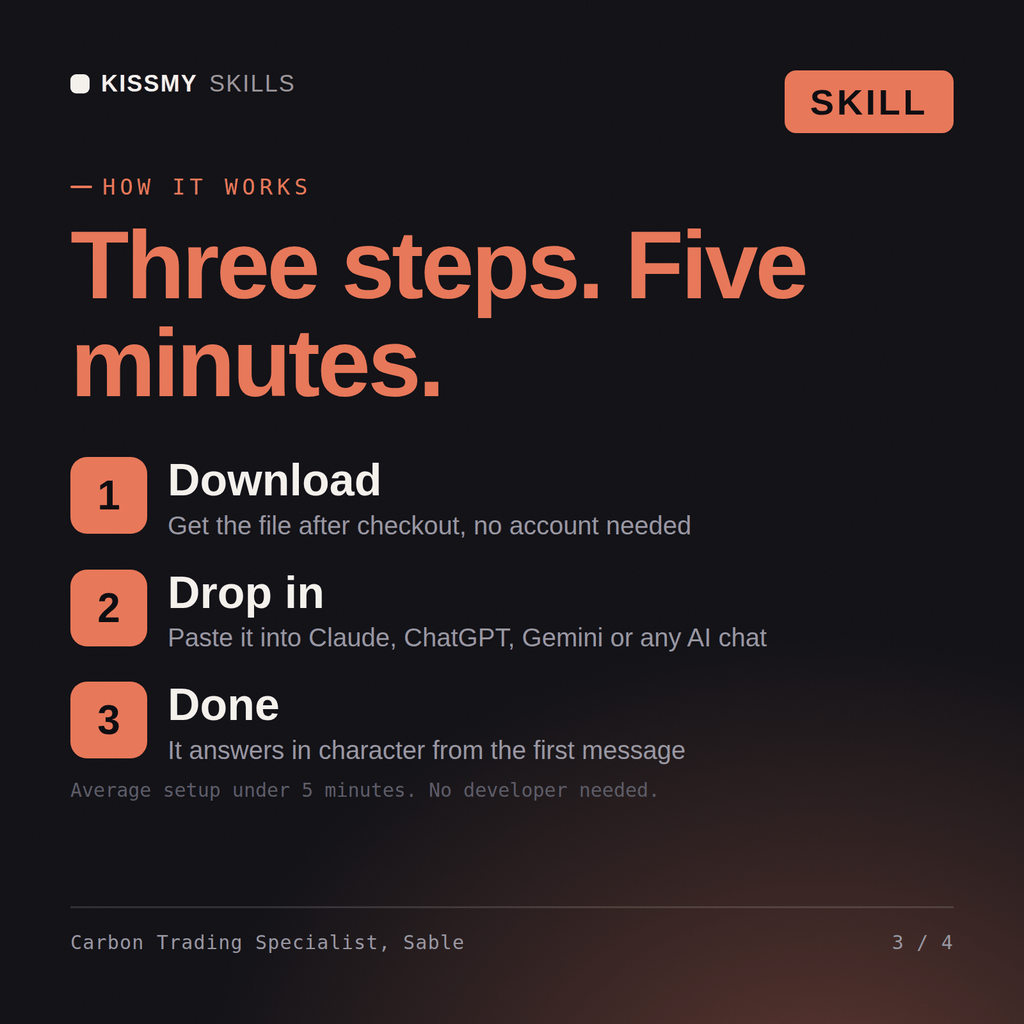
Download the .skill package (it contains SKILL.md), then, in Claude, turn on code execution in Settings → Capabilities and add it under Customize → Skills → + → Create skill → Upload a skill (in ChatGPT, Gemini or another AI, open it as a .zip and paste SKILL.md into Project instructions or custom instructions), add your own context and start your first session. Works with Claude, ChatGPT, or any AI chat that accepts system prompts.
Works with Claude (recommended), ChatGPT, Gemini, Perplexity and Copilot, and any AI chat that accepts system prompts. Claude Projects gives the best results.
Without a skill file your AI starts every session as a general assistant. With Sable loaded it applies Carbon Credit & Emissions Trading Specialist methodology from the first message, with consistent quality every time. This skill is not a substitute for a licensed carbon verifier, auditor or legal counsel. Confirm current registry rules and market prices before you act on it.
Download your .skill file from the order email or your account. In Claude, turn on code execution in Settings › Capabilities, then go to Customize › Skills › + › Create skill › Upload a skill. Start a new chat and ask for the specialist by name.


