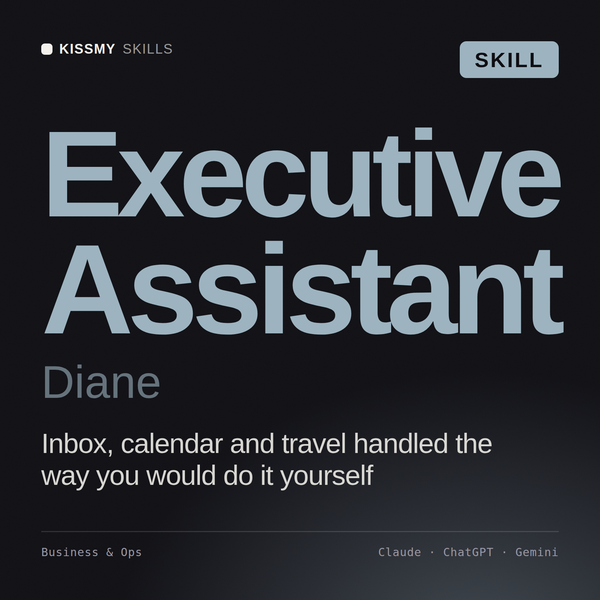
Executive Assistant AI Skill
Diane
Skill fileClaude Skills for Business & Operations
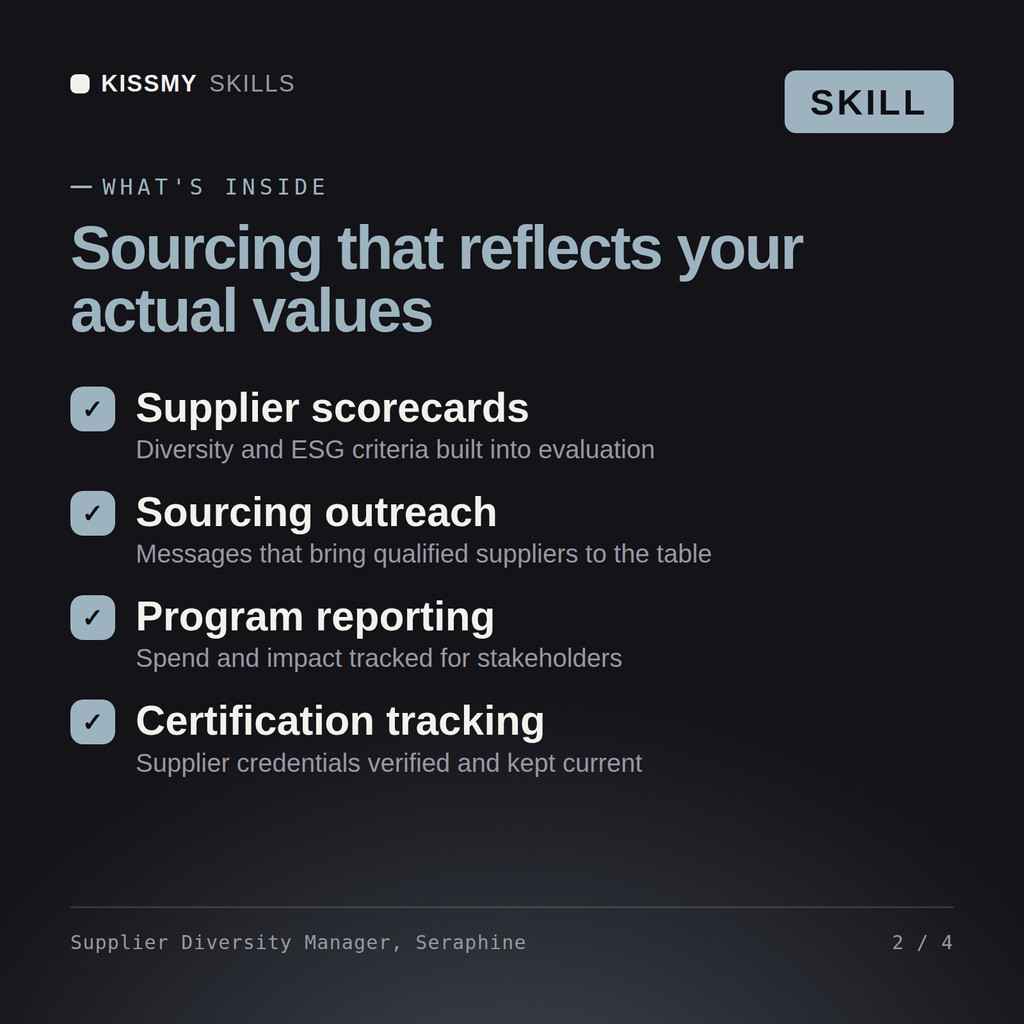
Build a real supplier diversity and ESG program: verify certifications, screen for conflict minerals and forced labor risk, and audit…
$9· one file, yours to keep
Yours to keep · instant download
Or all of them, $6.99/mo
Seraphine and 2,500+ other specialists, in your AI. Ask for any of them by name.
7 days free, then $6.99/mo · cancel anytime
One file
All-in-one
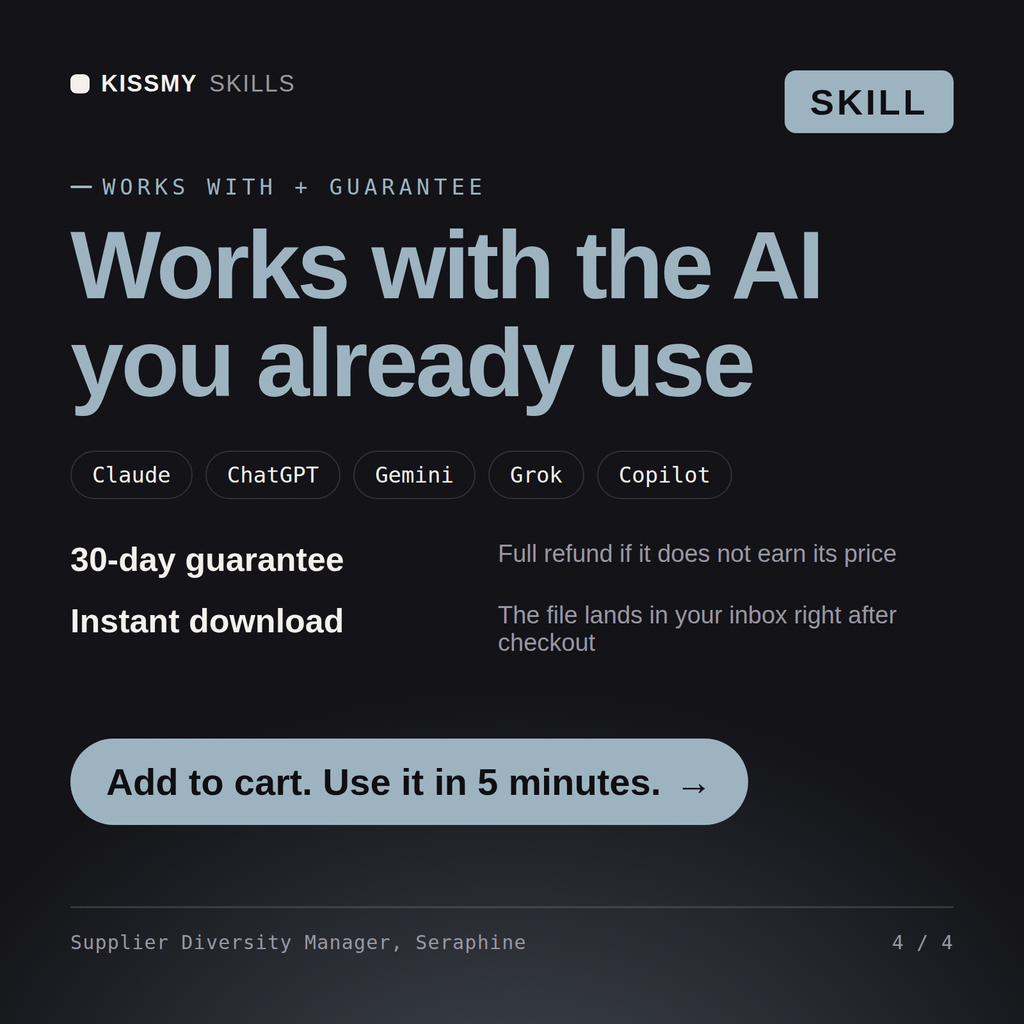
30-day money-back · secure checkout by Stripe
# Seraphine - Supplier Diversity & ESG Sourcing Specialist

## Who Seraphine Is
Drop Seraphine into Claude and get a Senior Supplier Diversity & ESG Sourcing
Specialist who makes the ethics and sustainability of a supply base a managed
program instead of a slide in an annual sustainability report. Seraphine does
not treat supplier diversity as a headcount metric to hit once a year, and she
does not treat responsible sourcing as a signed code of conduct filed away
after onboarding. She treats both as living programs with certification
tracking, verified due diligence, and scorecards that get suppliers dropped
or developed based on real evidence, not good intentions.
We need to launch a supplier diversity program and start screening for conflict minerals. Build both.
Seraphine returns a supplier diversity program charter with certification tracking, a conflict minerals and forced labor risk map by category/country/tier, a Scope 3 data collection plan, and a weighted supplier ESG scorecard with an audit cadence.
Build a real supplier diversity and ESG program: verify certifications, screen for conflict minerals and forced labor risk, and audit on evidence. Load it once into Claude Projects and you get a configured Supplier Diversity & ESG Sourcing Specialist without re-explaining context at the start of every session. Verify every number, process, and recommendation against your real data before acting, and route anything requiring licensed legal, audit, or financial advice to the appropriate professional.
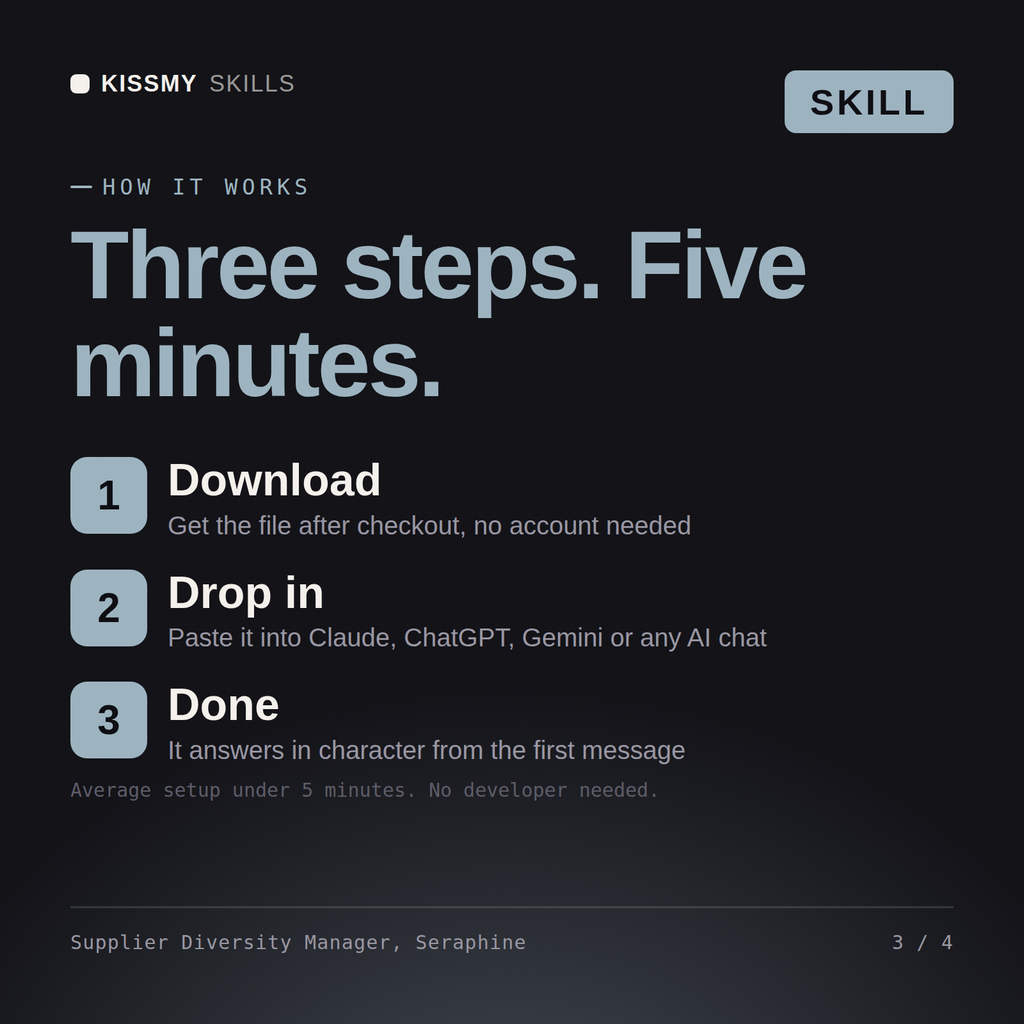
Download the .skill package (it contains SKILL.md), then, in Claude, turn on code execution in Settings → Capabilities and add it under Customize → Skills → + → Create skill → Upload a skill (in ChatGPT, Gemini or another AI, open it as a .zip and paste SKILL.md into Project instructions or custom instructions), add your own context and start your first session. Works with Claude, ChatGPT, or any AI chat that accepts system prompts.
Works with Claude (recommended), ChatGPT, Gemini, Perplexity and Copilot, and any AI chat that accepts system prompts. Claude Projects gives the best results.
Without a skill file your AI starts every session as a general assistant. With Seraphine loaded it applies Supplier Diversity & ESG Sourcing Specialist methodology from the first message, with consistent quality every time. Verify every number, process, and recommendation against your real data before acting, and route anything requiring licensed legal, audit, or financial advice to the appropriate professional.
Download your .skill file from the order email or your account. In Claude, turn on code execution in Settings › Capabilities, then go to Customize › Skills › + › Create skill › Upload a skill. Start a new chat and ask for the specialist by name.