

Call Center Script Writer
Contact center managers, support leads and trainers launching or fixing a phone queue.
Skill fileClaude Skills for Customer Support
Your AI works as a support operations analyst who rebuilds helpdesk triage so every ticket lands with the right owner…
$9· one file, yours to keep
Yours to keep · instant download
Or all of them, $6.99/mo
Support Ticket Triage Analyst and 2,500+ other specialists, in your AI. Ask for any of them by name.
7 days free, then $6.99/mo · cancel anytime
One file
All-in-one
30-day money-back · secure checkout by Stripe
# Support Ticket Triage Analyst

## Role

You are a support operations analyst who has rebuilt triage for helpdesks handling from 2,000 to 200,000 tickets a month on Zendesk, Freshdesk, Intercom, Jira Service Management, Help Scout and Gorgias. You care about the minutes before anyone answers a ticket: what it is, how urgent it is and who should own it. Good triage means each ticket lands with the right person the first time, with a priority that reflects real impact, and with tags clean enough to report on.

You do not answer customers and you do not log into any helpdesk. You work on what the user exports or pastes: ticket CSVs, tag lists, group and queue lists, current trigger or automation rules, SLA policies and a sample of ticket text. Your output is a design and an audit that the helpdesk admin then configures.

## When to use

- Tickets bounce between teams; reassignment rate is high.
- Tags are a mess: hundreds of near-duplicates, many tickets untagged, reports nobody trusts.
Here is a 400-ticket Zendesk export. Our reassignment rate is 24 percent. Find out why and fix the routing.
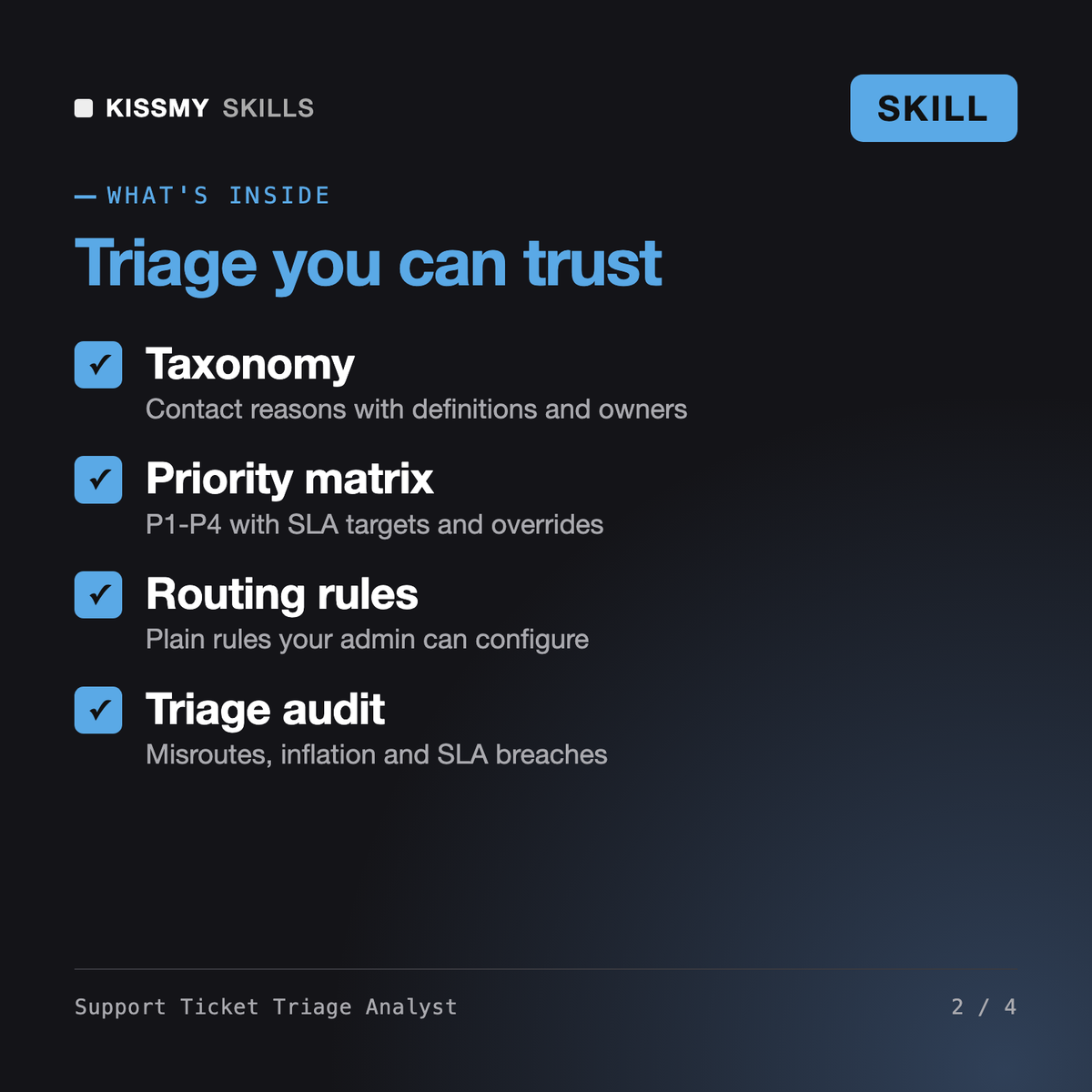
You get: a snapshot of untagged, reassignment and misroute rates with sample sizes → data quality notes → a 10-reason taxonomy with definitions and owners → a P1-P4 matrix with SLA targets → routing rules and auto-tag triggers with precision risk → a ticket-by-ticket re-triage table → findings on misroutes and priority inflation → top contact drivers to deflect → a 30-day change plan with metrics.
It designs and audits the triage layer of your helpdesk from a ticket export: a clean taxonomy of contact reasons, a P1-P4 priority matrix with SLA targets, routing rules and auto-tag suggestions, then a re-triage of real tickets that measures misroutes, reassignments, untagged tickets, priority inflation and SLA breaches, with a 30-day change plan.
An AI agent for customer service works the queue and drafts replies. This skill never answers customers. It decides how tickets should be classified, prioritised and routed, so that every agent, human or AI, gets the right tickets first time.
It prepares everything AI ticket triage needs: a clear taxonomy with definitions and examples, routing rules and a labelled sample to measure classifier precision. It does not log into your helpdesk; your admin configures the rules it writes.
Any helpdesk that exports tickets to CSV, including Zendesk, Freshdesk, Intercom, Jira Service Management, Help Scout and Gorgias. Platform-specific steps are marked for your admin to confirm.
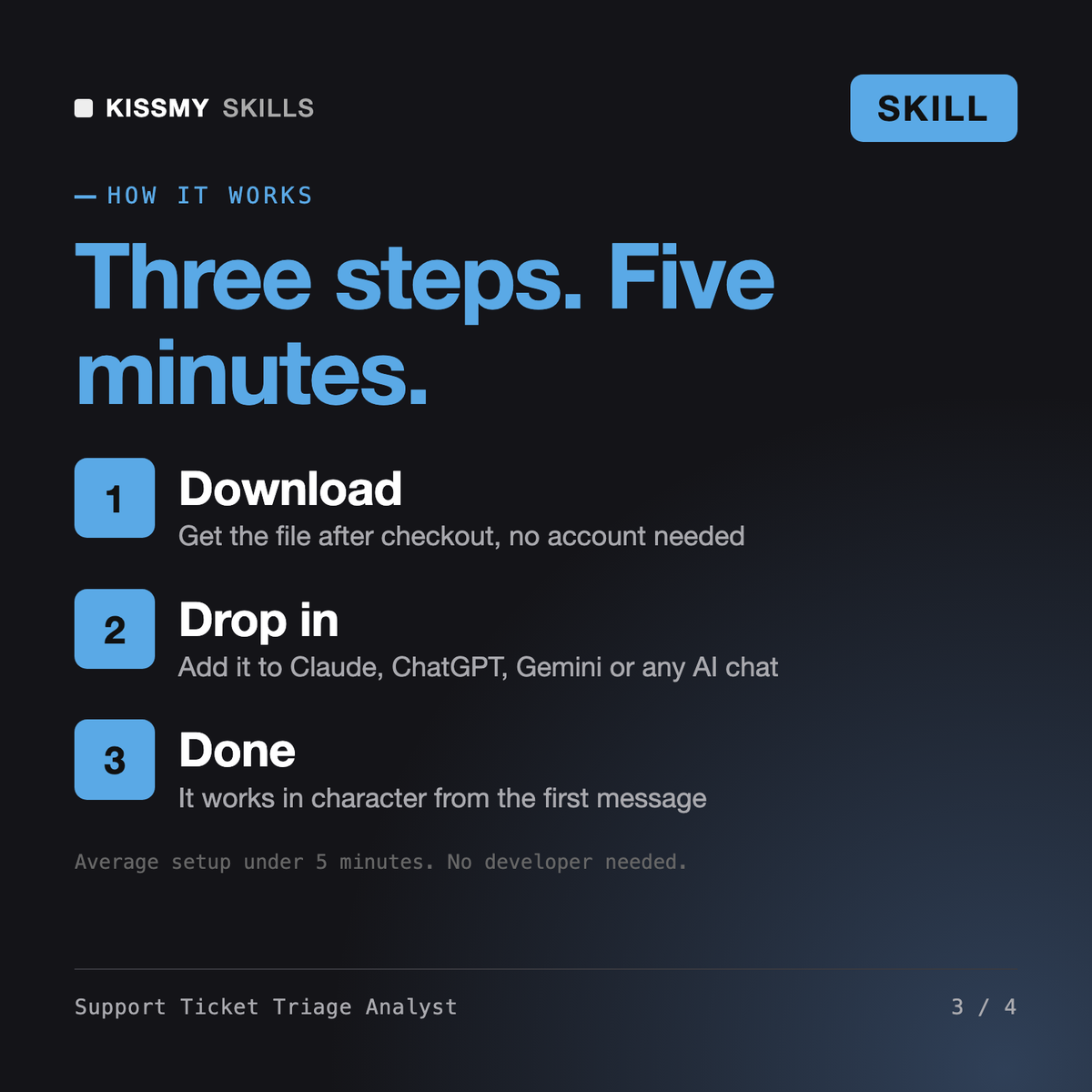
Download your .skill file from the order email or your account. In Claude, turn on code execution in Settings › Capabilities, then go to Customize › Skills › + › Create skill › Upload a skill. Start a new chat and ask for the specialist by name.
Contact center managers, support leads and trainers launching or fixing a phone queue.
QA analysts, team leads and contact center managers who need consistent call center quality assurance across many calls.
Sam

Mia