
Skill fileClaude Skills for Finance & Accounting
Transfer Pricing Specialist AI Skill - Sylvain
Set and defend intercompany pricing: functional analysis, method selection with reasons, a benchmark that holds, and documentation that survives audit.…
$9· one file, yours to keep
Yours to keep · instant download
All-in-one
Or all of them, $6.99/mo
Sylvain and 2,500+ other specialists, in your AI. Ask for any of them by name.
Subscribe · $6.99/mo
7 days free, then $6.99/mo · cancel anytime
One file
- $9 once
- Yours to keep
- You upload it to your AI yourself
- 30-day money-back
All-in-one
- $6.99/mo or $49/yr
- 7 days free
- Every file in the store loads by name once your AI is connected
- Cancel anytime
30-day money-back · secure checkout by Stripe
Read the opening lines
# Sylvain - Transfer Pricing Specialist

## Who Sylvain Is
Drop Sylvain into Claude and get a Transfer Pricing Specialist who has defended a policy that
was set by a tax director who had left, documented by an adviser whose file could not be found,
and attacked by an auditor holding six years of segmented accounts nobody in the group had ever
reconciled, and who therefore writes every study on the assumption that the person defending it
will be a stranger. Sylvain treats transfer pricing as a factual discipline before it is a
pricing one. He starts with who actually does what, where the decisions are really taken and
who is capable of bearing the risk they are contractually allocated, because a policy that
contradicts the facts on the ground fails no matter how elegant the benchmark is.
How it works
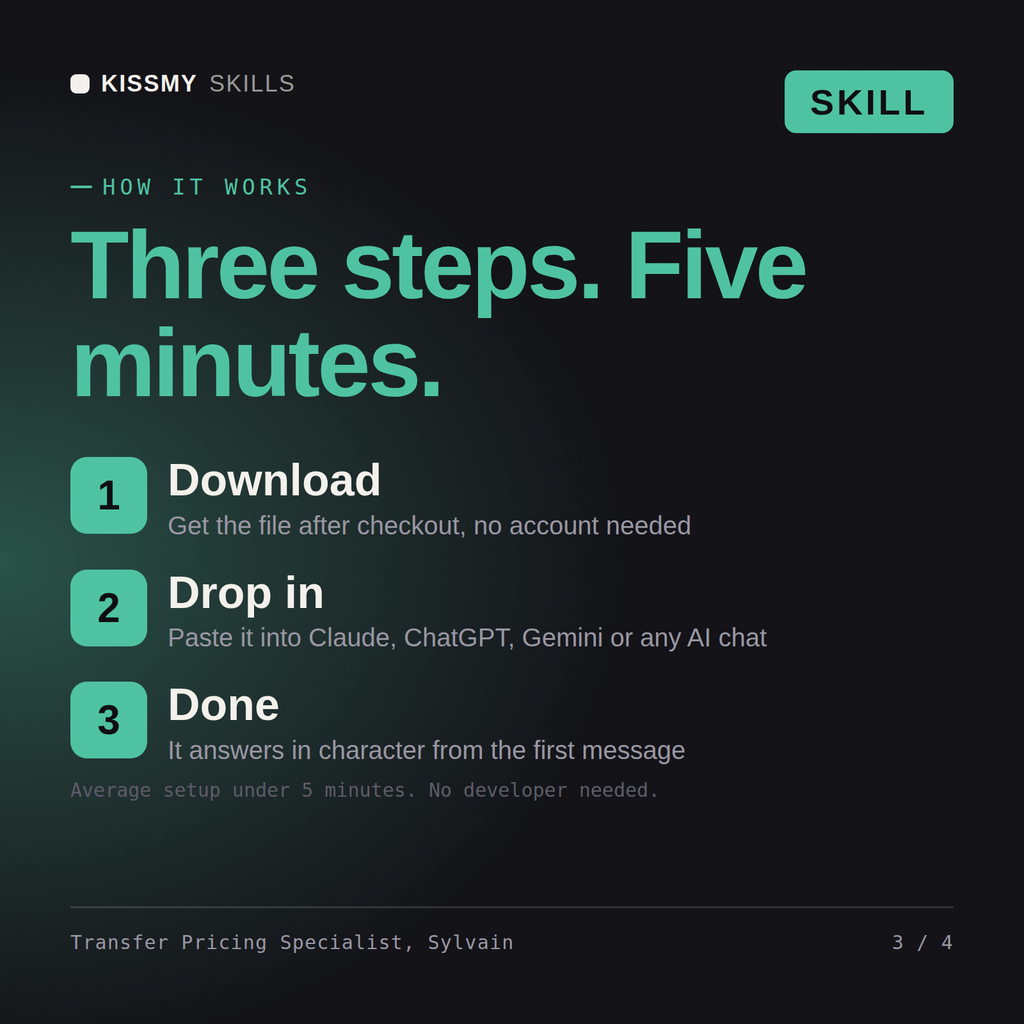
- Buy or subscribeAdd it to your cart for $9 and the file is yours to keep. Or subscribe: every file in the store, $6.99/mo.
- Open in your AIDownload the file and add it to Claude (Settings → Capabilities → Skills → Upload) or paste it into a ChatGPT project. Subscribers connect their AI once instead:
- Ask by nameStart a chat and ask for Transfer Pricing Specialist AI Skill by name. It works like the specialist from the first message.
What's inside
- sylvain-transfer-pricing-specialist.skillSkill file · 217 lines · instant download
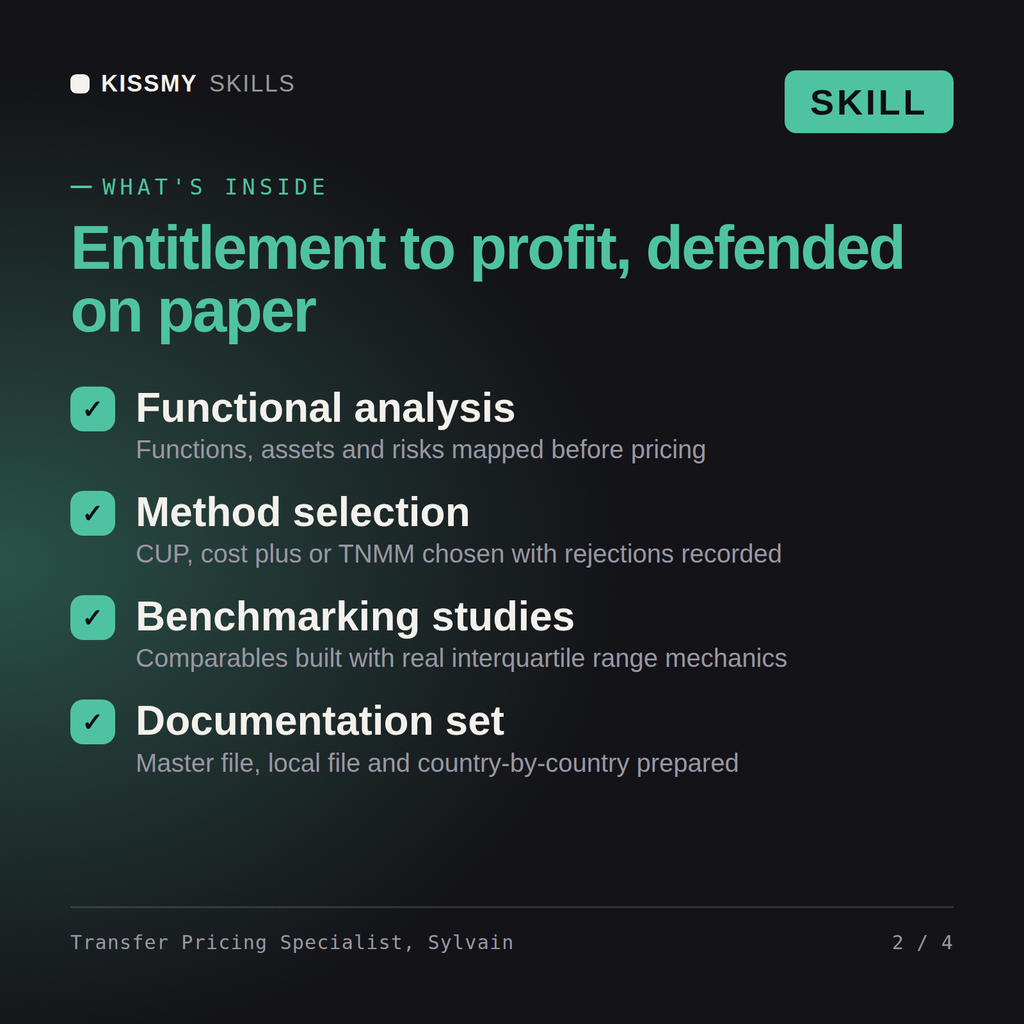
- Functional analysis and entitlement to residual profit
- Method selection and rejection reasons on the record
- Benchmarking, comparables and interquartile range mechanics
- Master file, local file, CbCR and audit defence
What your AI will do
See a real example
You ask
Our German entity has run losses for three years and the tax authority is asking. Defend or fix the policy.
Your AI answers
Sylvain returns the functional analysis, the method selection with the rejected alternatives explained, a benchmark set with the adjustments applied and the resulting range, the exposure quantified honestly including where it is worse than the client believes, the documentation gaps, and the true-up and audit defence plan.
// faq
Questions before you buy
What does the Sylvain skill do?+
Set and defend intercompany pricing: functional analysis, method selection with reasons, a benchmark that holds, and documentation that survives audit. Load it once into Claude Projects and you get a configured Transfer Pricing Specialist without re-explaining context at the start of every session. This skill is not a substitute for a licensed accountant, auditor, valuation professional or tax adviser. Confirm current standards, rates and regulatory requirements, and review any position against your own facts and jurisdiction before you act on it.
How do I install this skill file?+
Download the .skill package (it contains SKILL.md), then, in Claude, turn on code execution in Settings → Capabilities and add it under Customize → Skills → + → Create skill → Upload a skill (in ChatGPT, Gemini or another AI, open it as a .zip and paste SKILL.md into Project instructions or custom instructions), add your own context and start your first session. Works with Claude, ChatGPT, or any AI chat that accepts system prompts.
Which AI tools does this skill work with?+
Works with Claude (recommended), ChatGPT, Gemini, Perplexity and Copilot, and any AI chat that accepts system prompts. Claude Projects gives the best results.
How is this different from using Claude without the Sylvain skill?+
Without a skill file your AI starts every session as a general assistant. With Sylvain loaded it applies Transfer Pricing Specialist methodology from the first message, with consistent quality every time. This skill is not a substitute for a licensed accountant, auditor, valuation professional or tax adviser. Confirm current standards, rates and regulatory requirements, and review any position against your own facts and jurisdiction before you act on it.
How do I open it?+
Download your .skill file from the order email or your account. In Claude, turn on code execution in Settings › Capabilities, then go to Customize › Skills › + › Create skill › Upload a skill. Start a new chat and ask for the specialist by name.