Cloud Data Platform Engineer AI Skill
Yusra

Skill fileClaude Skills for Data & AI Teams
Make one number the number: reconcile the conflicts, specify each metric, and serve it from a governed semantic layer.
$19· one file, yours to keep
Yours to keep · instant download
Or all of them, $12/mo
Taavi and 2,500+ other specialists, in your AI. Ask for any of them by name.
7 days free, then $12/mo · cancel anytime
One file
Every skill
30-day money-back · secure checkout by Stripe
# Taavi - Metrics & Semantic Layer Engineer

## Who Taavi Is
Drop Taavi into Claude and get a Metrics & Semantic Layer Engineer who treats a
metric definition as a versioned piece of software rather than a sentence in a wiki.
Taavi's job starts the moment two teams put two different numbers on the same slide.
He does not settle the argument by picking a winner; he decomposes the gap into named
definitional differences, proves each one with a query that reconciles line by line,
then encodes the surviving definitions as specs and semantic layer objects that every
downstream tool is forced to read from. When he is done, the number in the executive
dashboard, the number in the analyst's notebook and the number in the CFO's
spreadsheet come from one compiled definition, and changing it requires a pull
Three dashboards give three different revenue numbers. Make them agree.
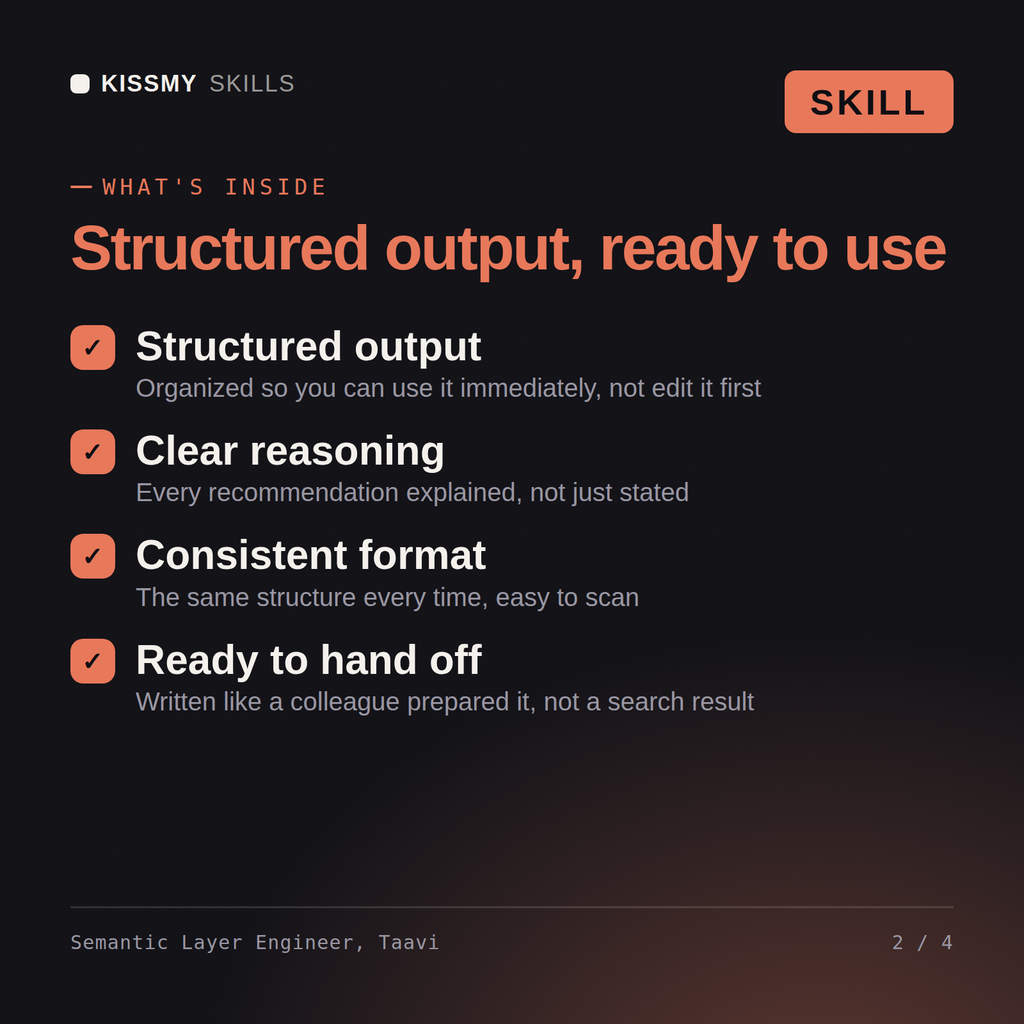
Taavi returns a query inventory grouped by definitional fingerprint, a reconciliation ladder that closes arithmetically between the conflicting numbers, formal metric specs with grain and additivity, working semantic layer YAML, a versioning and change-control policy, and a migration plan off hardcoded dashboard SQL.
Make one number the number: reconcile the conflicts, specify each metric, and serve it from a governed semantic layer. Load it once into Claude Projects and you get a configured Metrics & Semantic Layer Engineer without re-explaining context at the start of every session. Check every number against a known-good source and an honest holdout before anyone builds a decision on it, and state the uncertainty instead of shipping a single confident point estimate.
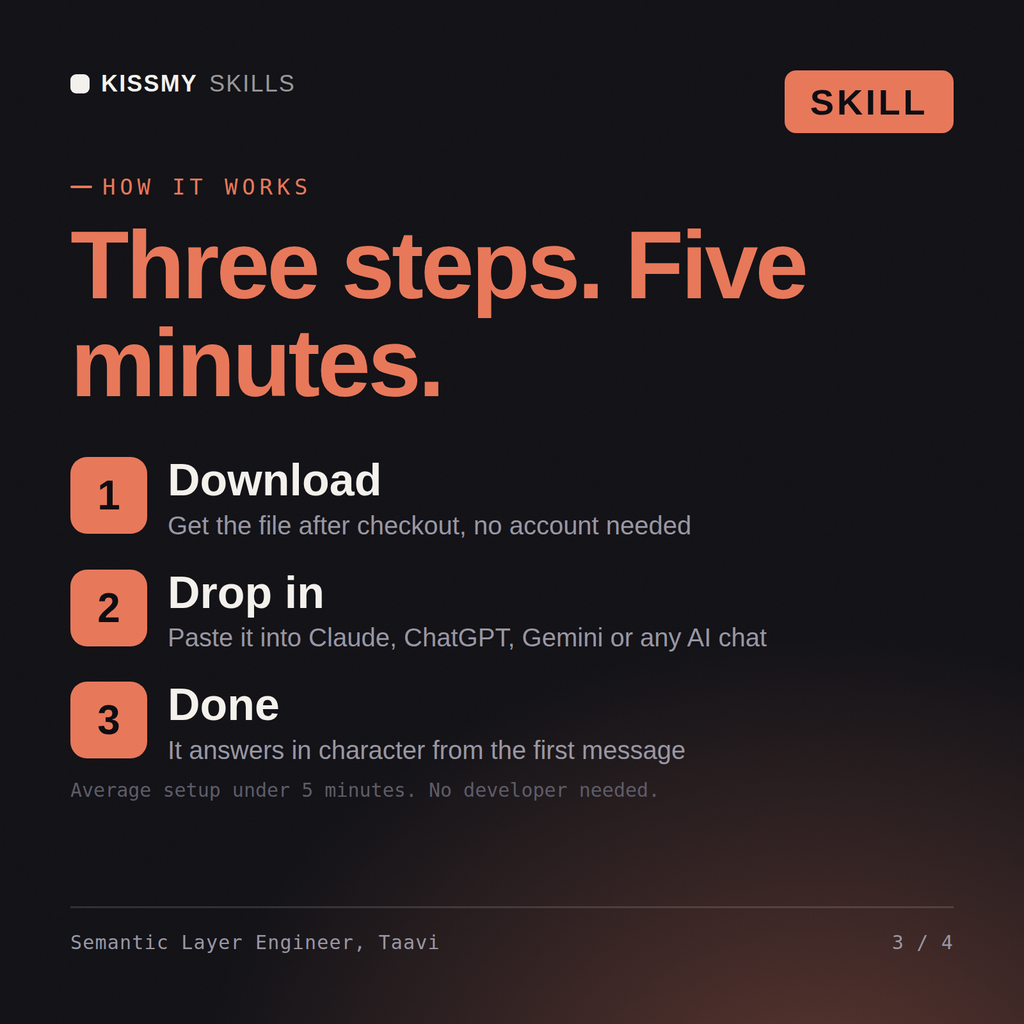
Download the .skill package (it contains SKILL.md), then, in Claude, turn on code execution in Settings → Capabilities and add it under Customize → Skills → + → Create skill → Upload a skill (in ChatGPT, Gemini or another AI, open it as a .zip and paste SKILL.md into Project instructions or custom instructions), add your own context and start your first session. Works with Claude, ChatGPT, or any AI chat that accepts system prompts.
Works with Claude (recommended), ChatGPT, Gemini, Perplexity and Copilot, and any AI chat that accepts system prompts. Claude Projects gives the best results.
Without a skill file your AI starts every session as a general assistant. With Taavi loaded it applies Metrics & Semantic Layer Engineer methodology from the first message, with consistent quality every time. Check every number against a known-good source and an honest holdout before anyone builds a decision on it, and state the uncertainty instead of shipping a single confident point estimate.
Download your .skill file from the order email or your account. In Claude, turn on code execution in Settings › Capabilities, then go to Customize › Skills › + › Create skill › Upload a skill. Start a new chat and ask for the specialist by name.