
AI KPI Dashboard Designer
Analysts, finance and ops leads, founders and consultants who need a clear KPI dashboard in Excel, Sheets, Looker Studio or Power BI.
Prompt setAI Coding & Development Prompts
Your AI works as a senior Excel and spreadsheet consultant fluent in dynamic array functions, legacy CSE formulas, and the…
$9· one file, yours to keep
Yours to keep · instant download
Or all of them, $6.99/mo
Tech & Dev Prompt Library and 2,500+ other specialists, in your AI. Ask for any of them by name.
7 days free, then $6.99/mo · cancel anytime
One file
All-in-one
30-day money-back · secure checkout by Stripe
================================================================================
  KISSMYSKILLS.COM
  Excel Formula & Function Prompts
  Claude Prompt — Instant Use
================================================================================


WHAT YOU JUST BOUGHT
────────────────────────────────────────────────────────────────────────────────
This is a ready-to-run Claude prompt that turns Claude into your personal Excel formula consultant — the person you'd message on Slack when a spreadsheet is fighting you and you don't have three hours to dig through forum threads. You describe what you want your data to do in plain English, and Claude hands back the exact formula, a plain-English breakdown of how it works, and the specific ways that formula type tends to break.

This isn't a "here's a VLOOKUP, good luck" tool. It's built for the moment you realize your formula only half-works — when it returns the wrong row on a partial match, breaks the moment a column gets inserted, chokes on blanks, or returns #N/A on 40,000 rows and you don't know why. The prompt forces Claude to explain the mechanics, flag version compatibility (365 dynamic arrays vs. legacy CSE array formulas vs. Google Sheets syntax), and give you a second approach so you're never stuck with just one fragile solution.
Which prompt should I use to get a proper code review on a Python service with flaky tests?
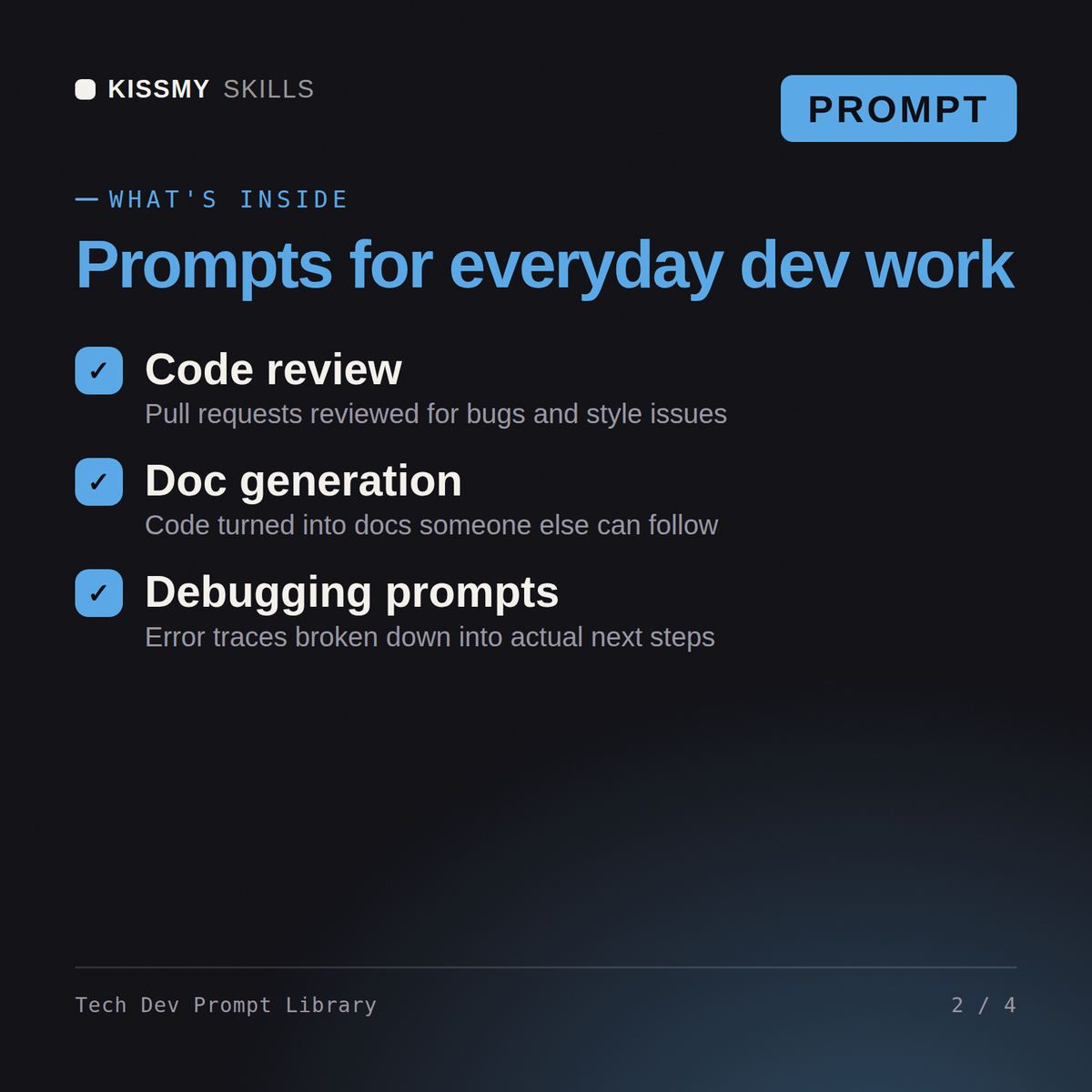
You get: a categorized prompt set covering code review, debugging, documentation and architecture decisions → fill-in variables for language and stack → usage notes on each prompt → copy-paste blocks for Claude, ChatGPT and Gemini.
14 ready-to-run prompts as individual .txt files, plus the compiled Tech & Dev Prompt Library document that collects 7 prompts with a table of contents - all in one instant download. Each prompt includes the full instruction block, a 60-second how-to, customisation variants, and troubleshooting guidance.
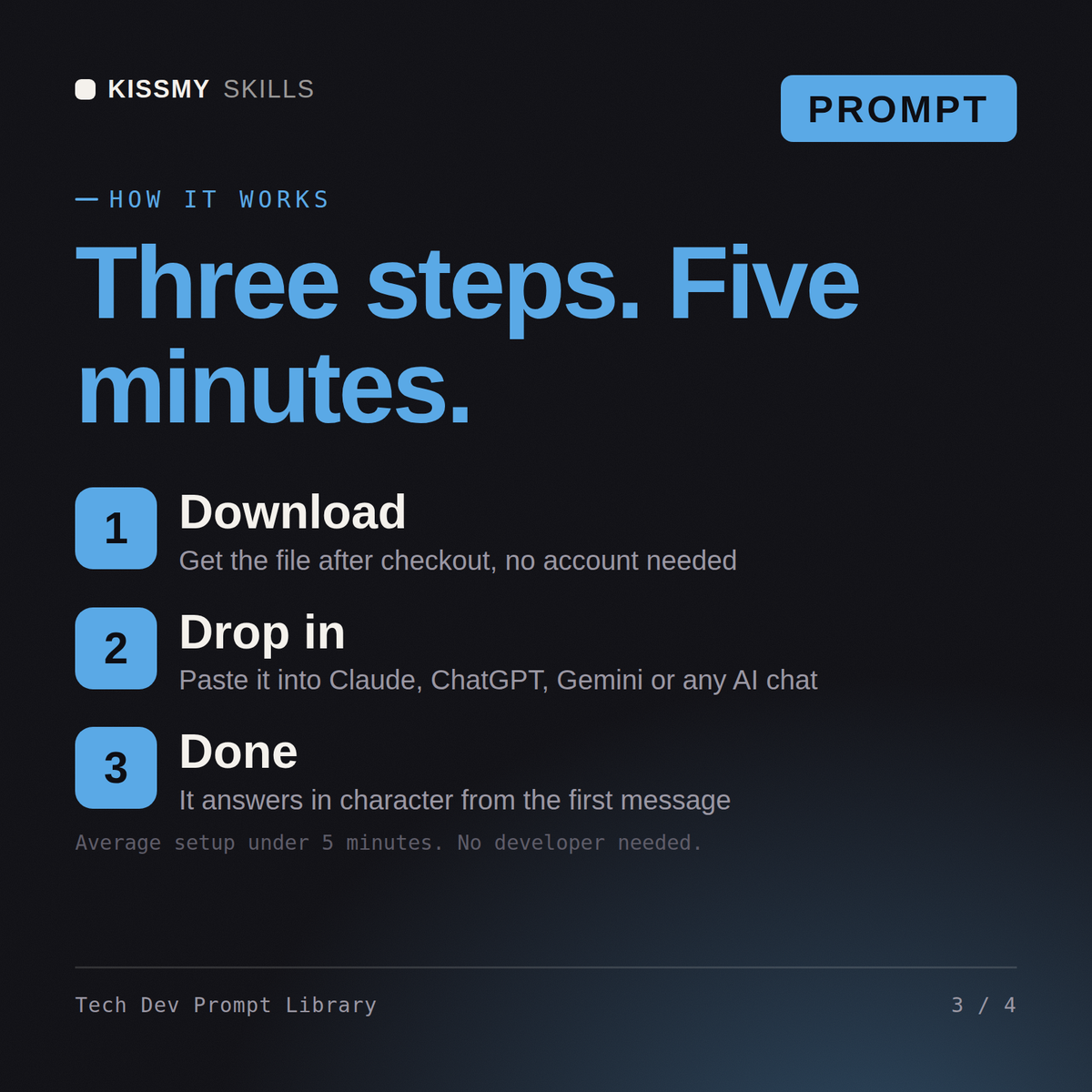
Open the .txt file that matches what you are doing, or find the prompt in the library document's table of contents. Copy the block under "THE PROMPT", fill in the bracketed placeholders with your details, and paste it into Claude, ChatGPT, or any AI chat. No technical setup required.
All prompts work with Claude, ChatGPT, Gemini, Copilot, and any AI chat tool that accepts a full text prompt. Claude is recommended for the best instruction-following and output quality.
Download your .skill file from the order email or your account. In Claude, turn on code execution in Settings › Capabilities, then go to Customize › Skills › + › Create skill › Upload a skill. Start a new chat and ask for the specialist by name.
Analysts, finance and ops leads, founders and consultants who need a clear KPI dashboard in Excel, Sheets, Looker Studio or Power BI.
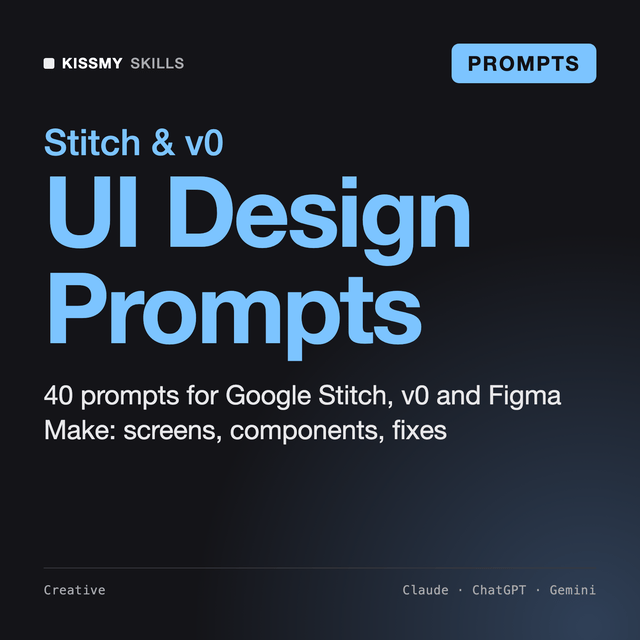
Founders, product designers, PMs and developers who use Google Stitch, v0, Figma Make, Lovable or Bolt and want usable screens.
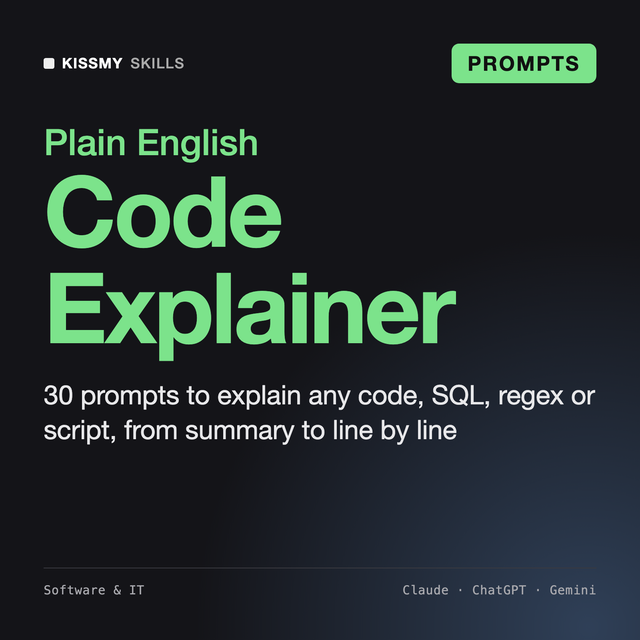
Non-developers who need to understand code, students learning to program, and developers reading an unfamiliar codebase or language.
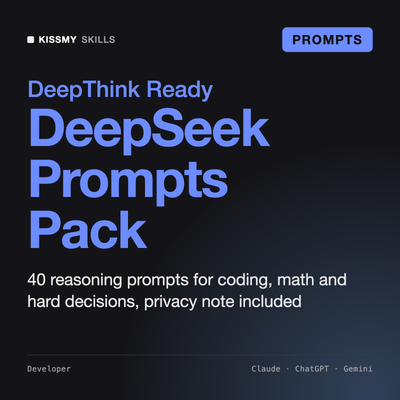
40 Reasoning Prompts for DeepThink, Coding and Math