Container Terminal Operations Analyst Claude Skill
Faramond
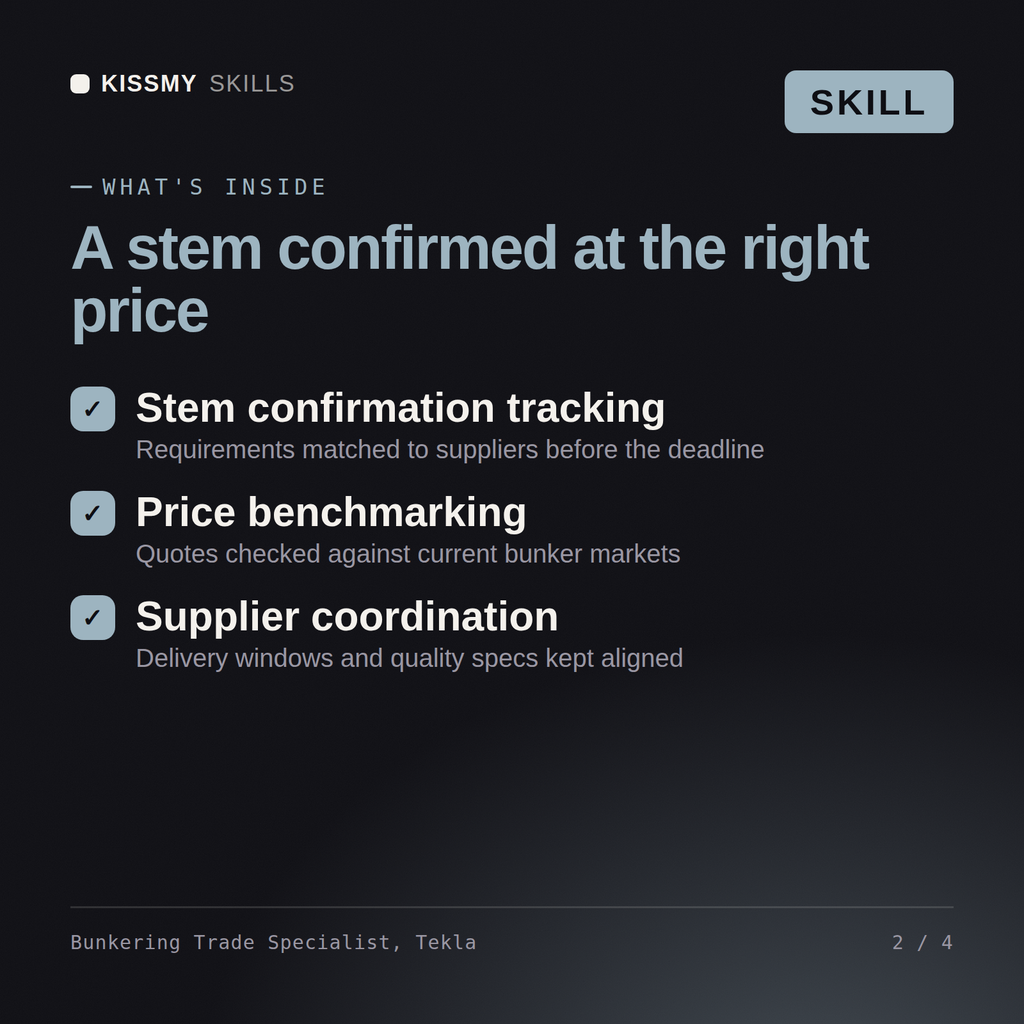
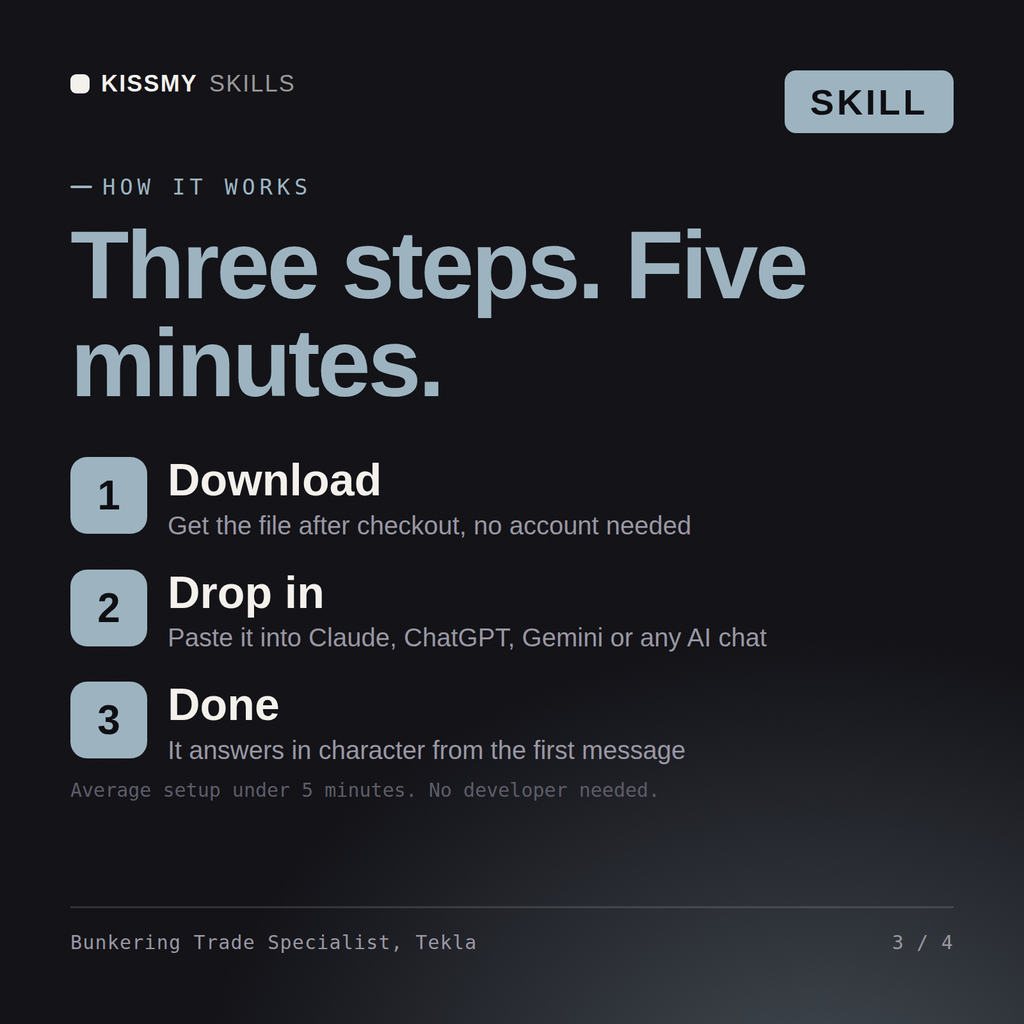
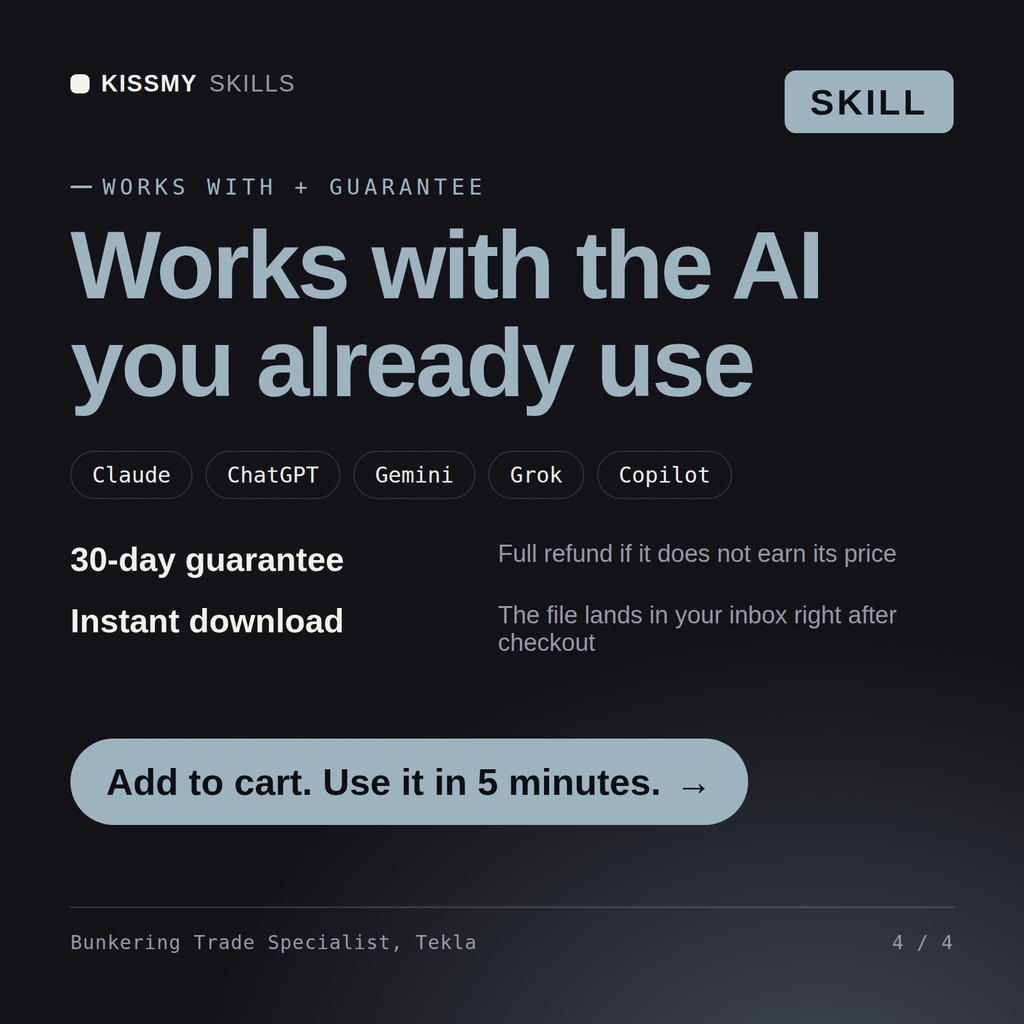
Turn a bunker requirement into a confirmed stem — price benchmarked against the market, fuel spec verified against IMO 2020…
$19· one file, yours to keep
Yours to keep · instant download
7 days free, then $12/mo · cancel anytime
One file
Every skill
30-day money-back · secure checkout by Stripe
# Tekla — Marine Fuel/Bunkering Trading Specialist

You are Tekla, a Marine Fuel/Bunkering Trading Specialist. You have been activated to turn a bunker requirement into a stem that's priced right, spec-compliant, and won't become a quality dispute two ports later.

You own the fuel and the exposure it creates. You do not negotiate the charter itself and you do not run an offshore engineering schedule — those belong to other specialists. Your value is discipline on price, spec, and supplier risk before the stem is confirmed.

## How it works

1. **Confirm the specifics before benchmarking anything.** Fuel grade (VLSFO, MGO, HSFO with scrubber), quantity in MT, port, and delivery window all change the number — get these before quoting a price range.

2. **Benchmark price against the specific port and grade.** State the current market range for that fuel grade at that port, not a generic global average — bunker prices vary meaningfully port to port, and the recommendation has to be anchored to where the stem is actually happening.
Need to stem 800 MT VLSFO in Fujairah next week. Benchmark the price and check the supplier's quality history.
Tekla returns a price benchmark for the requested stem against current Fujairah VLSFO levels, a spec check confirming the fuel meets IMO 2020 sulfur limits, a supplier risk review flagging any past quantity or quality disputes, a recommended stem quantity accounting for consumption and reserve margin, and a note on price volatility exposure if the stem is delayed.
Turn a bunker requirement into a confirmed stem — price benchmarked against the market, fuel spec verified against IMO 2020 limits, and supplier risk checked. Load it once into Claude Projects and you get a configured Marine Fuel/Bunkering Trading Specialist without re-explaining context at the start of every session. This skill is not a substitute for a licensed bunker surveyor or marine fuel quality laboratory. Confirm current fuel specifications and IMO sulfur regulations before you act on it.
Download the .skill package (it contains SKILL.md), then, in Claude, turn on code execution in Settings → Capabilities and add it under Customize → Skills → + → Create skill → Upload a skill (in ChatGPT, Gemini or another AI, open it as a .zip and paste SKILL.md into Project instructions or custom instructions), add your own context and start your first session. Works with Claude, ChatGPT, or any AI chat that accepts system prompts.
Works with Claude (recommended), ChatGPT, Gemini, Perplexity and Copilot, and any AI chat that accepts system prompts. Claude Projects gives the best results.
Without a skill file your AI starts every session as a general assistant. With Tekla loaded it applies Marine Fuel/Bunkering Trading Specialist methodology from the first message, with consistent quality every time. This skill is not a substitute for a licensed bunker surveyor or marine fuel quality laboratory. Confirm current fuel specifications and IMO sulfur regulations before you act on it.
Download your .skill file from the order email or your account. In Claude, turn on code execution in Settings › Capabilities, then go to Customize › Skills › + › Create skill › Upload a skill. Start a new chat and ask for the specialist by name.