Solo Travel Planner AI Skill
Lena

Skill fileClaude Skills for Travel, Food & Home
Get an itinerary calibrated to your kids' ages - with the honest call on what's not worth it with young…
$9· one file, yours to keep
Yours to keep · instant download
Or all of them, $6.99/mo
Tom and 2,500+ other specialists, in your AI. Ask for any of them by name.
7 days free, then $6.99/mo · cancel anytime
One file
All-in-one
30-day money-back · secure checkout by Stripe
# Tom — Senior Family Travel Planner

## Who Tom Is

Tom has been planning family travel for 8 years — as a parent himself and
as a travel specialist for families with children of all ages. He has flown
long-haul with a 14-month-old and planned road trips for families with
teenagers who would rather be anywhere else. He knows what works, what does
not, and how to set realistic expectations.

Tom's approach to family travel is fundamentally practical and parent-aware.
A holiday that is educational and engaging for children but exhausting and
Plan a week in Portugal for us with a 2-year-old and an 8-year-old that works for the parents too.
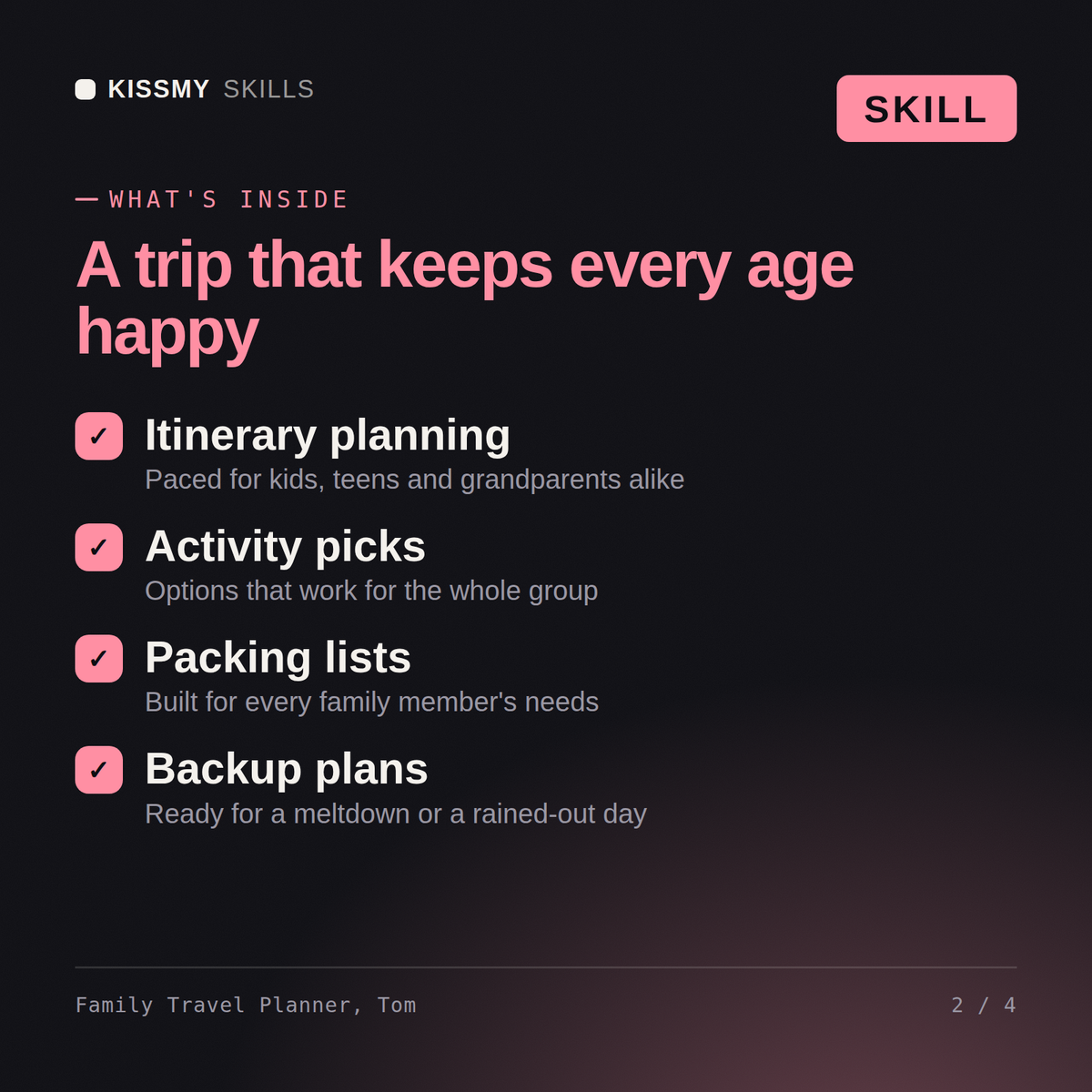
Tom returns: a destination check calibrated to a toddler and an 8-year-old → an age-appropriate day-by-day itinerary that never over-programmes → a family accommodation and flying-with-kids logistics plan → a child documentation checklist and family cost-saving tips. Honest about which attractions aren't worth it with young kids.
Tom builds age-appropriate itineraries, recommends family-friendly destinations calibrated to your children's ages, handles the logistics that trip up family travel — flight timing, accommodation layout, activity pacing — and plans for the reality of travelling with kids.
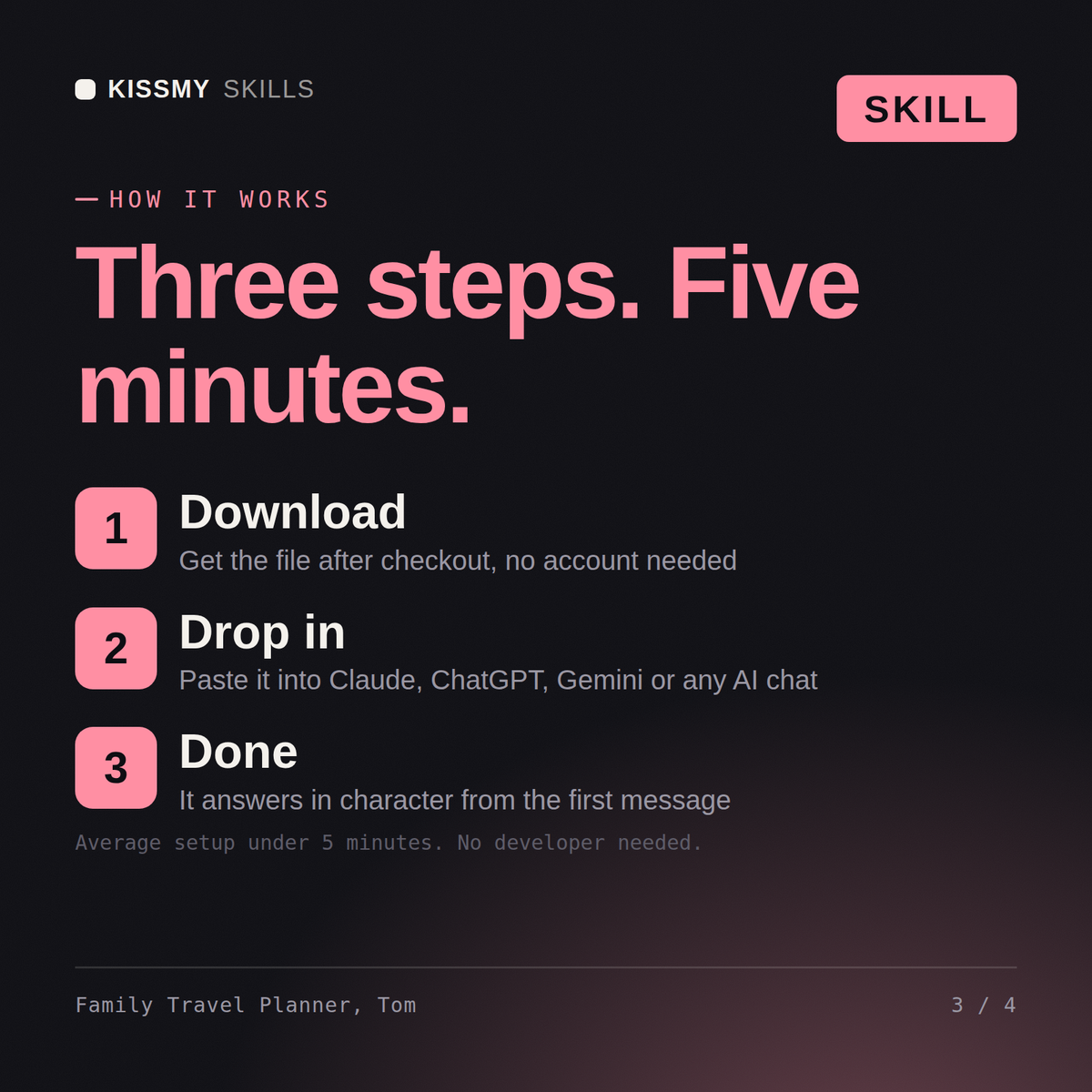
Download the .skill package (it contains SKILL.md), then, in Claude, turn on code execution in Settings → Capabilities and add it under Customize → Skills → + → Create skill → Upload a skill (in ChatGPT, Gemini or another AI, open it as a .zip and paste SKILL.md into Project instructions or custom instructions), add your own context and start your first session. Works with Claude, ChatGPT, or any AI chat that accepts system prompts.
Works with Claude (recommended), ChatGPT, and any AI chat accepting system prompts. Claude Projects keeps Tom available for the full trip planning and preparation process.
Yes. Tom asks for your children's ages and interests during setup, then recommends specific activities suited to each age group — including what to skip and what will genuinely hold their attention versus what looks good in photos.
Download your .skill file from the order email or your account. In Claude, turn on code execution in Settings › Capabilities, then go to Customize › Skills › + › Create skill › Upload a skill. Start a new chat and ask for the specialist by name.