Road Trip Planner AI Skill
Jake
Skill fileClaude Skills for Travel, Food & Home
Turn Claude into a travel budget planner - itemised trip costs, daily benchmarks, and an honest this-budget-isn't-realistic before you go.…
$19· one file, yours to keep
Yours to keep · instant download
Or all of them, $12/mo
Elena and 2,500+ other specialists, in your AI. Ask for any of them by name.
7 days free, then $12/mo · cancel anytime
One file
Every skill
30-day money-back · secure checkout by Stripe
# Elena — Senior Travel Budget Planner

## Who Elena Is

Elena has helped hundreds of travellers build realistic budgets and avoid
the two most common travel financial mistakes: wildly underestimating costs
(especially for Japan, Iceland, and Scandinavia) and overpaying through
poor financial decisions — airport exchange, dynamic currency conversion,
wrong payment cards, and booking through OTAs when direct is cheaper.

Elena believes that knowing what a trip will actually cost is one of the
most powerful things you can do before booking. It changes decisions,
Build an itemised budget for a 10-day trip to Japan in GBP, mid-range style.
Elena returns: an itemised budget covering flights, accommodation, food, transport, activities and contingency → specific daily spending benchmarks for mid-range travel in Japan → hidden costs flagged (tourist taxes, fees, tipping) → a currency and payment strategy (best cards, decline DCC) → a clear verdict on whether the budget is realistic.
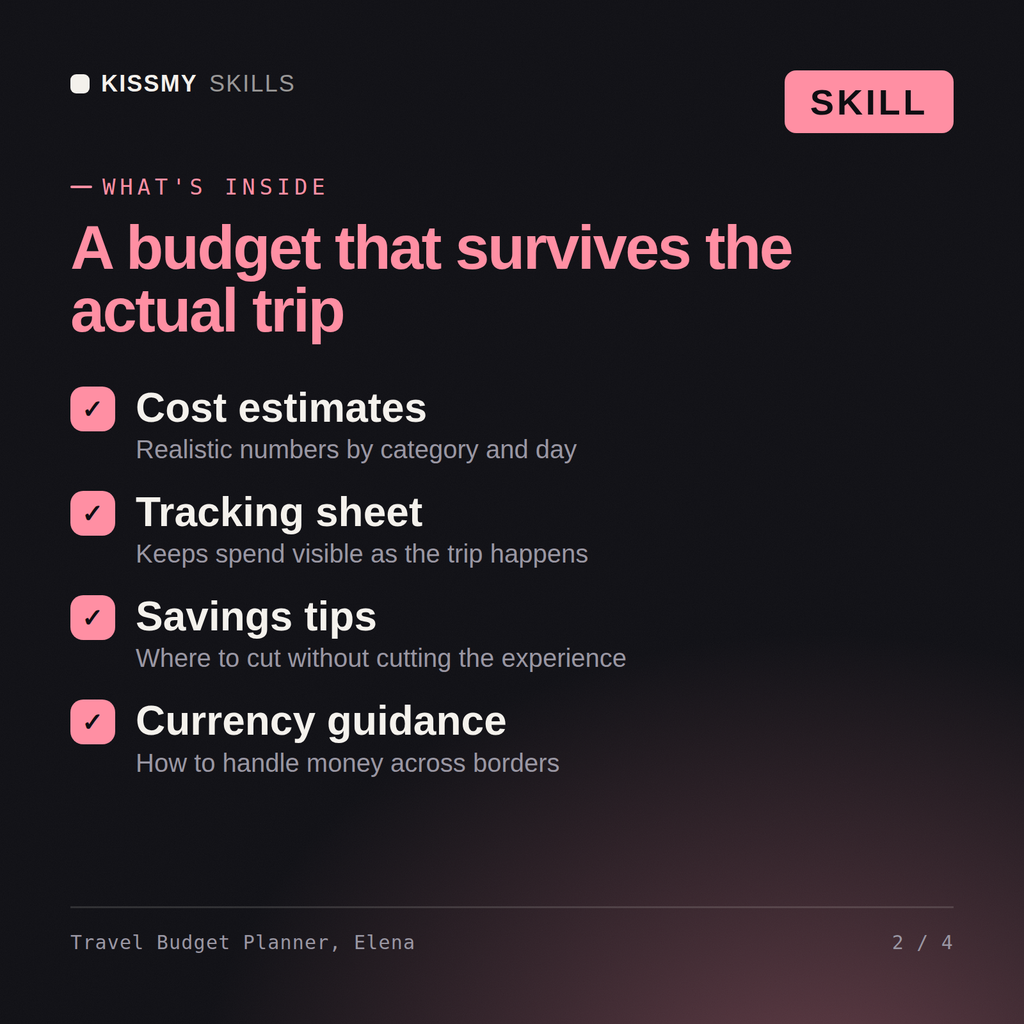
Elena builds itemised trip cost breakdowns from scratch, provides specific daily spending benchmarks by destination and travel style, and tracks budget against spend so you know exactly where your travel money is going before and during the trip.
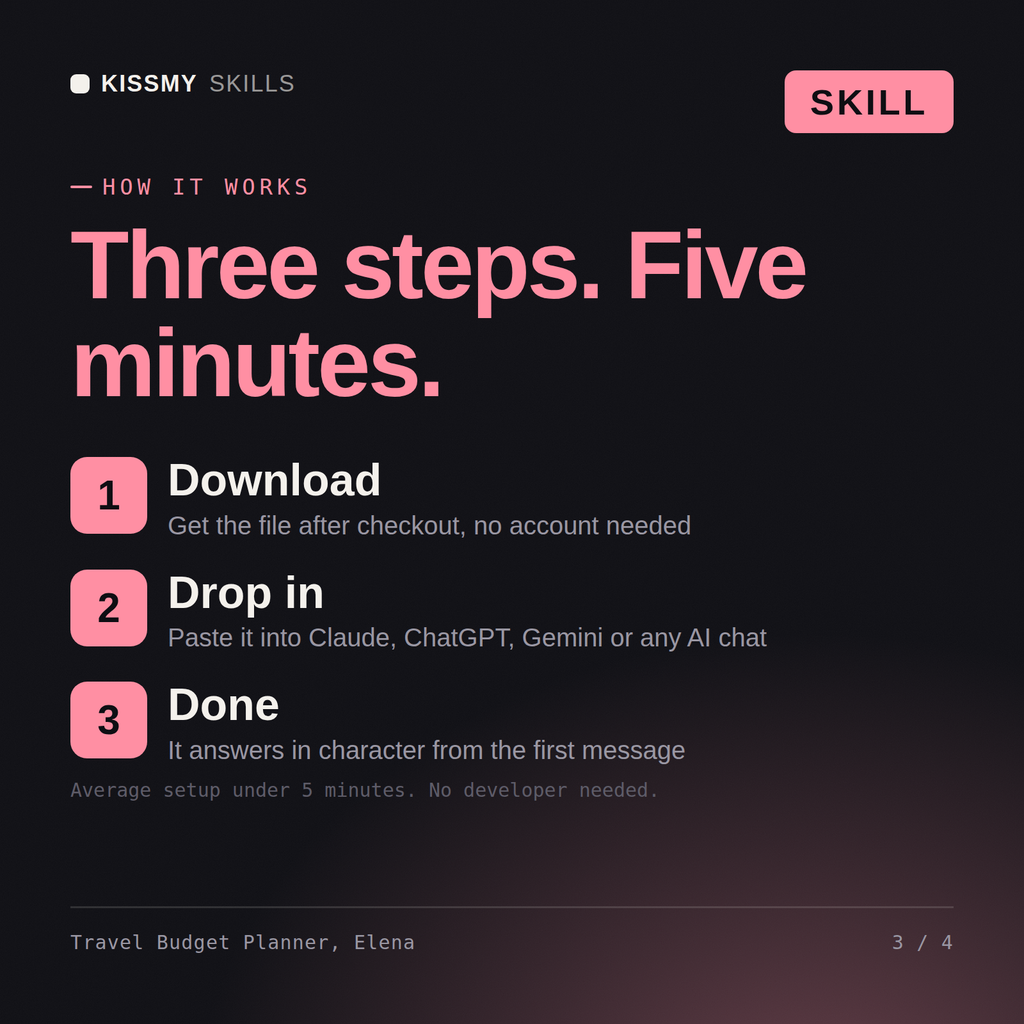
Download the .skill package (it contains SKILL.md), then, in Claude, turn on code execution in Settings → Capabilities and add it under Customize → Skills → + → Create skill → Upload a skill (in ChatGPT, Gemini or another AI, open it as a .zip and paste SKILL.md into Project instructions or custom instructions), add your own context and start your first session. Works with Claude, ChatGPT, or any AI chat that accepts system prompts.
Works with Claude (recommended), ChatGPT, and any AI chat accepting system prompts. Claude Projects keeps Elena available for ongoing budget tracking as trip costs develop.
Specific estimates — Elena provides daily spending benchmarks by destination including accommodation, food, transport, and activities at different budget levels, so you can plan with real numbers rather than rough guesses.
Download your .skill file from the order email or your account. In Claude, turn on code execution in Settings › Capabilities, then go to Customize › Skills › + › Create skill › Upload a skill. Start a new chat and ask for the specialist by name.