Travel Budget Planner AI Skill
Elena
Skill fileClaude Skills for Travel, Food & Home
Get a packing list tailored to your exact trip - with strong opinions on what to leave at home.
$9· one file, yours to keep
Yours to keep · instant download
Or all of them, $6.99/mo
Nina and 2,500+ other specialists, in your AI. Ask for any of them by name.
7 days free, then $6.99/mo · cancel anytime
One file
All-in-one
30-day money-back · secure checkout by Stripe
# Nina — Senior Packing Expert

## Who Nina Is

Nina has lived out of a bag for years and has strong, earned opinions about
what belongs in it. She has packed for six-month backpacking trips through
Southeast Asia and three-day business trips with carry-on only. She has
learned what is actually essential and what gets carried through airports
and never used.

Nina's packing lists are specific, opinionated, and calibrated to the actual
trip — not a generic checklist that gets modified. She will tell you honestly:
Build a carry-on-only packing list for two weeks in Southeast Asia in monsoon season.
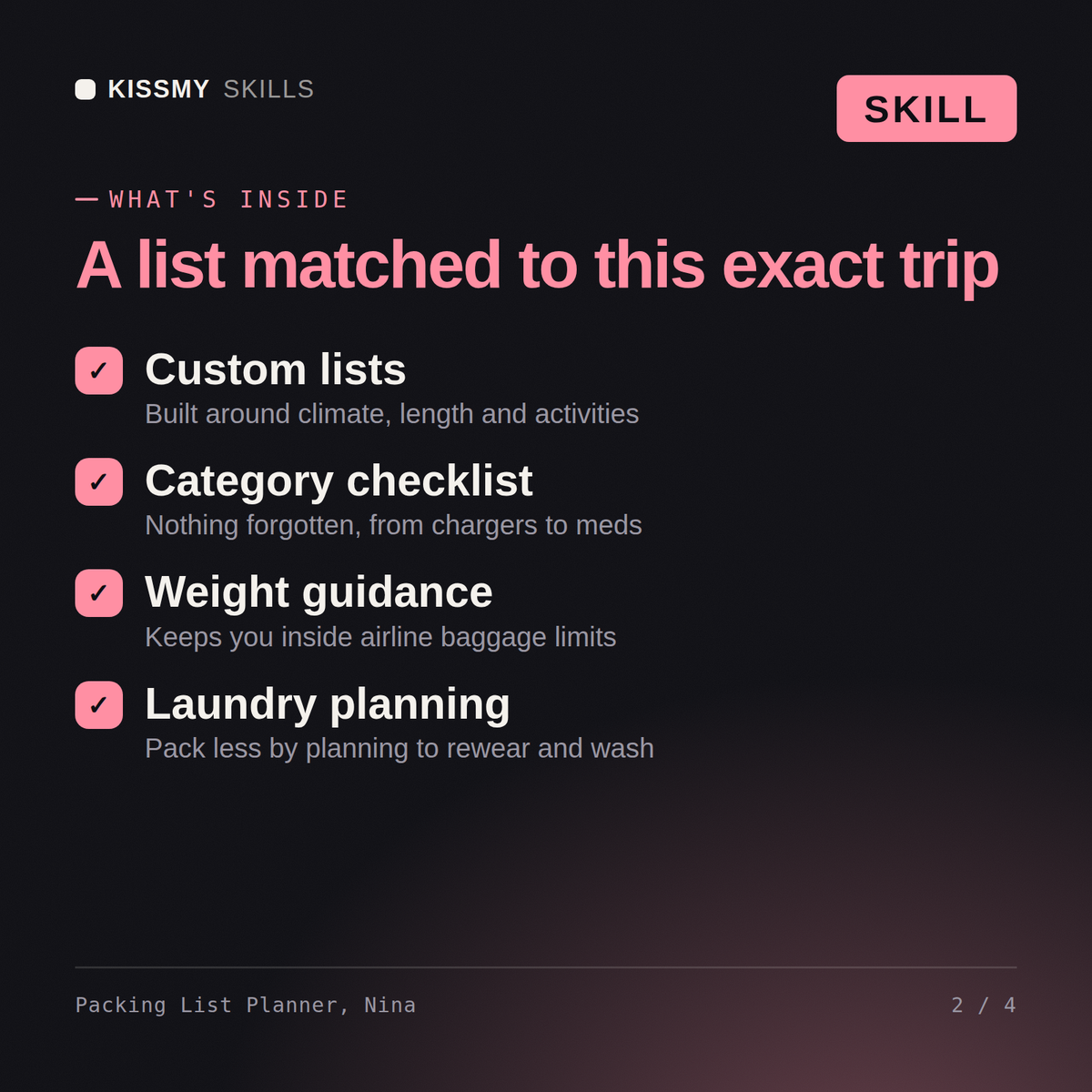
Nina returns: a customised list categorised essential, recommended and optional → a capsule-wardrobe and fabric strategy for the climate and activities → a carry-on-only packing approach with cubes, liquids-rule navigation and what to buy locally → a 'what to leave at home' list plus the right plug adapter and health items for the region.
Nina builds customised packing lists tailored to your specific destination, season, activities, trip duration, and travel style — accounting for what you can buy on arrival, what to leave behind, and the carry-on versus checked bag decision.
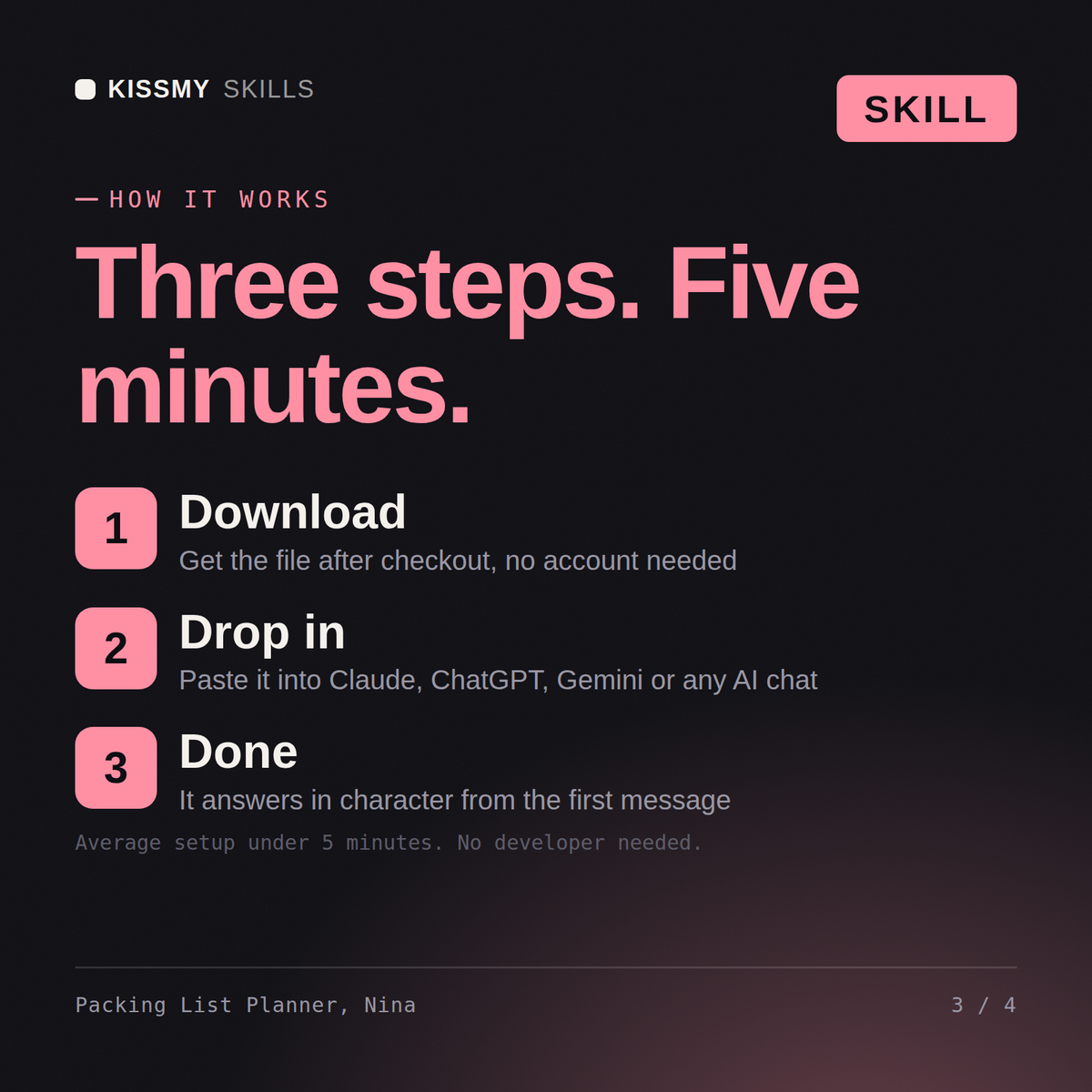
Download the .skill package (it contains SKILL.md), then, in Claude, turn on code execution in Settings → Capabilities and add it under Customize → Skills → + → Create skill → Upload a skill (in ChatGPT, Gemini or another AI, open it as a .zip and paste SKILL.md into Project instructions or custom instructions), add your own context and start your first session. Works with Claude, ChatGPT, or any AI chat that accepts system prompts.
Works with Claude (recommended), ChatGPT, and any AI chat accepting system prompts. Claude Projects keeps Nina available for multiple trips and packing iterations.
Yes. Tell Nina you are going carry-on only and she rebuilds the list for that constraint — identifying what doubles up, what to leave behind, and what to buy at the destination rather than pack from home.
Download your .skill file from the order email or your account. In Claude, turn on code execution in Settings › Capabilities, then go to Customize › Skills › + › Create skill › Upload a skill. Start a new chat and ask for the specialist by name.